

Ask a Question About This Product
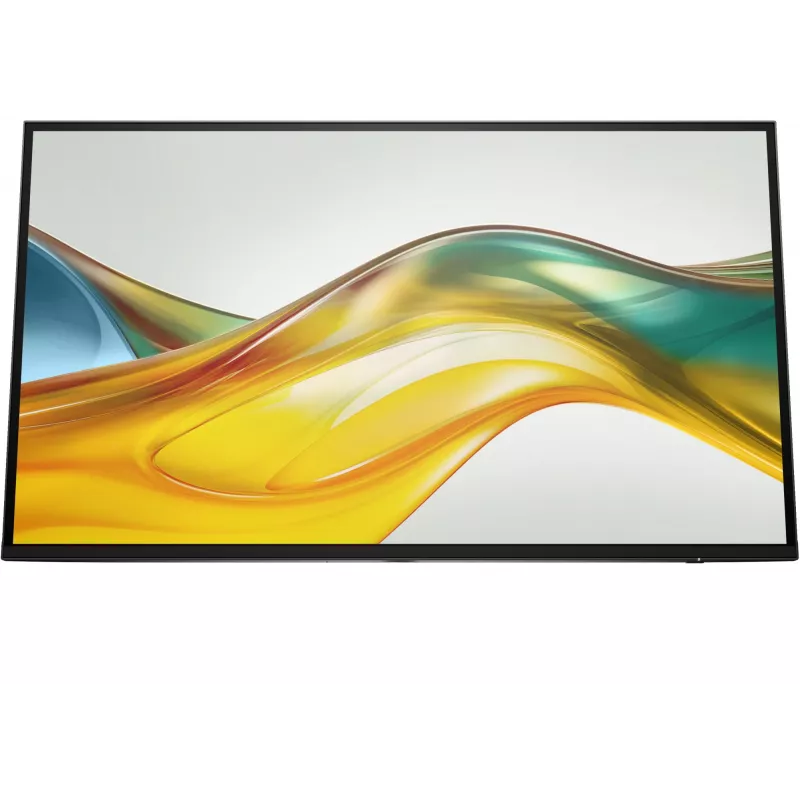
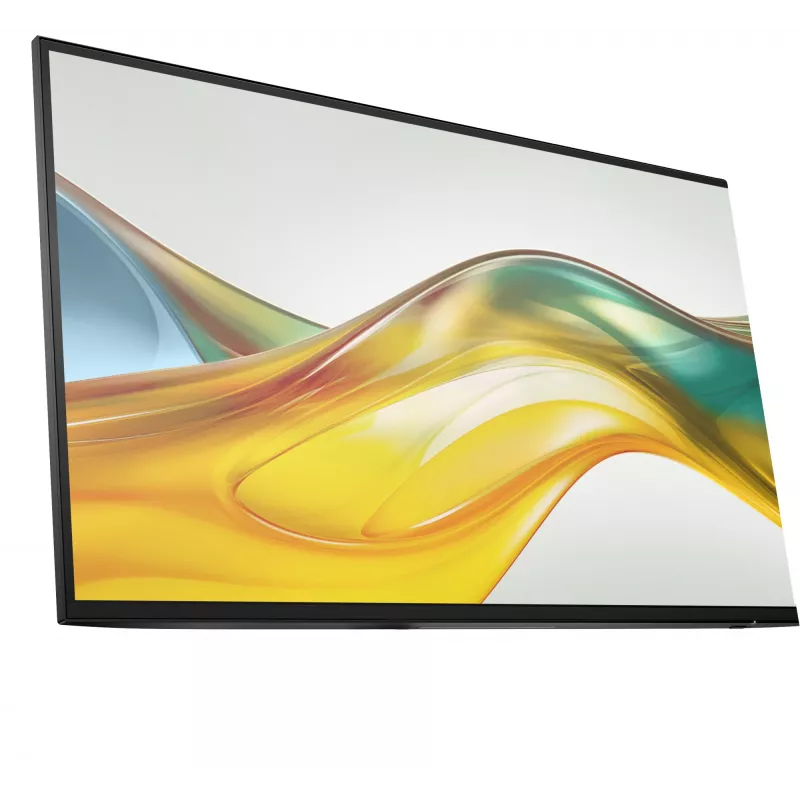
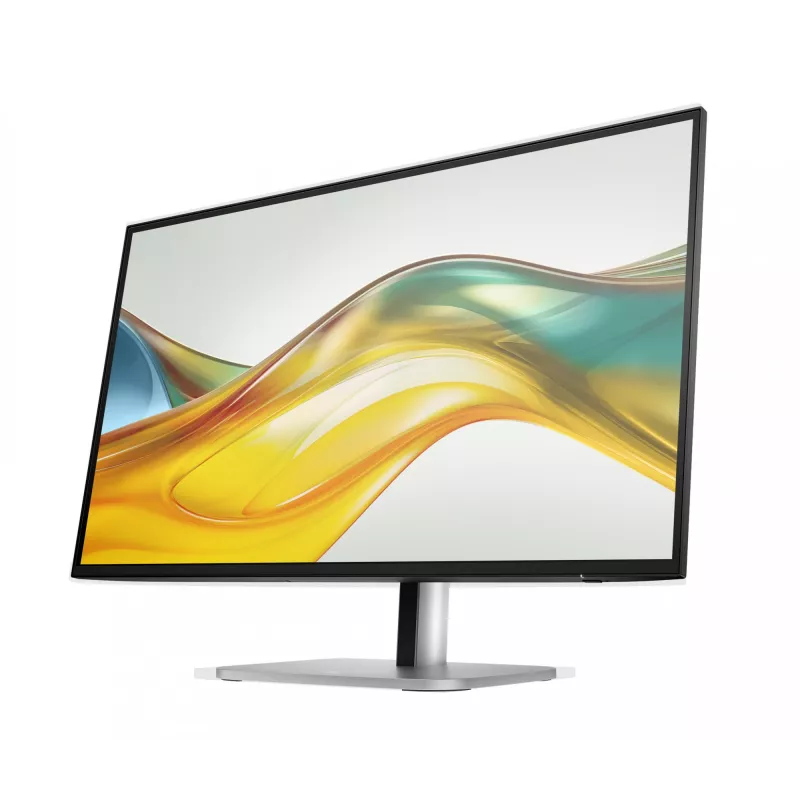
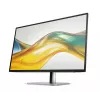
Monitor HP Series 5 Pro 27 inch QHD (2560×1440) IPS LCD, 5 ms, USB 3.2 hub, VESA — no stand
Shipping & Returns

R35,153
Ex Tax:R30,568


R34,362
Ex Tax:R29,880

R90,802
Ex Tax:R78,958


-90x90h.webp "Build-Your-Own Gaming PC — Ryzen 7 7700 + RTX 5070, 32GB DDR5 | DistriNode")


Reimagine what work looks like
Get more out of your workday with the HP Series 5 Pro 27” QHD Monitor. Create the setup that works for the way you work, wherever you work, with refined visual clarity and adjustable comfort built into a sleek, modern design.


Get more out of your workday with the HP Series 5 Pro 27” QHD Monitor. Create the setup that works for the way you work, wherever you work, with refined visual clarity and adjustable comfort built into a sleek, modern design.
Elevate your productivity
See more of your work and get more done on this 27" QHD resolution monitor. A lightning-fast 100 Hz refresh rate[1] brings out every detail. Elevate your view even more by experiencing bright, vibrant, consistent colors with 100% sRGB[1] and HP Progressive White Balance.[2]
Designed to inspire
Change the way you see your desk. See more of your display with the 3-sided borderless with micro-edge bezel design. To get even more done, daisy-chain[3] this display with another HP Series 5 Pro USB-C monitor[4] or pair it with a dock.
Take control of your comfort
Find a way to feel your best all day with 4-way adjustability optimized by the step-by-step Ergonomic Setup Guide[5] in HP Display Center[9]. Keep your eyes comfortable with HP Eye Ease by reducing blue light without impacting color.
QHD Resolution
Dive into the captivating definition and sharp details of 3.7 million pixels. 2560 x 1440 Quad HD resolution transforms all your content for a stunning viewing experience on this 27" monitor. [1]
IPS Technology
No matter where you are or sit, IPS technology ensures image accuracy and consistency across wide 178-degrees horizontal and vertical viewing angles. [1]
100 Hz Refresh Rate
With a 100 Hz refresh rate this monitor is capable of clear details, smoothly moving from frame to frame, allowing for fast split-second reaction time. [1]
More Contrast
See the nuanced differences of color, shadow, and highlights thanks to the enhanced 1500:1 contrast ratio. [1]
High Brightness
350 nits of brightness lets you see clearly. Enhance your visual performance for work or simply enjoying entertainment. [1]
100% sRGB Color Gamut
Enjoy highly accurate colors on screen with 100% sRGB. This HP monitor provides ideal color reproduction with minimal effort. [1]
Progressive White Balance
Work better with content that looks the same on both screens. Progressive White Balance is an HP technology that provides consistent white-point matching from screen-to-screen. [2]
Sleek Design, Clean Space
See and do more on your screen with a 3-sided borderless with micro-edge bezel design that maximizes your viewing area for a sleek design and virtually seamless dual-monitor setups.
More Ports. Easily Accessible.
More ports means more capabilities. With HDMI 2.0, DisplayPort™ 1.2, USB-B (upstream), and 4 USB-A 3.2 ports, you can connect multiple devices. Easy rear-facing design makes connecting a breeze. [8]
Always-on, True Color, Low-Blue Light Filter
HP Eye Ease is an always-on, low-blue light filter that helps keep your eyes comfortable throughout the day by reducing blue light without impacting color accuracy or adding a yellow color shift.
Ergonomic Setup Guide
With world-class ergonomic practices at your fingertips, you have the knowledge to fine-tune your display's 4-way adjustability to achieve optimal comfort, all day, thanks to the step-by-step Ergonomic Setup Guide in HP Display Center. [5,9]
HP Display Center
Customize your monitor with the intuitive HP Display Center that lets you tailor your settings, partition screens, and more—all through the host PC. Plus, learn how to find your perfect posture with help from the included HP Ergonomic Setup Guide. [5,9]
Works with Chromebook Certified
The Works With Chromebook badge on a device means it’s optimized to work with your Chromebook and other Chrome OS devices. Enjoy a seamless experience across Works With Chromebook certified accessories. [10]
Increased Energy Efficiency
HP is committed to helping protect our shared future by minimizing the energy our monitors consume to help reduce energy demand. This monitor is held to the highest energy saving standard with an ENERGY STAR® rating and EPEAT® Gold Registration. [11]
How to use
Mount the monitor using a compatible VESA arm or stand, connect video and power cables according to your source devices, and plug peripheral devices into the built-in USB 3.2 Gen 1 hub for convenient access. Adjust display settings through the on-screen menu to set resolution, brightness and colour preferences. Because this model ships without a stand, choose a desk mount or arm rated for the monitor’s weight and VESA pattern.
Recommendations
Position the monitor to minimise direct light on the matt screen, use the on-screen controls to calibrate brightness for your ambient lighting, and ensure secure VESA mounting that matches the monitor’s weight for long-term reliability.
Popular products in this category
- DELL P Series P3223QE computer monitor 80 cm (31.5 inch) 3840 x 2160 pixels 4K Ultra HD LCD Black
- LG 27G610A-B computer monitor 68.6 cm (27 inch) 2560 x 1440 pixels Quad HD LCD Black
- MSI MAG 272QPDE QD-OLED X24 computer monitor 67.3 cm (26.5 inch) 2560 x 1440 pixels Wide Quad HD Black
- 27 inch Xiaomi 2K Gaming Monitor G27Qi 2026 — IPS, 2560×1440, 200 Hz, 1 ms, 16:9, 2×HDMI, Black
- MSI MAG 274QF E20 27 inch QHD 200Hz Rapid IPS Gaming Monitor - Black
- Computer monitor ASUS ROG Swift OLED PG27AQWP-W 26.5 inch (67.3 cm) 2560×1440 QHD 0.02 ms USB 3.2 Gen 1 VESA Height adjustable
- DELL UltraSharp U3225QE computer monitor 80 cm (31.5 inch) 3840 x 2160 pixels 4K Ultra HD LCD Black, Silver
- Lenovo L27q-4A 67BFGAC6EU 27 inch QHD (2560 x 1440) IPS monitor, 100 Hz, 1 ms, 350 cd/m², 1500:1, HDR10, 2x HDMI, DisplayPort, speakers, height adjustable, pivot, VESA 100x100