

Ask a Question About This Product
Shipping & Returns


![HP Elite Mini 800 G9 5M9X5EA [Intel i5-14500, 16GB RAM, 256GB SSD, Intel UHD Graphics 770, Windows 11 Pro]](https://distrinode.co.za/image/cache/DN/ae/ae30aa2c4627a6f728bb2067e71b42a0_hp-elite-800-g9-mini-desktop-core-i5-i5-14500-26-ghz-ram-16-gb-ssd-256-gb-nvme-uhd-graphics-770-1gbe-wi-fi-6e-bluetooth-dual-mode-wlan-80211abgnacax-wi-fi-6e-2794177-2261974-90x90w.webp "HP Elite Mini 800 G9 5M9X5EA [Intel i5-14500, 16GB RAM, 256GB SSD, Intel UHD Graphics 770, Windows 11 Pro]")


-90x90h.webp "Build-Your-Own Gaming PC — Ryzen 7 7700 + RTX 5070, 32GB DDR5 | DistriNode")


-90x90w.webp "DistriNode Ryzen 5 8500G Office PC (Radeon Integrated Graphics) — Build Your Own")


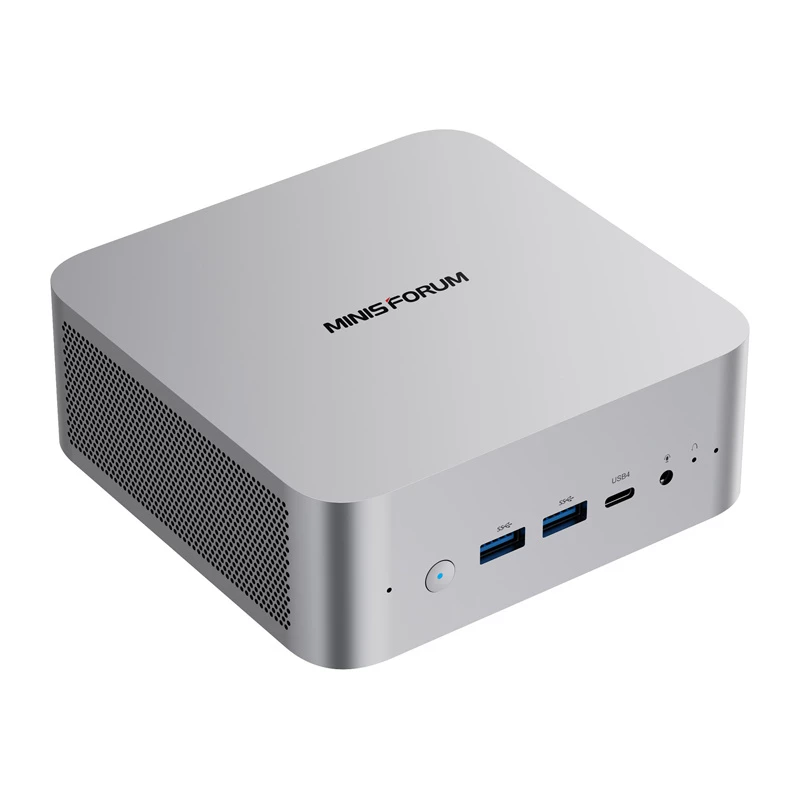
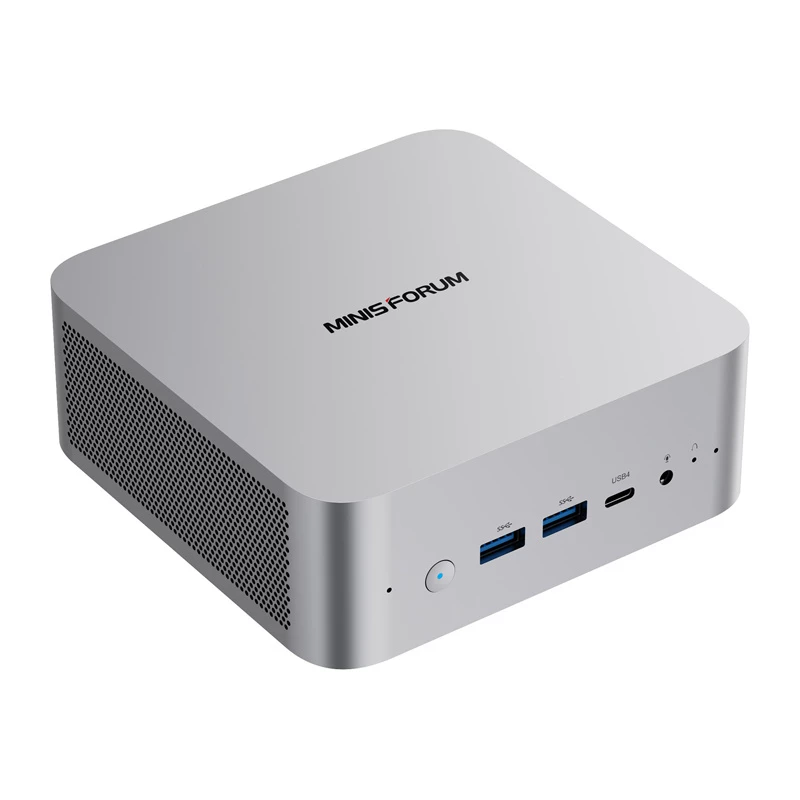
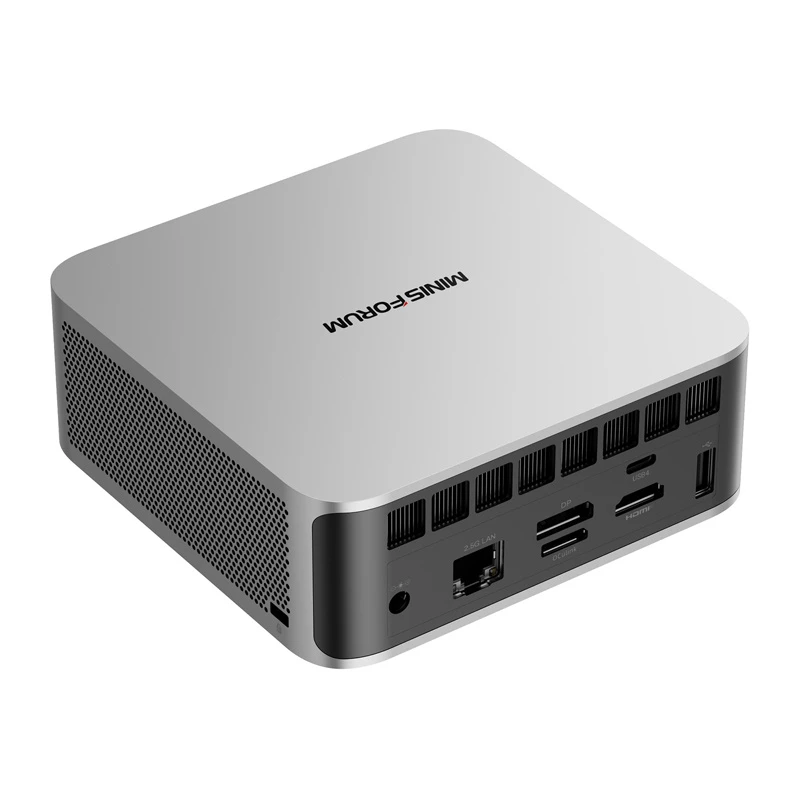
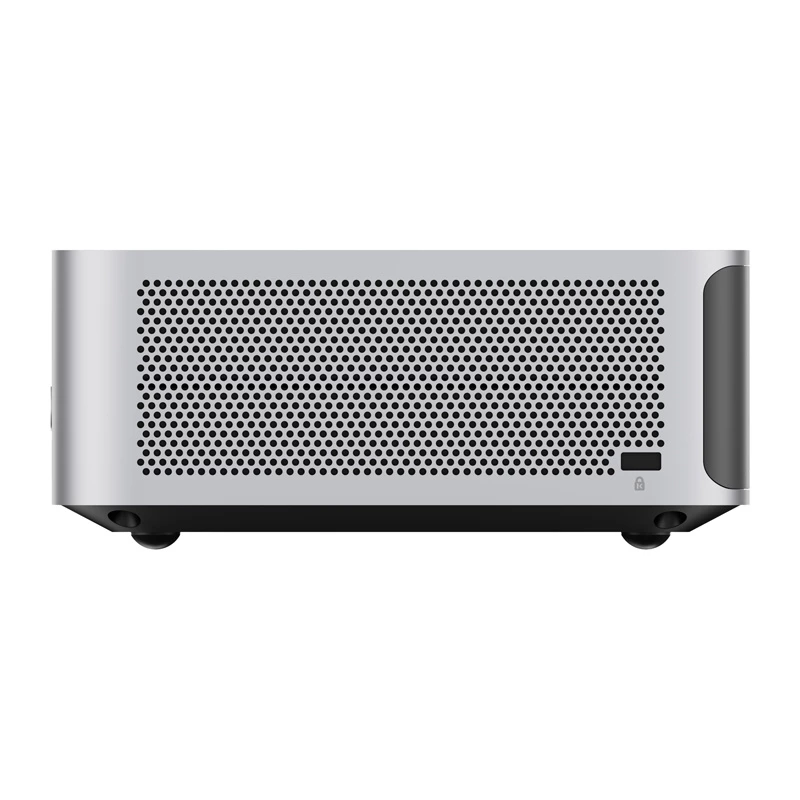
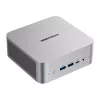
MINI-PC Minis Forum M1 Pro-125H Intel Core Ultra 5 125H barebone
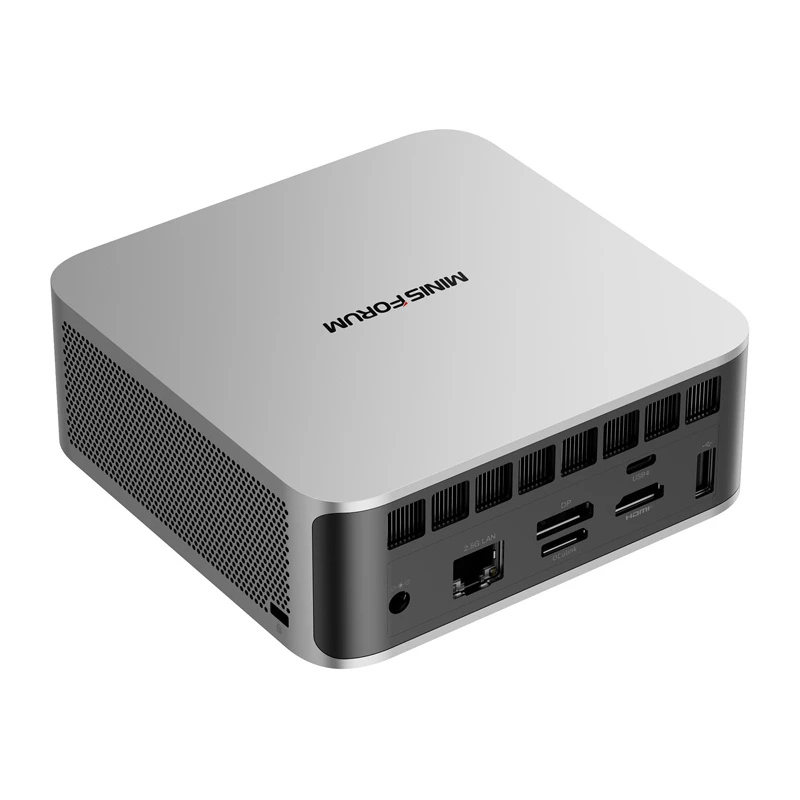
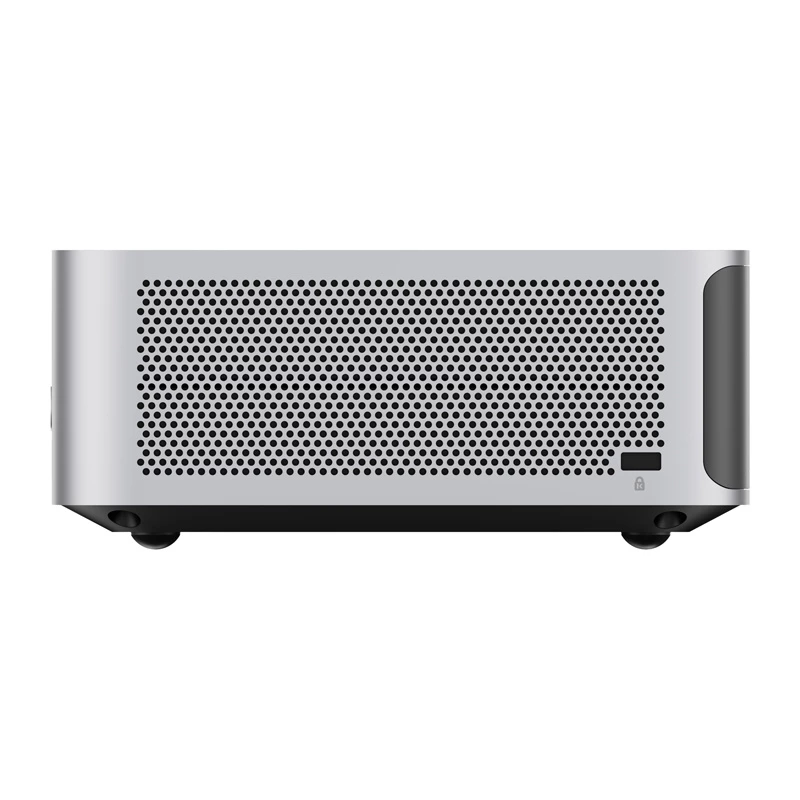
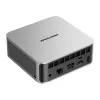
The MINIS FORUM M1 Pro-125H is equipped with an Intel Core™ Ultra 5 125H processor with 14 cores and 18 threads and integrated Intel Arc™ graphics. It supports up to 128 GB of DDR5 5600 MHz RAM and two high-speed NVMe PCIe 4.0 SSDs (up to 4 TB). The set of connectors includes, among others, 2 USB4 ports, HDMI 2.1, DP 1.4, OcuLink (for eGPU), LAN 2.5G, as well as Wi-Fi 7 and Bluetooth 5.4. The computer can be placed on a desk or attached to the back of a monitor (VESA bracket included). The whole thing weighs just 600 g with dimensions of 128 × 126 × 52 mm.

AI-based performance - Intel Core™ Ultra 5 125H
The M1 Pro-125H is equipped with an Intel Core™ Ultra 5 125H processor with 14 cores and 18 threads. Clocking up to 4.5 GHz and supporting advanced AI features, the computer easily handles multitasking, video editing, data work, virtualization or gaming. In Cinebench R23 (Multi-Core) tests, it achieves 14,071 points.

Support for up to 128 GB DDR5 RAM and 4 TB SSD
The MINIS FORUM M1 Pro supports DDR5 RAM in a dual-channel configuration, with up to 5600 MHz and a maximum capacity of up to 128 GB - making it unique in this class of devices. Two M.2 PCIe 4.0 slots allow storage expansion up to 4TB and support RAID 0/1, which translates into instant access to data and greater data security.

Capable of connecting 4 monitors and GPU expansion
With HDMI 2.1, DP 1.4 and two USB4 ports, the M1 Pro supports up to 4 4K (or even 8K) displays simultaneously. This is ideal for those working with multiple applications and screens. In addition, the available OcuLink port allows you to connect an external graphics card (eGPU), extending the mini-PC's graphics capabilities to the level of a workstation or gaming PC.

Reliable connectivity
The M1 Pro offers the fastest standards: Wi-Fi 7 (up to 5.8 Gbps), Bluetooth 5.4 and Ethernet 2.5G, so you can count on lightning-fast data transfers, smooth video conferencing and stable network connectivity.

Advanced cooling and quiet operation
A dual fan system and pure copper heatpipes are responsible for efficient cooling. Even under full load, temperatures do not exceed 86°C, and the noise level does not exceed 45 dB - guaranteeing comfortable and stable operation in any conditions.

Clear sound
The built-in sound card (YH-SP6740-01) with active noise cancellation ensures clear sound during meetings and recordings. The ability to connect external audio devices via USB enables even better sound quality and flexibility for multimedia work.

General
| Manufacturer | Minis Forum |
|---|---|
| Model | M1 Pro-125H |
| Supported operating system | Windows 11 Pro |
| Dimensions | 128 x 126 x 52 mm (L x W x H) |
| Weight | 0.6kg |
Processor (CPU)
| Processor | Intel® Core™ Ultra 5 125H |
|---|---|
| Number of cores | 14 (4 P cores + 8 E cores + 2 LPE cores) |
| Number of threads | 18 |
| Base frequency | 1.2GHz |
| Max Turbo frequency | 4.5GHz |
| TDP (Performance Mode) | Fast: 65W / Slow: 65W |
| TDP (Balance Mode) | Fast: 65W / Slow: 45W |
Graphics card (GPU)
| Integrated graphics | Intel® Arc™ graphics |
|---|
Memory (RAM)
| Memory type | DDR5 (SO-DIMM x 2) |
|---|---|
| Optional RAM capacity | 0/32/64GB |
| Supported clocking | 5600 MHz |
| Maximum supported memory | 128GB |
Drive
| SSD slots | 2×M.2 2280 NVME SSD (up to 4TB) (PCIe4.0x4) |
|---|---|
| Optional SSD capacity | 0/1TB/2TB |
Wireless connectivity
| WiFi/BT module (PCIe only) | M.2 2230 E-Key |
|---|---|
| Wi-Fi | Wi-Fi 7 |
| Bluetooth | Bluetooth® 5.4 |
Wired connectivity
| Ethernet network card | 2.5Gigabit LAN (RJ45) - 1x (Module: i226-v) |
|---|
Video/audio inputs and outputs
| Video outputs | HDMI 2.1 (TMDS) x1 (up to 4K@60Hz) DP 1.4 x1 (up to 8K@60Hz/4K@144Hz) USB4 x2 (up to 8K@60Hz/4K@144Hz) |
|---|---|
| Audio outputs | HDMI 1x 3.5mm combo jack 1x Speakers 2x |
| Audio inputs | Digital microphone (DMIC) 2x 3.5 mm combo jack 1x |
Ports
| Front | USB Type A (USB3.2 Gen2) 2x 3.5 mm combo jack 1x Reset hole 1x USB4 1x (Alt PD, 40Gbps, Alt PD Out 15W) |
|---|---|
| Rear | HDMI 2.1 1x DP 1.4 1x USB4 1x (Alt PD, 40Gbps, PD in 65-100W, PD out 15W) LAN RJ45 (2.5Gb) 1x OCulink 1x USB Type A (USB2.0) 1x Power port (DC-In) 1x |
Buttons and openings
| Buttons | Power button 1x |
|---|---|
| Openings | Reset hole 1x |
Other
| VESA mounting | Supported |
|---|---|
| Power supply | 19V⎓6.32A 120W |
How to use
Install compatible SODIMM memory modules and storage drives into the available slots and connectors on the mainboard according to the Minis Forum instructions. Mount a supported operating system on an internal drive or external media and complete driver installation to enable integrated components. Connect power, display, keyboard and mouse, then configure BIOS/UEFI settings as needed to optimize memory and storage recognition. Follow standard electrostatic discharge precautions during component installation.
Recommendations
For balanced performance, install dual-channel SODIMM modules of the same capacity and speed and choose an NVMe SSD or SATA SSD for primary storage. Verify cooling clearance and airflow when selecting high-capacity memory or multiple drives. Ensure the chosen operating system supports the Intel Core Ultra 5 125H platform and update firmware/drivers from Minis Forum after initial setup.
Popular products in this category
- Acer Revo RB102 Mini PC Intel Core 5 120U, 16GB RAM, 512GB SSD, Windows 11 Pro
- Mini PC Blackview MP100 Pro Ryzen 5 7430U 16GB 512GB SSD Windows 11 Pro Grey
- T1A HP EliteDesk 800 G5 Refurbished Intel® Core™ i5 i5-9500 8 GB DDR4-SDRAM 256 GB SSD Windows 11 Pro Mini PC Black, Silver
- ASUS Ascent GX10 GX10-GG0003BN GB10 128 GB LPDDR5x-SDRAM Mini PC Grey
- T1A HP ProDesk 600 G6 Refurbished Intel® Core™ i5 i5-10500T 16 GB DDR4-SDRAM 256 GB SSD Windows 11 Pro Mini PC Black
- GEEKOM A5 Mini PC, AMD Ryzen 7 5800H, 32GB DDR4, 512GB SSD, Windows 11 Pro, Champagne
- DELL Pro Max FCM2250 Intel Core Ultra 7 265 32 GB DDR5-SDRAM 1 TB SSD NVIDIA RTX A1000 Windows 11 Pro Micro PC Mini PC Black
- Mini PC barebone Shuttle XPC slim DS50U3 Intel i3-1315U HDMI DP VGA