







Account Contact
Your Cart
Pay the courier with no extra fees.
Need help? DistriNode AI can handle any task on our site.

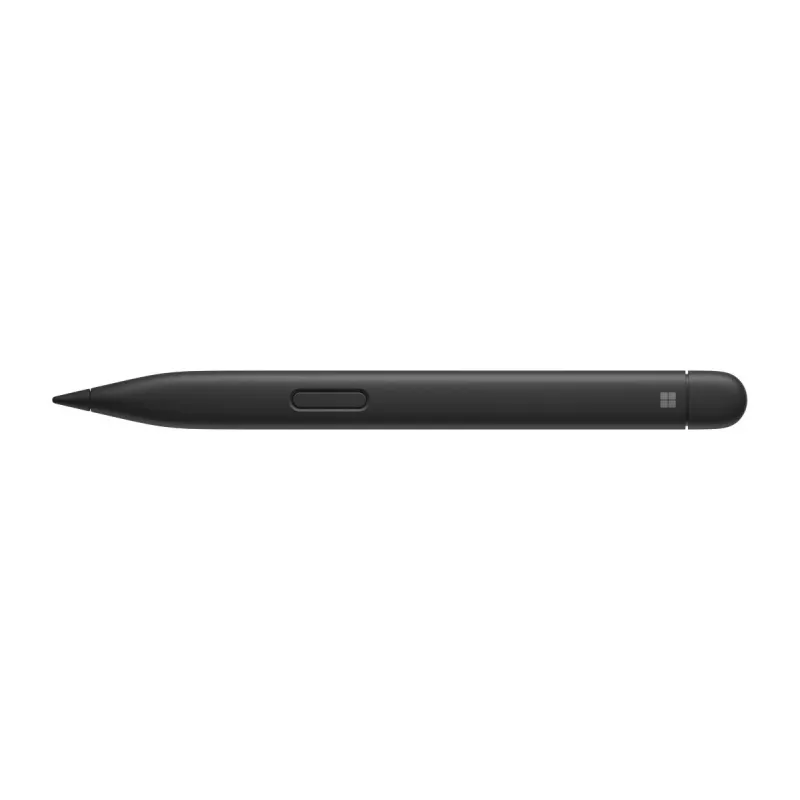
MICROSOFT Surface Slim Pen 2 Black

MICROSOFT Surface Slim Pen 2 Black
R2,261
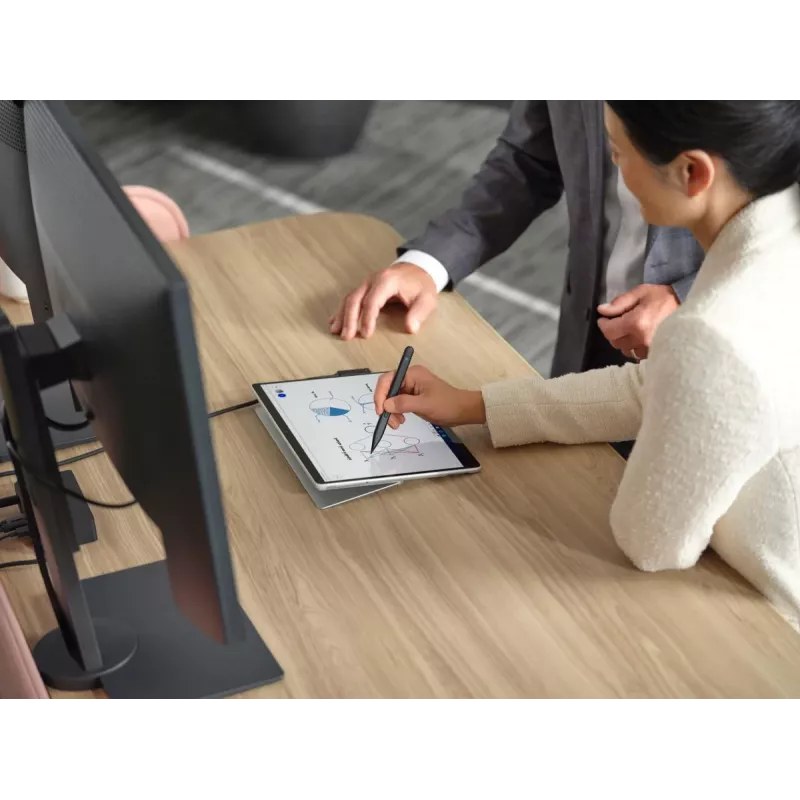
Write, sketch, navigate, and recharge. Take handwritten notes and draw with the same feeling you get with pen on paper, with exceptional accuracy and a new storable design.Fast, fluid, and perfect with your SurfaceOur best performing pen yet, with real-time writing, pinpoint accuracy, and incredible... Read More
Stock 89 Code 335814 Brand MICROSOFT Model 8WX-00002 Warranty 2 Years

Shipping & Returns

Estimated delivery Friday, October 2
You will be kept updated through our detailed tracking system
Payment options
EFTPayFastBank CardSnapScanZapperGoogle PayApple PayMobicredMoreTymePay on Arrival

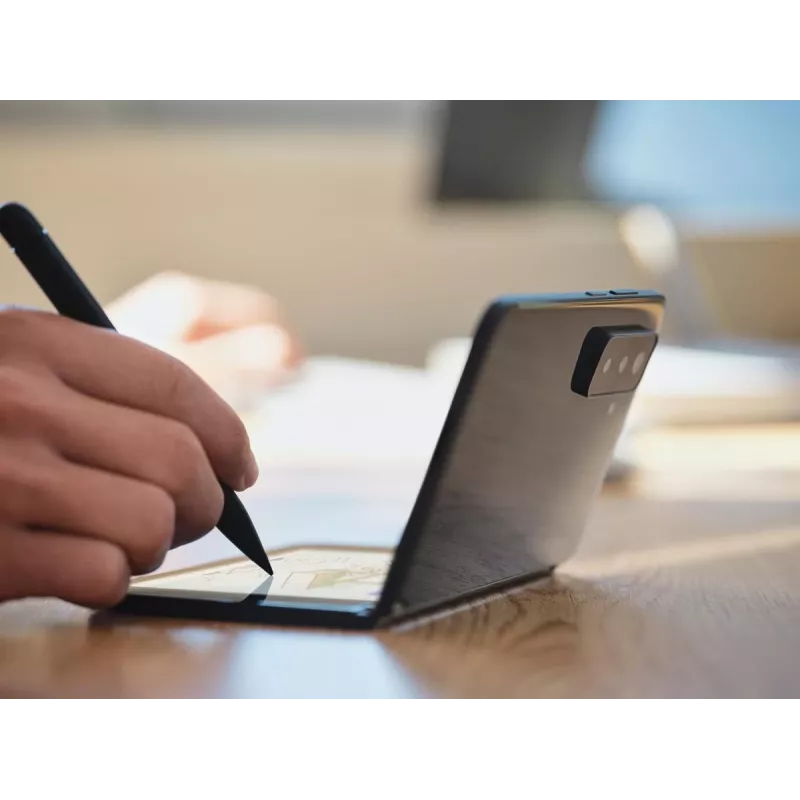
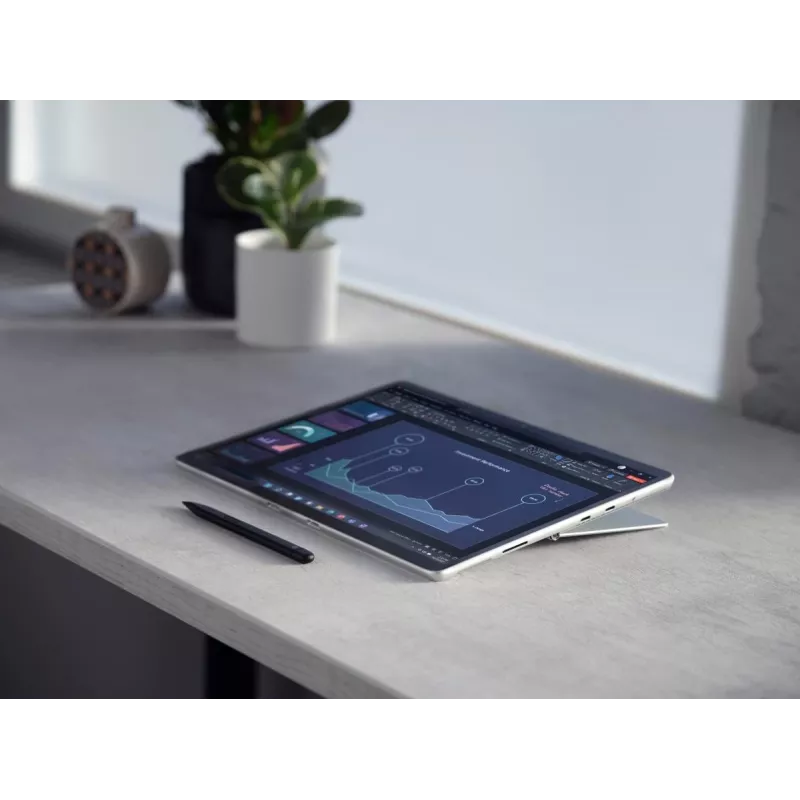
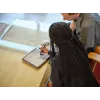
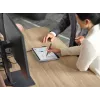
Write, sketch, navigate, and recharge. Take handwritten notes and draw with the same feeling you get with pen on paper, with exceptional accuracy and a new storable design.

Fast, fluid, and perfect with your Surface
Our best performing pen yet, with real-time writing, pinpoint accuracy, and incredible shading thanks to a sharper pen tip and improved design. Take notes naturally—the haptic motor[5] in Surface Slim Pen 2 for Business brings the feeling of writing and drawing on paper to your PC's screen.

Inking for everyone
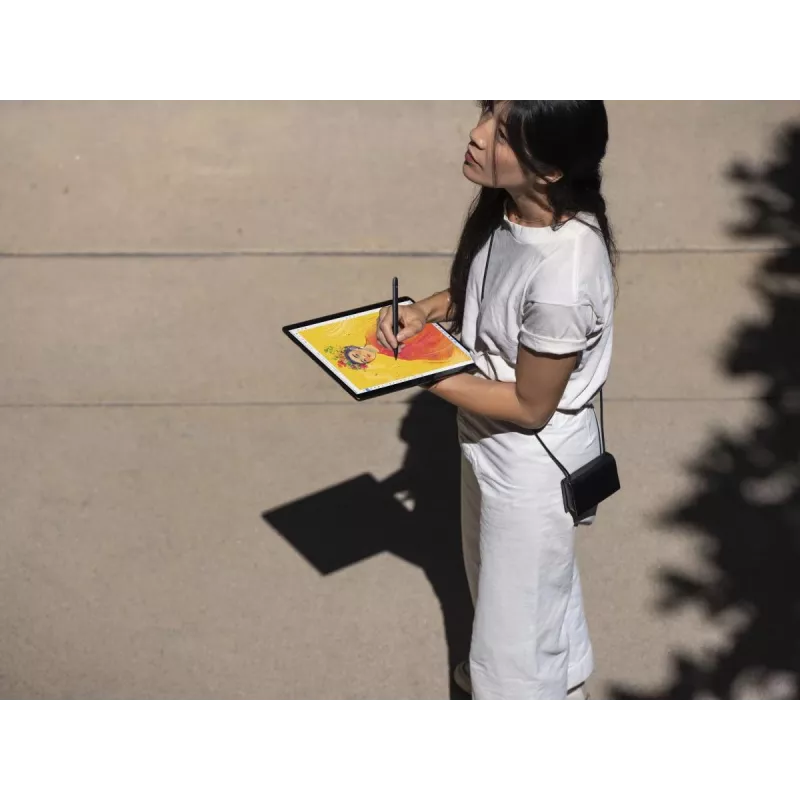
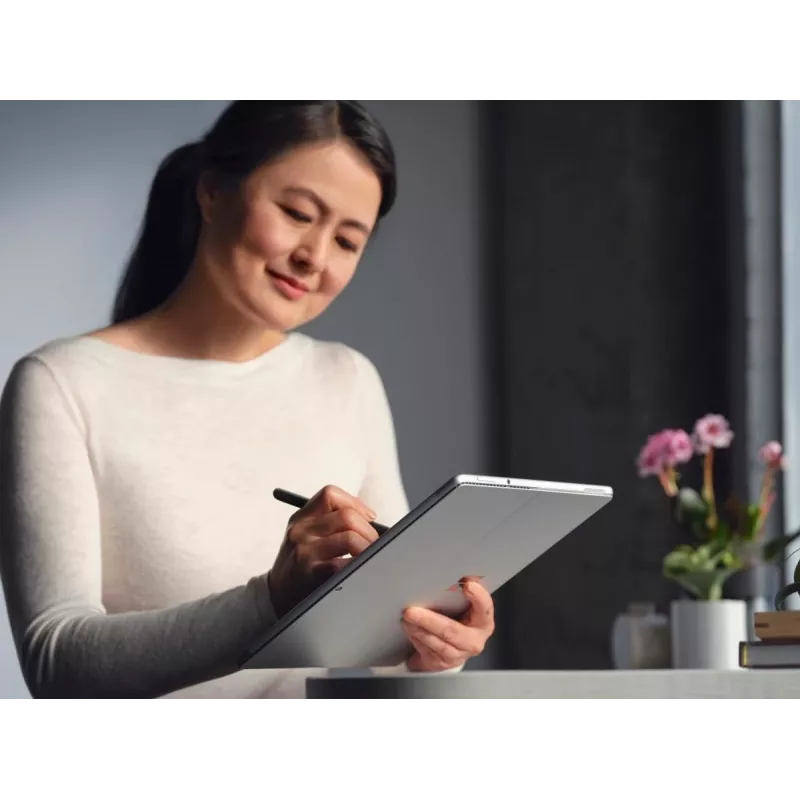
Experience natural and inclusive note-taking, sketching, and navigating with the same feeling you get with pen on paper, thanks to feedback you control when paired with Surface Pro 8 for Business[2] or Surface Laptop Studio for Business.[2]

Sleek and comfortable

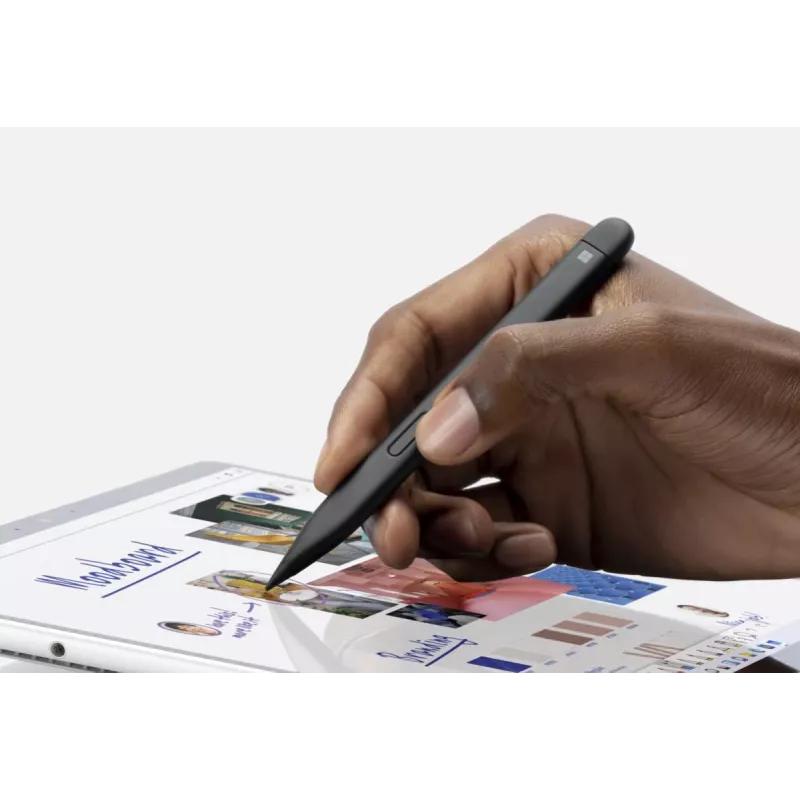
Slim carpenter-inspired style is perfect for all hands and is easy to hold and control.

Exceptional accuracy, smoother flow, greater control

A redesigned sharper pen tip helps you put a finer point on everything you do.

Create in real time with Zero Force Inking[1]

Ink flows fluidly out of the pen the instant it hits the screen.

The best shading experience yet

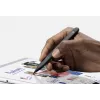
A sharper pen tip and an improved design let you approach the screen at a perfect 77° tilt for ultra-precise shading and an exceptional 4,096 points of pressure sensitivity.

Easily erase and edit on the fly

Just flip it around as you would a traditional pencil.

Always charged and ready

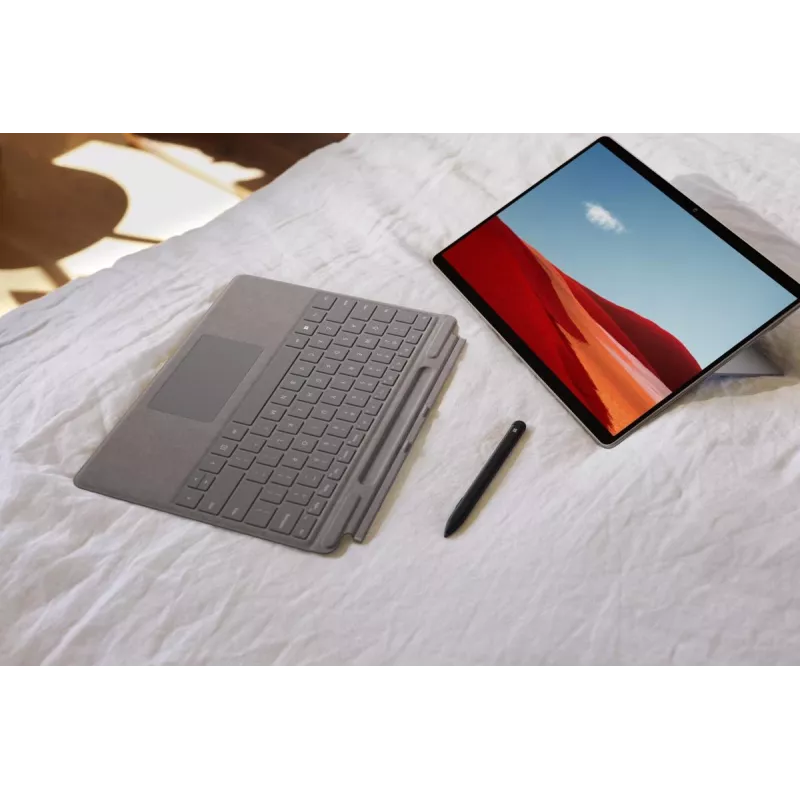
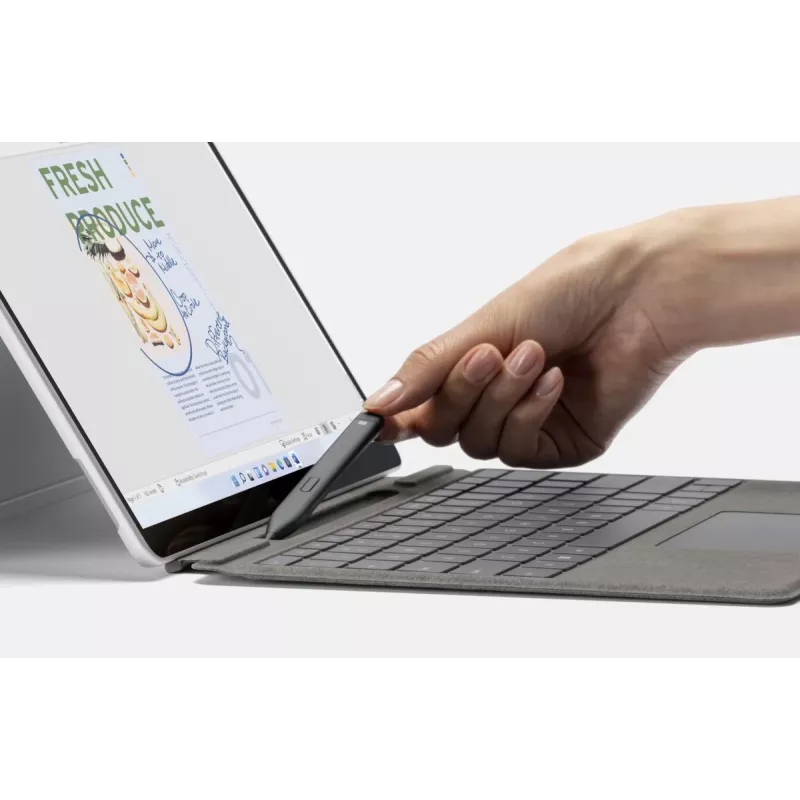
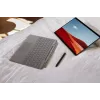
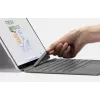
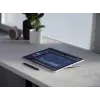
Surface Slim Pen 2 for Business is ready to use right out of the box for you to unleash your creativity. Better yet, you’ll always know where it is with built-in, wireless charging and secure storage in Surface Pro Signature Keyboard for Business[2] or Surface Laptop Studio for Business.[2]

Capture ideas instantly

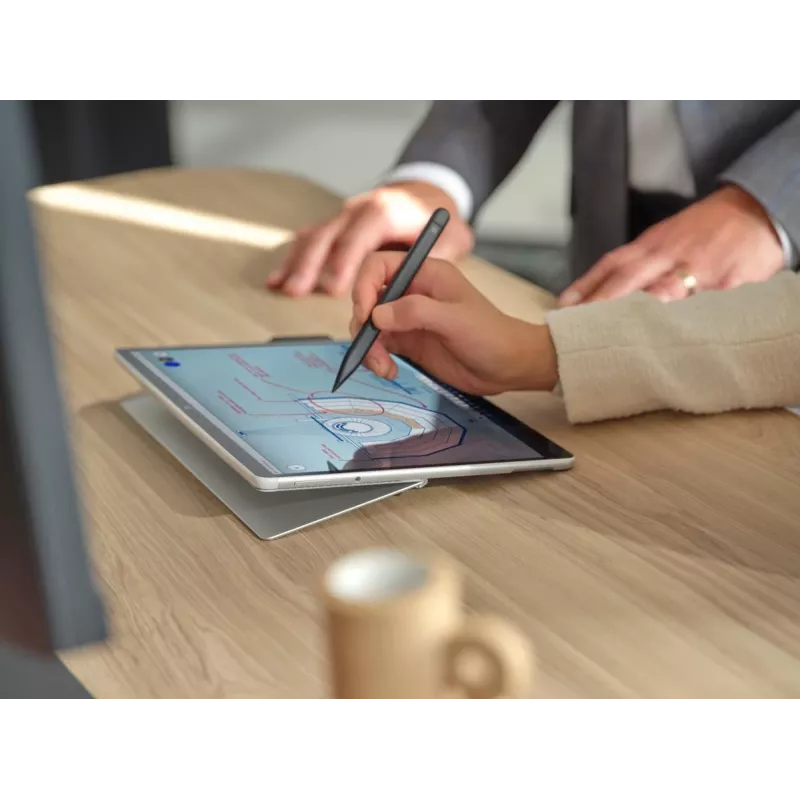
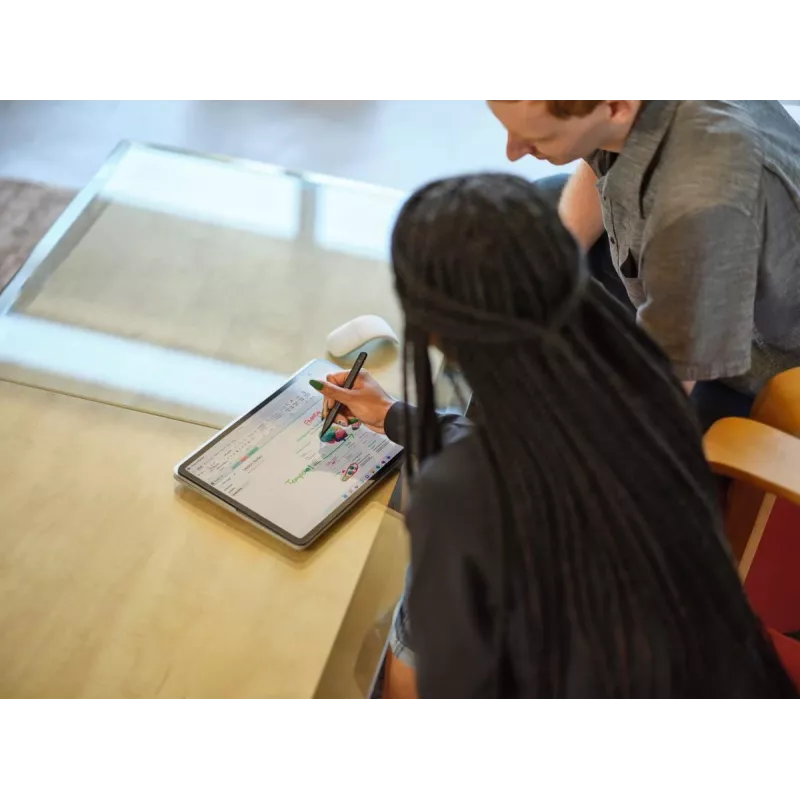
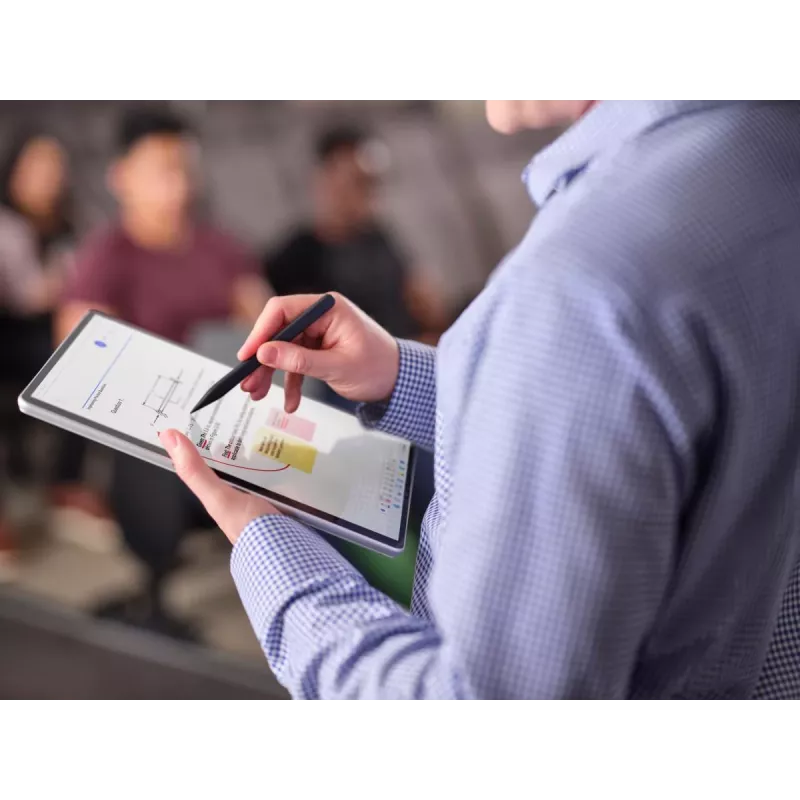
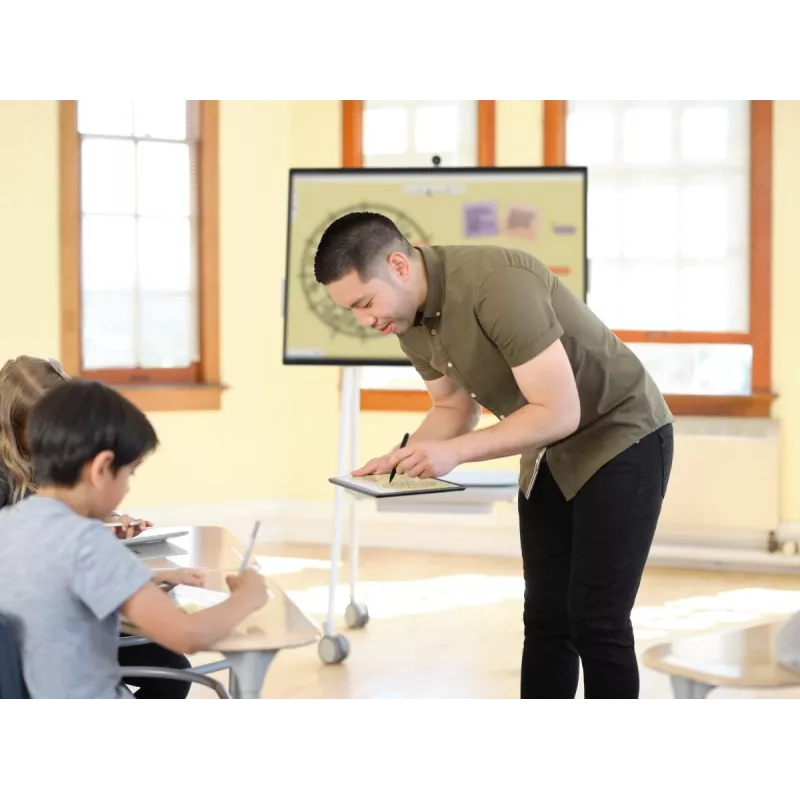
Brainstorm and sketch with others over Microsoft Teams[2] or when using Microsoft Whiteboard. Plus, edit presentations on the spot, fill out and sign documents, or take personal handwritten notes in Microsoft Journal.[2]

Our most intuitive pen

Tactile signals[5] can make it easy for you to know when you've successfully used natural gestures like circling to select and crossing out to delete in Microsoft Word and Excel.[2] The strength of tactile signals[5] when using Surface Slim Pen 2 for Business can be easily adjusted or even turned off through Windows settings.

Unleash your creativity in the apps you use

Create your best work in Adobe Fresco, Photoshop, and more,[2] and collaborate and take handwritten notes together in Microsoft Teams.[2] Capture unstructured ideas using Microsoft Whiteboard and simultaneously ink with others. Use Ink Editor in Microsoft Word or use the top button as a slideshow clicker to advance Microsoft PowerPoint[2] slides.

How to use

Pair the Surface Slim Pen 2 with a compatible Surface device via Bluetooth or place it in the device’s storage/charging area if available. Use the pen to write, draw, and navigate directly on the screen; the haptic motor will provide tactile feedback that mimics writing on paper. Keep the pen charged by storing it in the designated charging slot or using the device’s charging method.

Recommendations

For best performance and full haptic feedback, use the Surface Slim Pen 2 with Surface devices that include the built-in haptic motor (for example, Surface Pro 8 or Surface Laptop Studio). Follow device instructions for pairing and charging to ensure accurate inking and continuous use.

Key Highlights
  • Device compatibility: Tablet
  • Brand compatibility: Microsoft
  • Black Plastic
  • Bluetooth 5.0
  • Lithium Polymer (LiPo) Battery life: 15 h
  • Compatibility: Designed for use with compatible Surface devices (example: Surface Pro 8, Surface Laptop Studio with built-in haptic motor)
  • Tip: Sharper pen tip for improved precision and shading
  • Haptics: Built-in haptic motor to simulate pen-on-paper sensation
  • Performance: Real-time writing and high accuracy
  • Design: Storable design with on-device charging support
Specifications
Battery life
15 h
Battery technology
Lithium Polymer (LiPo)
Battery type
Built-in
Battery weight
1.5 g
Bluetooth
Yes
Bluetooth version
5.0
Brand compatibility
Microsoft
Buttons quantity
2
Commodity Classification Automated Tracking System (CCATS)
8473305100
Compatibility
Surface Laptop Studio Surface Pro 8 - 9 Surface Pro X Surface Duo 2 Surface Hub 2S Surface Slim Pen 2 Pen Tips Surface Slim Pen Charger
Country of origin
China
Depth
6.3 mm
Device compatibility
Tablet
Export Control Classification Number (ECCN)
8473308000
Harmonized System (HS) code
84733080
Height
136.8 mm
Housing material
Plastic
Layers per pallet
23 pc(s)
Manual
Yes
Master (outer) case gross weight
993 g
Master (outer) case height
47 mm
Master (outer) case length
225 mm
Master (outer) case width
274 mm
Master (outer) cases per pallet layer
12 pc(s)
Package depth
204 mm
Package height
19 mm
Package type
Box
Package weight
70 g
Package width
53 mm
Product colour
Black
Products per master (outer) case
10 pc(s)
Quantity per pack
1 pc(s)
UNSPSC-code
8471609050
Weight
0.013 kg
Width
113 mm
Price history over the last 6 months
MICROSOFT Surface Slim Pen 2 Black
Current
R2,261
Lowest
R2,017
Highest
R2,530
Change 24H
+R17   +1%
Week
+R244   +12%
Month
-R192   -8%

Popular products in this category

WhatsApp
Hi, I’m DistriNode’s AI assistant. I can help you find products, compare options, create quote PDFs, or open support requests.