Account Contact
Your Cart
Pay the courier with no extra fees.
Need help? DistriNode AI can handle any task on our site.

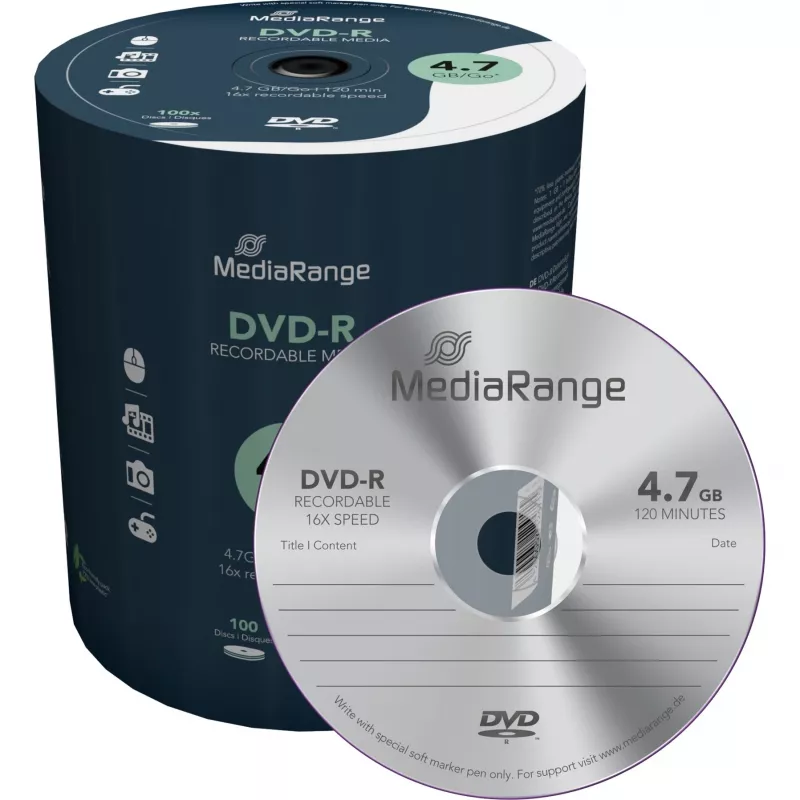
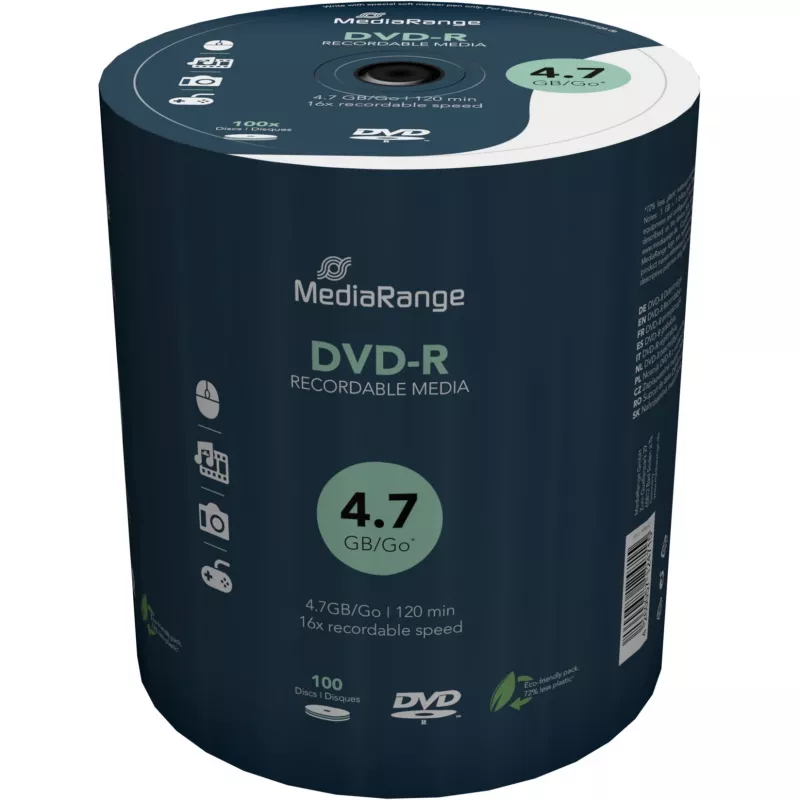
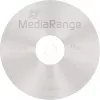
MediaRange MR442 blank DVD 4.7 GB DVD-R 100 pcs

MediaRange MR442 blank DVD 4.7 GB DVD-R 100 pcs
R660
MediaRange MR442 blank DVD-R discs are single-write optical media with 4.7 GB capacity per disc. This 100-piece spindle is intended for storing data, creating video recordings and backups, and archiving large files. The discs use a high-quality dye formulation and are compatible with a wide range of... Read More
Stock 2 Code 1163170 Brand MEDIARANGE Model MR442 Warranty 2 Years

Shipping & Returns

Estimated delivery Thursday, October 1
You will be kept updated through our detailed tracking system
Payment options
EFTPayFastBank CardSnapScanZapperGoogle PayApple PayMobicredMoreTymePay on Arrival

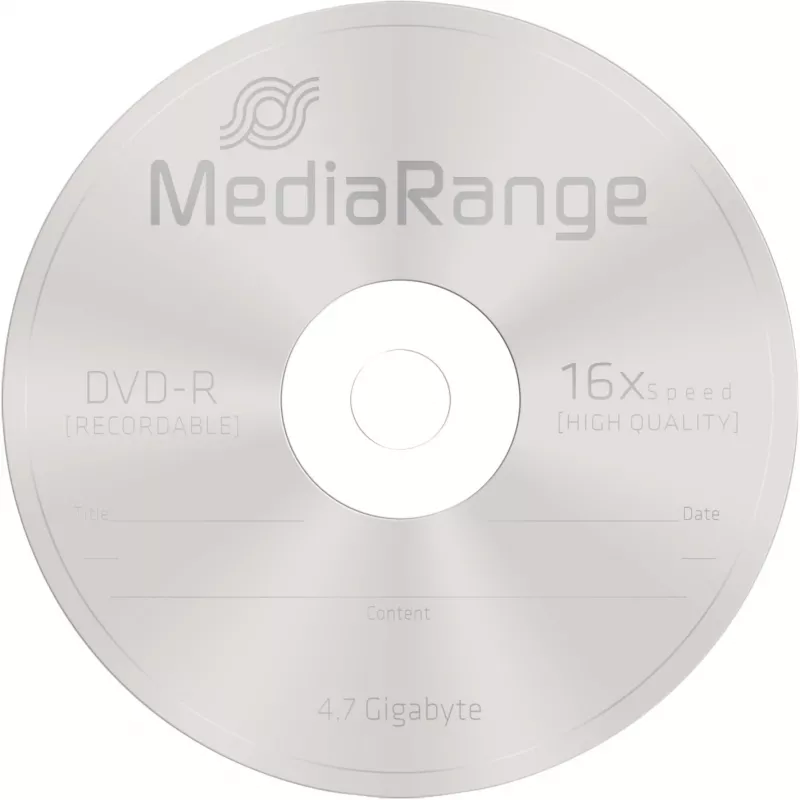
MediaRange MR442 blank DVD-R discs are single-write optical media with 4.7 GB capacity per disc. This 100-piece spindle is intended for storing data, creating video recordings and backups, and archiving large files. The discs use a high-quality dye formulation and are compatible with a wide range of burners and software, providing stable recordings and long-term reliability.

Advantages

The MediaRange MR442 DVD-Rs offer 4.7 GB of storage per disc and support recording speeds up to 16X, ensuring relatively fast write times. Their AZO-like high-quality dye improves recording stability and archival life, while broad compatibility with burners and authoring software reduces compatibility issues. The discs can be used for both video (CLV) and data (CAV) recording and store substantially more data than a standard CD-R.

Suitable for

  • Archiving photos, documents and large data backups
  • Recording standard-definition or compressed high-resolution video (up to ~6 hours per disc under typical settings)
  • Distribution of multimedia presentations and software
  • Transferring or exchanging large files where a physical medium is required

Key specifications

  • Format: DVD-R
  • Capacity: 4.7 GB (single layer)
  • Recording speed: up to 16X (typical use at 8–16X)
  • Quantity: 100 discs per spindle
  • Brand / MPN: MediaRange MR442
  • EAN: 4260057124715

How to use

Insert a disc into your compatible DVD burner, choose a suitable recording mode in your burning software (data or video), and select an appropriate write speed—using a moderate speed can improve success and longevity. Finalize the disc (close session) if you intend to use it in standard DVD players. Label the disc only with compatible markers after recording.

Recommendations

Store recorded MediaRange MR442 DVD-R discs in a cool, dry place away from direct sunlight and extreme temperatures. For important backups, consider keeping multiple copies and periodically checking readability; avoid bending or scratching the disc surface and use protective sleeves or cases for long-term storage.
Key Highlights
  • Archiving photos, documents and large data backups
  • Recording standard-definition or compressed high-resolution video (up to ~6 hours per disc under typical settings)
  • Distribution of multimedia presentations and software
  • Transferring or exchanging large files where a physical medium is required
  • Format: DVD-R
  • Capacity: 4.7 GB (single layer)
  • Recording speed: up to 16X (typical use at 8–16X)
  • Quantity: 100 discs per spindle
  • Brand / MPN: MediaRange MR442
  • EAN: 4260057124715
Specifications
DVD-R write speed
8 x
Native capacity
4.7 GB
Package type
Cakebox
Quantity per pack
100 pc(s)
Type
DVD-R
Price history over the last 6 months
MediaRange MR442 blank DVD 4.7 GB DVD-R 100 pcs
Current
R660
Lowest
R554
Highest
R724
Change 24H
+R100   +18%
Week
+R106   +19%
Month
+R104   +19%

Popular products in this category

WhatsApp
Hi, I’m DistriNode’s AI assistant. I can help you find products, compare options, create quote PDFs, or open support requests.