Account Contact
Your Cart
Pay on delivery – no extra fees
Need help? Ask our AI

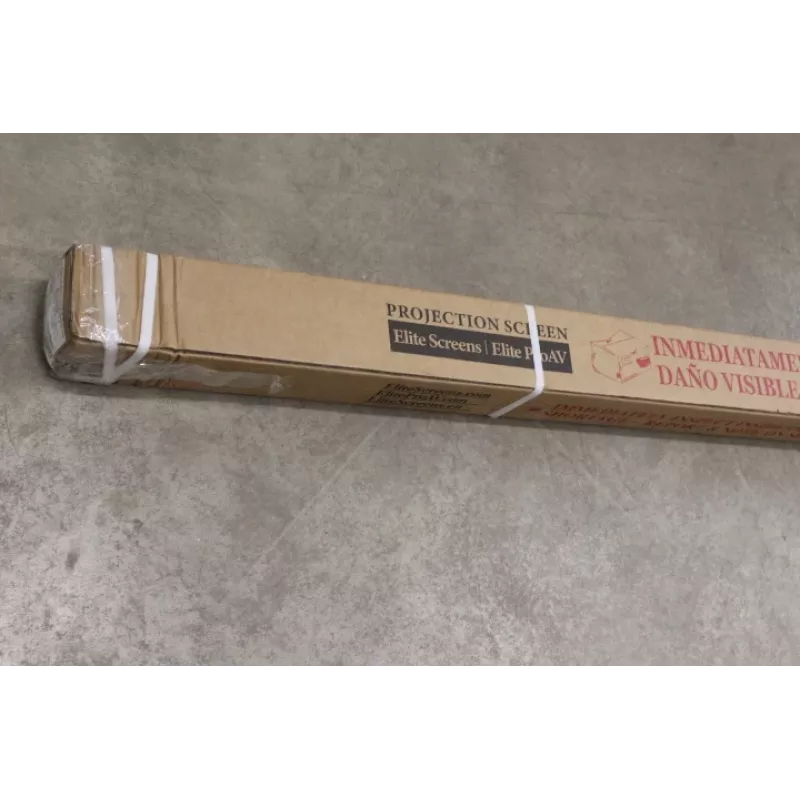
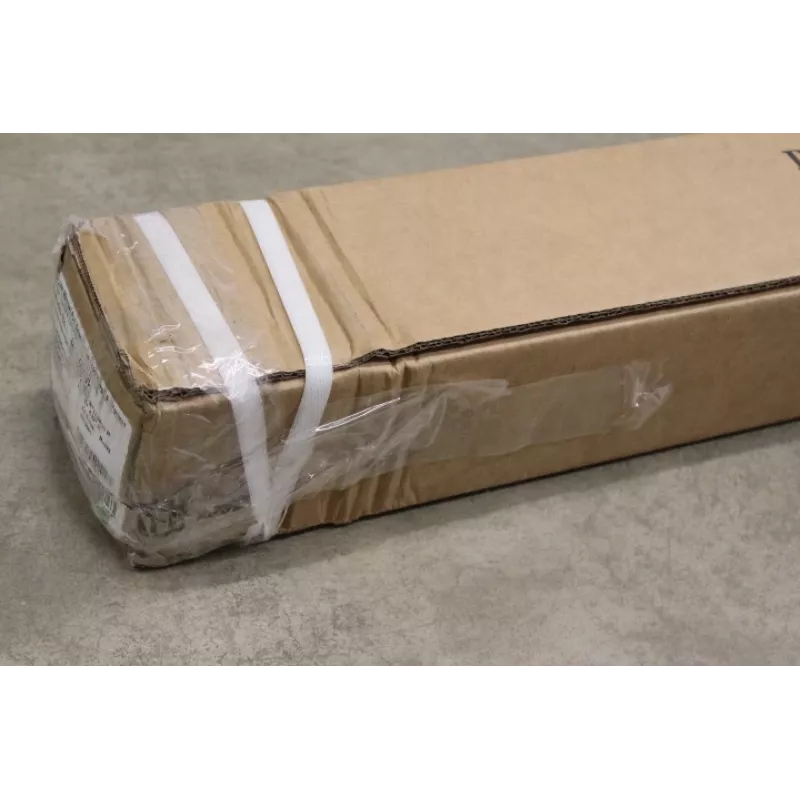
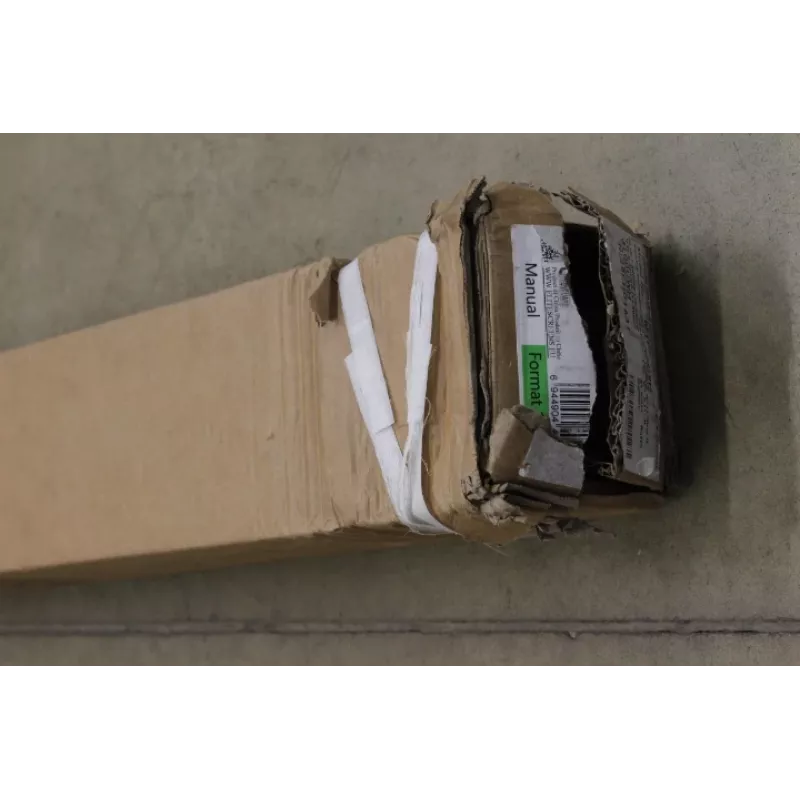
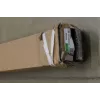
Manual Projection Screen Elite Screens M100UWH — 100 inch (16:9), Viewable 221×124.5 cm, MaxWhite, Black casing — DAMAGED PACKAGING

Manual Projection Screen Elite Screens M100UWH — 100 inch (16:9), Viewable 221×124.5 cm, MaxWhite, Black casing — DAMAGED PACKAGING
R3,510
The Elite Screens M100UWH manual projection screen offers a 100" (16:9) diagonal viewing surface with a viewable area of 221 × 124.5 cm using MaxWhite material. The screen is supplied in a black casing and features a black-backed surface and four-side black masking borders to reduce light bleed and ... Read More
Stock Out Of StockNo Stock Code 1718762 Brand ELITE SCREENS Model M100UWHSO Warranty 2 Years

Shipping & Returns

The Elite Screens M100UWH manual projection screen offers a 100" (16:9) diagonal viewing surface with a viewable area of 221 × 124.5 cm using MaxWhite material. The screen is supplied in a black casing and features a black-backed surface and four-side black masking borders to reduce light bleed and improve perceived contrast. The unit uses a manual pull-down mechanism with an auto-locking variable-height system and supports both wall and ceiling mounting. This listing is for an item with damaged packaging; the product itself is described by the specifications below and includes a screen lanyard for easier operation.

Advantages

The MaxWhite surface provides a neutral gain surface suitable for a wide range of projectors, while the black-backed material prevents light penetration for improved color reproduction. Four-side black masking borders help frame the projected image and minimize stray light. The manual auto-locking mechanism allows variable height settings without additional controls, and the dual wall/ceiling mount design increases installation flexibility. The folding frame and durable construction make the screen suitable for repeated use in professional and home environments.

Suitable for

  • Commercial presentations and meeting rooms
  • Home cinema setups with front projection
  • Classroom and training environments
  • Temporary event or exhibition use where portability and manual operation are preferred

Key specifications

  • Viewable dimensions: 221 × 124.5 cm (width × height)
  • Diagonal: 100 inches (16:9 aspect ratio)
  • Screen material: MaxWhite with black backing
  • Viewing angle: up to 160°
  • Border: four-side black masking, black drop 11.4 cm
  • Drive type: manual pull-down with auto-locking variable-height system
  • Frame type: folding frame
  • Mounting: dual wall and ceiling installation design
  • Case colour: black
  • Net weight: approximately 7.53 kg; gross weight: approximately 10 kg
  • Warranty: 22 months

How to use

Mount the case securely to a wall or ceiling using suitable fasteners for the surface and load, observing recommended clearances. To deploy the screen, grasp the pull-down lanyard or handle and pull downward until the auto-locking mechanism engages at the desired height. To retract, lift gently until the lock releases and guide the screen back into the case to avoid abrupt retraction. Clean the MaxWhite surface with a soft, dry microfiber cloth or a lightly damp cloth with mild detergent if necessary; avoid abrasive cleaners and excessive moisture. Follow local safety guidelines when installing at height and ensure two people assist with positioning large mounts.

Recommendations

For optimal image quality, pair the Elite Screens M100UWH with a projector positioned to match the 16:9 aspect ratio and set projector keystone and focus before framing with the black masking borders. Install the case level and ensure the projection surface is free from dust and fingerprints. Because this unit has damaged packaging, inspect the casing and fabric on delivery for any visible transit damage before installation; the screen itself is designed for repeated use in professional and residential settings.

Key Highlights
  • Commercial presentations and meeting rooms
  • Home cinema setups with front projection
  • Classroom and training environments
  • Temporary event or exhibition use where portability and manual operation are preferred
  • Viewable dimensions: 221 × 124.5 cm (width × height)
  • Diagonal: 100 inches (16:9 aspect ratio)
  • Screen material: MaxWhite with black backing
  • Viewing angle: up to 160°
  • Border: four-side black masking, black drop 11.4 cm
  • Drive type: manual pull-down with auto-locking variable-height system
  • Frame type: folding frame
  • Mounting: dual wall and ceiling installation design
  • Case colour: black
  • Net weight: approximately 7.53 kg; gross weight: approximately 10 kg
  • Warranty: 22 months
Price history is not available yet
We are still collecting enough daily price data for this product.

Write a review

Rating *
Your name will be shown publicly – you can use a nickname. We invite buyers to write reviews; we check reviews before publishing and publish critical ones too.

Popular products in this category

WhatsApp
Messenger
Hi, I’m DistriNode’s AI assistant. I can help you find products, compare options, create quote PDFs, or open support requests.
All categories