Account Contact
Your Cart
Pay the courier with no extra fees.
Need help? DistriNode AI can handle any task on our site.

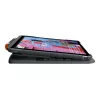
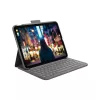
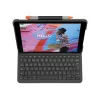
Logitech Slim Folio Grey Bluetooth QWERTZ Swiss Keyboard for iPad

Logitech Slim Folio Grey Bluetooth QWERTZ Swiss Keyboard for iPad
R2,402
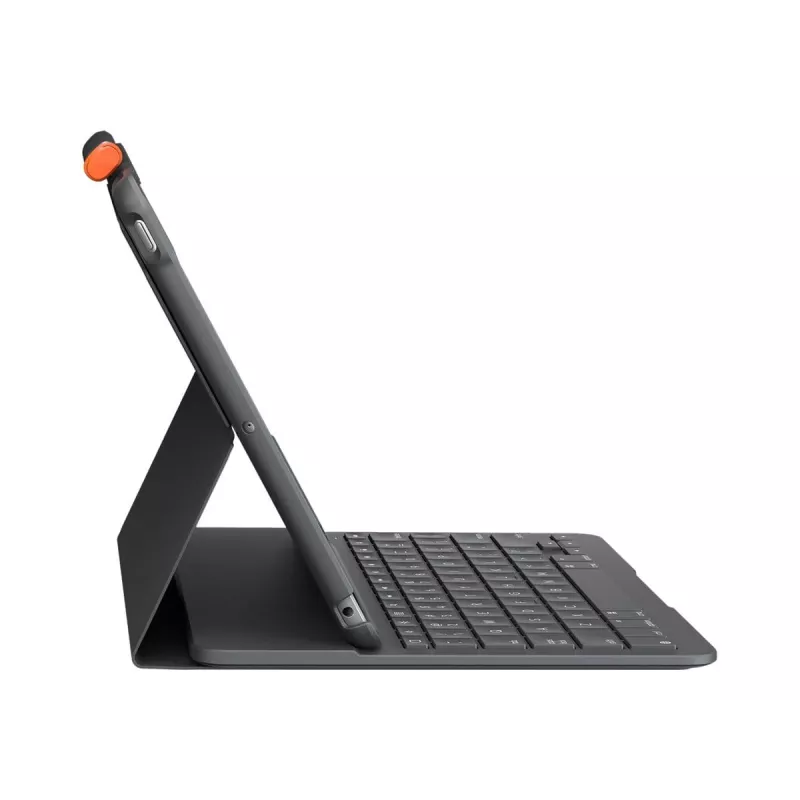
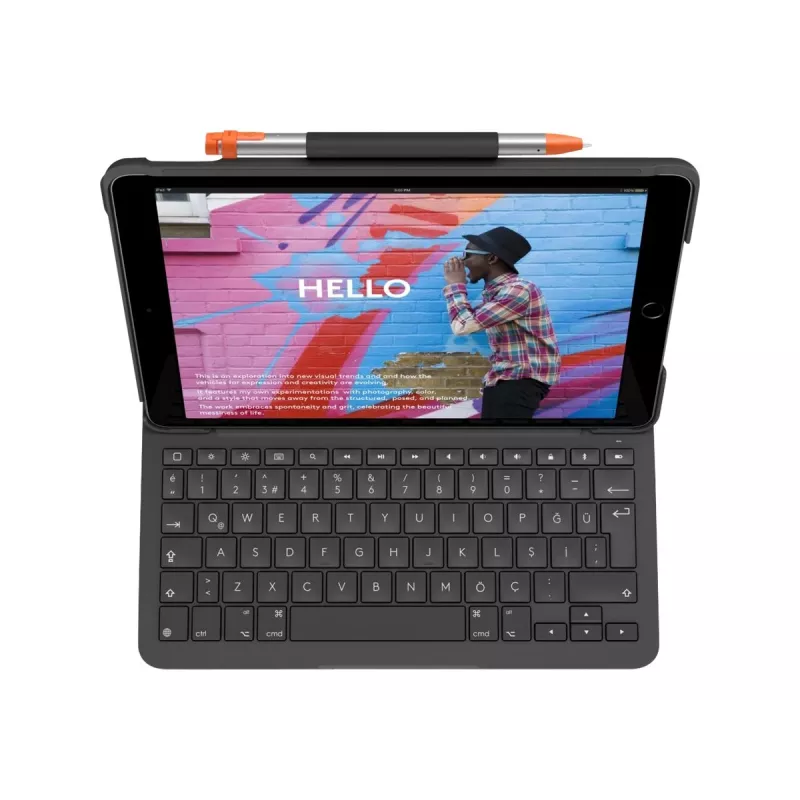
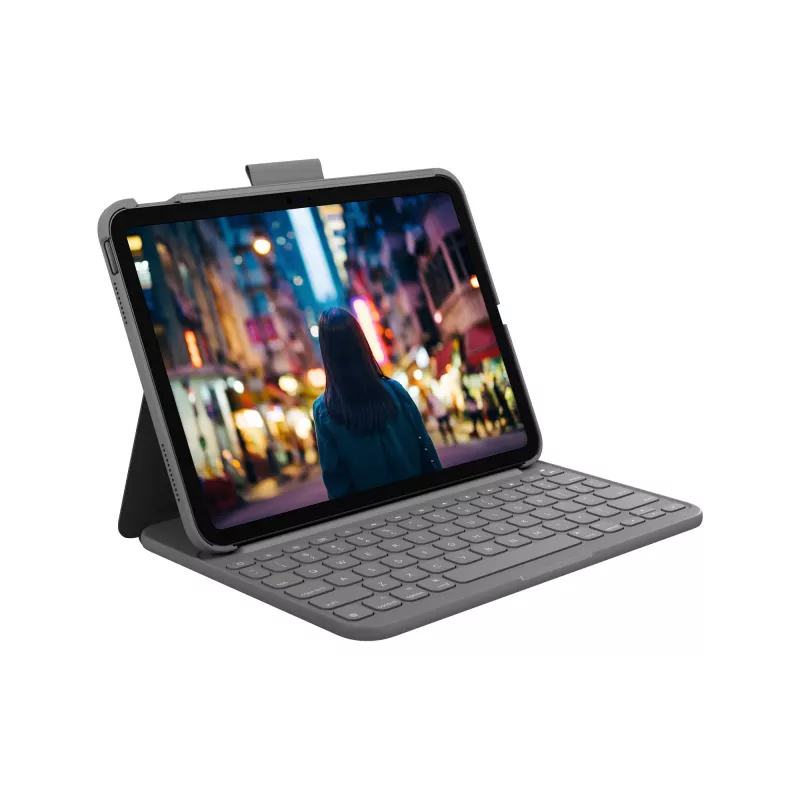
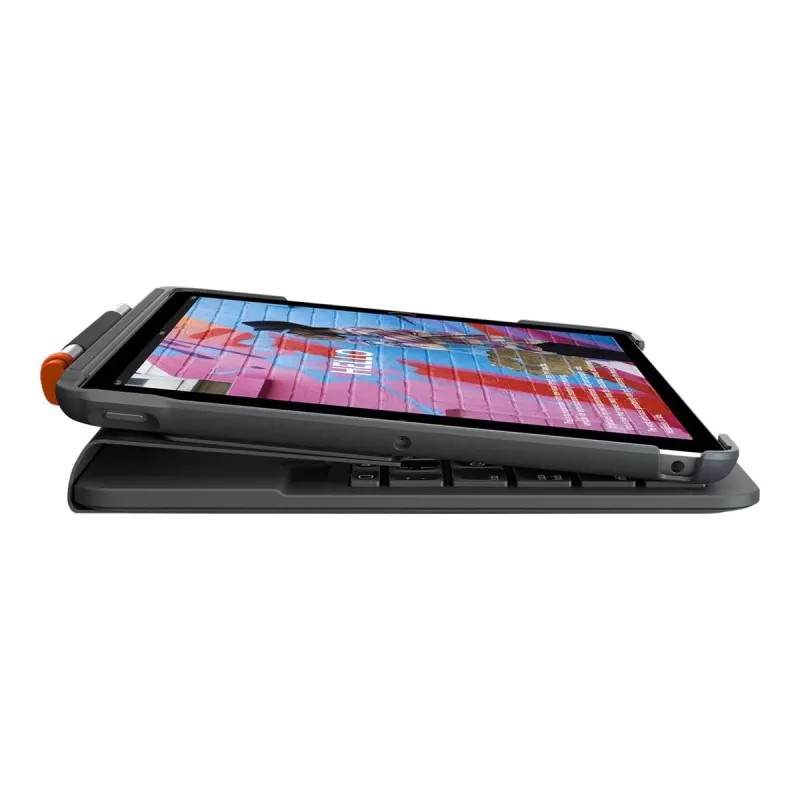
The Logitech Slim Folio is a slim protective case with an integrated full-size Bluetooth keyboard, designed for iPad (10th generation) with a QWERTZ Swiss layout. It combines a lightweight, form‑fit cover and a redesigned edge‑to‑edge keyboard to provide comfortable typing, two locked viewing angles... Read More
Stock 41 Code 369563 Brand LOGITECH Model 920-011424 Warranty 2 Years

Shipping & Returns

Estimated delivery Wednesday, October 7
You will be kept updated through our detailed tracking system
Payment options
EFTPayFastBank CardSnapScanZapperGoogle PayApple PayMobicredMoreTymePay on Arrival

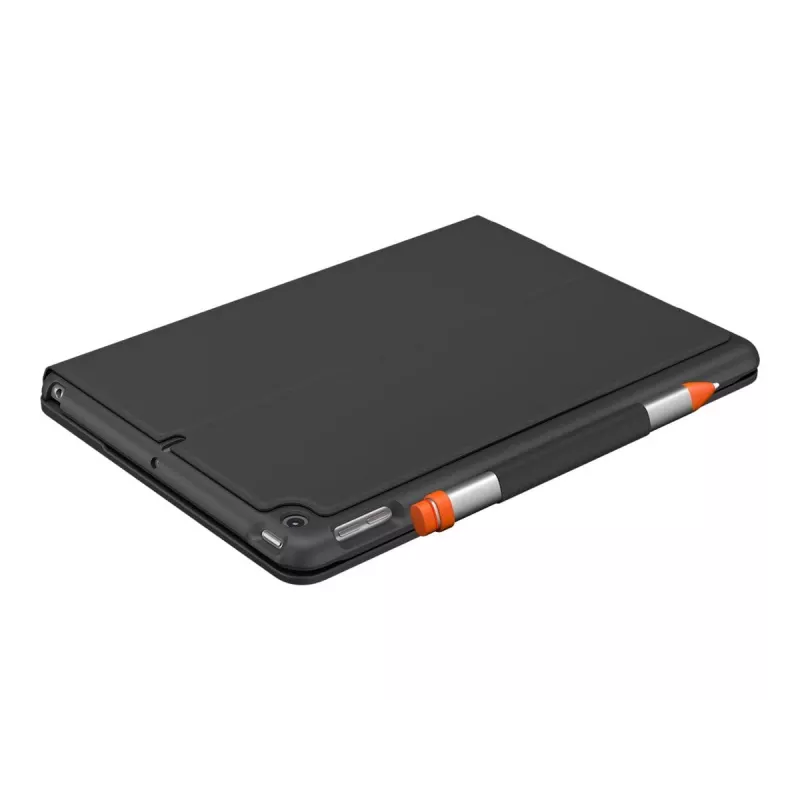
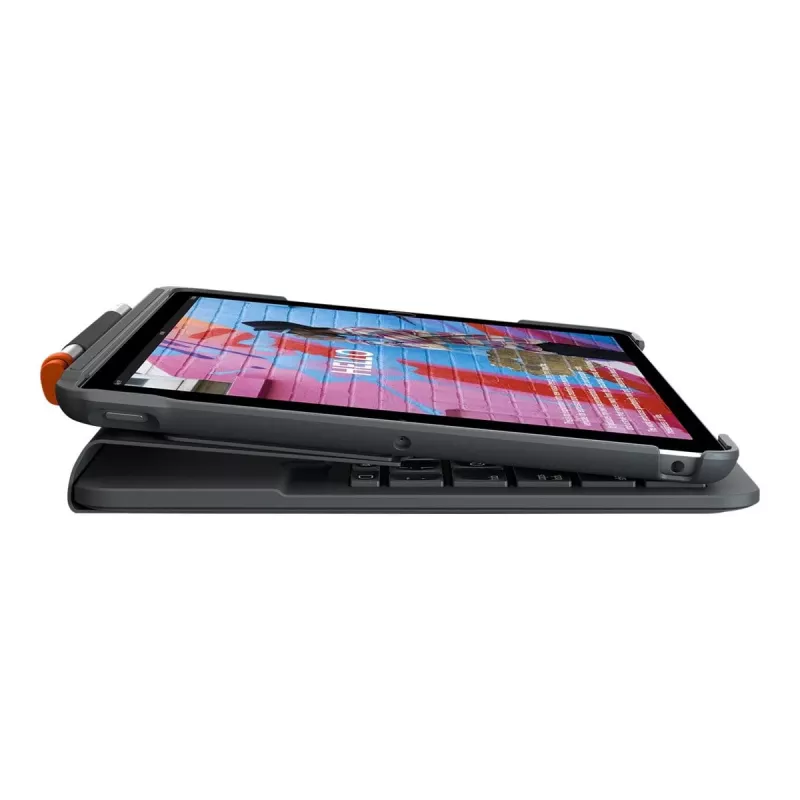
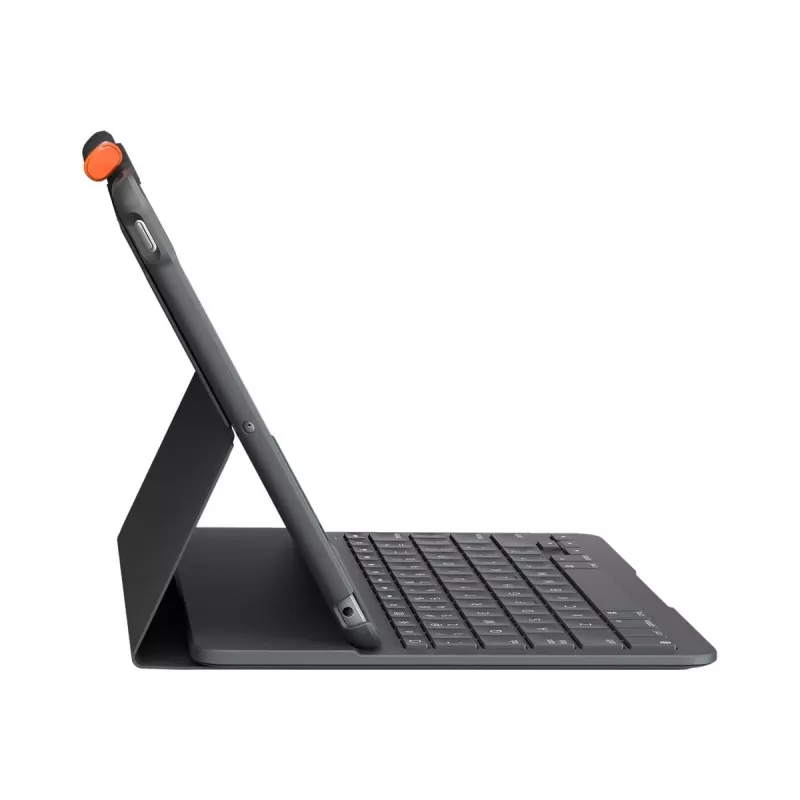
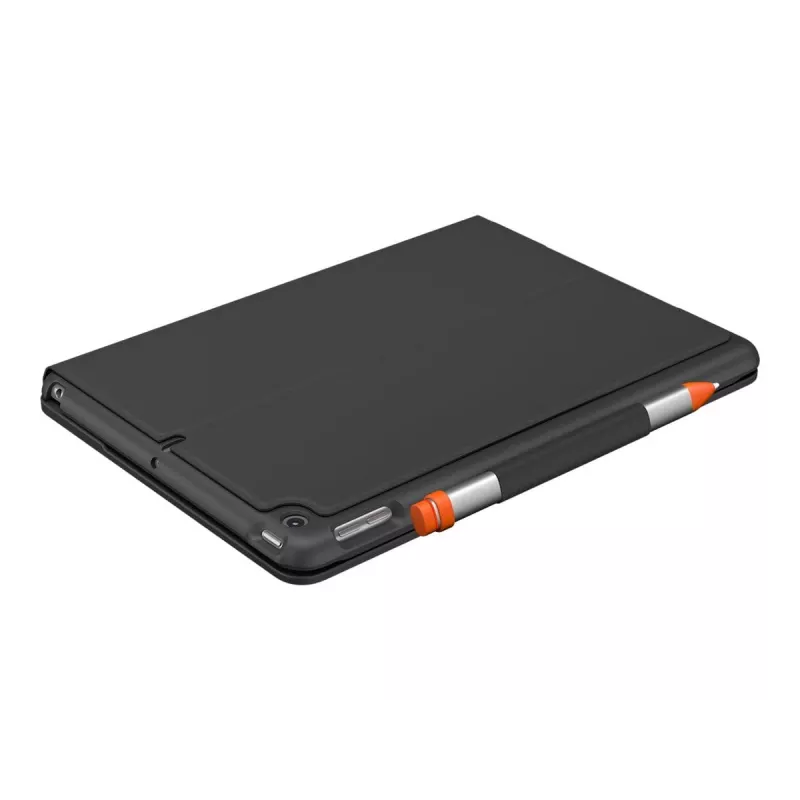
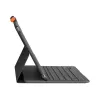
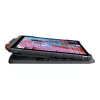
The Logitech Slim Folio is a slim protective case with an integrated full-size Bluetooth keyboard, designed for iPad (10th generation) with a QWERTZ Swiss layout. It combines a lightweight, form‑fit cover and a redesigned edge‑to‑edge keyboard to provide comfortable typing, two locked viewing angles, a built‑in holder for Logitech Crayon or Apple Pencil, and automatic wake/sleep via the smart cover.

Advantages

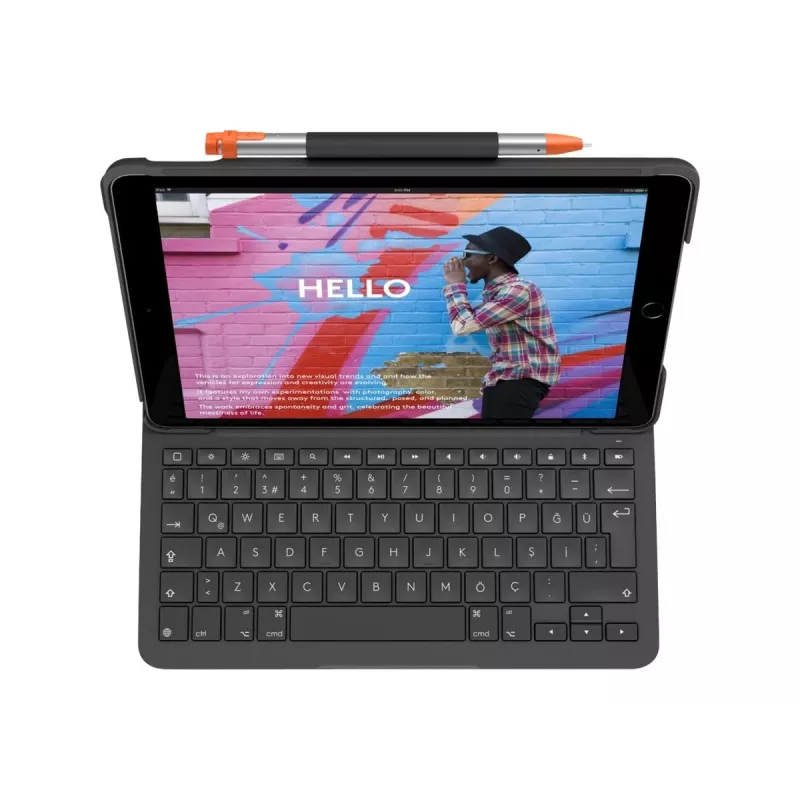
The Slim Folio provides a premium typing experience with well‑spaced keys and optimized key travel for fast, accurate input. A full row of iPadOS shortcut keys gives one‑tap access to media, brightness, on‑screen keyboard, search, playback and volume controls, screen lock, Bluetooth pairing, and battery check. The molded case protects the front, back, and corners from scrapes and bumps while remaining lightweight and portable.

Suitable for

  • Typing documents and emails on iPad (10th gen)
  • Note taking, sketching, and annotating with Logitech Crayon or Apple Pencil
  • Media viewing and video calls at a low viewing angle
  • Working remotely in cafés, classrooms, or at home

Key specifications

  • Compatibility: iPad (10th generation) — QWERTZ Swiss keyboard layout
  • Connection: Bluetooth Low Energy (wireless)
  • Keyboard type: Full‑size edge‑to‑edge keyboard with 1.8 cm key pitch
  • Viewing angles: Two locked angles — approximately 58° (typing) and 10° (viewing)
  • Built‑in holder: Storage for Logitech Crayon or Apple Pencil
  • Battery life: Up to 3 years (keyboard)
  • Color: Grey

How to use

Place your iPad into the form‑fit case, then open the smart cover to wake the iPad and power on the keyboard. Pair the keyboard once via Bluetooth LE following on‑screen instructions; the keyboard will reconnect automatically when you open into Type Mode. Use the full row of iPadOS shortcut keys for quick access to brightness, media, on‑screen keyboard, search, playback, volume, screen lock, pairing, and battery status. Store your Logitech Crayon or Apple Pencil in the built‑in holder when not in use.

Recommendations

For the best typing experience, use the 58° Type Mode on a stable surface and keep the keyboard charged per the manufacturer’s guidelines. Close the smart cover when transporting to protect the iPad and conserve keyboard battery life.
Key Highlights
  • Typing documents and emails on iPad (10th gen)
  • Note taking, sketching, and annotating with Logitech Crayon or Apple Pencil
  • Media viewing and video calls at a low viewing angle
  • Working remotely in cafés, classrooms, or at home
  • Compatibility: iPad (10th generation) — QWERTZ Swiss keyboard layout
  • Connection: Bluetooth Low Energy (wireless)
  • Keyboard type: Full‑size edge‑to‑edge keyboard with 1.8 cm key pitch
  • Viewing angles: Two locked angles — approximately 58° (typing) and 10° (viewing)
  • Built‑in holder: Storage for Logitech Crayon or Apple Pencil
  • Battery life: Up to 3 years (keyboard)
  • Color: Grey
Specifications
Backlight
No
Battery lifetime
3 year(s)
Bluetooth Low Energy (BLE)
Yes
Brand compatibility
Apple
Colour name
Oxford Grey
Compatibility
iPad (10th gen) Model: A2696, A2757, A2777
Connectivity technology
Wireless
Cover
Yes
Depth
20 mm
Device interface
Bluetooth
Height
253 mm
Hot keys
Yes
Key pitch
18 mm
Key travel distance
1 mm
Keyboard language
Swiss
Keyboard layout
QWERTZ
Mobile operating systems supported
iPadOS
Multimedia keys
Yes
Number of batteries supported
2
Numeric keypad
No
Packaging content
Slim Folio Keyboard Case Documentation
Pen holder
Yes
Pointing device
No
Power source
Battery
Product colour
Grey
Protection features
Scratch resistant, Bump resistant
Weight
0.449 kg
Width
186.7 mm
Price history over the last 6 months
Logitech Slim Folio Grey Bluetooth QWERTZ Swiss Keyboard for iPad
Current
R2,402
Lowest
R2,333
Highest
R2,483
Change 24H
+R48   +2%
Week
+R70   +3%
Month
+R23   +1%

Popular products in this category

WhatsApp
Hi, I’m DistriNode’s AI assistant. I can help you find products, compare options, create quote PDFs, or open support requests.