Account Contact
Your Cart
Pay the courier with no extra fees.
Need help? DistriNode AI can handle any task on our site.

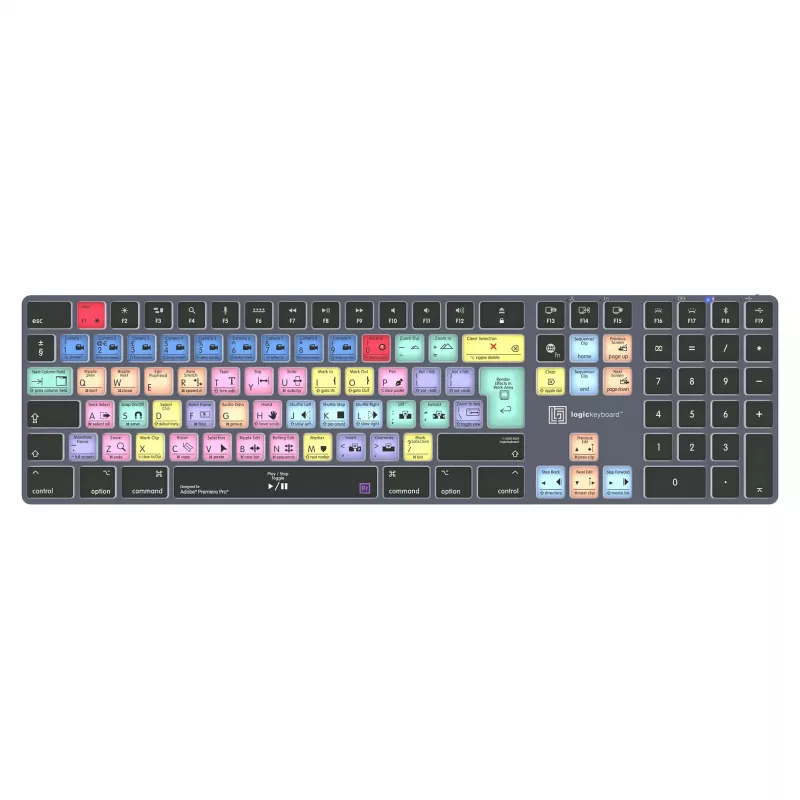
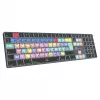
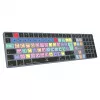
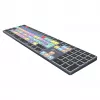
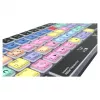
LogicKeyboard Titan DE Mac keyboard for Adobe Premiere Pro CC — German layout

LogicKeyboard Titan DE Mac keyboard for Adobe Premiere Pro CC — German layout
R2,754
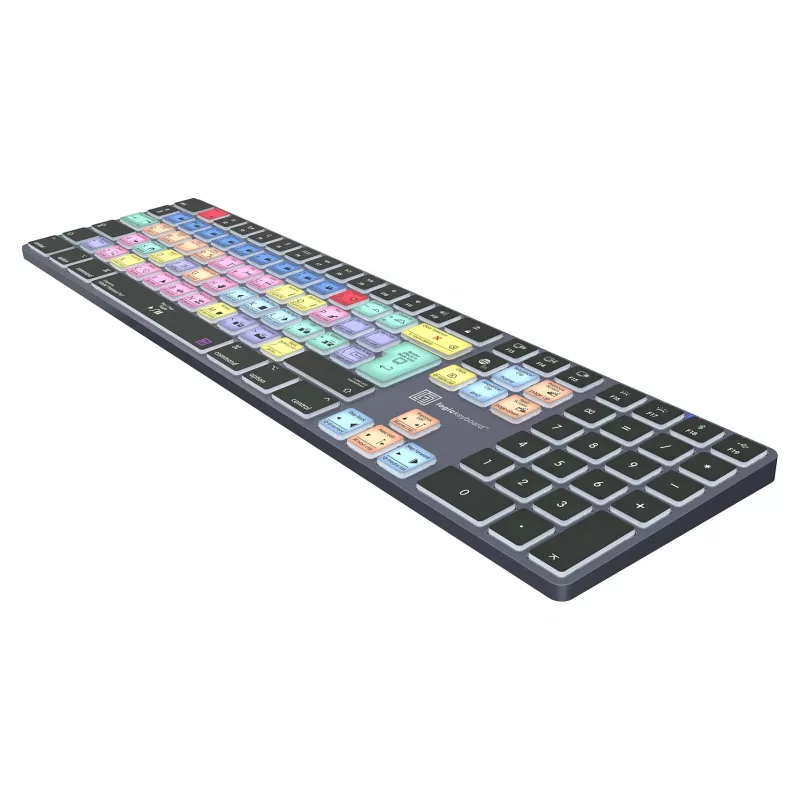
The LogicKeyboard Titan DE Mac keyboard for Adobe Premiere Pro CC is a professional input device with a German layout designed specifically for macOS users who work in video editing. Keys are labeled with Premiere Pro CC functions and shortcuts, allowing precise control over editing operations such ... Read More
Stock 2 Code 1509011 Brand LOGICKEYBOARD Model VZ-2320300 Warranty 2 Years

Shipping & Returns

Estimated delivery Thursday, October 1
You will be kept updated through our detailed tracking system
Payment options
EFTPayFastBank CardSnapScanZapperGoogle PayApple PayMobicredMoreTymePay on Arrival

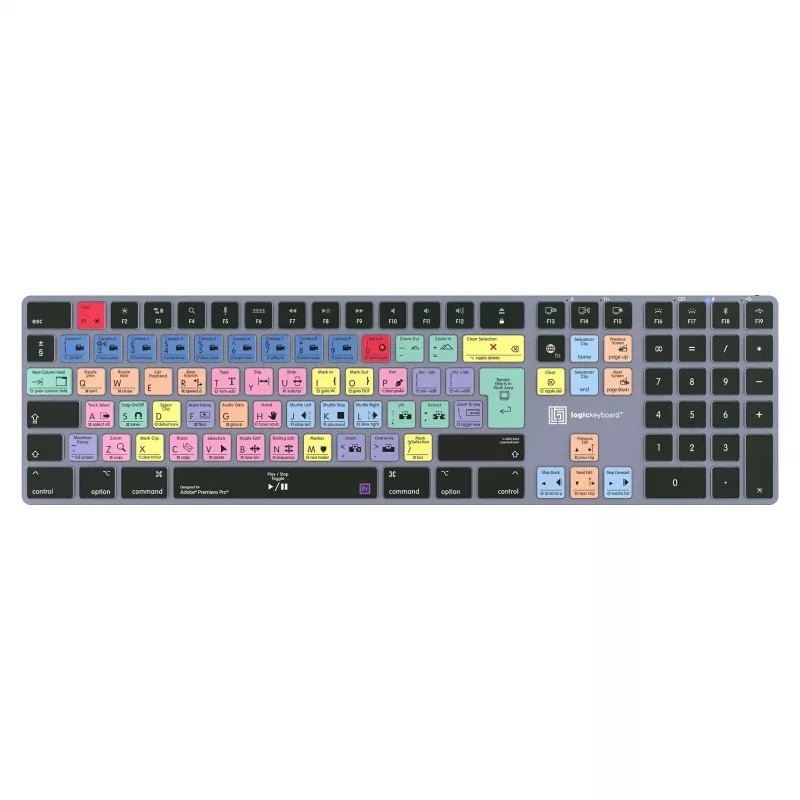
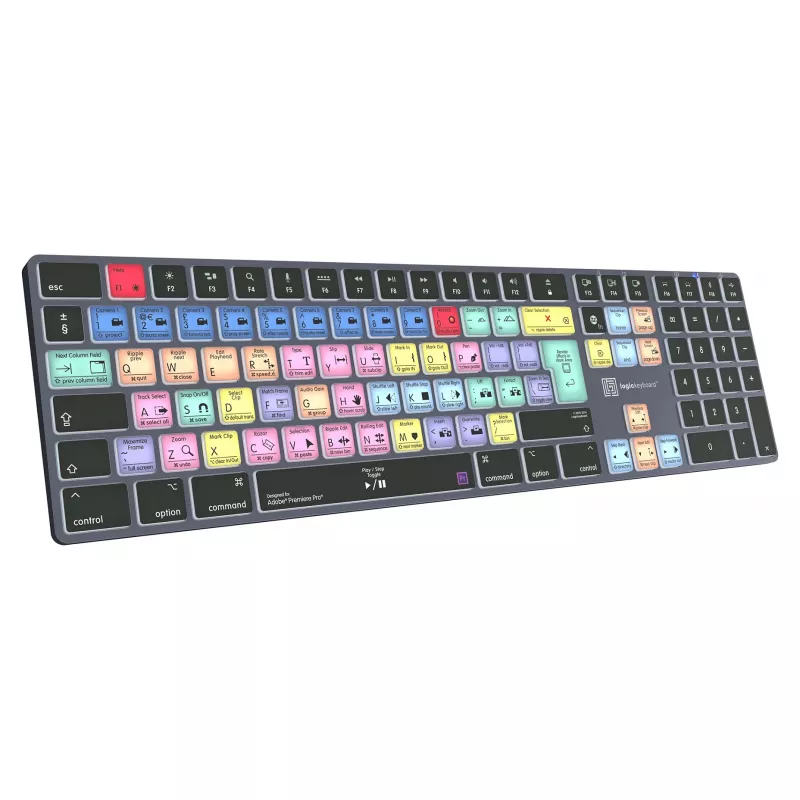
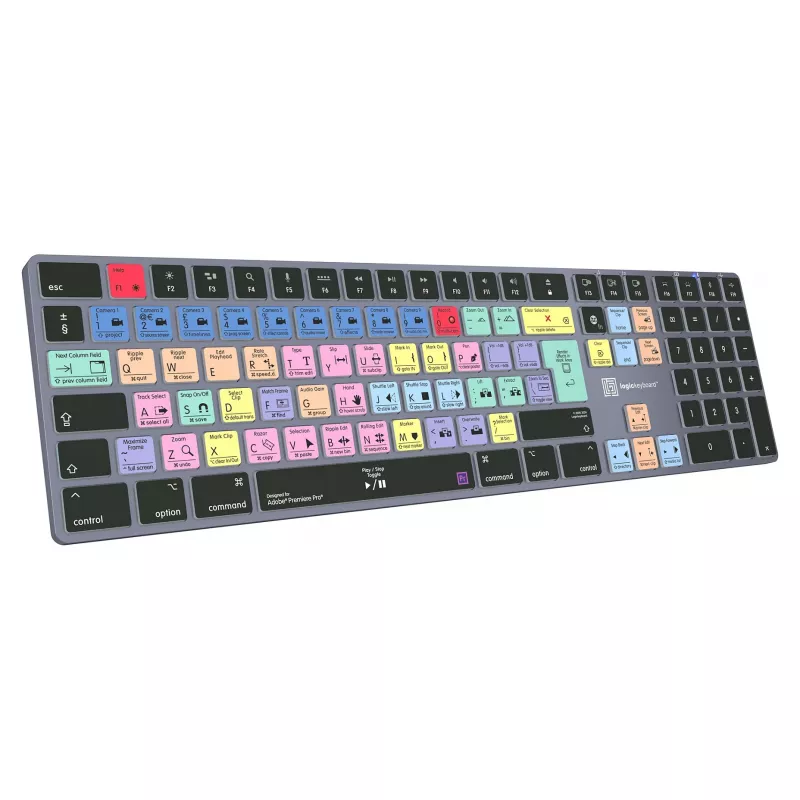
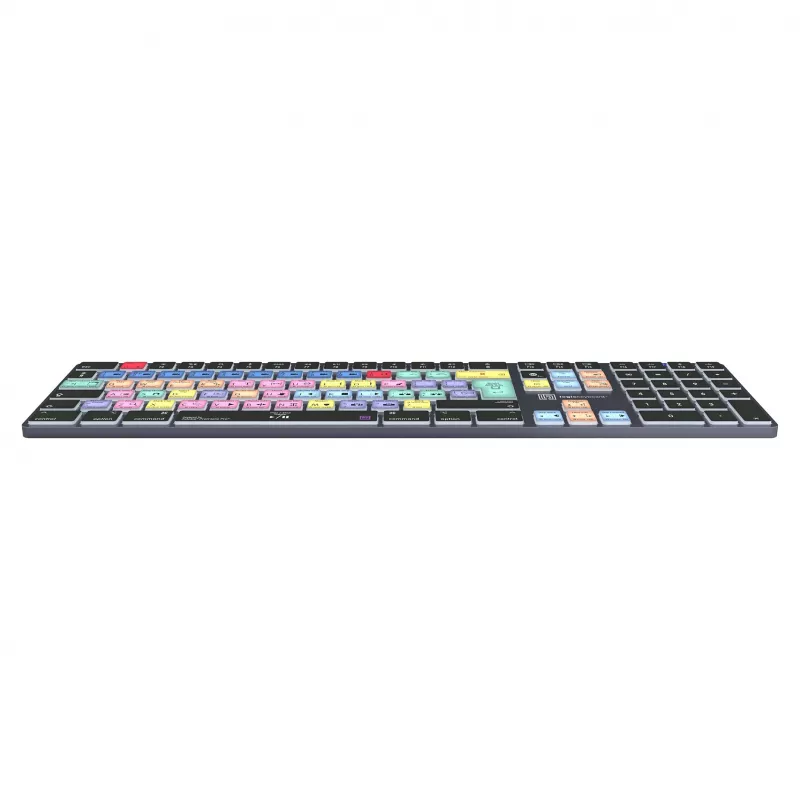
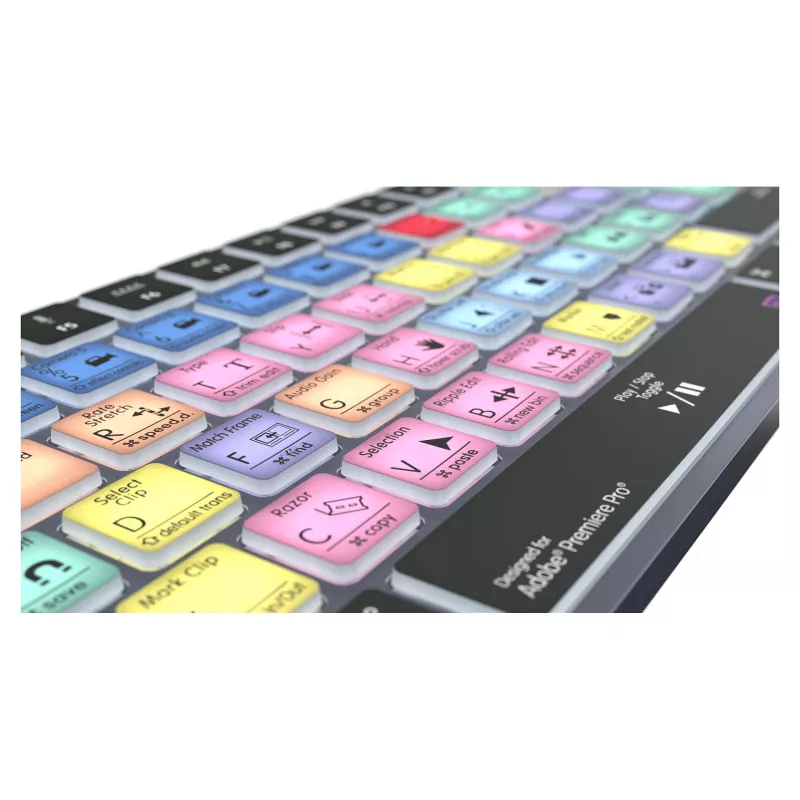
The LogicKeyboard Titan DE Mac keyboard for Adobe Premiere Pro CC is a professional input device with a German layout designed specifically for macOS users who work in video editing. Keys are labeled with Premiere Pro CC functions and shortcuts, allowing precise control over editing operations such as timeline navigation, trimming, ripple edits and playback. The hardware layout retains standard Mac modifier keys while adding visual cues for application-specific commands to reduce the need to memorize complex shortcut combinations.

Advantages

The keyboard combines a full-sized Mac-compatible layout with clearly printed Premiere Pro CC shortcuts, improving speed and reducing errors during repetitive editing tasks. Durable key legends and a robust frame ensure long-term readability and reliability in a studio environment. The dedicated shortcut markings help maintain focus by minimizing on-screen menu searches and support faster workflow transitions between editing, color correction and audio adjustment tasks.

Suitable for

  • Professional and hobby video editors using Adobe Premiere Pro CC on Mac
  • Editing suites and post-production workstations seeking standardized controls
  • Users who prefer a German (DE) keyboard layout for macOS

Key specifications

  • Layout: German (DE) QWERTZ adapted for Mac systems
  • Compatibility: Designed for use with Adobe Premiere Pro CC on macOS
  • Physical build: Full-size keyboard with standard Mac modifier keys and numeric keypad
  • Key labeling: Application-specific legends showing Premiere Pro CC shortcuts and functions
  • Connection: USB connectivity suitable for desktop and studio workstations

How to use

Connect the keyboard to a Mac using the USB port and launch Adobe Premiere Pro CC. The printed legends correspond to on-screen functions and shortcuts; use the labeled keys to perform editing actions such as cutting, ripple delete, moving playhead, and adjusting in/out points. Standard Mac modifier keys (Command, Option, Control) work in combination with the labeled keys to access extended shortcuts. No additional software is required for basic shortcut recognition, though user customization of shortcuts is performed within Premiere Pro CC preferences if needed.

Recommendations

Place the keyboard on a stable surface at a comfortable typing height to reduce strain during long editing sessions. Keep the key surfaces clean and avoid liquid spills. For teams, maintain consistent keyboard layouts across workstations to streamline collaboration and reduce retraining time.

Key Highlights
  • Professional and hobby video editors using Adobe Premiere Pro CC on Mac
  • Editing suites and post-production workstations seeking standardized controls
  • Users who prefer a German (DE) keyboard layout for macOS
  • Layout: German (DE) QWERTZ adapted for Mac systems
  • Compatibility: Designed for use with Adobe Premiere Pro CC on macOS
  • Physical build: Full-size keyboard with standard Mac modifier keys and numeric keypad
  • Key labeling: Application-specific legends showing Premiere Pro CC shortcuts and functions
  • Connection: USB connectivity suitable for desktop and studio workstations
Price history over the last 6 months
LogicKeyboard Titan DE Mac keyboard for Adobe Premiere Pro CC — German layout
Current
R2,754
Lowest
R2,706
Highest
R3,283
Change 24H
+R16   +1%
Week
+R42   +2%
Month
+R37   +1%

Popular products in this category

WhatsApp
Hi, I’m DistriNode’s AI assistant. I can help you find products, compare options, create quote PDFs, or open support requests.