Account Contact
Your Cart
Pay the courier with no extra fees.
Need help? DistriNode AI can handle any task on our site.

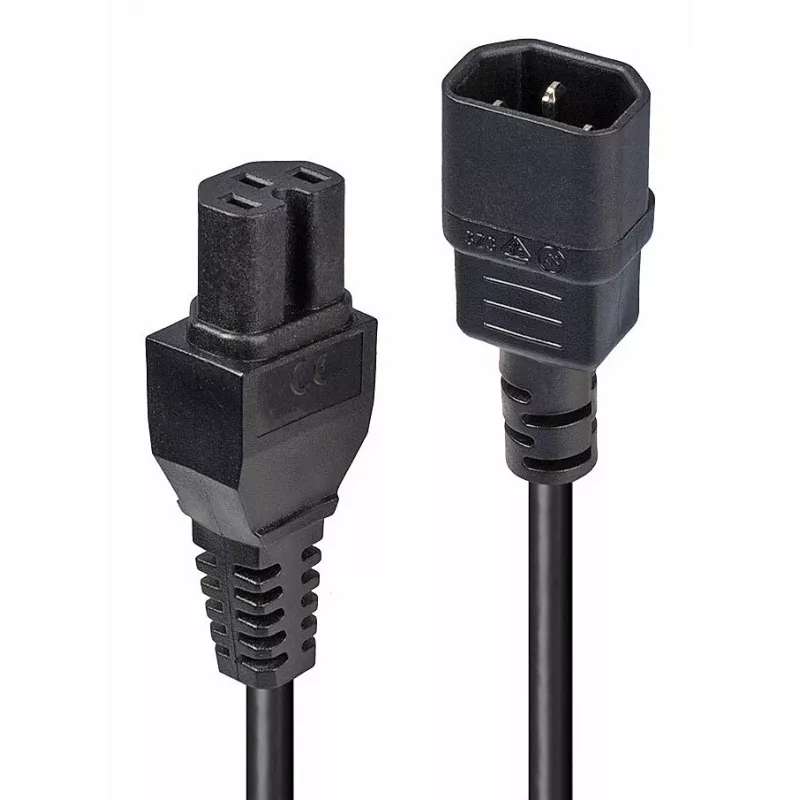
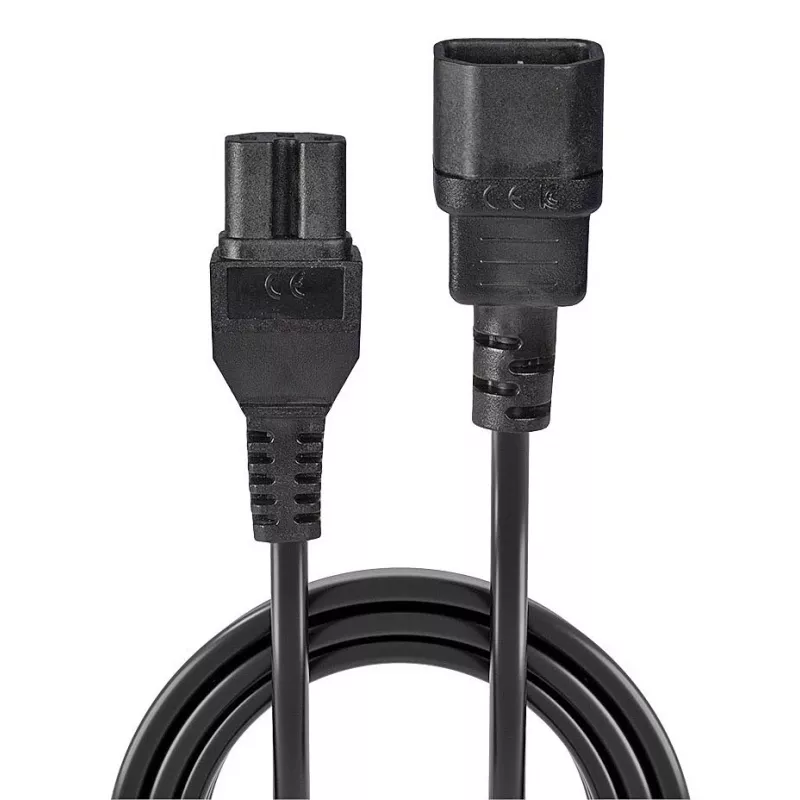
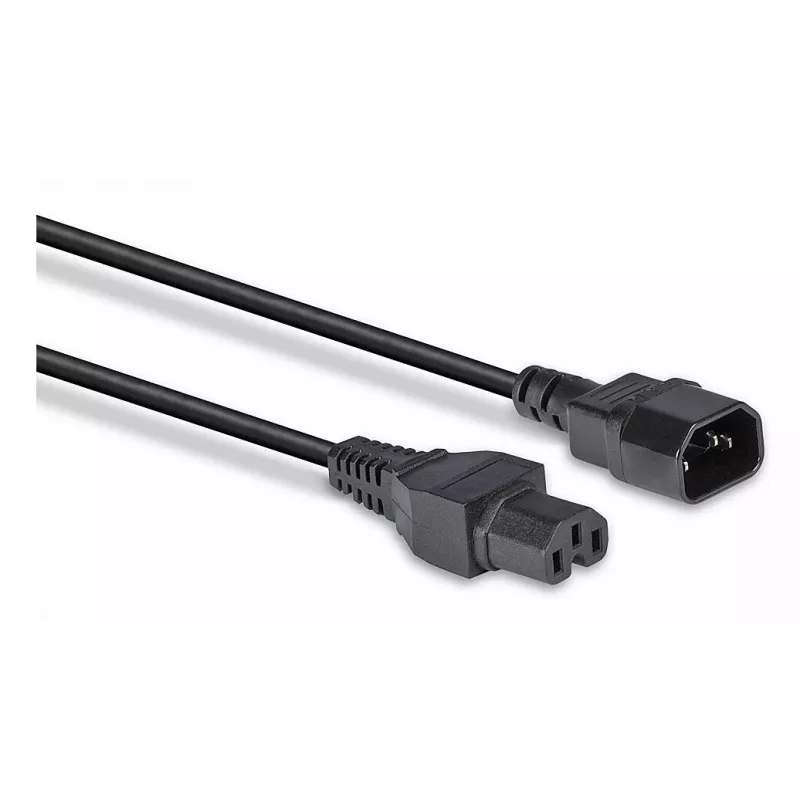
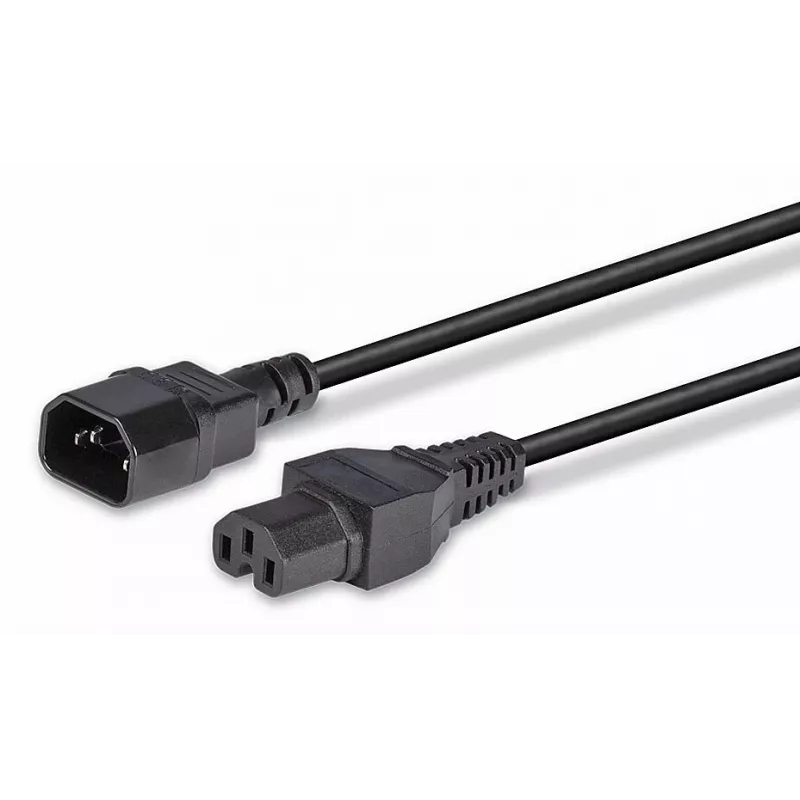
Lindy 2m IEC C14 to IEC C15 'Hot Condition' Power Cable, Black

Lindy 2m IEC C14 to IEC C15 'Hot Condition' Power Cable, Black
60 mo.
Lindy 2m IEC C14 to IEC C15 'Hot Condition' Power Cable, Black
R202
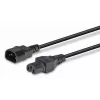
The Lindy Hot Conditioned IEC extension cable is designed for connecting a monitor or PC to an uninterruptible power supply (UPS). It features a C15 connector rated for 120° Celsius, commonly known as a kettle lead, providing a reliable connection for devices that require higher temperature toleranc... Read More
Stock 3 Code 124775 Brand LINDY Model 30314 Warranty 5 Years

Shipping & Returns

Estimated delivery Friday, October 2
You will be kept updated through our detailed tracking system
Payment options
EFTPayFastBank CardSnapScanZapperGoogle PayApple PayMobicredMoreTymePay on Arrival

The Lindy Hot Conditioned IEC extension cable is designed for connecting a monitor or PC to an uninterruptible power supply (UPS). It features a C15 connector rated for 120° Celsius, commonly known as a kettle lead, providing a reliable connection for devices that require higher temperature tolerance.

Advantages

This IEC extension cable offers compatibility with UPS systems and devices using C15 inlets. The 120° C rating of the C15 connector ensures safe operation with equipment that generates higher temperatures. The cable simplifies connecting and extending power connections between a computer or display and a UPS.

Key specifications

  • Brand: Lindy
  • Connector type: IEC C15
  • Temperature rating: 120° C
  • Use case: Connecting monitor or PC to UPS

How to use

Insert the C15 connector into the corresponding C15 inlet on the UPS or device, and connect the other end to the monitor or PC power inlet. Ensure connectors are fully seated and avoid routing the cable near heat sources or sharp edges. Check compatibility of the device inlet before use.

Recommendations

Use the cable only with equipment that accepts an IEC C15 connector and is compatible with the 120° C rating. Inspect the cable periodically for damage and replace if insulation or connectors are worn.
Key Highlights
  • Can be used as a power extension cable for a computer / monitor to be connected to a UPS
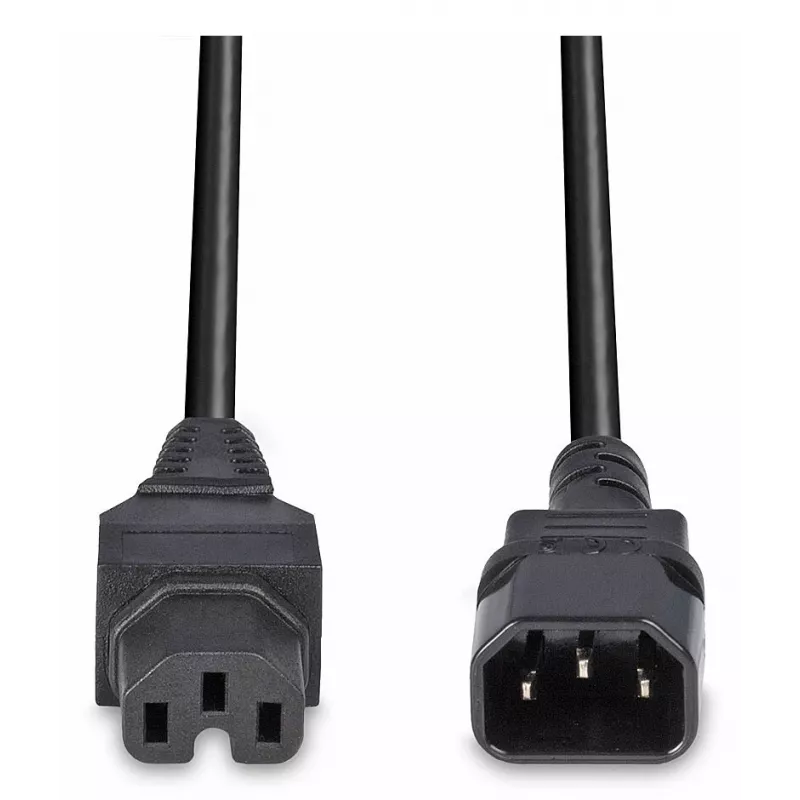
  • IEC C14 to IEC C15
  • Fully moulded connectors
  • VDE approved
  • 2 m
  • C14 coupler Straight Male
  • C15 coupler Straight Female
  • H05VV-F3G 1 mm²
  • Black
  • 1 pc(s)
Specifications
Cable length
2 m
Cable type
H05VV-F3G
Compatibility
RoHS, REACH
Compliance certificates
CE, REACH, RoHS
Conductor cross section
1 mm²
Conductor material
Copper
Connector 1
C14 coupler
Connector 1 form factor
Straight
Connector 1 gender
Male
Connector 2
C15 coupler
Connector 2 form factor
Straight
Connector 2 gender
Female
Connector contacts plating
Nickel
Export Control Classification Number (ECCN)
EAR99
Harmonized System (HS) code
84733080
Input current
10 A
Input voltage
250 V
Jacket material
Polyvinyl chloride (PVC)
Number of cable cores
3
Number of conductors
3
Operating temperature (T-T)
-10 - 60 °C
Package type
Polybag
Product colour
Black
Quantity per pack
1 pc(s)
Storage temperature (T-T)
-20 - 70 °C

Document

Open Document

Leaflet

Open Leaflet
Price history over the last 6 months
Lindy 2m IEC C14 to IEC C15 'Hot Condition' Power Cable, Black
Current
R202
Lowest
R168
Highest
R221
Change 24H
+R28   +16%
Week
+R30   +17%
Month
+R33   +20%

Popular products in this category

WhatsApp
Hi, I’m DistriNode’s AI assistant. I can help you find products, compare options, create quote PDFs, or open support requests.