
Account Contact
Your Cart
Pay on delivery – no extra fees
Need help? Ask our AI

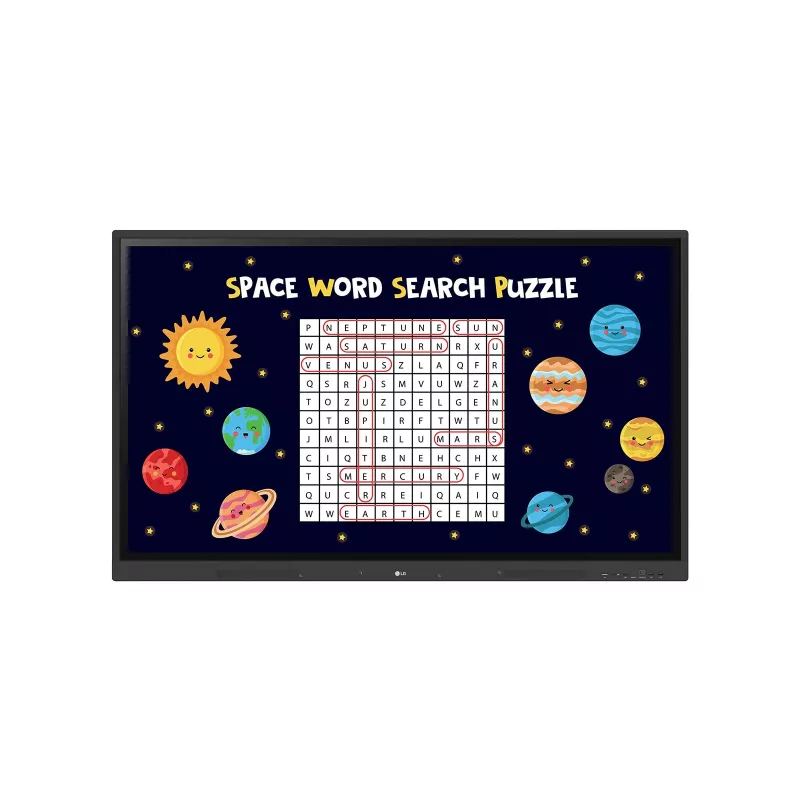
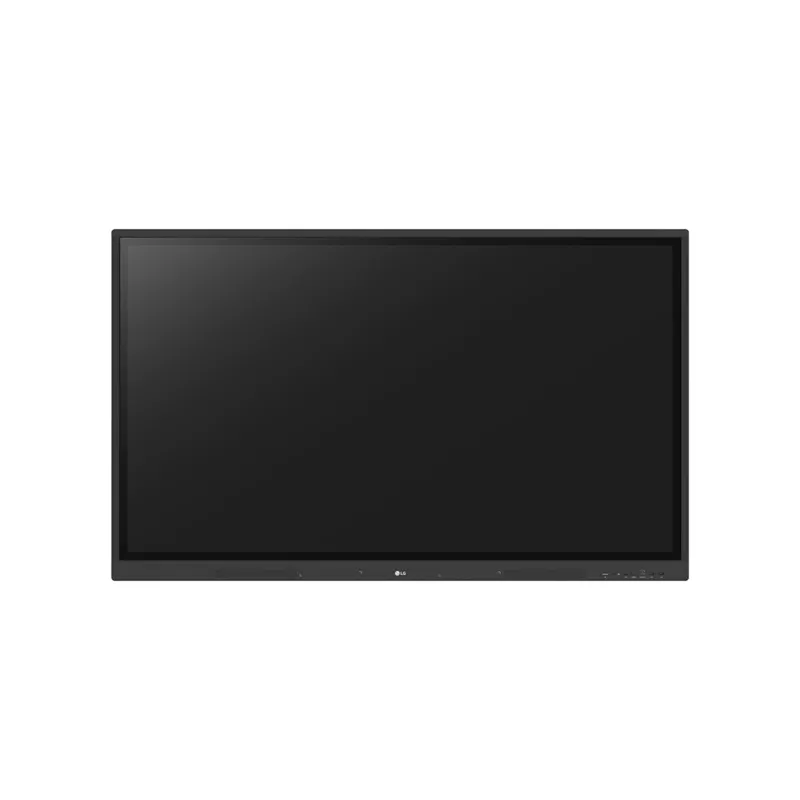
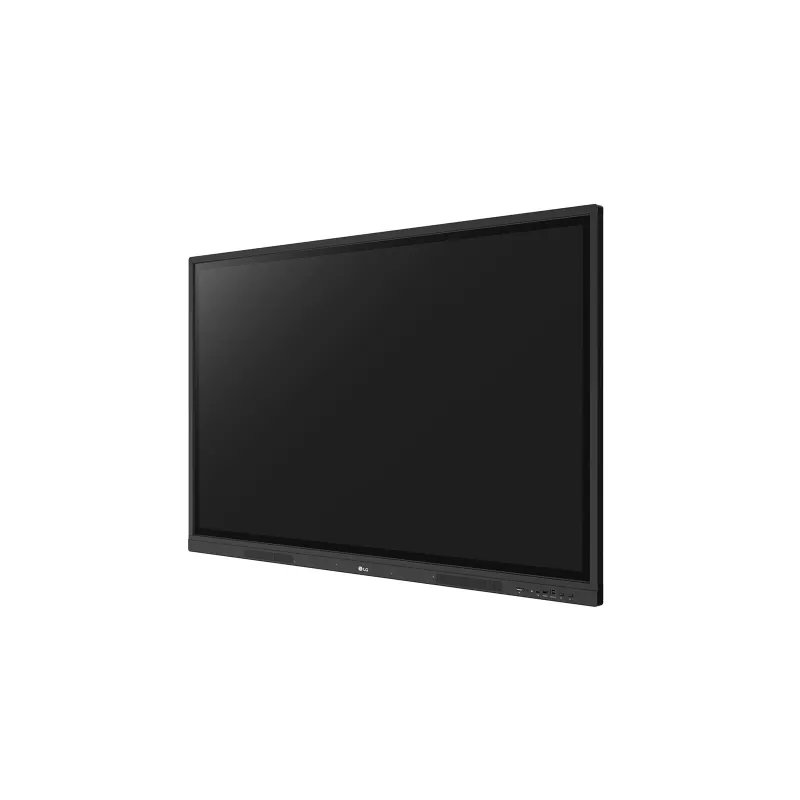
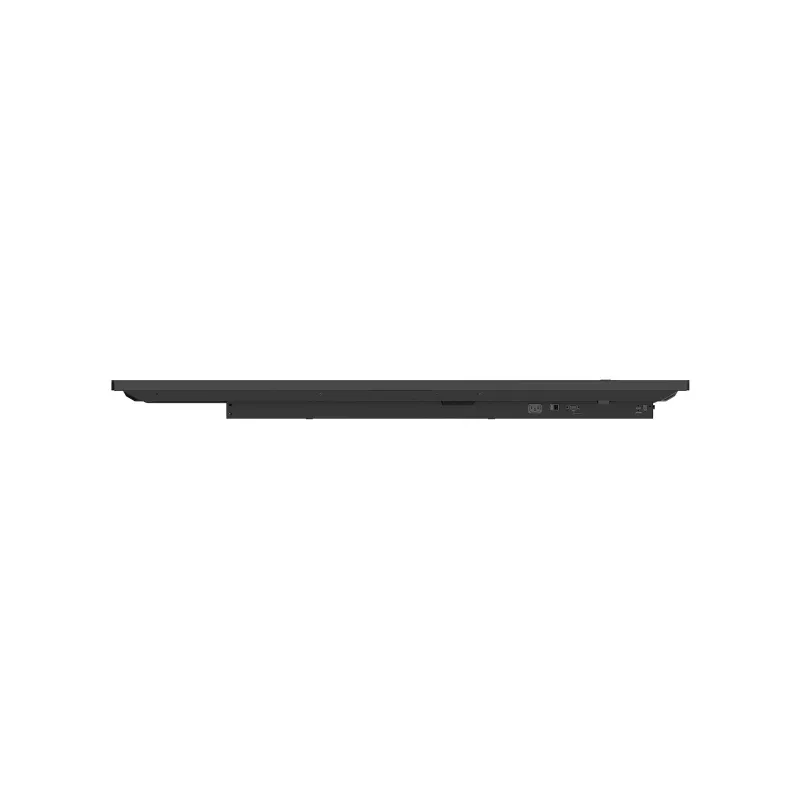
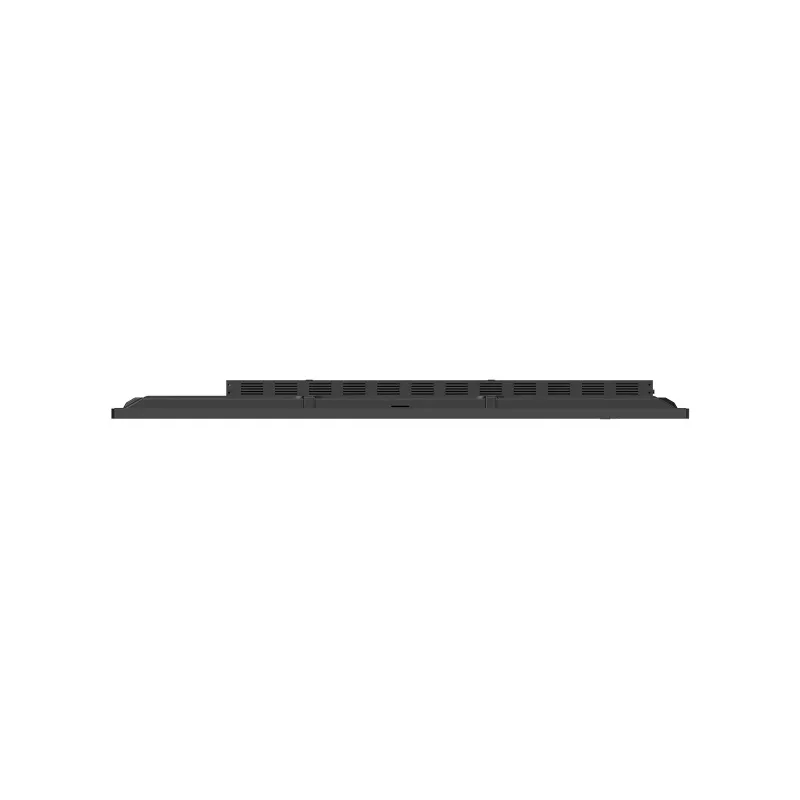
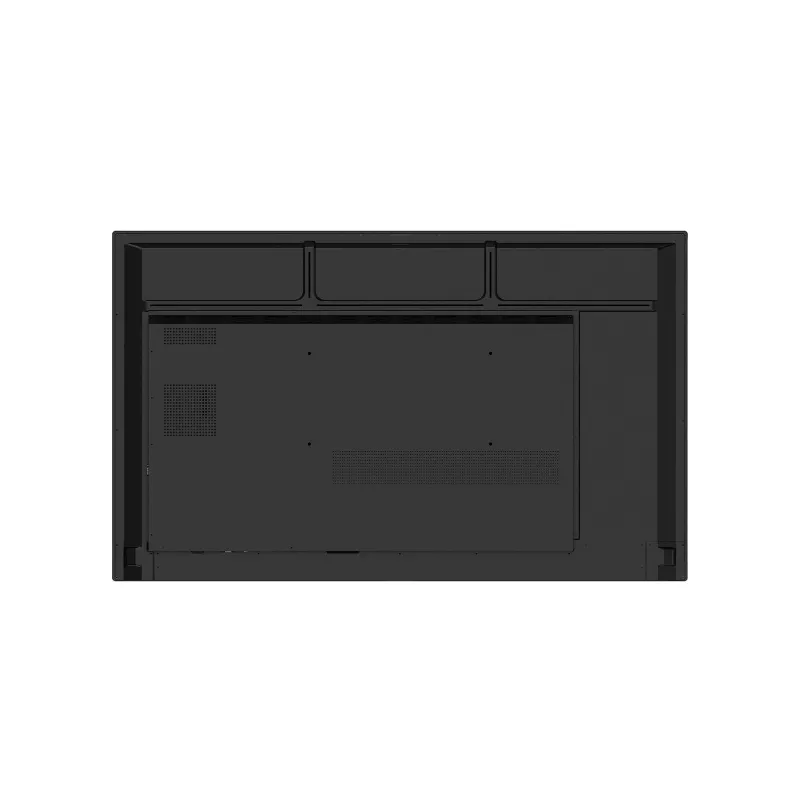
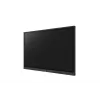
LG 65” IPS UHD Multi Touch CreateBoard™ with Android 11 OS, Wireless & Bluetooth, Built-in whiteboarding software

LG 65” IPS UHD Multi Touch CreateBoard™ with Android 11 OS, Wireless & Bluetooth, Built-in whiteboarding software
R16,383
A New Level of Classroom with LG CreateBoard™Ready to Create?LG CreateBoard™ Lab offers a variety of educational templates and teaching tools such as a ruler, table, and sticky notes, allowing for active engagement by students and enabling intuitive classes. Editing images and videos becomes easy wi... Read More
Stock Out Of StockNo Stock Code 1173162 Brand LG Model 65TR3DK-B.AEUQ Warranty 2 Years
CategoryInteractive Whiteboards

Shipping & Returns

A New Level of Classroom with LG CreateBoard™

Ready to Create?
LG CreateBoard™ Lab offers a variety of educational templates and teaching tools such as a ruler, table, and sticky notes, allowing for active engagement by students and enabling intuitive classes. Editing images and videos becomes easy with LG CreateBoard, and created resources can be easily shared with others through connected cloud devices.

Multi-touch
LG CreateBoard™ can simultaneously detect up to 40 points for multi-touch functionality. This creates a lifelike board touch experience, helping students easily become accustomed and truly engage in classes.

Wireless ScreenShare
LG CreateBoard™ Share enables users to show up to 9 shared screens or a file on a screen in real-time when the LG CreateBoard™ Share app is installed on the device. Files from the host can be easily sent to any devices connected to the LG CreateBoard™ Share app.

Ready to Manage with LG ConnectedCare DMS
LG ConnectedCare DMS is a cloud solution for remotely monitoring, controlling, and managing the status of LG CreateBoard installed in educational environments. This feature enables IT managers to operate and manage important resources on operating devices without physically visiting sites.

Remote-control & Scheduling
Frequently used controls such as the power on/off, scheduling, brightness, and screen lock functions can be applied using a remote control. Content including images, videos, audio messages, or live streaming can be remotely shared with connected device

Broadcasting
Broadcast messages like annoucements, event updates & bus schedules can be sent to the CreateBoard. When the message is sent out to the device, LG CreateBoard interrupts the current display and shares the message.

Wireless Bluetooth Connectivity & Built-in Speakers
LG CreateBoard supports wireless Bluetooth connections to various devices such as a speaker, mouse, keyboard, etc. The CreateBoard has built-in forward facing speakers that provide exceptioanl sound throughout a classroom.

Easily Connect with USB-Type C™
USB-C connectivity simplifies connections which enables charging and sending data simultaneously over just one single cable.

Built-in OPS Slot
LG CreateBoard™ supports OPS slots, allowing you to easily and conveniently mount OPS desktop at the back of the LG CreateBoard™ without the hassle of connecting to an external desktop, offering you more expanded functions.

Smart Viewing
The Smart Viewing feature of LG CreateBoard™ enables efficient teaching. Two or more materials can be displayed on the same screen simultaneously without having to repeat Alt-tab, making teaching more convenient and efficient. Two materials can be displayed side by side (multi window mode), or one material can be overlaid on the other one (picture-in-picture mode).

QR Login for
Easy Cloud Access

The QR code on the home screen reduces preparation time for class by enabling personal device verification. Users can sign up for a variety of apps on the LG CreateBoard™ including Google Drive and OneDrive with just one QR verification without any additional login process. Once a lesson is finished, users can simply click the Logout button to disconnect.

Front Connectivity Design
LG CreateBoard™ features front display ports and speakers which are ideal for both teachers and students, enabling content to be delivered.

Secure Function

Screen Lock
Teachers can lock the screen using the Screen Lock function, and unlock it by entering a password. Users can set the Screen Lock in the Settings menu to protect the device from unidentified users.

Secure Mode
LG CreateBoard supports Secure Mode that disables the LG CreateBoard Share function to prevent unauthorized content from being shown on various devices.

USB Lock Mode
USB Lock Mode is a security measure that helps prevent data from being copied to unauthorized devices, which is essential when being used in spaces where security is critical.

Auto-remove Files
Users can set LG CreateBoard to delete files regularly for enhanced security.

How to use

Mount the CreateBoard using a compatible VESA mount or place it on a suitable stand. Connect power and network (Wi‑Fi or wired) and register devices with the LG CreateBoard Share app for wireless ScreenShare. Use the built-in whiteboarding and teaching templates to create lessons; edit images or videos directly on the screen using touch. For cloud access, scan the QR code on the home screen to sign in to services such as Google Drive or OneDrive. Admins can enroll devices in LG ConnectedCare DMS to enable remote monitoring, scheduling and broadcasting.

Recommendations

For reliable daily use in educational settings, keep firmware and apps updated, enable Secure Mode and USB Lock Mode where needed, and schedule regular file auto-remove cycles. Use the OPS slot for additional computing power if local apps or legacy software are required.

Key Highlights
  • Interactive classroom lessons and group learning
  • Presentations and collaborative workshops
  • Remote management and digital signage in schools
  • Whiteboarding, multimedia editing and file sharing
  • Display diagonal: 65" (IPS)
  • Resolution: 3840 x 2160 (4K Ultra HD)
  • Brightness: 390 cd/m²
  • Multi-touch: up to 40 points
  • Operating system: Android 11
  • Processor: ARM Cortex-A55
  • Internal memory: 32 GB
  • Connectivity: Wi‑Fi 6, Bluetooth, USB-C, multiple USB ports
  • Built-in speakers: yes
  • OPS slot: supported
  • Weight: 35 kg
  • Color: Black
Specifications
AC input frequency
50 - 60 Hz
AC input voltage
100 - 240 V
Bluetooth
Yes
Bluetooth version
5.0
Built-in processor
Yes
Built-in projector
No
Built-in speaker(s)
Yes
Colour gamut
72%
Contrast ratio (dynamic)
50000:1
Contrast ratio (typical)
1200:1
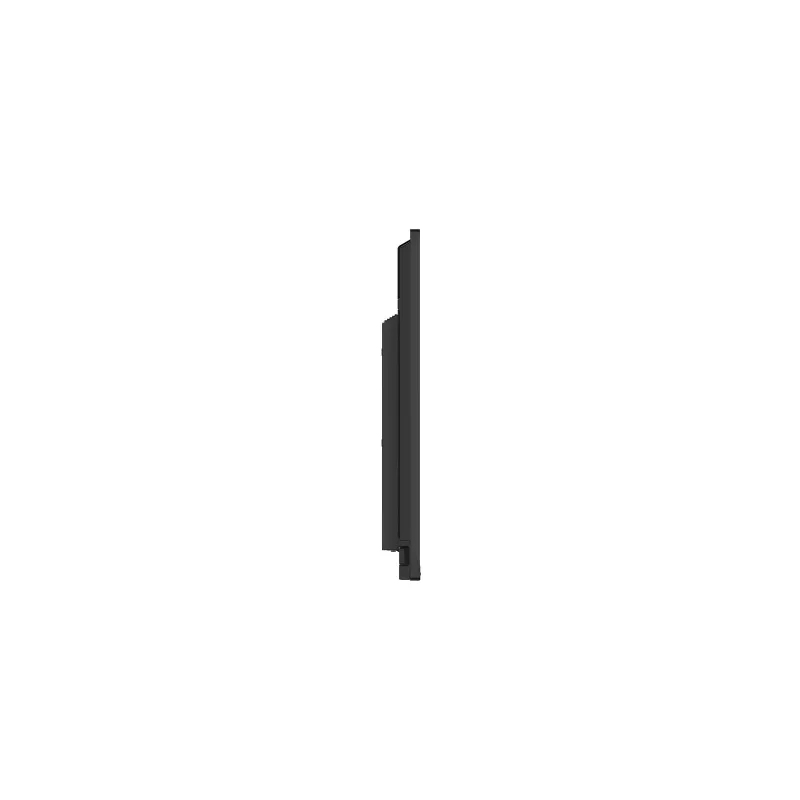
Depth
88 mm
Display brightness
390 cd/m²
Display diagonal
165.1 cm (65")
Display resolution
3840 x 2160 pixels
Ethernet LAN
Yes
Ethernet LAN (RJ-45) ports
2
Ethernet LAN data rates
10,100,1000 Mbit/s
Graphics card
Mali-G52 MP2
HD type
4K Ultra HD
HDCP
Yes
HDCP version
2.2
HDMI output ports quantity
1
HDMI ports quantity
4
Height
897 mm
Line-in
Yes
Line-out
Yes
Maximum internal memory
32 GB
Maximum refresh rate
60 Hz
Native aspect ratio
16:9
Number of built-in speakers
2
Number of simultaneous touchpoints
40
Operating relative humidity (H-H)
10 - 90%
Operating system installed
Android
Operating system version
11
Operating temperature (T-T)
0 - 40 °C
OPS slot
1
Package depth
208 mm
Package height
1005 mm
Package weight
44.7 kg
Package width
1628 mm
Panel mounting interface
600 x 400 mm
Panel type
IPS
Power consumption (max)
420 W
Power consumption (standby)
0.5 W
Power consumption (typical)
220 W
Processor architecture
ARM Cortex-A55
Processor cores
4
Product colour
Black
Quantity per pack
1 pc(s)
RAM capacity
4 GB
Response time
8 ms
RS-232 ports
1
S/PDIF out port
Yes
Speaker power
15 W
Sustainability certificates
ENERGY STAR
Sustainability compliance
Yes
Top Wi-Fi standard
Wi-Fi 6 (802.11ax)
Touch technology
Multi-touch
Touchscreen
Yes
Touchscreen type
Infrared
USB 2.0 ports quantity
1
USB 2.0 Type-B Touch ports quantity
2
USB 3.2 Gen 1 (3.1 Gen 1) Type-A hub ports quantity
4
USB 3.2 Gen 1 (3.1 Gen 1) Type-A ports quantity
1
USB connector type
USB Type-A, USB Type-B, USB Type-C
USB Power Delivery (USB PD)
Yes
USB Type-C ports quantity
1
VESA mounting
Yes
VGA (D-Sub) ports quantity
1
Viewing angle, horizontal
178°
Viewing angle, vertical
178°
Weight
35 kg
Wi-Fi
Yes
Wi-Fi standards
802.11a, 802.11b, 802.11g, Wi-Fi 4 (802.11n), Wi-Fi 5 (802.11ac), Wi-Fi 6 (802.11ax)
Width
1489 mm

Leaflet

Open Leaflet

Manual

Open Manual
Price history is not available yet
We are still collecting enough daily price data for this product.

Write a review

Rating *
Your name will be shown publicly – you can use a nickname. We invite buyers to write reviews; we check reviews before publishing and publish critical ones too.

More LG products in this category

Popular products in this category

WhatsApp
Messenger
Hi, I’m DistriNode’s AI assistant. I can help you find products, compare options, create quote PDFs, or open support requests.
All categories