Account Contact
Your Cart
Pay the courier with no extra fees.
Need help? DistriNode AI can handle any task on our site.

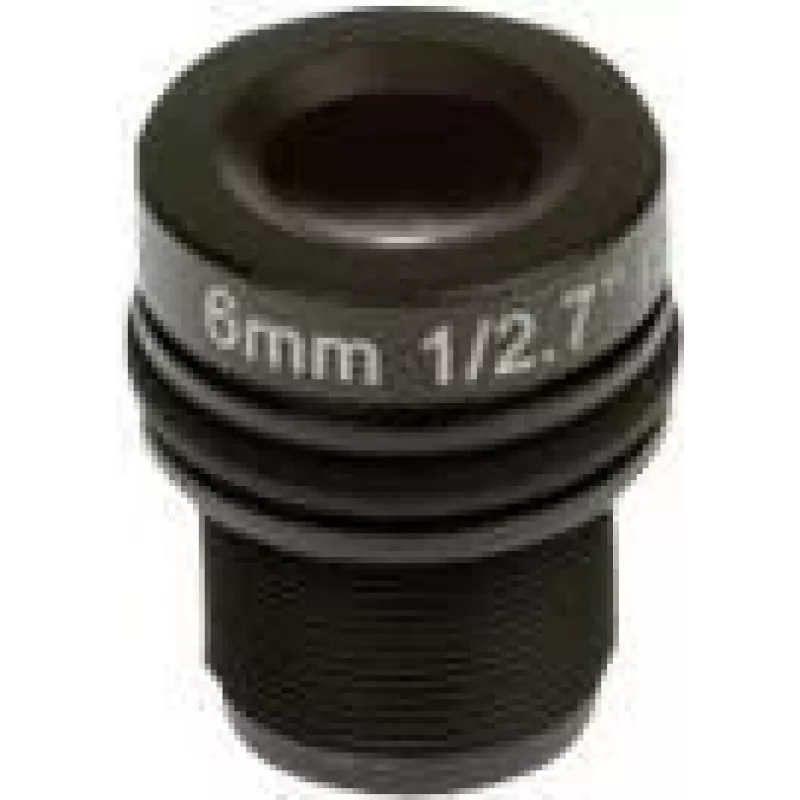
Lens accessory for AXIS security cameras — M12 mount 6 mm f/1.9 (pack of 4) — model 01960-001

Lens accessory for AXIS security cameras — M12 mount 6 mm f/1.9 (pack of 4) — model 01960-001
36 mo.
Lens accessory for AXIS security cameras — M12 mount 6 mm f/1.9 (pack of 4) — model 01960-001
R2,063
AXIS M12 6 mm f/1.9 accessory lens (pack of 4) is a set of four fixed focal-length lenses designed for compatible AXIS camera sensor modules. Each lens features a 6 mm focal length, a bright f/1.9 aperture and an M12 threaded mount with an integrated IR-cut filter. The pack is intended as a replacem... Read More
Stock 1 Code 2457456 Brand AXIS Model 01960-001 Warranty 3 Years

Shipping & Returns

Estimated delivery Wednesday, October 7
You will be kept updated through our detailed tracking system
Payment options
EFTPayFastBank CardSnapScanZapperGoogle PayApple PayMobicredMoreTymePay on Arrival

AXIS M12 6 mm f/1.9 accessory lens (pack of 4) is a set of four fixed focal-length lenses designed for compatible AXIS camera sensor modules. Each lens features a 6 mm focal length, a bright f/1.9 aperture and an M12 threaded mount with an integrated IR-cut filter. The pack is intended as a replacement or spare lens kit for compact surveillance modules used in indoor and small-area monitoring.

Advantages

The lenses offer a consistent fixed-angle view with a relatively wide aperture to improve low-light performance and depth of field control. M12 thread mounting allows straightforward installation on compatible AXIS sensor units. The built-in IR-cut filter provides correct colour reproduction in daylight conditions while supporting daytime/day-night functionality when used with cameras that switch IR illumination.

Suitable for

When it may not be suitable

These are fixed focal-length lenses with a 6 mm field of view; they are not suitable if variable zoom or very wide-angle coverage is required. They are designed for M12-thread camera modules and will not fit cameras that use other lens mounts or integrated, non-removable optics.

Key specifications

How to use

Before fitting, ensure the camera is powered down and clean the sensor and lens thread. Screw the M12 lens gently into the camera module until it seats, then secure and adjust focus if the module supports manual focus adjustment. Verify image framing and focus using the camera’s live view. If the camera has IR illumination or day/night switching, confirm correct operation after installation.

What to consider before purchase

Recommendations

For best results, install these M12 6 mm f/1.9 lenses on compatible AXIS sensor units used indoors or in controlled lighting. Clean contacts and threads before mounting and verify focus and IR/day-night behaviour with the camera’s live view to ensure correct image quality.
Key Highlights
  • Replacement or spare lenses for compatible AXIS sensor modules
  • Indoor surveillance in offices, retail spaces or small rooms
  • Compact CCTV installations and embedded camera modules
  • Focal length: 6 mm
  • Maximum aperture: f/1.9
  • Mount type: M12 threaded mount
  • Includes integrated IR-cut filter
  • Colour: black
  • Pack quantity: 4 lenses
  • Confirm the camera module accepts M12-thread lenses
  • Ensure a 6 mm fixed focal length meets your coverage and field-of-view needs
  • Check compatibility with your camera’s sensor size and focus adjustment method
Specifications
Brand compatibility
Axis
Compatibility
F1005-E, FA1105
F-number (relative aperture)
1.9
Harmonized System (HS) code
85299020
Lens mount interface
M12
Product colour
Black
Quantity per pack
4 pc(s)
Type
Lens
Price history over the last 6 months
Lens accessory for AXIS security cameras — M12 mount 6 mm f/1.9 (pack of 4) — model 01960-001
Current
R2,063
Lowest
R2,028
Highest
R2,783
Change 24H
+R16   +1%
Week
+R35   +2%
Month
-R636   -24%

Popular products in this category

WhatsApp
Hi, I’m DistriNode’s AI assistant. I can help you find products, compare options, create quote PDFs, or open support requests.