Account Contact
Your Cart
Pay on delivery – no extra fees
Need help? Ask our AI

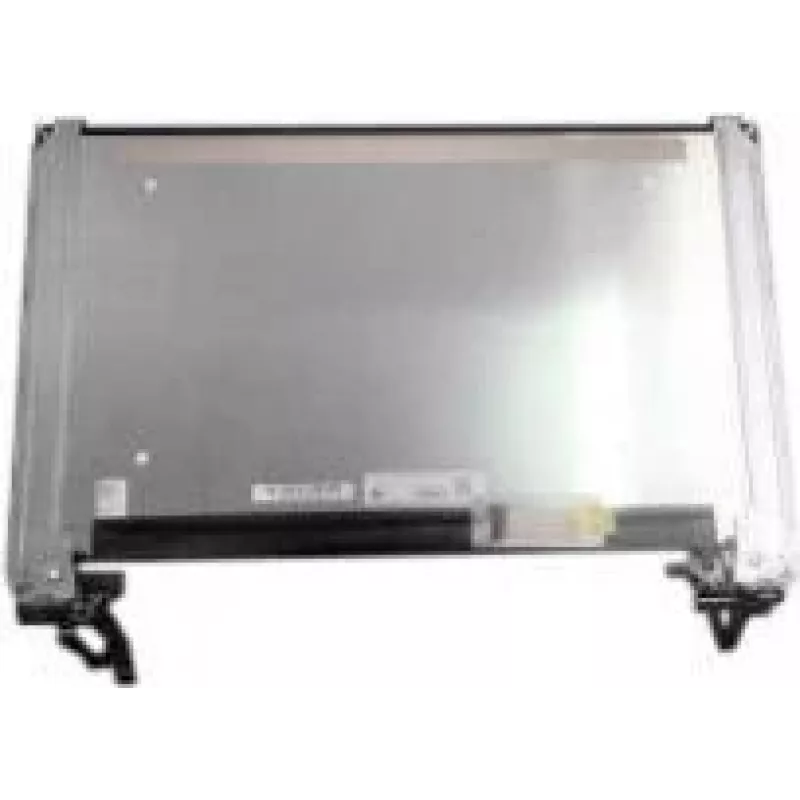
LCD FHD display Dell K1RFC 3540 — 15.6 inch FHD replacement panel, non-touch

LCD FHD display Dell K1RFC 3540 — 15.6 inch FHD replacement panel, non-touch
R5,336
Replacement LCD FHD display for Dell K1RFC 3540 laptops, this 15.6" Full HD non-touch panel offers 1920×1080 resolution and is intended for service or DIY screen replacement. The panel is designed to match the original display size, resolution and mounting interfaces for the specified Dell model, re... Read More
Stock Out Of StockNo Stock Code 1524512 Brand DELL Model K1RFC Warranty 2 Years

Shipping & Returns

Replacement LCD FHD display for Dell K1RFC 3540 laptops, this 15.6" Full HD non-touch panel offers 1920×1080 resolution and is intended for service or DIY screen replacement. The panel is designed to match the original display size, resolution and mounting interfaces for the specified Dell model, restoring clear image reproduction for office tasks, multimedia and video playback without touch functionality.

Advantages

The panel delivers a Full HD 1920×1080 image that restores sharp text and detailed visuals comparable to the original factory screen. As a non-touch replacement it reduces complexity during installation and avoids digitizer-related compatibility issues. The display is compatible with the laptop’s native form factor and connector placement, enabling direct swap-in replacement when following appropriate disassembly procedures.

Suitable for

  • Repairing a damaged or cracked screen on the specified Dell laptop model
  • Replacing a dim, flickering or dead display with a Full HD panel
  • Service and technician-led panel swaps during laptop refurbishment
  • DIY replacement by users familiar with laptop disassembly and reassembly

Key specifications

  • Screen size: 15.6 inches diagonal
  • Native resolution: 1920 × 1080 pixels (Full HD)
  • Panel type: non-touch LCD
  • Surface finish: matte or semi-matte (anti-glare) to reduce reflections
  • Aspect ratio: 16:9
  • Typical use: laptop display replacement for office, multimedia and video playback

How to use

Power off the laptop and disconnect all cables and the battery where possible before starting the replacement. Remove the bezel and existing screen following manufacturer or service manual instructions, noting screw and cable locations. Disconnect the display cable carefully and install the replacement panel by aligning mounting points and reconnecting the cable. Reassemble the bezel and test the new panel by powering on the laptop to verify image, backlight function and screen alignment.

Recommendations

Handle the LCD by its edges, avoid touching the display surface and static-sensitive contacts. Use appropriate screwdrivers and a non-metallic pry tool to prevent damage to plastic clips. If unsure about the procedure, consider professional service to ensure correct installation and to preserve warranty and laptop integrity.

Key Highlights
  • Repairing a damaged or cracked screen on the specified Dell laptop model
  • Replacing a dim, flickering or dead display with a Full HD panel
  • Service and technician-led panel swaps during laptop refurbishment
  • DIY replacement by users familiar with laptop disassembly and reassembly
  • Screen size: 15.6 inches diagonal
  • Native resolution: 1920 × 1080 pixels (Full HD)
  • Panel type: non-touch LCD
  • Surface finish: matte or semi-matte (anti-glare) to reduce reflections
  • Aspect ratio: 16:9
  • Typical use: laptop display replacement for office, multimedia and video playback
Price history is not available yet
We are still collecting enough daily price data for this product.

Popular products in this category

WhatsApp
Hi, I’m DistriNode’s AI assistant. I can help you find products, compare options, create quote PDFs, or open support requests.