Account Contact
Your Cart
Pay on delivery – no extra fees
Need help? Ask our AI

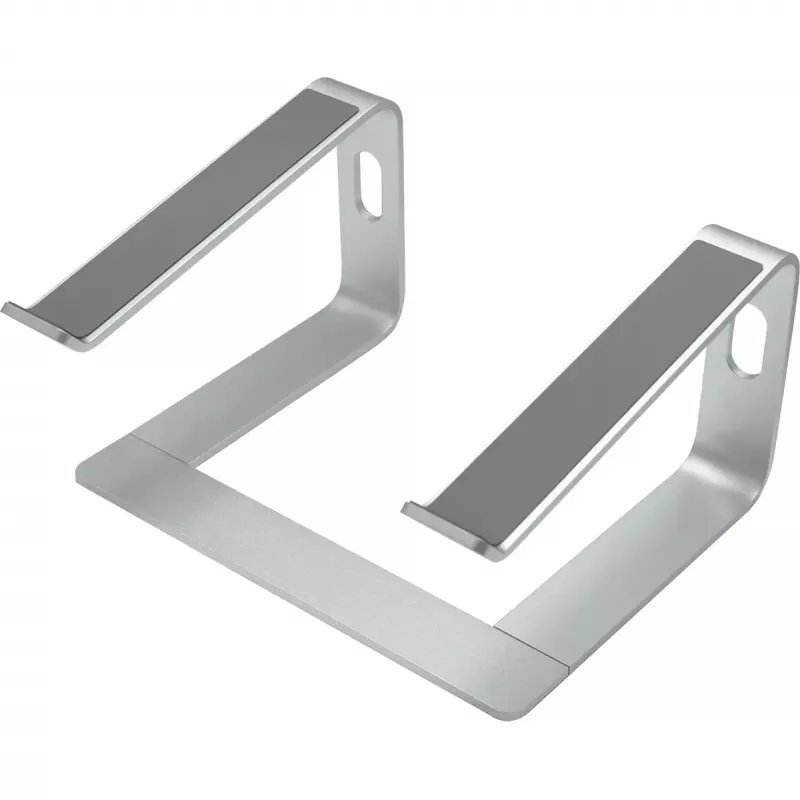
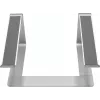
Laptop stand Vision VLM-S Silver Aluminium 14 cm height

Laptop stand Vision VLM-S Silver Aluminium 14 cm height
R1,323
The Vision VLM-S laptop stand is a compact aluminium stand designed to raise a laptop up to 14 cm. With a width of 260 mm and depth of 205 mm, it provides a stable platform for modern thin laptops while maintaining a low visual profile. The stand is made from aluminium and breaks down into three par... Read More
Stock Out Of StockNo Stock Code 2577437 Brand VISION Model VLM-S Warranty 2 Years

Shipping & Returns

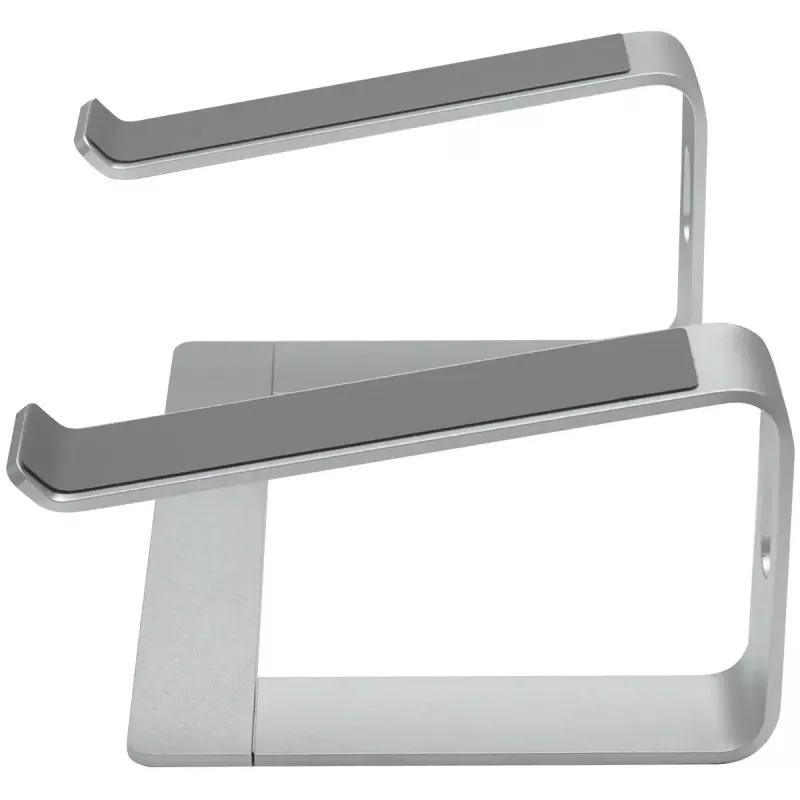
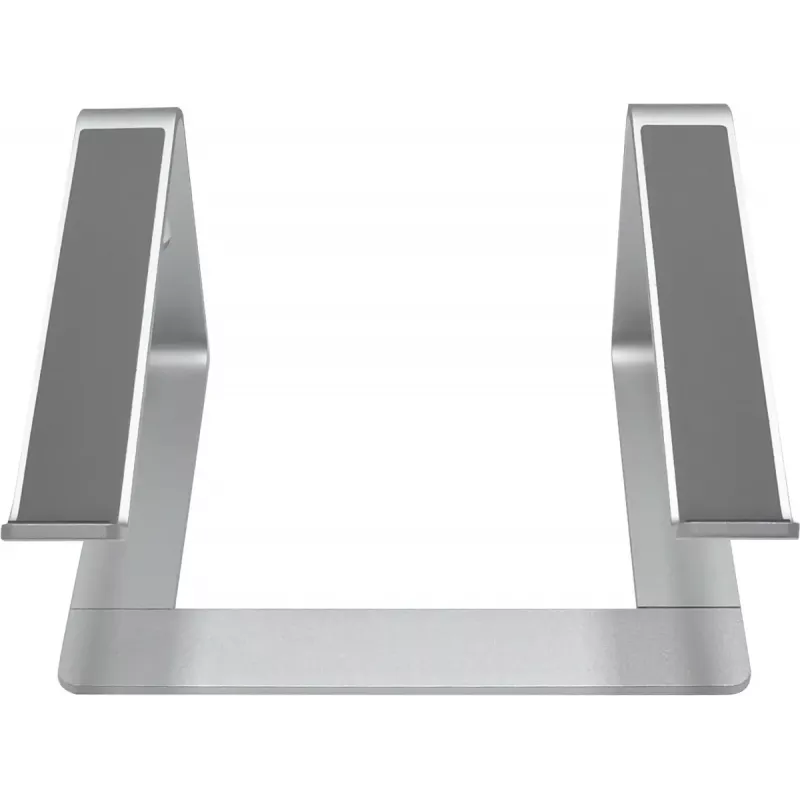
The Vision VLM-S laptop stand is a compact aluminium stand designed to raise a laptop up to 14 cm. With a width of 260 mm and depth of 205 mm, it provides a stable platform for modern thin laptops while maintaining a low visual profile. The stand is made from aluminium and breaks down into three parts for quick, tool-free assembly. Strategically placed cable passages and minimal contact points support natural cooling and tidy cable routing.

Advantages

The VLM-S combines a slim, attractive aluminium finish with functional details such as non-slip silicon pads that keep the stand and laptop secure, built-in cable management holes for cleaner desk organization, and a three-part construction that allows easy assembly and compact storage. Its minimal contact design promotes passive heat dissipation from the laptop.

Suitable for

  • Thin modern laptops and ultrabooks
  • Home and office desks where a discreet stand is preferred
  • Users seeking a portable, tool-free laptop stand
  • Work setups that benefit from improved airflow under the laptop

Key specifications

  • Material: aluminium with silicon pads
  • Maximum height: 14 cm
  • Dimensions (W × D): 260 mm × 205 mm
  • Three-part, tool-free assembly
  • Cable management holes for tidy routing
  • Minimal contact points for passive heat dissipation

How to use

Assemble the three parts by aligning the components and snapping them together—no tools required. Place the stand on a flat desk surface and position the laptop so it rests evenly on the silicon-padded contact points. Route power and peripheral cables through the provided openings to keep the workspace tidy. Adjust laptop positioning as needed for comfortable viewing and typing.

Recommendations

For stable support, use the stand with thin or low-profile laptops that sit flush on the silicon pads. Ensure the desk surface is level and free of debris. Avoid excessive pressure on the edges; the stand is intended to support the laptop’s base and improve airflow rather than bear heavy loads.
Key Highlights
  • Thin modern laptops and ultrabooks
  • Home and office desks where a discreet stand is preferred
  • Users seeking a portable, tool-free laptop stand
  • Work setups that benefit from improved airflow under the laptop
  • Material: aluminium with silicon pads
  • Maximum height: 14 cm
  • Dimensions (W × D): 260 mm × 205 mm
  • Three-part, tool-free assembly
  • Cable management holes for tidy routing
  • Minimal contact points for passive heat dissipation
Specifications
Country of origin
China
Depth
205 mm
Height
140 mm
Material
Aluminium
Maximum height
140 mm
Non-slip surface
Yes
Number of height positions
1
Package depth
190 mm
Package height
45 mm
Package weight
870 g
Package width
325 mm
Product colour
Silver
Product type
Laptop stand
Rotating
No
Weight
0.7 kg
Width
260 mm

Leaflet

Open Leaflet

Document

Open Document
Price history over the last 6 months
Laptop stand Vision VLM-S Silver Aluminium 14 cm height
Current
R1,323
Lowest
R1,081
Highest
R1,323
Change 24H
+R106   +9%
Week
+R236   +22%
Month
+R236   +22%

Popular products in this category

WhatsApp
Hi, I’m DistriNode’s AI assistant. I can help you find products, compare options, create quote PDFs, or open support requests.