Account Contact
Your Cart
Pay the courier with no extra fees.
Need help? DistriNode AI can handle any task on our site.

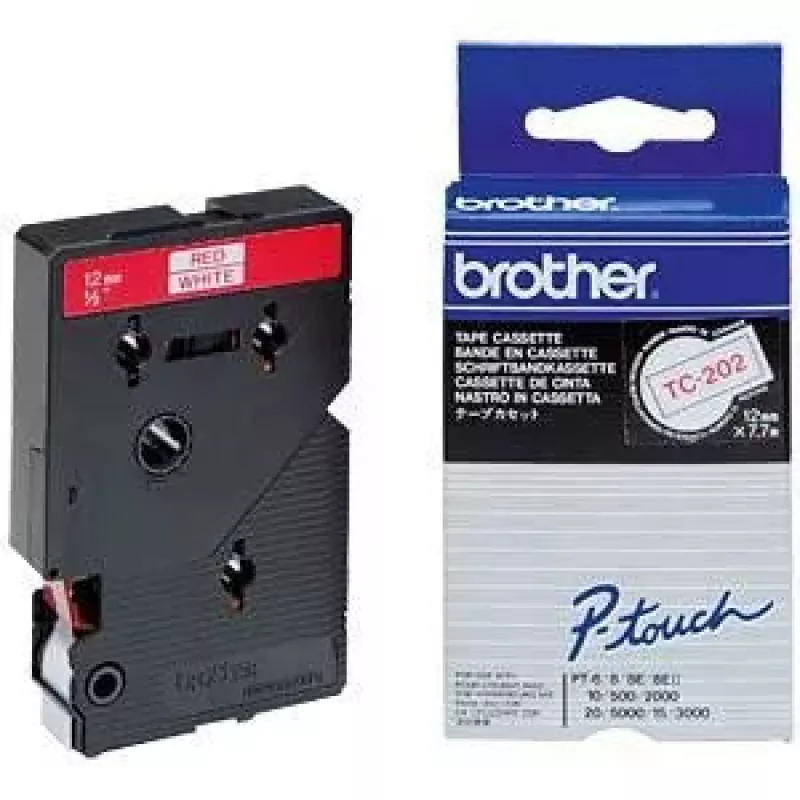
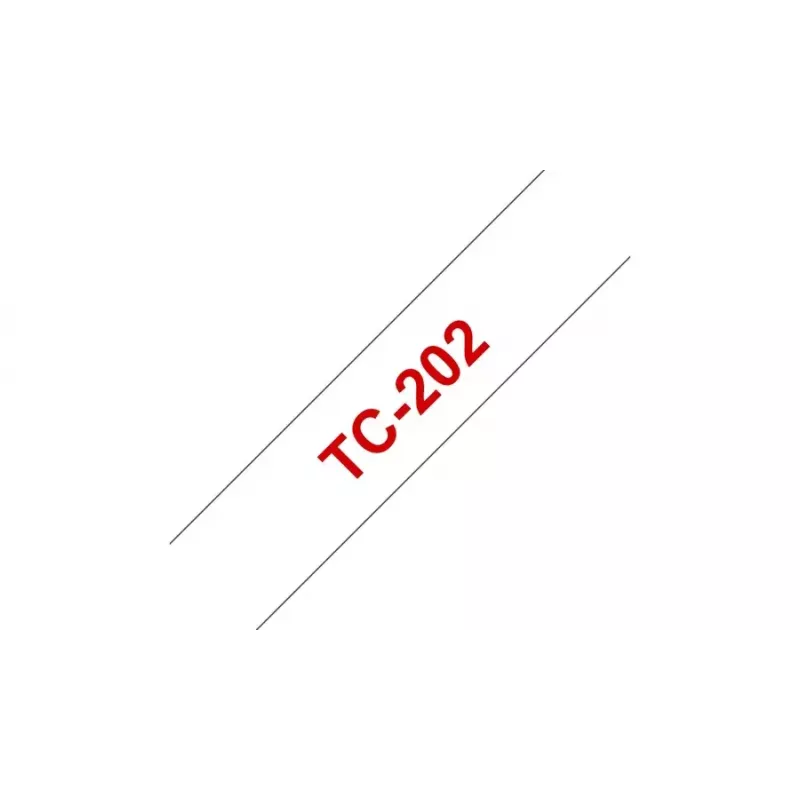
Label Tape TC Brother TC202 12mm Red on White

Label Tape TC Brother TC202 12mm Red on White
R500
Brother Label Tape TC202 is a 12 mm wide tape with red text on a white background, 7.7 m long, designed for use with Brother P-touch labelling machines. Supplied in a blister pack for convenient storage and handling, this TC202 cassette provides clear, durable labels suitable for home and office org... Read More
Stock 3 Code 1428542 Brand BROTHER Model TC-202 Warranty 2 Years

Shipping & Returns

Estimated delivery Tuesday, October 6
You will be kept updated through our detailed tracking system
Payment options
EFTPayFastBank CardSnapScanZapperGoogle PayApple PayMobicredMoreTymePay on Arrival

Brother Label Tape TC202 is a 12 mm wide tape with red text on a white background, 7.7 m long, designed for use with Brother P-touch labelling machines. Supplied in a blister pack for convenient storage and handling, this TC202 cassette provides clear, durable labels suitable for home and office organisation.

Advantages

The TC202 tape delivers high-contrast red-on-white printing for improved readability and professional appearance. Its 12 mm width fits a range of standard label formats, and the 7.7 m length gives multiple labels per cassette. Compatibility with Brother P-touch printers ensures reliable feeding and easy replacement.

Suitable for

  • Labelling files, folders and shelves in the office
  • Identifying cables, switches and equipment
  • Organising household items, storage boxes and kitchens
  • Creating clear signage for short-term or permanent use

Key specifications

  • Brand: Brother
  • Model / MPN: TC202
  • Tape width: 12 mm
  • Length: 7.7 m
  • Print color: Red
  • Background color: White
  • Compatibility: Brother P-touch labelling machines
  • Packaging: Blister pack

How to use

Turn off the Brother P-touch printer before replacing the cassette. Open the cassette compartment, remove any empty tape and insert the TC202 cassette following the printer's guide rails until it clicks into place. Close the compartment, switch the printer on, set the desired text and label size, then print. For best results, allow newly printed labels to adhere to a clean, dry surface for a few seconds.

Recommendations

Store the TC202 cassette in a cool, dry place away from direct sunlight. Use on clean, dry surfaces and avoid placing labels on oily or highly textured materials to ensure adhesion and legibility.
Key Highlights
  • Labelling files, folders and shelves in the office
  • Identifying cables, switches and equipment
  • Organising household items, storage boxes and kitchens
  • Creating clear signage for short-term or permanent use
  • Brand: Brother
  • Model / MPN: TC202
  • Tape width: 12 mm
  • Length: 7.7 m
  • Print color: Red
  • Background color: White
  • Compatibility: Brother P-touch labelling machines
  • Packaging: Blister pack
Specifications
Brand compatibility
Brother
Compatibility
P-touch PT8E, PT500, PT2000, PT3000, PT5000
Country of origin
Japan
Depth
20 mm
Harmonized System (HS) code
48219090
Height
90 mm
Label colour
Red on white
Laminated
Yes
Layers per pallet
10 pc(s)
Master (outer) cases per pallet
70 pc(s)
Master (outer) cases per pallet layer
7 pc(s)
Package type
Blister
Package weight
56 g
Pallet gross height
15.2 cm
Pallet gross weight
400.2 kg
Pallet type
800 x 1200 mm
Products per pallet
7000 pc(s)
Spare part retention
5 year(s)
Tape length
7.7 m
Tape type
TC
Tape width
1.2 cm
Weight
50 g
Width
60 mm

Leaflet

Open Leaflet
Price history over the last 6 months
Label Tape TC Brother TC202 12mm Red on White
Current
R500
Lowest
R481
Highest
R506
Change 24H
+R13   +3%
Week
+R18   +4%
Month
+R17   +4%

Popular products in this category

WhatsApp
Hi, I’m DistriNode’s AI assistant. I can help you find products, compare options, create quote PDFs, or open support requests.