Account Contact
Your Cart
Pay the courier with no extra fees.
Need help? DistriNode AI can handle any task on our site.

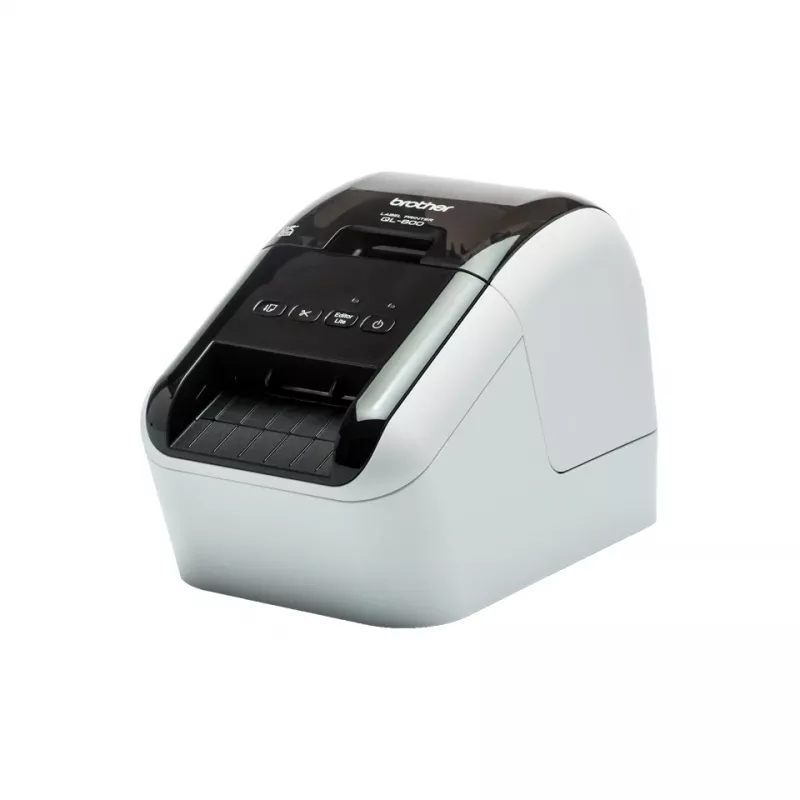
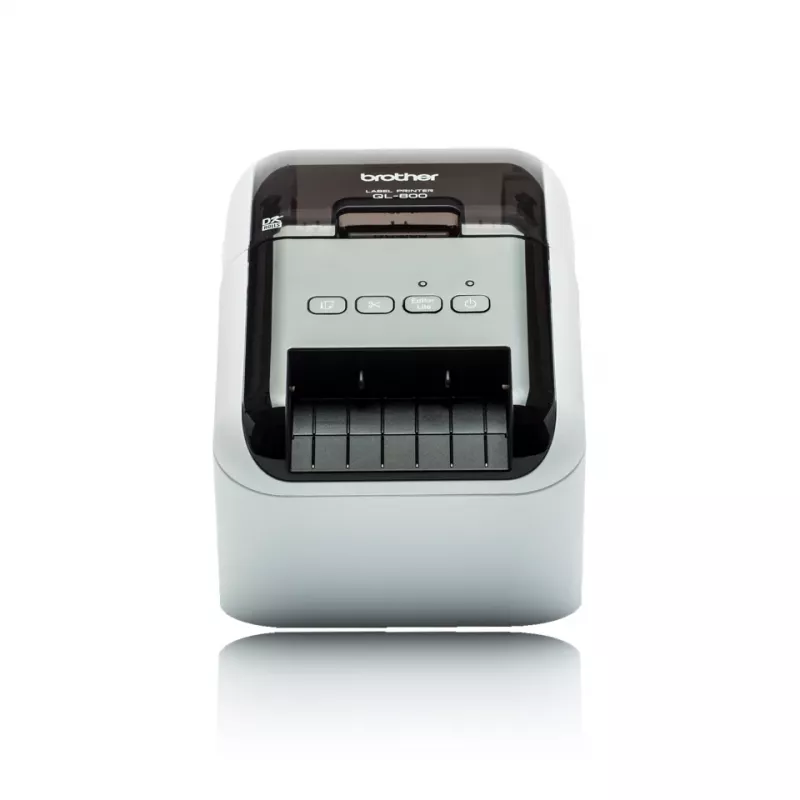
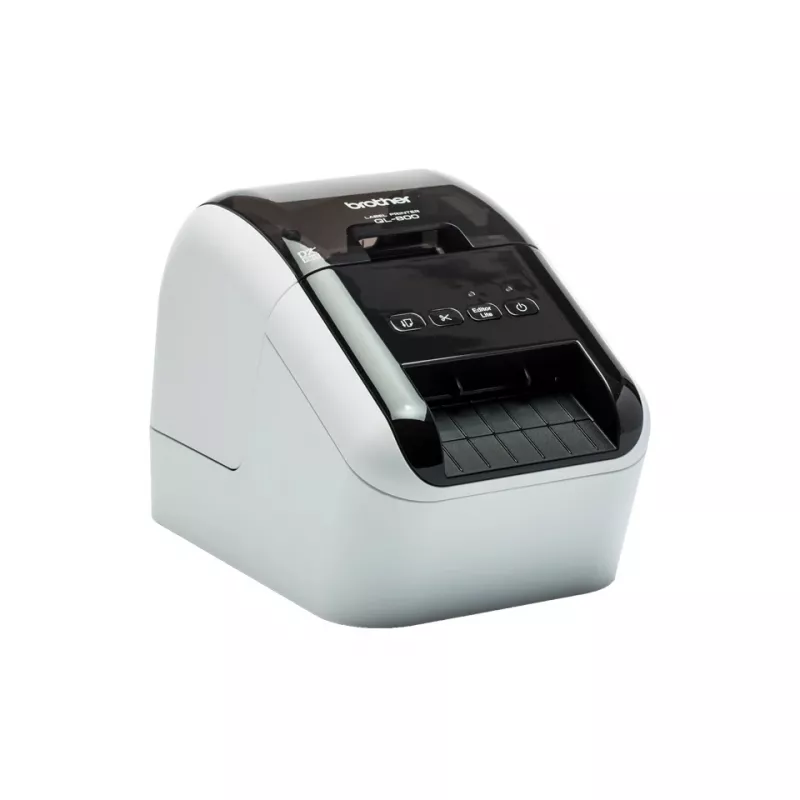
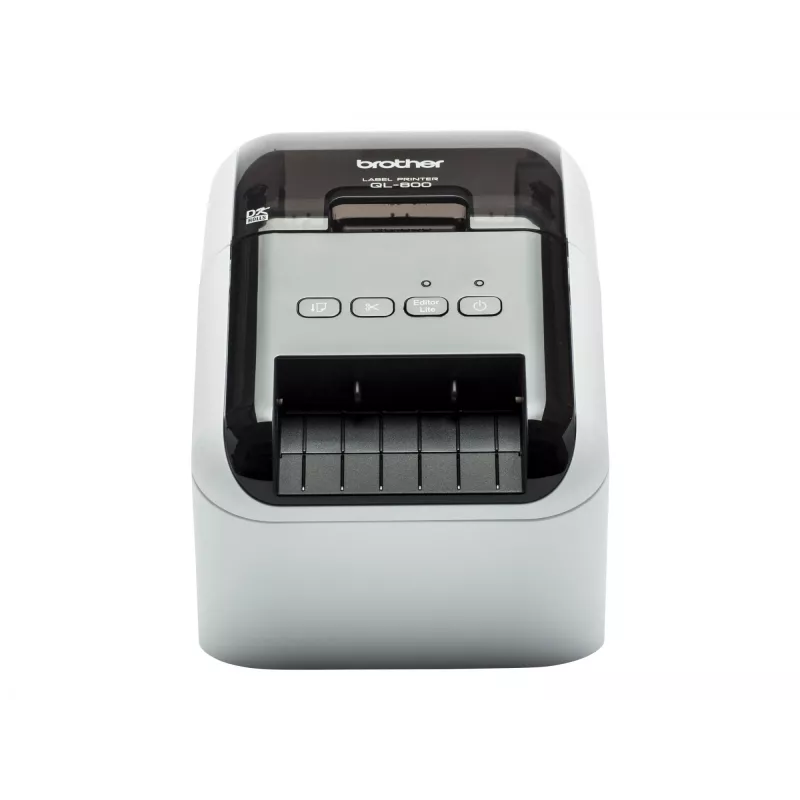
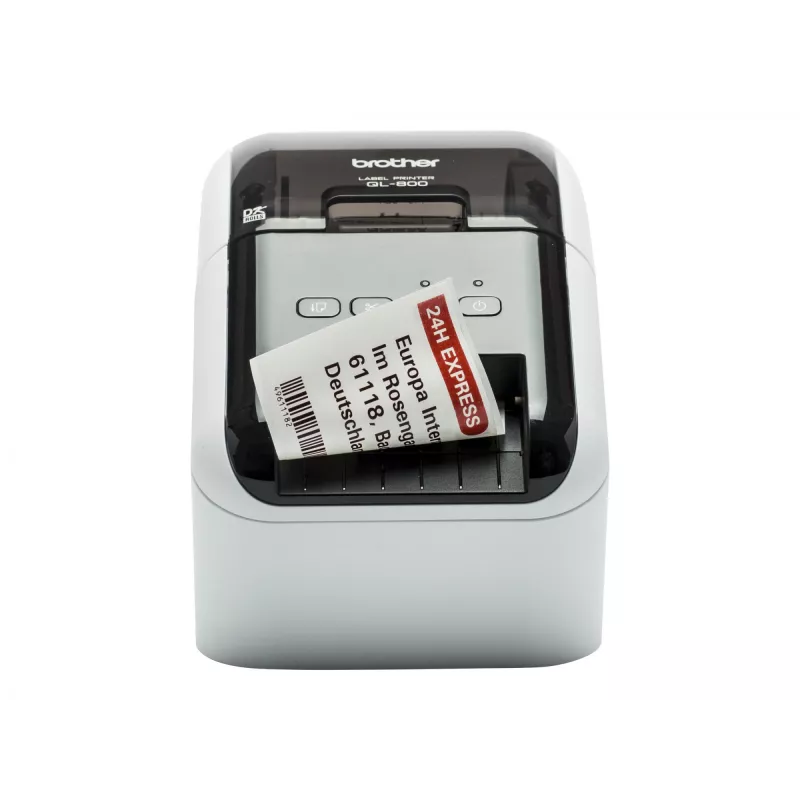
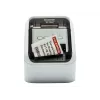
Label printer Brother QL-800

Label printer Brother QL-800
R2,836
The Brother QL-800 is a direct thermal label printer designed for busy offices that need fast, reliable label production. It supports Brother DK rolls, including black/red DK-2251 and economy paper labels, and prints high-resolution text and graphics up to 300 x 600 dpi. With a maximum print width o... Read More
Stock 3 Code 2453203 Brand BROTHER Model QL800ZW1 Warranty 2 Years

Shipping & Returns

Estimated delivery Monday, October 5
You will be kept updated through our detailed tracking system
Payment options
EFTPayFastBank CardSnapScanZapperGoogle PayApple PayMobicredMoreTymePay on Arrival

The Brother QL-800 is a direct thermal label printer designed for busy offices that need fast, reliable label production. It supports Brother DK rolls, including black/red DK-2251 and economy paper labels, and prints high-resolution text and graphics up to 300 x 600 dpi. With a maximum print width of around 60.96 mm and high-speed printing (up to 148 mm/sec, approximately 93 standard address labels per minute at 300 dpi), it is suitable for address labels, file folders, postage, name badges and packaging labels. The unit uses drop-in DK supplies and requires no ink or toner; an integrated auto cutter enables single or multiple label printing and banner output up to about 3 ft.

Advantages

The Brother QL-800 combines high-resolution direct thermal printing with fast throughput and convenient drop-in DK rolls, eliminating the need for ink or toner. It supports special black/red DK-2251 tape for two-colour labels and economical paper rolls for common mailing and identification tasks. The auto cutter reduces waste by cutting exactly the number of labels needed, and the printer integrates with Windows and Mac via P-touch Editor plus a "Plug & Label" mode for simple printing without installing software.

Suitable for

Key specifications

How to use

Install a Brother DK roll by opening the printer cover and dropping in the roll until it seats; no ink or toner installation is required. For basic printing on a Windows PC, use the "Plug & Label" feature to print common labels without installing software. For full design control, install P-touch Editor on Windows or Mac, or print directly from Microsoft Word, Excel or Outlook with the provided drivers. Select the DK tape type and desired label size in software, send the print job, and the printer will cut labels automatically when finished.

Recommendations

Use genuine Brother DK supplies for best results and to ensure correct label sizing and peel performance. For two-colour labels, use DK-2251 black/red tape; for cost-effective mail and packaging labels, choose the appropriate paper DK roll. Place the printer on a stable surface, avoid direct sunlight on labels before printing, and keep the print head free of adhesive buildup by following the manufacturer’s cleaning instructions.
Key Highlights
  • Choose from pre-sized labels or Brother’s continuous roll option which allows you to print labels to the size you need up to 1 metre in length
  • Each roll is supplied on a spool that simply slots into the correct position in the printer every time, eliminating text alignment and paper jamming issues.
  • Built-in label editing software doesn't need installing. Simply click to run
  • Download free P-touch Editor label design software to include barcodes, images and print from a database
  • USB connectivity for quick and easy set-up
  • Print in black and red without needing ink or toner up to 62mm
  • Address labels for mailings and postage
  • Direct thermal
  • File and folder identification in offices
  • 300 x 600 DPI
  • Name badges and visitor passes
  • Colour Printing colours: Black, Red
  • Package and parcel labelling
  • Maximum printing width: 6.1 cm Print speed: 148 mm/sec
  • Retail price tags and shelf labels
  • Built-in barcodes: CODABAR (NW-7), Code 128 (A/B/C), Code 39, Data Matrix, EAN128, EAN13, EAN8, GS1-128, ISBN-2, ISBN-5, ITF-25, MaxiCode, Micro QR Code, MicroPDF417, PDF417, POSTNET, QR Code, UPC-A, UPC-E
  • Print technology: Direct thermal
  • Connectivity technology: Wired
  • Maximum resolution: up to 300 x 600 dpi
  • USB port
  • Maximum print width: 60.96 mm
  • 2.01 kg
  • Maximum print height: 58 mm
  • Print speed: 148 mm/sec (approx. 93 standard address labels/min at 300 dpi)
  • Compatible tape type: Brother DK rolls (including DK-2251)
  • Auto cutter: Yes (supports single/multiple labels and banners up to ~3 ft)
  • Connectivity: Wired (USB); no Wi‑Fi / no Ethernet LAN
  • Colours: Grey, Black
  • Weight: 1.15 kg
Specifications
AC adapter included
Yes
AC input voltage
220 - 240
Auto power off
Yes
Autocutter
Yes
Built-in barcodes
PDF417, UPC-E, UPC-A, QR Code, POSTNET, MicroPDF417, Micro QR Code, MaxiCode, ITF-25, ISBN-5, ISBN-2, GS1-128, EAN8, EAN13, EAN128, Data Matrix, Code 39, Code 128 (A/B/C), CODABAR (NW-7)
Bundled software
P-touch Editor Lite P-touch Editor 5 P-touch Address Book
Cables included
USB
Cartridge(s) included
Yes
Cartridges quantity
2 pc(s)
Colour
Yes
Connectivity technology
Wired
Date & time printing
Yes
Depth
213 mm
Drivers included
Yes
Ethernet LAN
No
Flash memory
6 MB
Harmonized System (HS) code
84433210
Height
142 mm
Housing material
Plastic
Label memory
99
Languages support
ITA, TUR, SWE, RUS, POR, POL, NOR, JPN, HUN, FRE, FIN, ESP, ENG, DUT, DEU, DAN, CZE, CHI (SIMPL)
Mac operating systems supported
Y
Manual
Yes
Maximum label length
1 m
Maximum label width
62 mm
Maximum print height
58 mm
Maximum printing width
60.96 mm
Maximum resolution
300 x 600
Minimum print length
1000 mm
Number of fonts
5
Number of frames
126
Number of languages
18
Number of styles
8
Package depth
184 mm
Package height
232 mm
Package weight
2090 g
Package width
264 mm
Page description languages
Raster_P
PC connection
USB 2.0
Print speed
148 mm/sec
Print technology
Direct thermal
Printing colours
Red, Black
Product colour
Grey, Black
Quick start guide
Yes
Rotated printing
Yes
Sustainability certificates
ENERGY STAR
Tape size detection
Yes
Tape type
DK
Text alignment
Left, Center, Right
USB 2.0 ports quantity
1
USB port
Yes
Vertical printing
Yes
Warranty card
Yes
Weight
1.15 kg
Wi-Fi
No
Width
125 mm
Windows operating systems supported
Y

Leaflet

Open Leaflet

Document

Open Document

Manual

Open Manual

Leaflet

Open Leaflet

Document

Open Document
Price history over the last 6 months
Label printer Brother QL-800
Current
R2,836
Lowest
R1,777
Highest
R2,836
Change 24H
+R1,059   +60%
Week
+R1,059   +60%
Month
+R662   +30%

Independent reviews by tech media

pcmag.com
8/10

Verdict: The Brother QL-800 prints several sizes of high-quality label types from your PC, Mac, or Android mobile device via USB, making it an excellent value for its relatively low price...

Pros
  • Fast output
  • Good print quality
  • Excellent label design, print software, and mobile apps
  • Prints two-color, black/red labels
  • Good selection of label types
  • Good value for the price
Cons
  • Per-label media cost is somewhat high
  • Ability to print in red limited to one label type
Read the full review at pcmag.com →

Popular products in this category

WhatsApp
Hi, I’m DistriNode’s AI assistant. I can help you find products, compare options, create quote PDFs, or open support requests.