Account Contact
Your Cart
Pay the courier with no extra fees.
Need help? DistriNode AI can handle any task on our site.

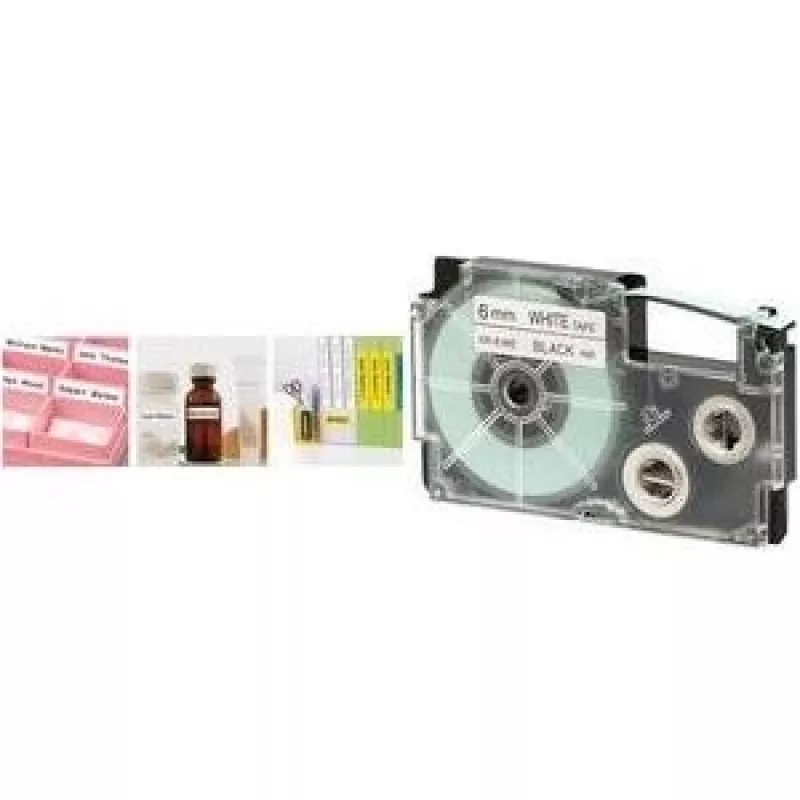
Label maker tape CASIO XR-12 12 mm black on transparent for Casio XR-12 printer

Label maker tape CASIO XR-12 12 mm black on transparent for Casio XR-12 printer
R577
Replacement label tape for CASIO XR-12 printers, 12 mm wide with black print on transparent film. Designed for use in Casio XR-12 series label printers, this tape produces clear, readable labels suitable for files, cables, shelves and general office organization. The transparent backing ensures labe... Read More
Stock 25 Code 1398239 Brand CASIO Model XR-12X1 Warranty 2 Years

Shipping & Returns

Estimated delivery Thursday, October 1
You will be kept updated through our detailed tracking system
Payment options
EFTPayFastBank CardSnapScanZapperGoogle PayApple PayMobicredMoreTymePay on Arrival

Replacement label tape for CASIO XR-12 printers, 12 mm wide with black print on transparent film. Designed for use in Casio XR-12 series label printers, this tape produces clear, readable labels suitable for files, cables, shelves and general office organization. The transparent backing ensures labels blend discreetly with surfaces while black text remains highly legible.

Advantages

The tape offers a consistent 12 mm print width and sharp black-on-transparent contrast for improved readability. It is simple to install and cut cleanly for precise label sizes. The material is designed for everyday office and home use, providing a neat appearance on a variety of surfaces without adding bulk. Compatibility with Casio XR-12 series ensures reliable feeding and printing performance.

Suitable for

  • Labeling file folders and document binders
  • Marking cables, cords and connectors
  • Organizing shelves, boxes and storage bins
  • Creating small signage and component labels

Key specifications

  • Tape width: 12 mm
  • Print color: black
  • Film color: transparent
  • Material: durable label film suitable for indoor use
  • Compatibility: designed for Casio XR-12 series label printers

How to use

Turn off the label printer before inserting the tape cassette. Open the cassette compartment, place the tape cassette in the correct orientation and close the compartment until it clicks. Power on the printer and select the desired text and size settings on the device. Print a test label to confirm alignment, then cut the label to the required length using the printer's cutter or scissors. Apply the label to a clean, dry surface for best adhesion.

Recommendations

Store unused tape cassettes in a cool, dry place away from direct sunlight and high humidity. For best durability, apply labels to smooth, grease-free surfaces and avoid prolonged exposure to water or harsh outdoor conditions. Replace the cassette when print quality diminishes or tape feeding becomes inconsistent.

Key Highlights
  • Labeling file folders and document binders
  • Marking cables, cords and connectors
  • Organizing shelves, boxes and storage bins
  • Creating small signage and component labels
  • Tape width: 12 mm
  • Print color: black
  • Film color: transparent
  • Material: durable label film suitable for indoor use
  • Compatibility: designed for Casio XR-12 series label printers
Price history over the last 6 months
Label maker tape CASIO XR-12 12 mm black on transparent for Casio XR-12 printer
Current
R577
Lowest
R567
Highest
R638
Change 24H
+R10   +2%
Week
—   
Month
—   

Popular products in this category

WhatsApp
Hi, I’m DistriNode’s AI assistant. I can help you find products, compare options, create quote PDFs, or open support requests.