Account Contact
Your Cart
Pay on delivery – no extra fees
Need help? Ask our AI

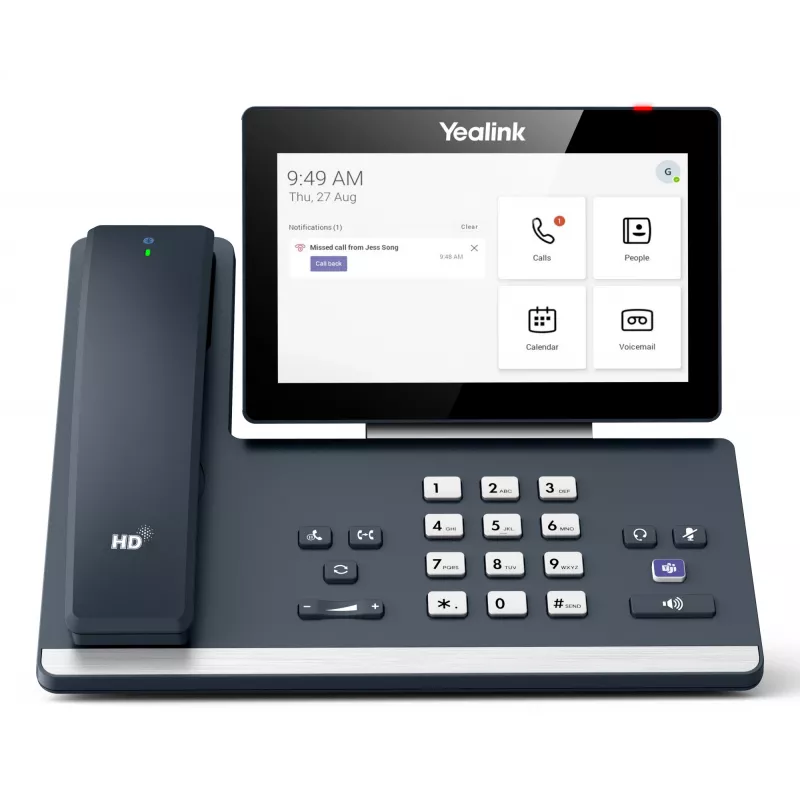
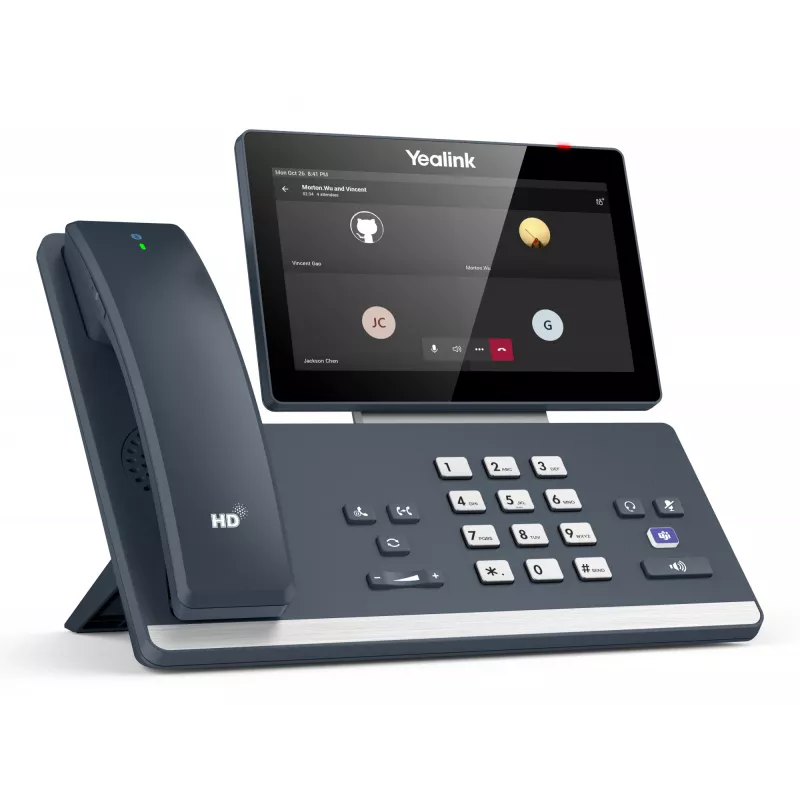
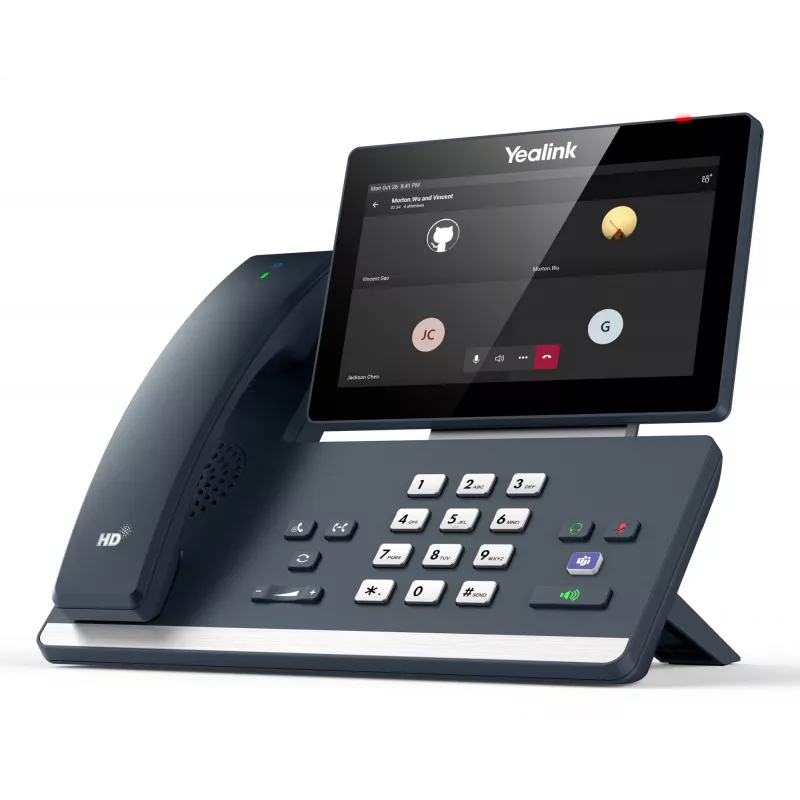
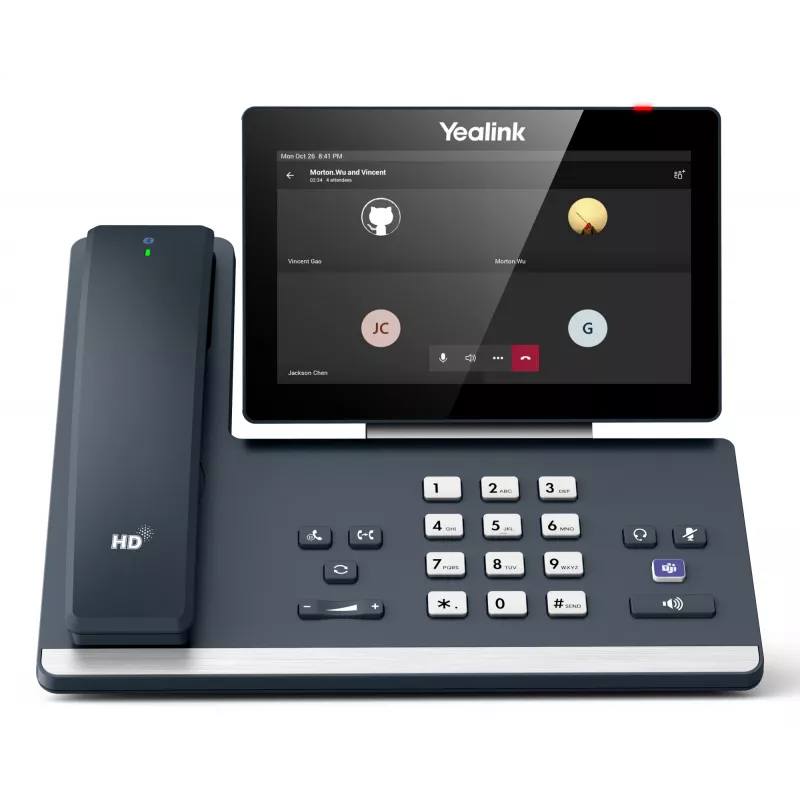
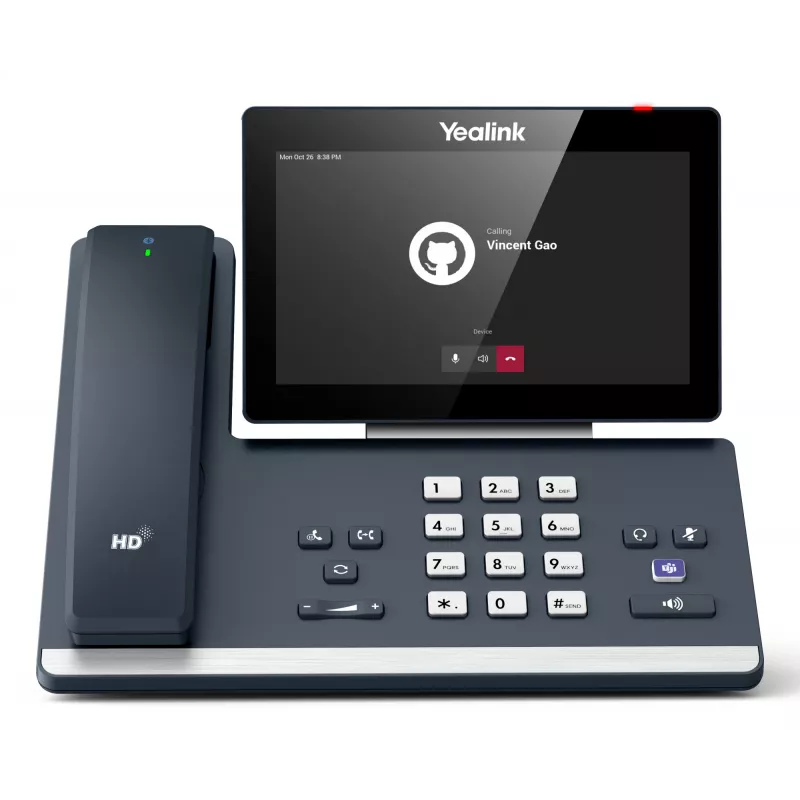
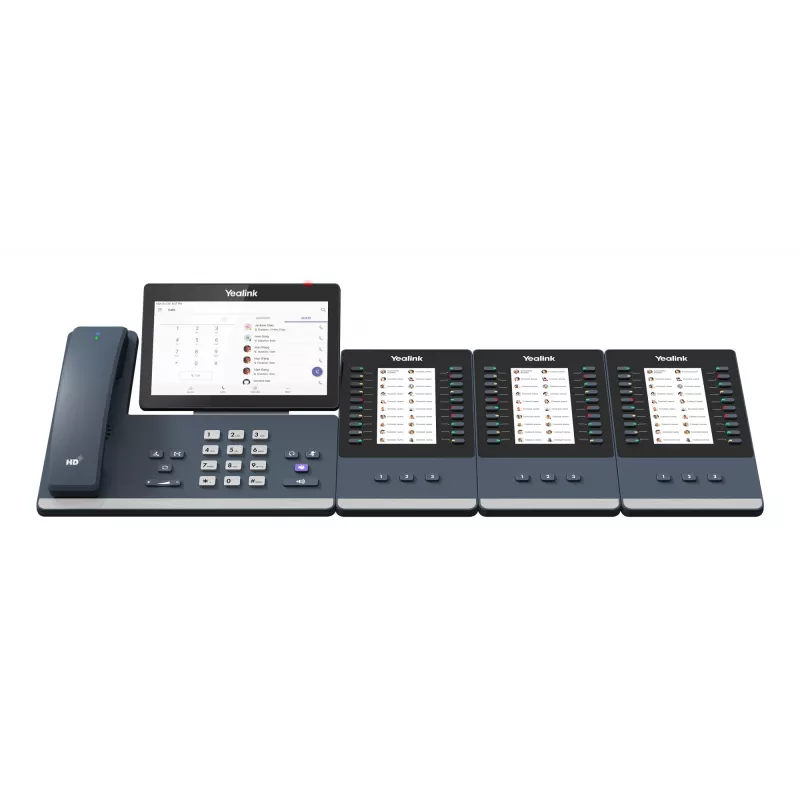
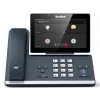
IP desk phone Yealink MP58‑WH E2 Teams 7-inch touchscreen, HD audio, Microsoft Teams

IP desk phone Yealink MP58‑WH E2 Teams 7-inch touchscreen, HD audio, Microsoft Teams
R8,347
The Yealink MP58-WH E2 Teams is an IP desk phone with a 7-inch touchscreen and HD audio optimized for Microsoft Teams. It provides a responsive touch interface for call handling, access to Teams contacts and meetings, and clear voice quality suitable for office desks and home workspaces. The phone i... Read More
Stock Out Of StockNo Stock Code 2445526 Brand Yealink Model 1301015 Warranty 2 Years

Shipping & Returns

The Yealink MP58-WH E2 Teams is an IP desk phone with a 7-inch touchscreen and HD audio optimized for Microsoft Teams. It provides a responsive touch interface for call handling, access to Teams contacts and meetings, and clear voice quality suitable for office desks and home workspaces. The phone integrates with Teams features such as presence, directory lookup and one-touch meeting join, supporting unified communications workflows in small to medium business environments.

Advantages

The 7-inch capacitive touchscreen offers intuitive navigation of Microsoft Teams functions and call controls, while HD audio components ensure clear speech transmission and reception. Native Teams integration reduces setup time for users by presenting familiar UI elements and direct access to chats, calls and scheduled meetings. Built-in network and power options provide flexible installation in various desk and office layouts without compromising voice quality.

Suitable for

  • Daily business voice calls and conference participation
  • Office desks, shared workspaces and home offices
  • Teams-based collaboration, presence management and directory access
  • Reception areas and knowledge-worker stations requiring dedicated Teams phones

Key specifications

  • Display: 7-inch capacitive touchscreen with multi-touch support
  • Audio: HD voice with wideband codec support and noise-reduction features
  • Connectivity: Gigabit Ethernet port(s) with PoE support for network power delivery
  • Platform: Native Microsoft Teams client for call, meeting and presence control
  • Physical: Desk phone form factor with adjustable stand for ergonomic viewing

How to use

Power the phone via PoE or supported power adapter, connect to the LAN and follow the Microsoft Teams provisioning procedure provided by your IT administrator. Use the 7-inch touchscreen to access contacts, recent calls, voicemail and meeting invites. Tap the on-screen controls to place or answer calls, join scheduled Teams meetings with a single touch, and manage call features such as hold, transfer and conference. Adjust audio settings through the on-screen menu to set handset, speakerphone and headset preferences.

Recommendations

Place the phone on a stable desk surface within reliable network coverage and keep firmware updated to ensure compatibility with Teams services and security patches. For optimal call clarity, position the device away from strong electromagnetic sources and use the speakerphone in quiet environments or pair a compatible headset for private conversations.

Key Highlights
  • Daily business voice calls and conference participation
  • Office desks, shared workspaces and home offices
  • Teams-based collaboration, presence management and directory access
  • Reception areas and knowledge-worker stations requiring dedicated Teams phones
  • Display: 7-inch capacitive touchscreen with multi-touch support
  • Audio: HD voice with wideband codec support and noise-reduction features
  • Connectivity: Gigabit Ethernet port(s) with PoE support for network power delivery
  • Platform: Native Microsoft Teams client for call, meeting and presence control
  • Physical: Desk phone form factor with adjustable stand for ergonomic viewing
Specifications
AC adapter input voltage
100 - 240 V
AC adapter output current
1 A
AC adapter output voltage
12 V
Bluetooth
Yes
Cables included
LAN (RJ-45)
Call forwarding
Yes
Call hold
Yes
Call waiting
Yes
Caller ID
Yes
DC-in jack
Yes
Display
LCD
Display diagonal
17.8 cm (7")
Display resolution
1024 x 600 pixels
Ethernet LAN
Yes
Ethernet LAN (RJ-45) ports
2
Ethernet LAN data rates
1000 Mbit/s
Ethernet LAN interface type
Gigabit Ethernet
Handset type
Wired handset
Headset included
Yes
Microphone mute
Yes
Number of simultaneous touchpoints
5
Operating relative humidity (H-H)
10 - 95%
Operating temperature (T-T)
-10 - 50 °C
Power over Ethernet (PoE)
Yes
Product colour
Grey
Product type
IP Phone
Redialing
Yes
RJ-9 ports quantity
2
Speakerphone
Yes
Touchscreen
Yes
Touchscreen type
Capacitive
USB 2.0 ports quantity
2
USB output current
0.5 A
USB Type-C ports quantity
1
Voice codecs
AEC, AGC, AJB, CNG, G.711alaw, G.711ulaw, G.722, G.723.1, G.726, G.729A, G.729B, PLC, Silk, VAD
Wi-Fi
Yes

Document

Open Document

Leaflet

Open Leaflet
Price history is not available yet
We are still collecting enough daily price data for this product.

Popular products in this category

WhatsApp
Hi, I’m DistriNode’s AI assistant. I can help you find products, compare options, create quote PDFs, or open support requests.