Account Contact
Your Cart
Pay the courier with no extra fees.
Need help? DistriNode AI can handle any task on our site.

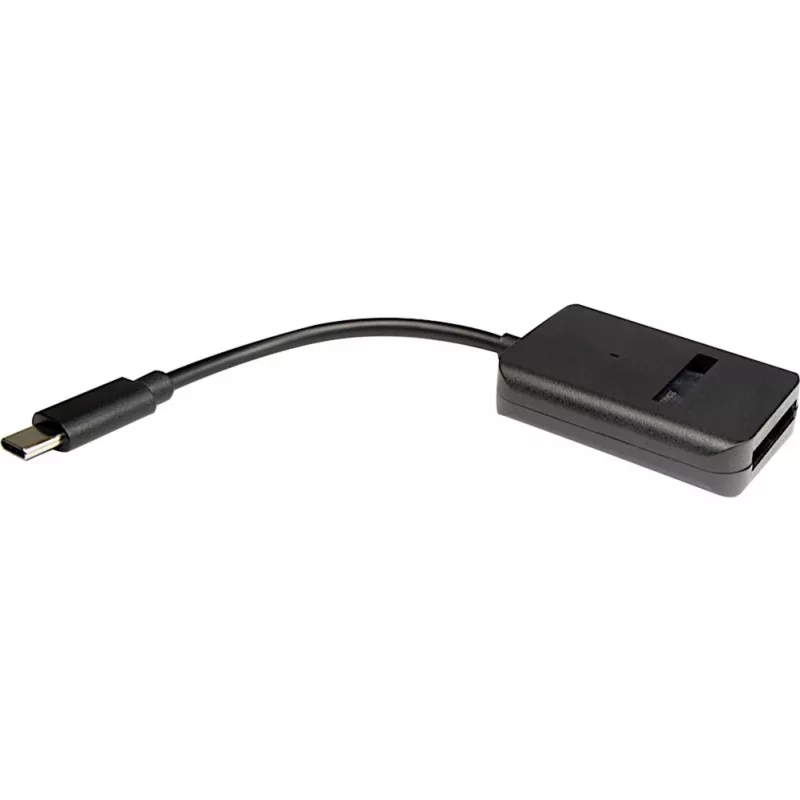
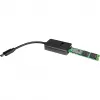
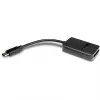
INTER-TECH adapter M.2 to USB Type-C K-1696-P2, female M.2, male USB-C, 5V, 37×54×12 mm, black

INTER-TECH adapter M.2 to USB Type-C K-1696-P2, female M.2, male USB-C, 5V, 37×54×12 mm, black
R544
The INTER-TECH K-1696-P2 is a compact adapter that converts a host USB Type-C connection to an M.2 female interface, enabling easy connection of M.2 SSDs to computers via a USB-C port. The adapter is powered from a 5 V input, has a straight male USB-C connector, and comes in a black housing with dim... Read More
Stock 15 Code 30800 Brand INTER-TECH Model 88885592 Warranty 2 Years

Shipping & Returns

Estimated delivery Thursday, October 1
You will be kept updated through our detailed tracking system
Payment options
EFTPayFastBank CardSnapScanZapperGoogle PayApple PayMobicredMoreTymePay on Arrival

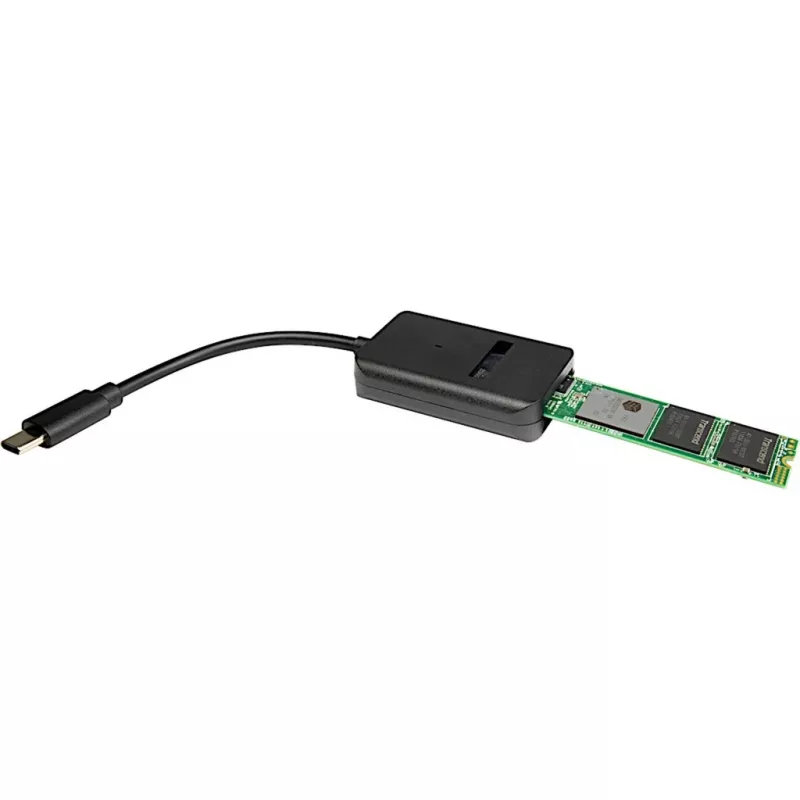
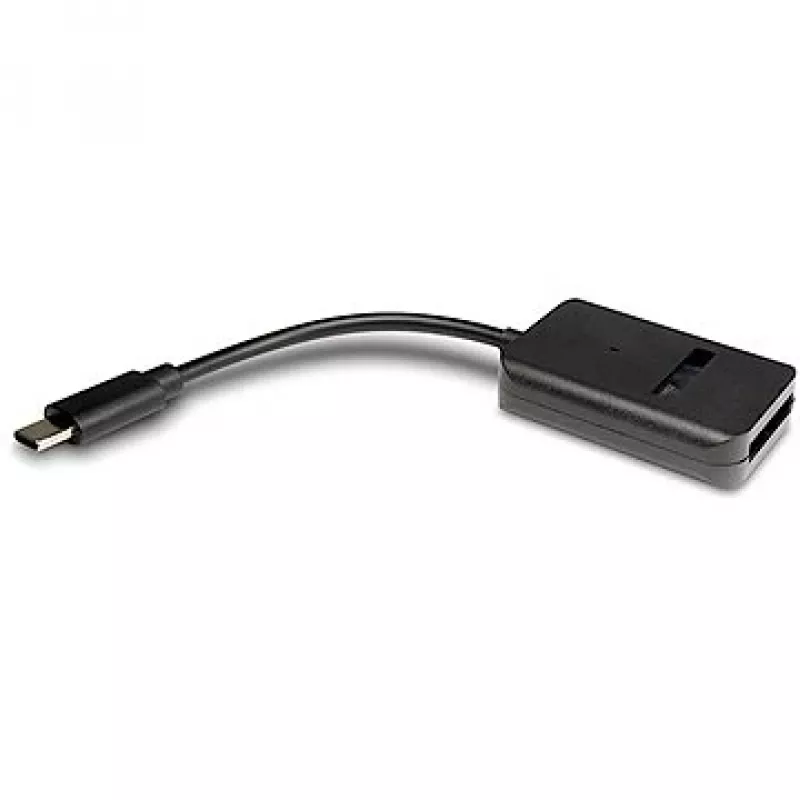
The INTER-TECH K-1696-P2 is a compact adapter that converts a host USB Type-C connection to an M.2 female interface, enabling easy connection of M.2 SSDs to computers via a USB-C port. The adapter is powered from a 5 V input, has a straight male USB-C connector, and comes in a black housing with dimensions 37 × 54 × 12 mm.

Advantages

The K-1696-P2 supports NVMe M.2 drives and provides up to 10 Gbit/s transfer speed over USB 3.2, offering a simple plug-and-play solution for accessing M.2 storage externally. Its small footprint and lightweight black enclosure make it convenient for portable use and temporary drive access without tools.

Suitable for

  • Connecting M.2 NVMe SSDs to laptops or desktops with USB-C ports
  • Data recovery and drive cloning tasks
  • Quick external access to M.2 drives for file transfer or diagnostics

Key specifications

  • Host interface: USB Type-C (male)
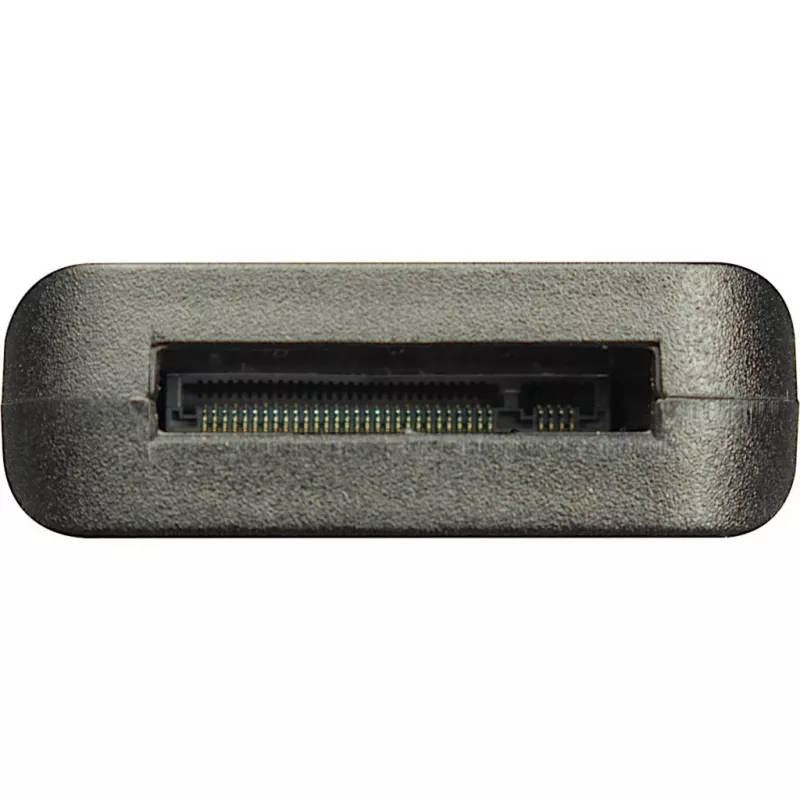
  • Output interface: M.2 (female)
  • Protocol support: NVMe
  • Data rate: up to 10 Gbit/s (USB 3.2)
  • Power input: 5 V
  • Dimensions: 37 × 54 × 12 mm
  • Colour: Black
  • Weight: 0.02 kg

How to use

Insert the M.2 SSD into the adapter's M.2 female slot, ensuring correct alignment with the card-edge connector. Connect the adapter's USB-C male plug to a compatible USB-C host port on the computer. The drive should be recognized by the operating system; no additional tools are required. Remove the adapter by safely ejecting the drive in the OS before unplugging.

Recommendations

Use on systems that support USB 3.2 or higher for optimal transfer speeds. Ensure the M.2 SSD form factor and keying are compatible with the adapter and always eject the drive in the operating system before disconnecting to prevent data loss.
Key Highlights
  • Connecting M.2 NVMe SSDs to laptops or desktops with USB-C ports
  • Data recovery and drive cloning tasks
  • Quick external access to M.2 drives for file transfer or diagnostics
  • Host interface: USB Type-C (male)
  • Output interface: M.2 (female)
  • Protocol support: NVMe
  • Data rate: up to 10 Gbit/s (USB 3.2)
  • Power input: 5 V
  • Dimensions: 37 × 54 × 12 mm
  • Colour: Black
  • Weight: 0.02 kg
Price history over the last 6 months
INTER-TECH adapter M.2 to USB Type-C K-1696-P2, female M.2, male USB-C, 5V, 37×54×12 mm, black
Current
R544
Lowest
R531
Highest
R565
Change 24H
+R11   +2%
Week
-R19   -3%
Month
-R20   -4%

Popular products in this category

WhatsApp
Hi, I’m DistriNode’s AI assistant. I can help you find products, compare options, create quote PDFs, or open support requests.