Account Contact
Your Cart
Pay the courier with no extra fees.
Need help? DistriNode AI can handle any task on our site.

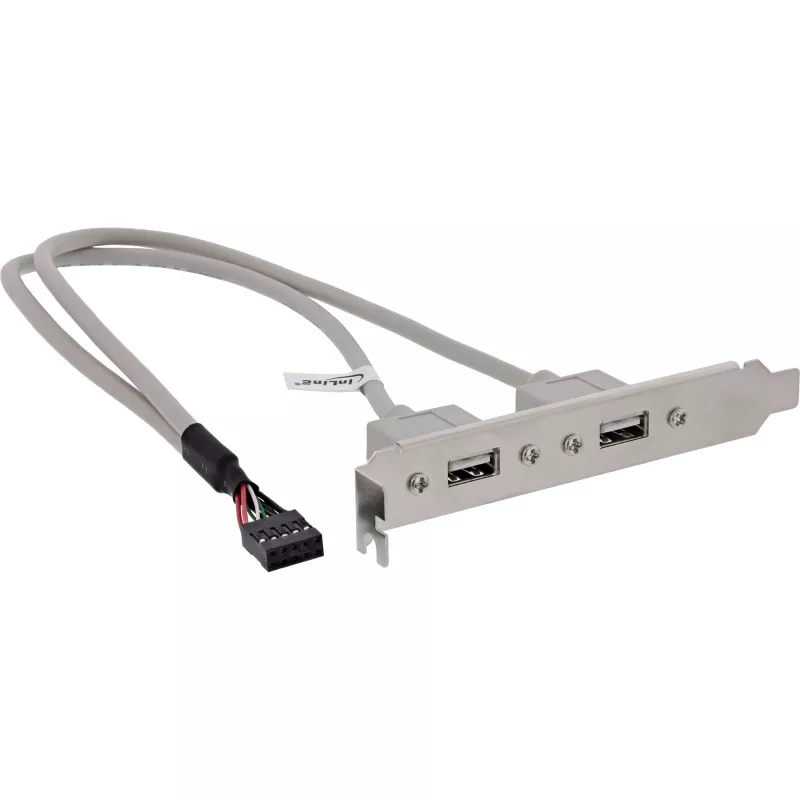
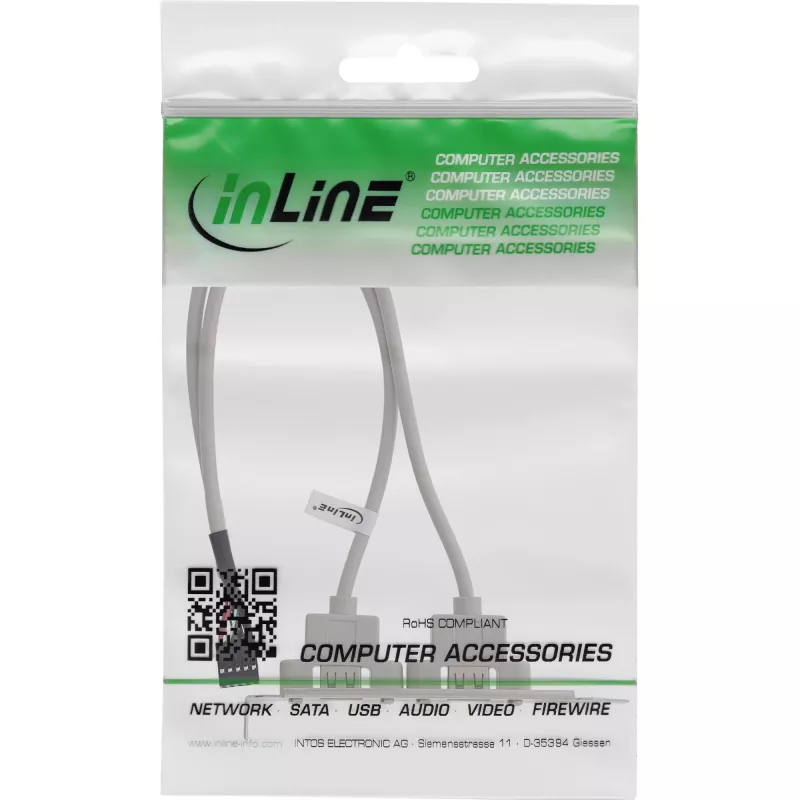
InLine USB 2.0 Slot Bracket 2x USB Type A female to 1x 10Pin Connector 0.35m

InLine USB 2.0 Slot Bracket 2x USB Type A female to 1x 10Pin Connector 0.35m
R268
The InLine USB 2.0 Slot Bracket provides two USB Type A female ports mounted on a metal bracket and connected by a 0.35 m cable to a 10‑pin IDC connector. Designed to fit into a standard expansion slot at the rear of a desktop computer chassis, the bracket makes front- or rear-panel access to USB de... Read More
Stock 1249 Code 1487532 Brand INLINE Model 33391 Warranty 2 Years

Shipping & Returns

Estimated delivery Tuesday, October 6
You will be kept updated through our detailed tracking system
Payment options
EFTPayFastBank CardSnapScanZapperGoogle PayApple PayMobicredMoreTymePay on Arrival

The InLine USB 2.0 Slot Bracket provides two USB Type A female ports mounted on a metal bracket and connected by a 0.35 m cable to a 10‑pin IDC connector. Designed to fit into a standard expansion slot at the rear of a desktop computer chassis, the bracket makes front- or rear-panel access to USB devices simple without modifying the motherboard layout. It supports USB 2.0 data rates for everyday peripherals and is supplied as a single ready-to-install unit.

Advantages

This slot bracket offers a compact and straightforward way to add two external USB Type A ports using an internal 10‑pin connector. The short 0.35 m cable reduces cable clutter inside the case while maintaining stable USB 2.0 connectivity. The metal bracket ensures secure mounting in a standard expansion slot and provides convenient external access for peripherals such as flash drives, keyboards and mice.

Suitable for

Key specifications

How to use

Turn off and unplug the computer before installation. Remove the case panel to access the motherboard and identify an available 10‑pin USB header. Align the IDC connector on the cable with the header, ensuring correct pin orientation, and press it gently into place. Secure the metal bracket in an empty expansion slot at the rear of the case using the existing screw. Reassemble the case, power on the system and verify that connected USB devices are recognized by the operating system.

Recommendations

For reliable operation, connect devices that conform to USB 2.0 or earlier standards. Avoid forcing the IDC connector onto the header and verify pin alignment to prevent damage. If high-power devices are needed, consider using a powered USB hub or a motherboard header that provides sufficient current.

Key Highlights
  • Connecting USB flash drives and external storage
  • Attaching keyboards, mice and other USB input devices
  • Adding accessible USB ports to systems with limited front-panel connectors
  • Use in desktop PCs, workstations and small servers with a compatible 10‑pin motherboard header
  • Interface: 2 x USB 2.0 Type A female to 10‑pin IDC connector
  • Data transfer: USB 2.0 (up to 480 Mbps)
  • Cable length: 0.35 m (approx.)
  • Bracket: metal expansion slot mounting
  • Connector orientation: standard 10‑pin IDC for motherboard header
Specifications
Cable length
0.35 m
Connector 1 gender
Female
Connector 2 gender
Female
Depth
350 mm
Dimensions (WxDxH)
20 x 350 x 120 mm
Height
120 mm
Package depth
225 mm
Package height
20 mm
Package volume
800 cm³
Package weight
66 g
Package width
175 mm
Quantity per pack
1 pc(s)
Weight
59 g
Width
20 mm

Leaflet

Open Leaflet

Document

Open Document
Price history over the last 6 months
InLine USB 2.0 Slot Bracket 2x USB Type A female to 1x 10Pin Connector 0.35m
Current
R268
Lowest
R229
Highest
R268
Change 24H
+R36   +16%
Week
+R38   +17%
Month
—   

Popular products in this category

WhatsApp
Hi, I’m DistriNode’s AI assistant. I can help you find products, compare options, create quote PDFs, or open support requests.