Account Contact
Your Cart
Pay the courier with no extra fees.
Need help? DistriNode AI can handle any task on our site.

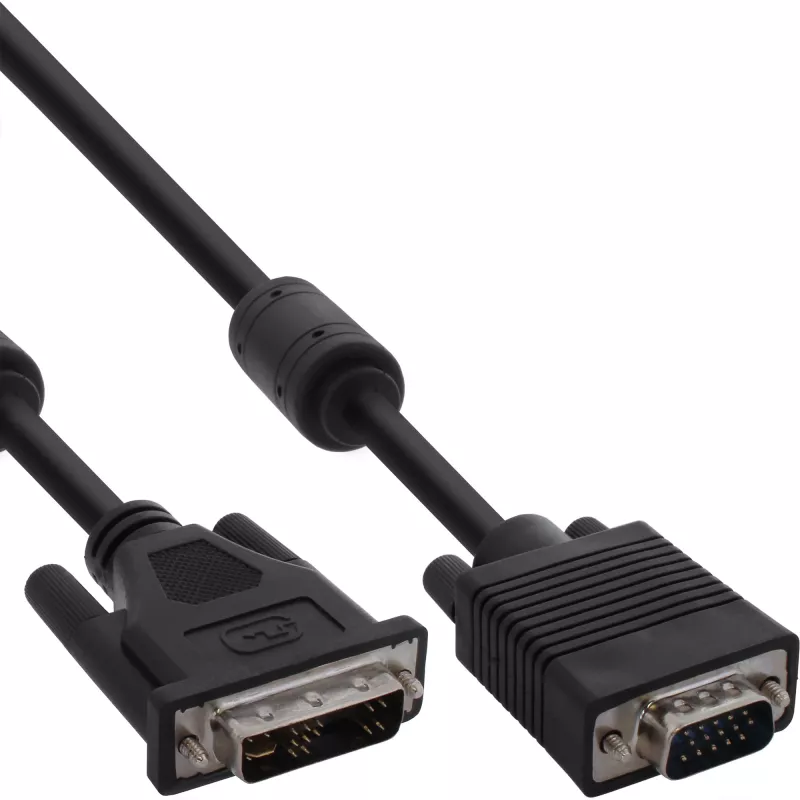
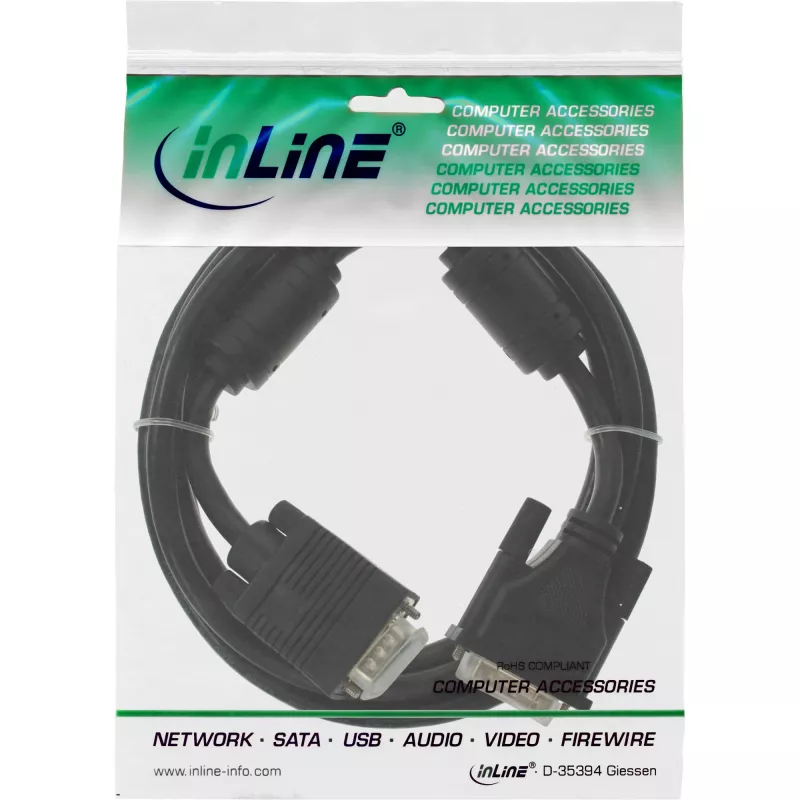
InLine DVI-A Cable 12+5 male / 15Pin HD male VGA 3m

InLine DVI-A Cable 12+5 male / 15Pin HD male VGA 3m
R312
The InLine DVI-A Cable 12+5 male / 15Pin HD male VGA 3m connects an analogue DVI-A source to a VGA (D-Sub) display. The 3 m cable has a DVI-A connector on one end and a 15-pin HD male VGA connector on the other, providing a wired analogue video link between compatible devices. A ferrite shielding ri... Read More
Stock 299 Code 1430628 Brand INLINE Model 17782A Warranty 2 Years

Shipping & Returns

Estimated delivery Tuesday, October 6
You will be kept updated through our detailed tracking system
Payment options
EFTPayFastBank CardSnapScanZapperGoogle PayApple PayMobicredMoreTymePay on Arrival

The InLine DVI-A Cable 12+5 male / 15Pin HD male VGA 3m connects an analogue DVI-A source to a VGA (D-Sub) display. The 3 m cable has a DVI-A connector on one end and a 15-pin HD male VGA connector on the other, providing a wired analogue video link between compatible devices. A ferrite shielding ring is integrated to reduce interference and help maintain stable signal transmission.

Advantages

This cable supports analogue video transmission between DVI-A and VGA interfaces without requiring adapters or converters. Its 3 m length offers flexibility for typical desktop and presentation setups, and the ferrite core helps minimise electromagnetic interference for cleaner images. The black, durable jacket and moulded connectors provide straightforward, reliable everyday use.

Suitable for

  • Connecting a computer or laptop with VGA output to a monitor or projector with DVI-A input (or vice versa, where supported)
  • Office workstations and conference rooms requiring analogue video links
  • Legacy equipment integration where DVI-A and VGA ports are present

Key specifications

  • Brand: InLine
  • Model / MPN: 17782A
  • EAN: 4043718075430
  • Connectors: DVI-A (12+5) male → VGA (15-pin HD D-Sub) male
  • Cable length: 3 m
  • Colour: Black

How to use

Ensure both devices are powered off before connecting. Plug the DVI-A male connector into the device with the DVI-A analogue video output and the VGA (15-pin HD) male connector into the display or projector VGA input. Secure the connectors using their thumbscrews if present. Power on the devices and select the appropriate input on the display. If image issues occur, check connector seating and cable routing to avoid sharp bends or strong interference sources.

Recommendations

For best analogue video quality, use the cable within its 3 m length specification and avoid routing near large power cables or strong RF sources. Confirm that both connected devices support analogue signals on their DVI and VGA ports, since some DVI implementations are digital-only.
Key Highlights
  • Connecting a computer or laptop with VGA output to a monitor or projector with DVI-A input (or vice versa, where supported)
  • Office workstations and conference rooms requiring analogue video links
  • Legacy equipment integration where DVI-A and VGA ports are present
  • Brand: InLine
  • Model / MPN: 17782A
  • EAN: 4043718075430
  • Connectors: DVI-A (12+5) male → VGA (15-pin HD D-Sub) male
  • Cable length: 3 m
  • Colour: Black
Specifications
AWG wire size
28
Cable length
3 m
Connector 1
DVI-A
Connector 2
VGA (D-Sub)
Connector gender
Male/Male
Depth
3000 mm
Dimensions (WxDxH)
40 x 3000 x 20 mm
Height
20 mm
Package weight
318 g
Product colour
Black
Weight
383 g
Width
40 mm

Leaflet

Open Leaflet

Document

Open Document
Price history over the last 6 months
InLine DVI-A Cable 12+5 male / 15Pin HD male VGA 3m
Current
R312
Lowest
R219
Highest
R363
Change 24H
+R90   +41%
Week
+R93   +42%
Month
+R77   +33%

Popular products in this category

WhatsApp
Hi, I’m DistriNode’s AI assistant. I can help you find products, compare options, create quote PDFs, or open support requests.