Account Contact
Your Cart
Pay on delivery – no extra fees
Need help? Ask our AI

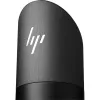
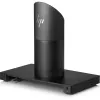
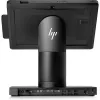
HP Engage Go Dock - Black

HP Engage Go Dock - Black
R11,302
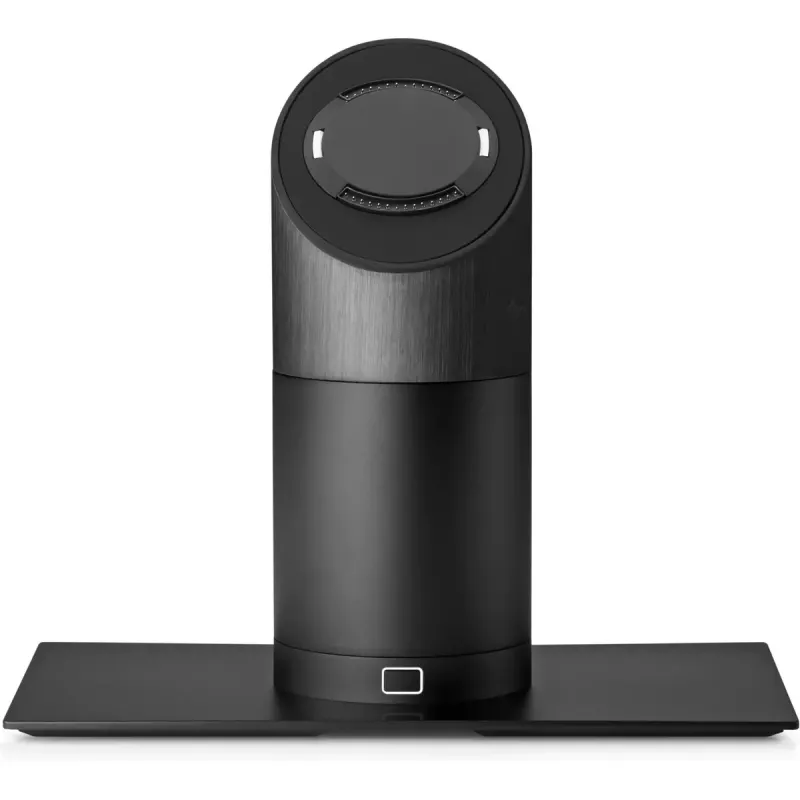
The HP Engage Go POS docking station is a compact docking solution designed for retail and service environments where fast, reliable connection and efficient workflow are required. Finished in black, the docking station supports secure placement and charging of compatible HP Engage Go devices while ... Read More
Stock Out Of StockNo Stock Code 1725049 Brand HP Model 5JG51AA Warranty 2 Years

Shipping & Returns

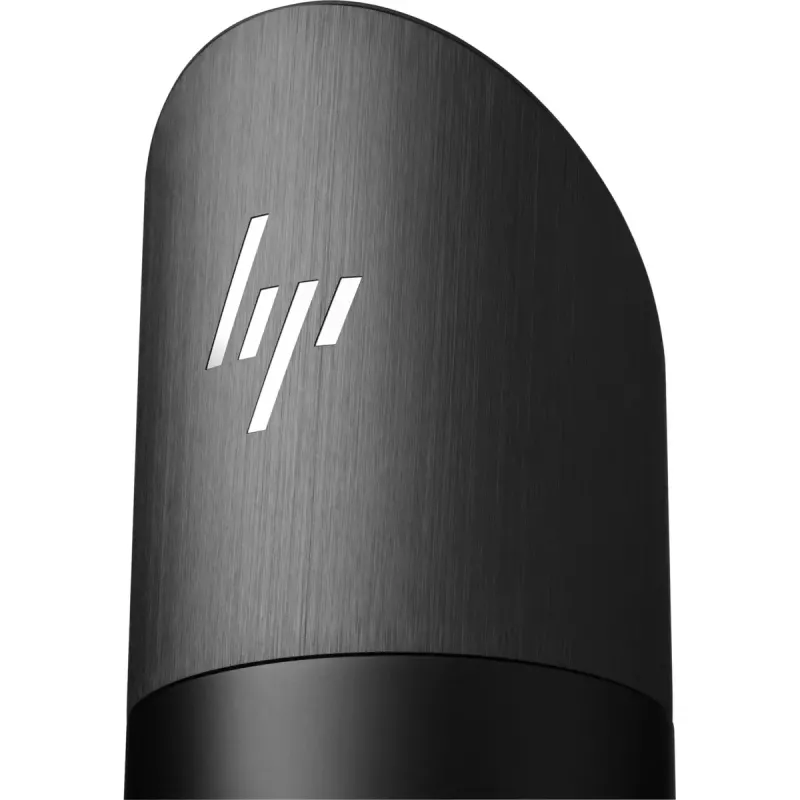
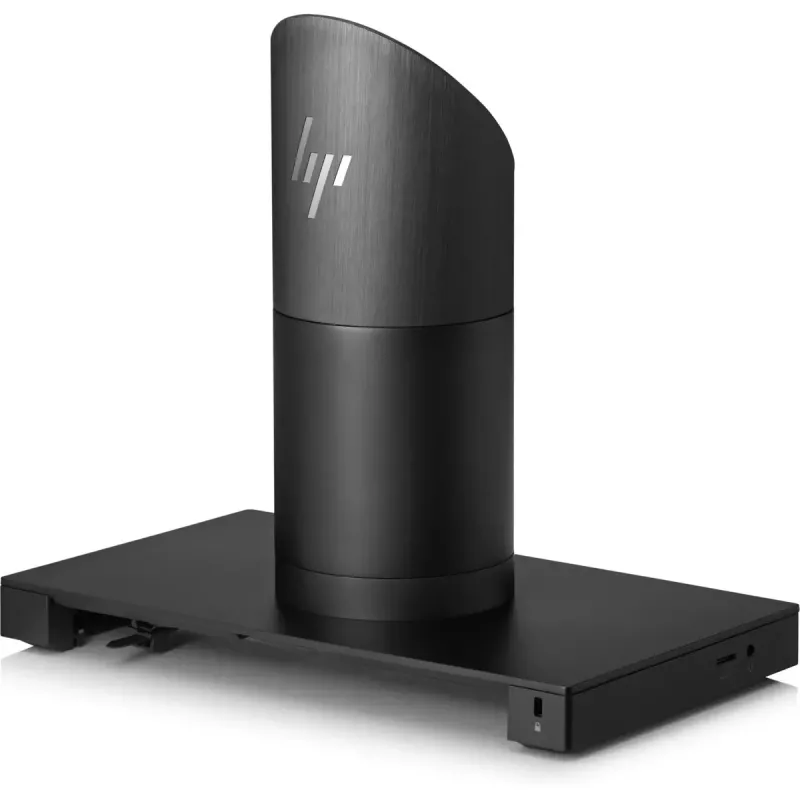
The HP Engage Go POS docking station is a compact docking solution designed for retail and service environments where fast, reliable connection and efficient workflow are required. Finished in black, the docking station supports secure placement and charging of compatible HP Engage Go devices while providing a stable physical interface for point-of-sale operations. Its small footprint allows placement on counters, service desks, and compact workstations without occupying excessive space.

Advantages

The docking station combines a durable build with a space-saving design to maintain a professional appearance at the point of sale. It simplifies device handling by providing a fixed location for charging and data connectivity, reducing cable clutter and enabling quick docking and undocking. The unit’s dimensions make it straightforward to integrate into existing retail setups and to position near payment terminals, receipt printers, or customer interaction points.

Suitable for

Key specifications

How to use

Place the docking station on a flat, stable surface near the point-of-sale terminal or workstation. Align the compatible HP Engage Go device with the dock connector and lower it gently until it seats securely. Connect the docking station to power and any required data or peripheral interfaces according to the system configuration. To remove the device, lift it straight up from the dock to avoid stress on connectors. Follow any additional HP-provided installation guidelines for network and peripheral connections.

Recommendations

Position the docking station within easy reach of the operator to enable swift docking and undocking during customer interactions. Keep ventilation clear and avoid exposing the unit to liquids or extreme temperatures. Regularly inspect connectors for debris and ensure cables are routed to minimize tripping hazards and accidental disconnection.

An extra layer of protection

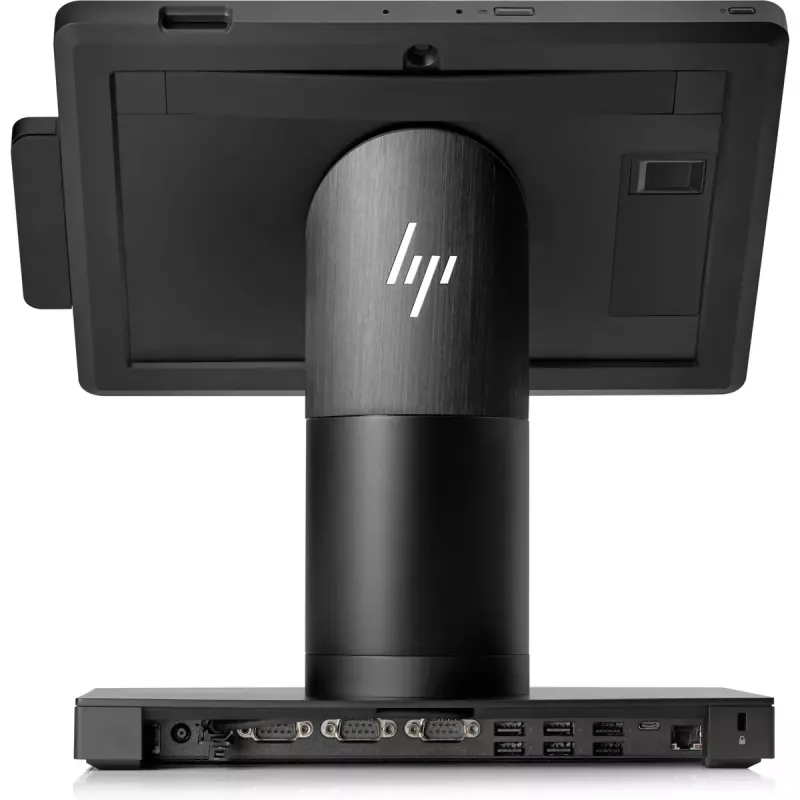
Lock your HP Engage Go Mobile to the dock with the HP Smart Dock feature that works with software on your device to ensure that only logged in or authorized users can activate the tablet release button.

Easy charging

Connect the tablet to the dock through the pogo pin connector to keep working with customers at a fixed location while you charge.

Expand your connectivity

Attach the dock to an optional HP Engage One I/O Connectivity Base[1] to add accessory connectivity with Serial, powered USB, USB, Cash Drawer, LAN, and Video Out through USB-C™ ports.
Key Highlights
  • Retail checkout counters and mobile point-of-sale setups
  • Hospitality desks, ticketing stations, and kiosks
  • Inventory scanning stations and back-office work areas
  • Environments requiring secure charging and a stable mount for HP Engage Go devices
  • Color: black
  • Width: 284 mm
  • Depth: 167.1 mm
  • Height: 245.3 mm
  • Designed for HP Engage Go device compatibility
  • Compact footprint suitable for counter placement
Specifications
Depth
167.1 mm
Height
245.3 mm
HP segment
Business
Product colour
Black
Product type
POS docking station
Weight
3.05 kg
Width
284 mm

Leaflet

Open Leaflet
Price history is not available yet
We are still collecting enough daily price data for this product.

Popular products in this category

WhatsApp
Hi, I’m DistriNode’s AI assistant. I can help you find products, compare options, create quote PDFs, or open support requests.