Account Contact
Your Cart
Pay the courier with no extra fees.
Need help? DistriNode AI can handle any task on our site.

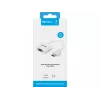
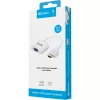
HDMI to VGA+Audio Converter Sandberg 508-77

HDMI to VGA+Audio Converter Sandberg 508-77
R318
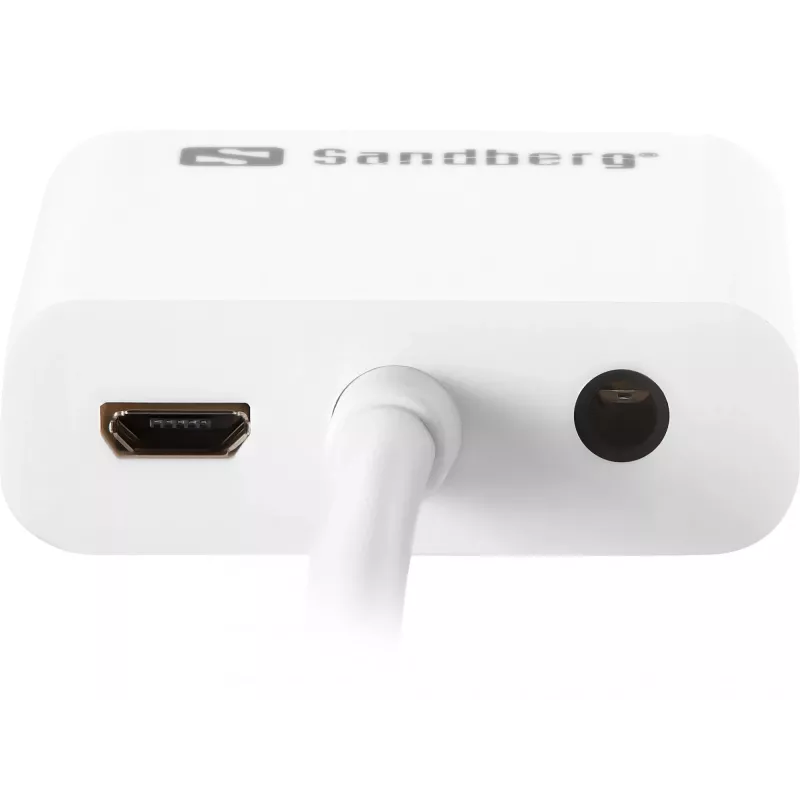
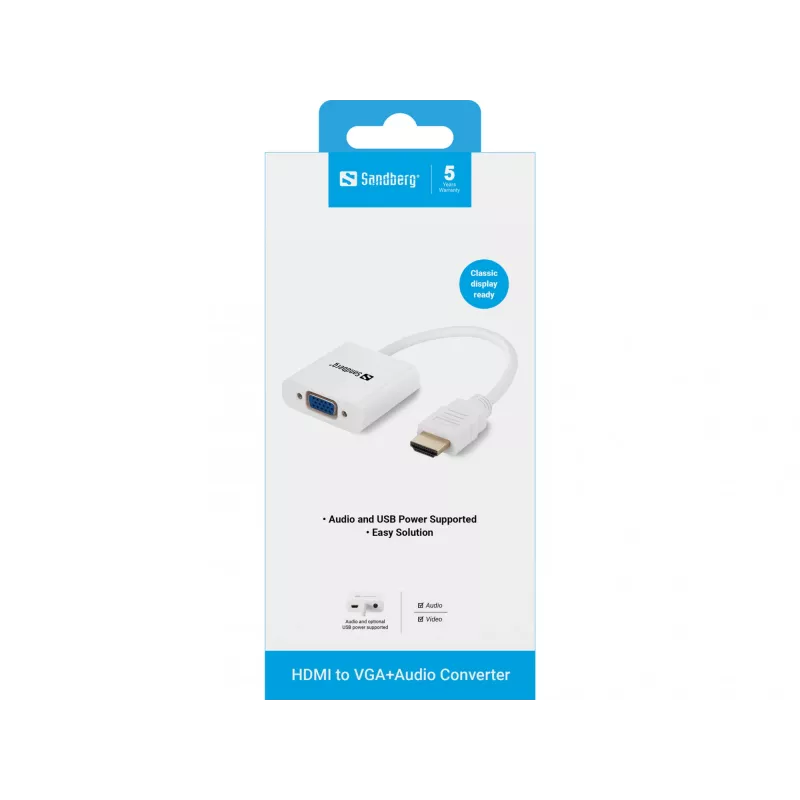
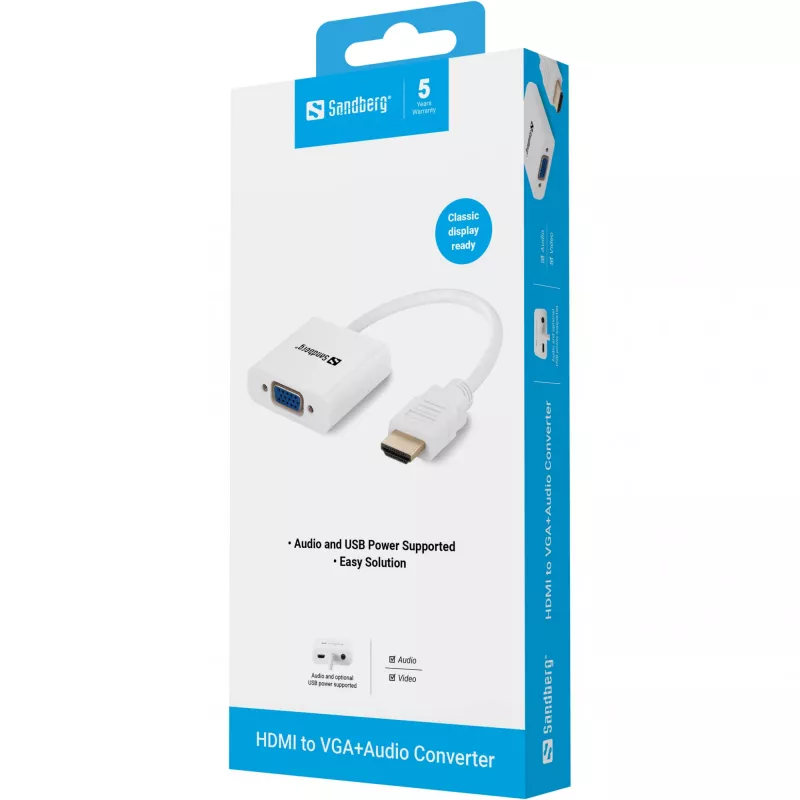
The Sandberg 508-77 HDMI to VGA+Audio Converter enables connecting HDMI source devices to displays or projectors with a VGA (D-Sub) input while also providing a 3.5 mm audio output. The compact, white adapter includes a male HDMI Type A connector and converts digital HDMI video to analogue VGA signa... Read More
Stock 517 Code 1172499 Brand SANDBERG Model 508-77 Warranty 2 Years

Shipping & Returns

Estimated delivery Tuesday, October 6
You will be kept updated through our detailed tracking system
Payment options
EFTPayFastBank CardSnapScanZapperGoogle PayApple PayMobicredMoreTymePay on Arrival

The Sandberg 508-77 HDMI to VGA+Audio Converter enables connecting HDMI source devices to displays or projectors with a VGA (D-Sub) input while also providing a 3.5 mm audio output. The compact, white adapter includes a male HDMI Type A connector and converts digital HDMI video to analogue VGA signal. It is lightweight (0.04 kg) and RoHS certified.

Advantages

This adapter converts HDMI to VGA video and provides a separate 3.5 mm audio output so you can route sound to speakers or headphones. Its small size and low weight make it easy to carry and use with laptops, media players and other HDMI-equipped devices. The device supports optional USB power if the connected HDMI source cannot supply sufficient power.

Suitable for

  • Connecting HDMI laptops to VGA monitors or projectors
  • Using HDMI media players or set-top boxes with VGA displays
  • Situations where separate audio output is required (speakers, soundbars, headphones)

Key specifications

  • Brand: SANDBERG
  • Model: 508-77
  • Input connector: HDMI Type A (male)
  • Output connectors: VGA (D-Sub) + 3.5 mm audio jack
  • Weight: 0.04 kg
  • Colour: White
  • Certification: RoHS

How to use

Connect the adapter's HDMI Type A plug to the HDMI output of your source device. Attach a VGA cable from the adapter's VGA output to the VGA input of your monitor or projector. If you need audio, connect speakers or headphones to the 3.5 mm jack. If the adapter requires additional power, connect a USB power source to the adapter's USB power input (if present) to ensure stable operation.

Recommendations

Use good-quality VGA and HDMI cables to maintain signal integrity. If the video output is unstable, try connecting USB power to the adapter or check that the source device's HDMI output is enabled and set to a compatible resolution for the VGA display.
Key Highlights
  • Connecting HDMI laptops to VGA monitors or projectors
  • Using HDMI media players or set-top boxes with VGA displays
  • Situations where separate audio output is required (speakers, soundbars, headphones)
  • Brand: SANDBERG
  • Model: 508-77
  • Input connector: HDMI Type A (male)
  • Output connectors: VGA (D-Sub) + 3.5 mm audio jack
  • Weight: 0.04 kg
  • Colour: White
  • Certification: RoHS
Specifications
Compliance certificates
RoHS
Connector 1
HDMI Type A (Standard)
Connector 1 gender
Male
Connector 2
VGA (D-Sub) + 3.5mm
Connector 2 gender
Female
Depth
45 mm
Harmonized System (HS) code
84733080
Height
15 mm
Package depth
19 mm
Package height
193 mm
Package type
Blister
Package weight
78 g
Package width
77 mm
Product colour
White
Weight
40 g
Width
250 mm

Leaflet

Open Leaflet
Price history over the last 6 months
HDMI to VGA+Audio Converter Sandberg 508-77
Current
R318
Lowest
R296
Highest
R338
Change 24H
+R19   +6%
Week
+R22   +7%
Month
+R21   +7%

Popular products in this category

WhatsApp
Hi, I’m DistriNode’s AI assistant. I can help you find products, compare options, create quote PDFs, or open support requests.