Account Contact
Your Cart
Pay the courier with no extra fees.
Need help? DistriNode AI can handle any task on our site.

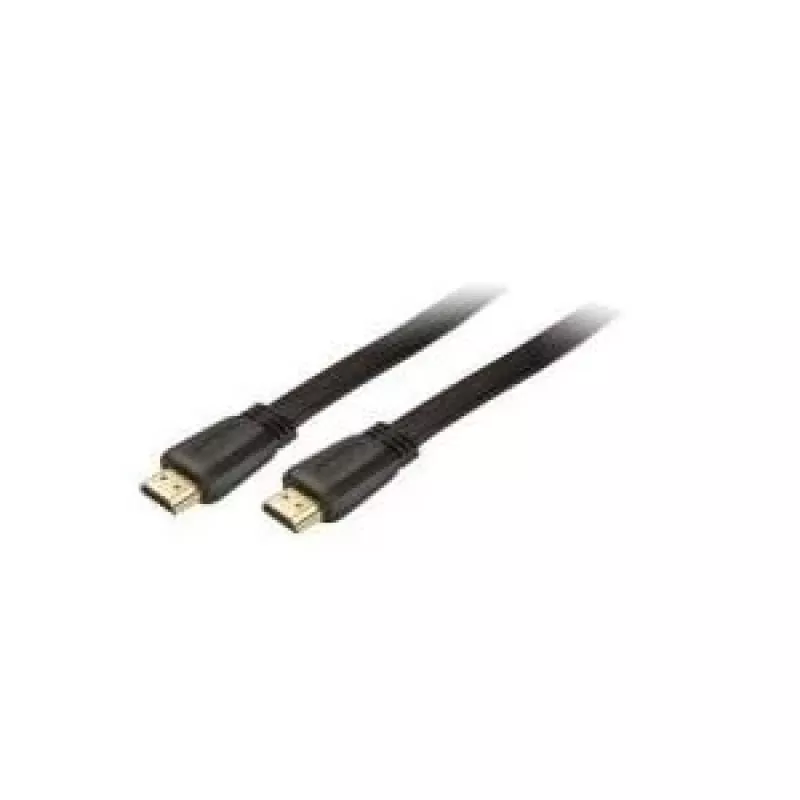
HDMI Cable ShiverPeaks BASIC-S 1m

HDMI Cable ShiverPeaks BASIC-S 1m
R295
The ShiverPeaks BASIC-S 1m HDMI cable provides a straightforward solution for transmitting high-quality digital audio and video between HDMI Type A devices. With gold-plated HDMI Type A connectors and a compact 1 meter length in black, the cable is designed for near-desk connections between monitors... Read More
Stock 142 Code 2209961 Brand SHIVERPEAKS Model BS77470-Flat Warranty 2 Years

Shipping & Returns

Estimated delivery Tuesday, October 6
You will be kept updated through our detailed tracking system
Payment options
EFTPayFastBank CardSnapScanZapperGoogle PayApple PayMobicredMoreTymePay on Arrival

The ShiverPeaks BASIC-S 1m HDMI cable provides a straightforward solution for transmitting high-quality digital audio and video between HDMI Type A devices. With gold-plated HDMI Type A connectors and a compact 1 meter length in black, the cable is designed for near-desk connections between monitors, TVs, laptops, game consoles and media players. A data transfer capacity of 8.16 Gbit/s supports high-definition picture and multichannel sound while maintaining signal integrity over the short run.

Advantages

Gold-plated HDMI Type A connectors reduce corrosion and improve contact reliability. The 1 m length minimizes cable clutter and signal attenuation in close setups. The cable’s construction targets consistent digital transmission at up to 8.16 Gbit/s, making it suitable for standard HD and many Full HD configurations. Its black finish blends with most AV setups and mounting arrangements.

Suitable for

  • Connecting a laptop or desktop PC to an external monitor or HDTV
  • Linking game consoles to TVs or monitors for home gaming
  • Connecting media players, Blu-ray players or streaming devices to displays
  • Short-distance AV connections where a 1 m cable keeps a tidy workspace

Key specifications

  • Cable length: 1 m
  • Connectors: HDMI Type A to HDMI Type A (gold-plated contacts)
  • Maximum data transfer rate: 8.16 Gbit/s
  • Color: Black

How to use

Align the HDMI Type A connector with the HDMI port on each device and insert firmly until the connector seats. Use the 1 m cable for short links between the display and the source device, avoiding excessive bending near the connectors. For best results, power off devices before connecting or disconnecting when possible, then power on and select the appropriate HDMI input on the display to establish the signal.

Recommendations

For reliable performance, route the cable away from strong electromagnetic sources and avoid tight bends or repeated stress at the connector ends. If using with high-resolution or HDR workflows, verify device compatibility and settings since the cable’s 8.16 Gbit/s capacity suits HD and many Full HD scenarios but may limit higher-bandwidth modes on some equipment.

Key Highlights
  • Connecting a laptop or desktop PC to an external monitor or HDTV
  • Linking game consoles to TVs or monitors for home gaming
  • Connecting media players, Blu-ray players or streaming devices to displays
  • Short-distance AV connections where a 1 m cable keeps a tidy workspace
  • Cable length: 1 m
  • Connectors: HDMI Type A to HDMI Type A (gold-plated contacts)
  • Maximum data transfer rate: 8.16 Gbit/s
  • Color: Black
Specifications
AWG wire size
30
Cable length
1 m
Cable material
Copper
Certification
ATC
Connector 1
HDMI Type A (Standard)
Connector 1 form factor
Straight
Connector 1 gender
Male
Connector 2
HDMI Type A (Standard)
Connector 2 form factor
Straight
Connector 2 gender
Male
Connector contacts plating
Gold
Data transfer rate
8.16 Gbit/s
Product colour
Black
Price history over the last 6 months
HDMI Cable ShiverPeaks BASIC-S 1m
Current
R295
Lowest
R285
Highest
R295
Change 24H
+R9   +3%
Week
—   
Month
—   

Popular products in this category

WhatsApp
Hi, I’m DistriNode’s AI assistant. I can help you find products, compare options, create quote PDFs, or open support requests.