Account Contact
Your Cart
Pay the courier with no extra fees.
Need help? DistriNode AI can handle any task on our site.

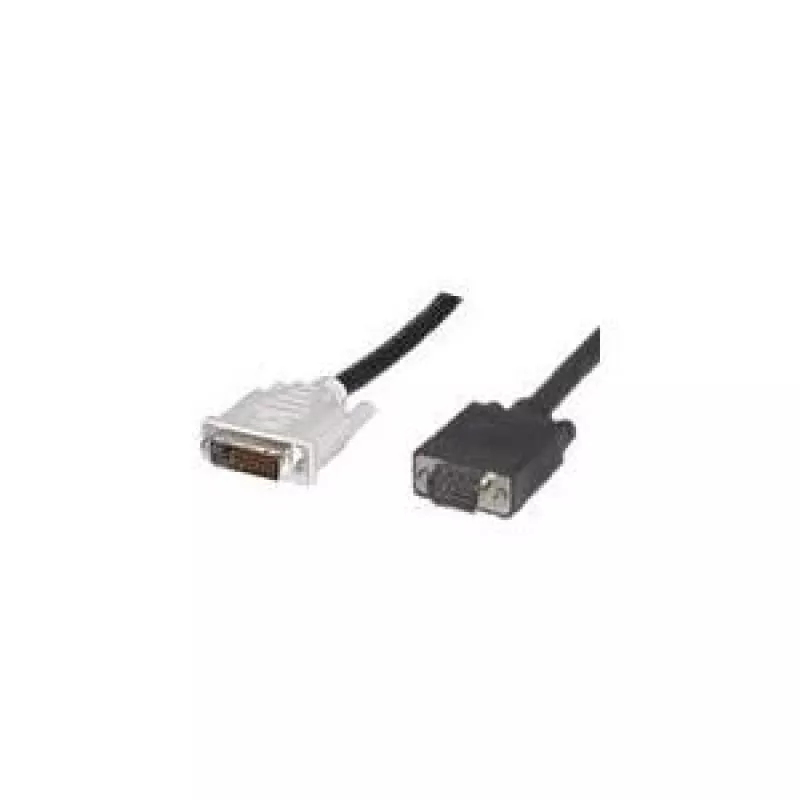
Microconnect 50990 video cable adapter 2 m DVI-I VGA (D-Sub) Black

Microconnect 50990 video cable adapter 2 m DVI-I VGA (D-Sub) Black
R191
The Microconnect 50990 DVI-I to VGA (D-Sub) video cable adapter is a 2 m black connection cable designed to convert a DVI-I output to a VGA input. The adapter enables signal continuity between devices with DVI-I and VGA ports, offering a practical solution when a monitor, projector or video card nee... Read More
Stock 11 Code 975678 Brand GOOBAY Model 50990 Warranty 2 Years

Shipping & Returns

Estimated delivery Thursday, October 1
You will be kept updated through our detailed tracking system
Payment options
EFTPayFastBank CardSnapScanZapperGoogle PayApple PayMobicredMoreTymePay on Arrival

The Microconnect 50990 DVI-I to VGA (D-Sub) video cable adapter is a 2 m black connection cable designed to convert a DVI-I output to a VGA input. The adapter enables signal continuity between devices with DVI-I and VGA ports, offering a practical solution when a monitor, projector or video card needs to be linked to legacy analog displays. The cable is RoHS compliant and has a lightweight build of approximately 160 g, providing a balance between portability and durable handling.

Advantages

This video cable adapter provides straightforward DVI-I to VGA connectivity without additional power or drivers. Its 2 m length gives flexibility in desktop and small meeting-room setups, while the black finish blends with most AV equipment. The cable’s construction supports stable analog signal transmission and allows easy storage and transport due to its compact dimensions and modest weight.

Suitable for

  • Connecting a DVI-I equipped desktop or graphics card to a VGA monitor or projector
  • Temporary or permanent setups in offices, classrooms, or presentation spaces
  • Integrating older VGA displays into systems that offer DVI-I outputs

Key specifications

  • Cable length: 2 m
  • Connector 1: DVI-I
  • Connector 2: VGA (D-Sub)
  • Product colour: Black
  • Weight: 0.16 kg

How to use

Plug the DVI-I connector into the DVI output of the source device, ensuring proper alignment of the connector pins, and attach the VGA (D-Sub) connector to the display input. Tighten any thumb screws on the VGA connector to secure the connection. After physical connection, power on both devices. Configure the display settings on the source device if necessary to match the resolution and refresh rate supported by the VGA display.

Recommendations

For best results, use this adapter where the source device supports analog signal output on its DVI-I port. Avoid bending the cable sharply near the connectors and check that the target VGA display supports the intended resolution. If image quality issues occur at higher resolutions, consider using a fully digital connection where available.

Key Highlights
  • Connecting a DVI-I equipped desktop or graphics card to a VGA monitor or projector
  • Temporary or permanent setups in offices, classrooms, or presentation spaces
  • Integrating older VGA displays into systems that offer DVI-I outputs
  • Cable length: 2 m
  • Connector 1: DVI-I
  • Connector 2: VGA (D-Sub)
  • Product colour: Black
  • Weight: 0.16 kg
Specifications
Cable length
2 m
Compliance certificates
RoHS
Connector 1
DVI-I
Connector 1 gender
Male
Connector 2
VGA (D-Sub)
Connector 2 gender
Male
Connector contacts plating
Nickel
Dual Link DVI
Yes
Harmonized System (HS) code
84733080
Package depth
209 mm
Package height
32 mm
Package weight
172 g
Package width
270 mm
Product colour
Black
Weight
160 g

Leaflet

Open Leaflet
Price history over the last 6 months
Microconnect 50990 video cable adapter 2 m DVI-I VGA (D-Sub) Black
Current
R191
Lowest
R157
Highest
R272
Change 24H
+R32   +20%
Week
+R34   +22%
Month
+R33   +21%

Popular products in this category

WhatsApp
Hi, I’m DistriNode’s AI assistant. I can help you find products, compare options, create quote PDFs, or open support requests.