Account Contact
Your Cart
Pay the courier with no extra fees.
Need help? DistriNode AI can handle any task on our site.

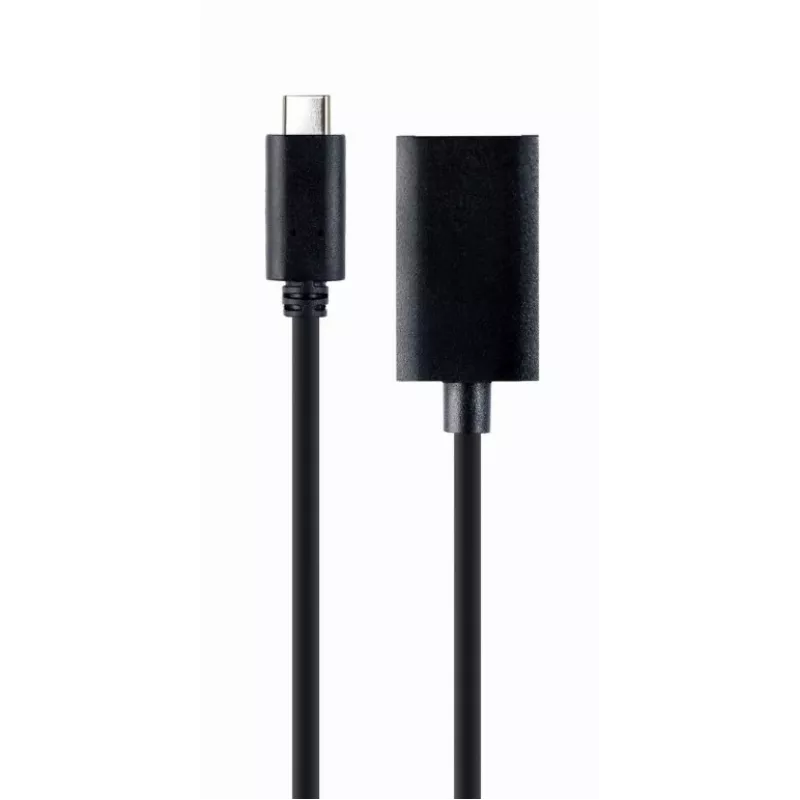
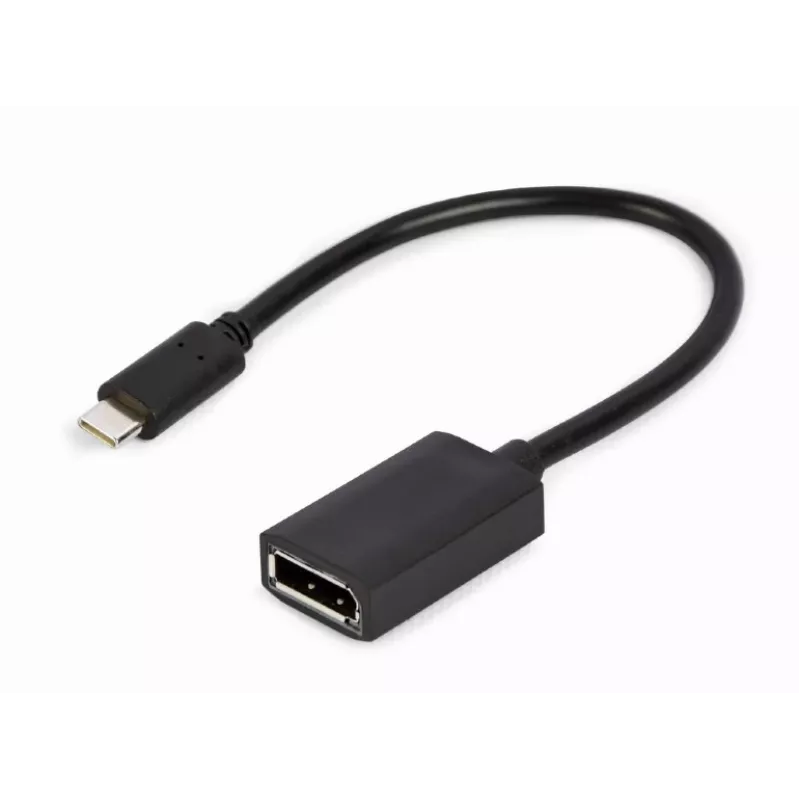
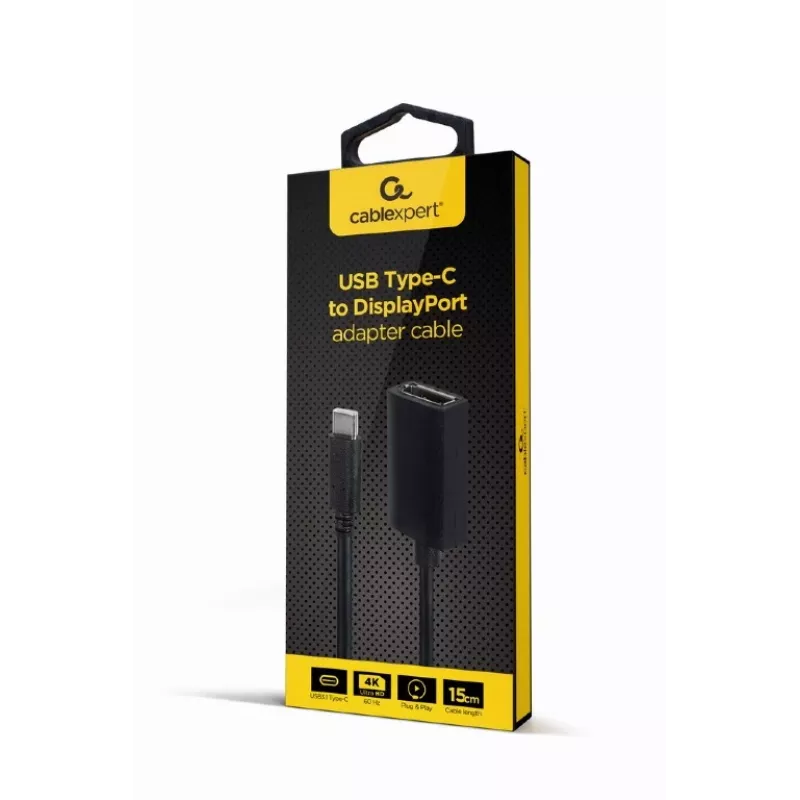
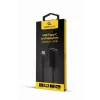
GEMBIRD USB Type-C to DisplayPort Adapter Cable, 4K, 15cm, Black

GEMBIRD USB Type-C to DisplayPort Adapter Cable, 4K, 15cm, Black
R194
The Gembird A-CM-DPF-02 is a 0.15 m video cable adapter that connects USB Type-C devices to DisplayPort displays. Its compact black housing and lightweight construction (22 g) make it convenient to carry with a laptop or tablet and use with external monitors for work or presentations.AdvantagesThe a... Read More
Stock 30 Code 99434 Brand GEMBIRD Model A-CM-DPF-02 Warranty 2 Years

Shipping & Returns

Estimated delivery Tuesday, September 29
You will be kept updated through our detailed tracking system
Payment options
EFTPayFastBank CardSnapScanZapperGoogle PayApple PayMobicredMoreTymePay on Arrival

The Gembird A-CM-DPF-02 is a 0.15 m video cable adapter that connects USB Type-C devices to DisplayPort displays. Its compact black housing and lightweight construction (22 g) make it convenient to carry with a laptop or tablet and use with external monitors for work or presentations.

Advantages

The adapter provides a direct physical connection from a USB Type-C port to a DisplayPort input, enabling video output without requiring additional drivers. Its short 0.15 m length reduces cable clutter near the device and the low weight simplifies transport in a laptop bag.

Suitable for

  • Connecting laptops with USB Type-C to DisplayPort monitors
  • Attaching tablets or compact PCs to external displays for presentations
  • Temporary workstation setups where a short adapter cable is preferred

Key specifications

  • Connector 1: USB Type-C (video output)
  • Connector 2: DisplayPort (video input)
  • Cable length: 0.15 m
  • Weight: 0.022 kg
  • Colour: Black

How to use

Plug the USB Type-C end into a compatible device that supports DisplayPort Alternate Mode and connect the DisplayPort end to the external monitor. Set the monitor input to the DisplayPort source and configure display settings on the host device as needed (resolution, display mode). No additional software is typically required; ensure the host device supports video output over USB Type-C.

Recommendations

Use this short adapter for close-proximity connections between a computer and monitor. Avoid excessive bending at connector junctions and disconnect by pulling the connector body, not the cable, to prolong lifespan.
Key Highlights
  • Connecting laptops with USB Type-C to DisplayPort monitors
  • Attaching tablets or compact PCs to external displays for presentations
  • Temporary workstation setups where a short adapter cable is preferred
  • Connector 1: USB Type-C (video output)
  • Connector 2: DisplayPort (video input)
  • Cable length: 0.15 m
  • Weight: 0.022 kg
  • Colour: Black
Specifications
Cable length
0.15 m
Cable type
Round cable
Connector 1
USB Type-C
Connector 1 form factor
Straight
Connector 1 gender
Male
Connector 2
DisplayPort
Connector 2 form factor
Straight
Connector 2 gender
Female
Depth
25 mm
Height
150 mm
Maximum resolution
3840 x 2160 pixels
Package depth
20 mm
Package height
200 mm
Package type
Box
Package weight
48 g
Package width
80 mm
Product colour
Black
Quantity per pack
1 pc(s)
Refresh rate at maximum resolution
60 Hz
Supported video modes
3840p
USB Type-C DisplayPort Alternate Mode
Yes
Weight
22 g
Width
150 mm

Leaflet

Open Leaflet

Document

Open Document

Document

Open Document
Price history over the last 6 months
GEMBIRD USB Type-C to DisplayPort Adapter Cable, 4K, 15cm, Black
Current
R194
Lowest
R164
Highest
R196
Change 24H
+R29   +18%
Week
+R31   +19%
Month
—   

Popular products in this category

WhatsApp
Hi, I’m DistriNode’s AI assistant. I can help you find products, compare options, create quote PDFs, or open support requests.