Account Contact
Your Cart
Pay the courier with no extra fees.
Need help? DistriNode AI can handle any task on our site.

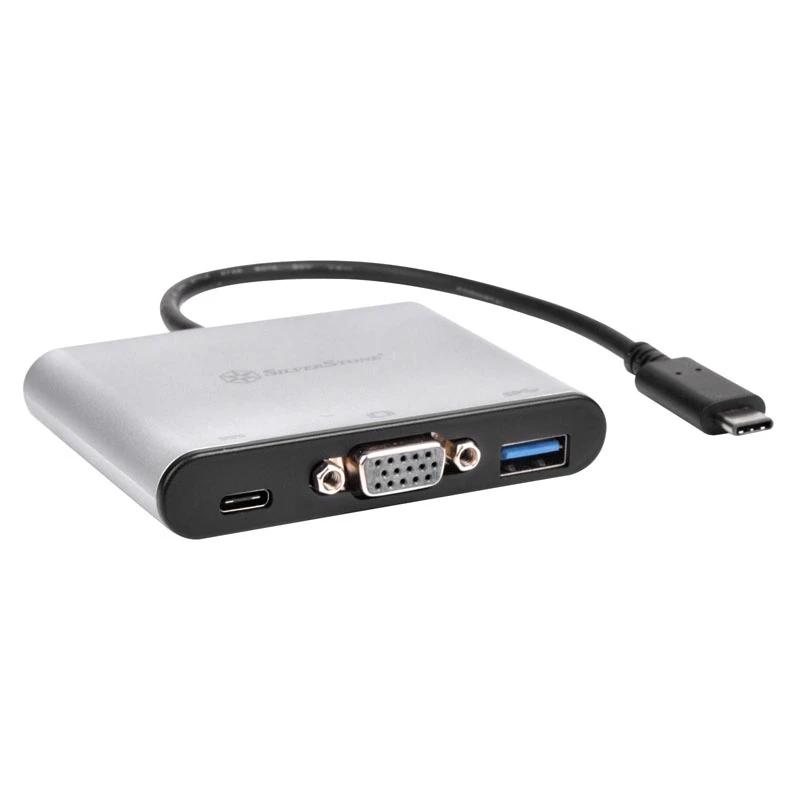
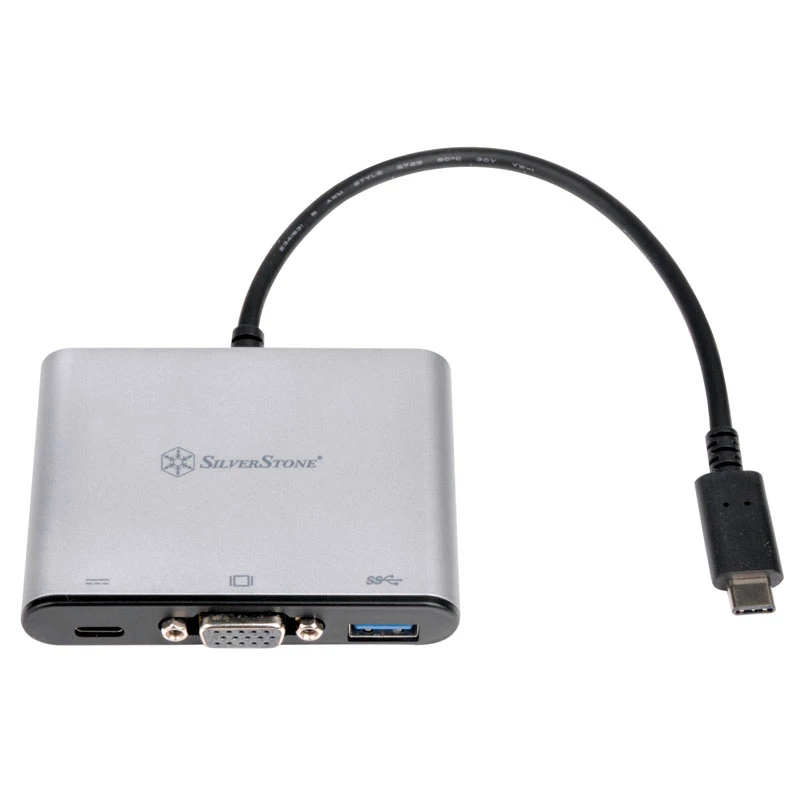
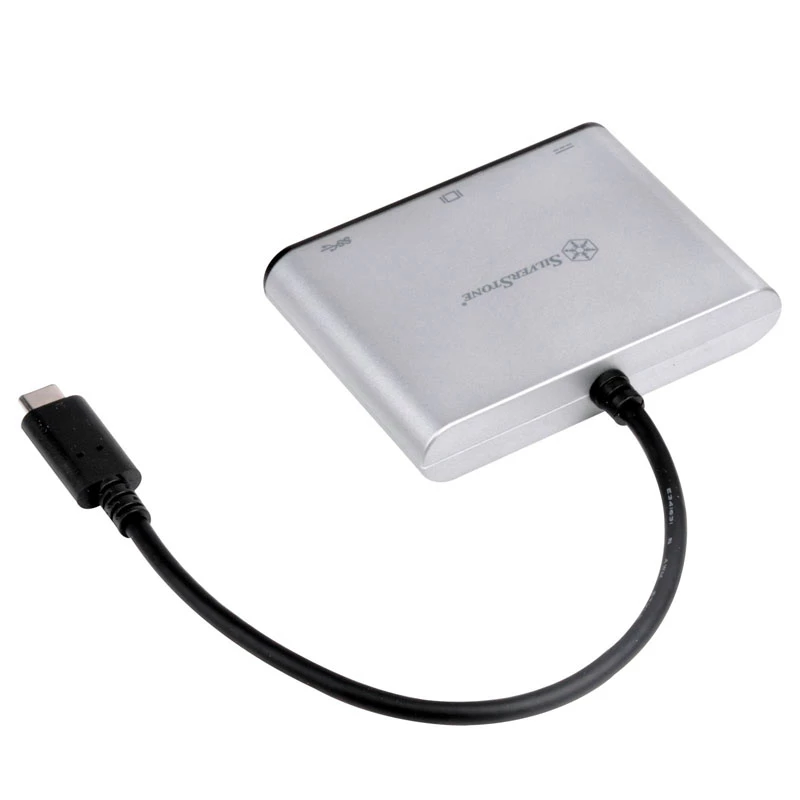
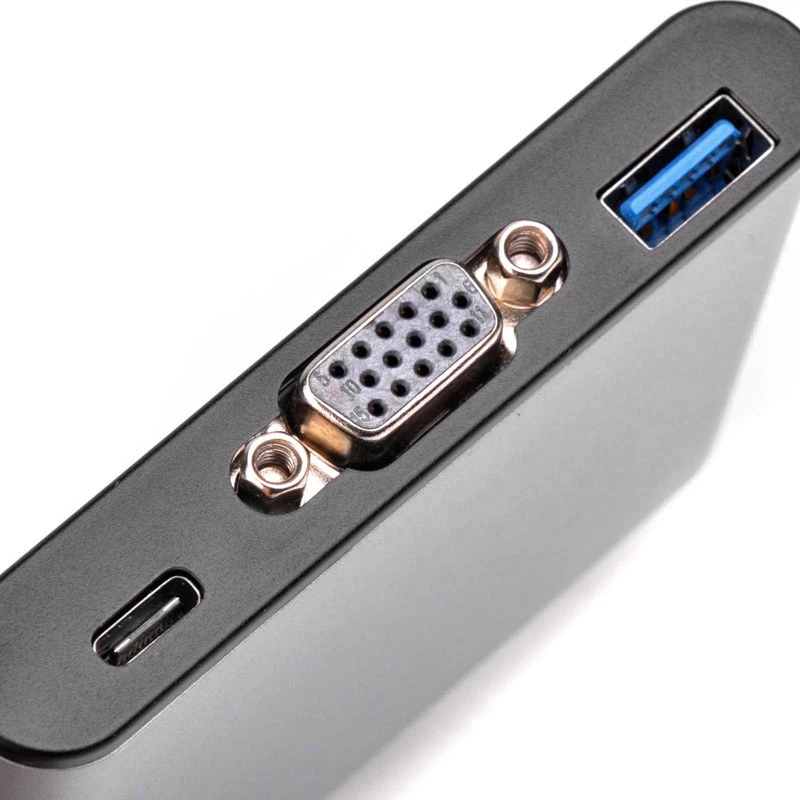
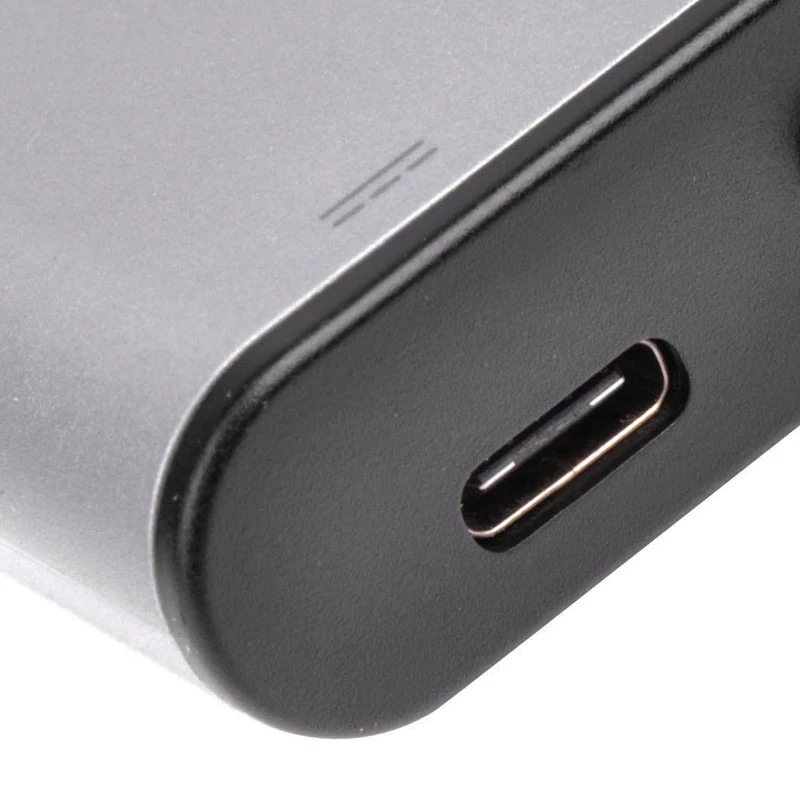
External video adapter SILVERSTONE CH7517 USB-C to VGA (Chrontel CH7517) external display connection

External video adapter SILVERSTONE CH7517 USB-C to VGA (Chrontel CH7517) external display connection
R821
The SILVERSTONE CH7517 USB-C to VGA external video adapter uses the Chrontel CH7517 chipset to convert a USB-C port into a standard VGA output. It is a compact external display interface that allows laptops, tablets and other USB-C devices to connect to VGA monitors, projectors and legacy displays. ... Read More
Stock 1 Code 308022 Brand SilverStone Model SST-EP06C Warranty 2 Years

Shipping & Returns

Estimated delivery Thursday, October 1
You will be kept updated through our detailed tracking system
Payment options
EFTPayFastBank CardSnapScanZapperGoogle PayApple PayMobicredMoreTymePay on Arrival

The SILVERSTONE CH7517 USB-C to VGA external video adapter uses the Chrontel CH7517 chipset to convert a USB-C port into a standard VGA output. It is a compact external display interface that allows laptops, tablets and other USB-C devices to connect to VGA monitors, projectors and legacy displays. The adapter provides a plug-and-play solution for presentations, meeting rooms and multi-display workstation setups where a VGA connection is required without modifying the host device's internal graphics subsystem.

Advantages

The adapter offers a simple single-cable solution to add VGA output to USB-C equipped devices, supporting analog display connectivity with minimal setup. Its external design keeps the host device unmodified and eliminates the need for docking stations or internal adapters. The small form factor makes it easy to carry for mobile professionals and classroom use while the Chrontel CH7517 chipset ensures compatibility with common resolutions and stable signal conversion.

Suitable for

  • Connecting modern laptops or tablets with USB-C to VGA projectors for presentations
  • Using legacy VGA monitors in office or educational environments
  • Setting up an extended desktop or mirrored display where VGA input is required
  • Temporary connections in meeting rooms, classrooms or conference venues

Key specifications

  • Interface (input): USB-C (DP Alt Mode compatible)
  • Interface (output): VGA (analog RGB)
  • Conversion chipset: Chrontel CH7517
  • Supported use: external display output for video and mirrored/extended desktops
  • Form factor: compact external adapter for portable use

How to use

Connect the adapter's USB-C connector to a compatible USB-C port on your laptop or tablet that supports DisplayPort Alternate Mode. Plug a VGA cable from the adapter's VGA port into the VGA input on a monitor or projector. The host device should detect the external display automatically; configure display mode (extend, mirror, resolution) in the operating system display settings if needed. No internal installation is required.

Recommendations

For consistent signal quality, use a high-quality VGA cable and verify the host device's USB-C port supports video output. When connecting to projectors or displays, set the display resolution and refresh rate in the host OS to match the target device's supported settings to avoid scaling or compatibility issues.

Key Highlights
  • Connecting modern laptops or tablets with USB-C to VGA projectors for presentations
  • Using legacy VGA monitors in office or educational environments
  • Setting up an extended desktop or mirrored display where VGA input is required
  • Temporary connections in meeting rooms, classrooms or conference venues
  • Interface (input): USB-C (DP Alt Mode compatible)
  • Interface (output): VGA (analog RGB)
  • Conversion chipset: Chrontel CH7517
  • Supported use: external display output for video and mirrored/extended desktops
  • Form factor: compact external adapter for portable use
Price history over the last 6 months
External video adapter SILVERSTONE CH7517 USB-C to VGA (Chrontel CH7517) external display connection
Current
R821
Lowest
R802
Highest
R845
Change 24H
+R9   +1%
Week
+R17   +2%
Month
+R14   +2%

Popular products in this category

WhatsApp
Hi, I’m DistriNode’s AI assistant. I can help you find products, compare options, create quote PDFs, or open support requests.