Account Contact
Your Cart
Pay the courier with no extra fees.
Need help? DistriNode AI can handle any task on our site.

External HDD/SSD Adapter WENTRONIC USB 3.0 — Goobay 72013 (IDE/SATA support)

External HDD/SSD Adapter WENTRONIC USB 3.0 — Goobay 72013 (IDE/SATA support)
R667
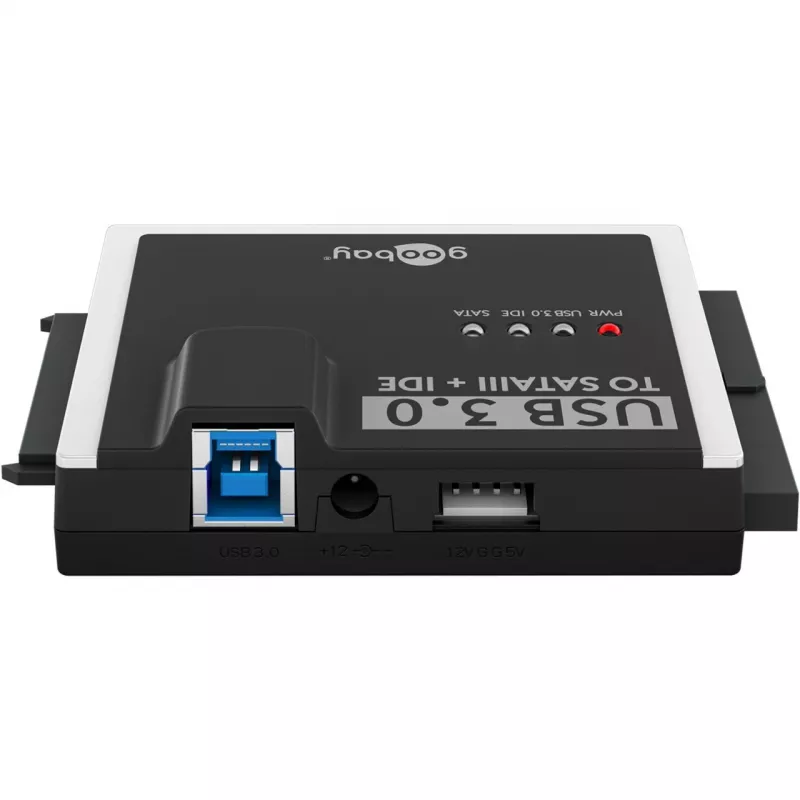
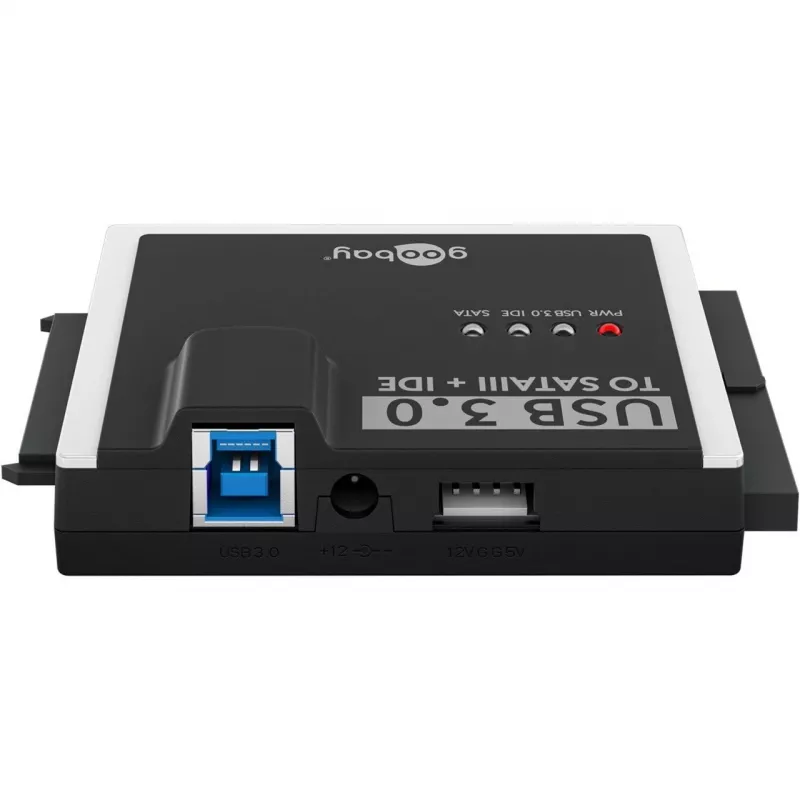
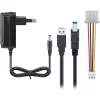
WENTRONIC Goobay 72013 is a USB 3.0 external HDD/SSD adapter that allows direct connection of internal 2.5" and 3.5" SATA drives as well as older IDE drives to a computer. The adapter provides a plug-and-play interface for quick access to data on bare drives without the need for an external enclosur... Read More
Stock 12 Code 29871 Brand GOOBAY Model 72013 Warranty 2 Years

Shipping & Returns

Estimated delivery Tuesday, October 6
You will be kept updated through our detailed tracking system
Payment options
EFTPayFastBank CardSnapScanZapperGoogle PayApple PayMobicredMoreTymePay on Arrival

WENTRONIC Goobay 72013 is a USB 3.0 external HDD/SSD adapter that allows direct connection of internal 2.5" and 3.5" SATA drives as well as older IDE drives to a computer. The adapter provides a plug-and-play interface for quick access to data on bare drives without the need for an external enclosure. With USB 3.0 throughput, it supports faster file transfers for cloning, backup, data recovery and temporary drive access on Windows, macOS and Linux systems that support USB mass storage devices.

Advantages

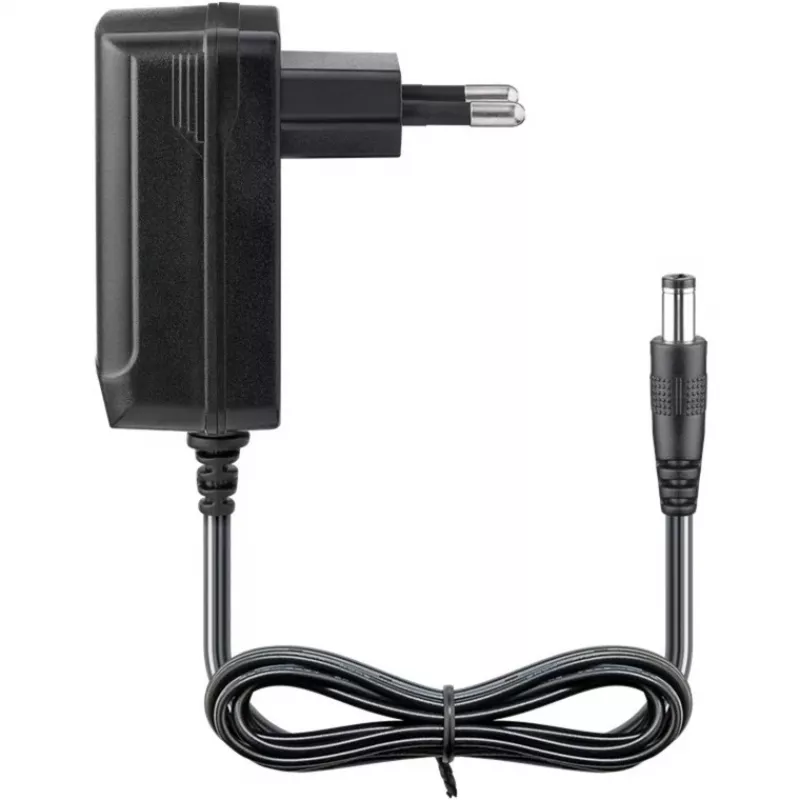
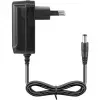
The adapter offers backwards compatibility with IDE drives while providing modern USB 3.0 speeds for SATA devices, enabling versatile use across a wide range of internal hard drives and SSDs. Its straightforward connection method removes the requirement for mounting drives in enclosures, saving time during diagnostics, cloning or short-term data access. The design supports both 2.5" laptop drives without separate power and 3.5" desktop drives with required external power, allowing safe operation for different drive form factors.

Suitable for

  • Cloning or imaging internal HDDs and SSDs
  • Data recovery and file extraction from old or damaged drives
  • Temporary access to spare drives for file transfer or verification
  • IT technicians, system builders and home users performing backups
  • Testing and diagnosing drives without installing them into a PC

Key specifications

  • Interface to host: USB 3.0 (backwards compatible with USB 2.0)
  • Supported drive interfaces: SATA (2.5"/3.5") and PATA/IDE
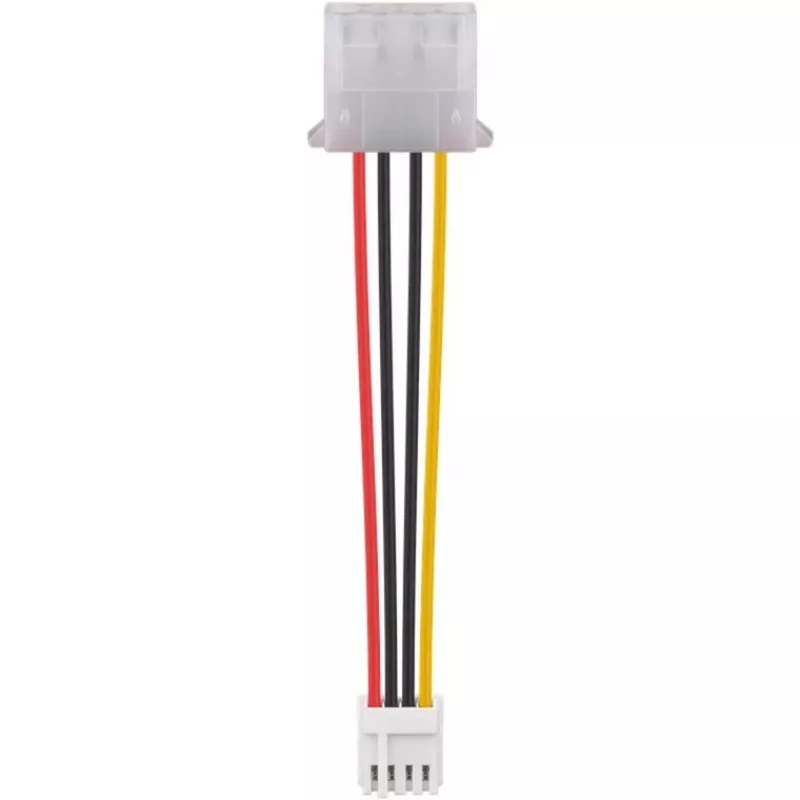
  • Power: external power supply for 3.5" drives; bus-powered for many 2.5" drives
  • Supported drive types: HDD and SSD (2.5" and 3.5" SATA, IDE/PATA)
  • Functionality: data transfer, cloning, backup and recovery support
  • Compatibility: plug-and-play USB mass storage support across common OS platforms

How to use

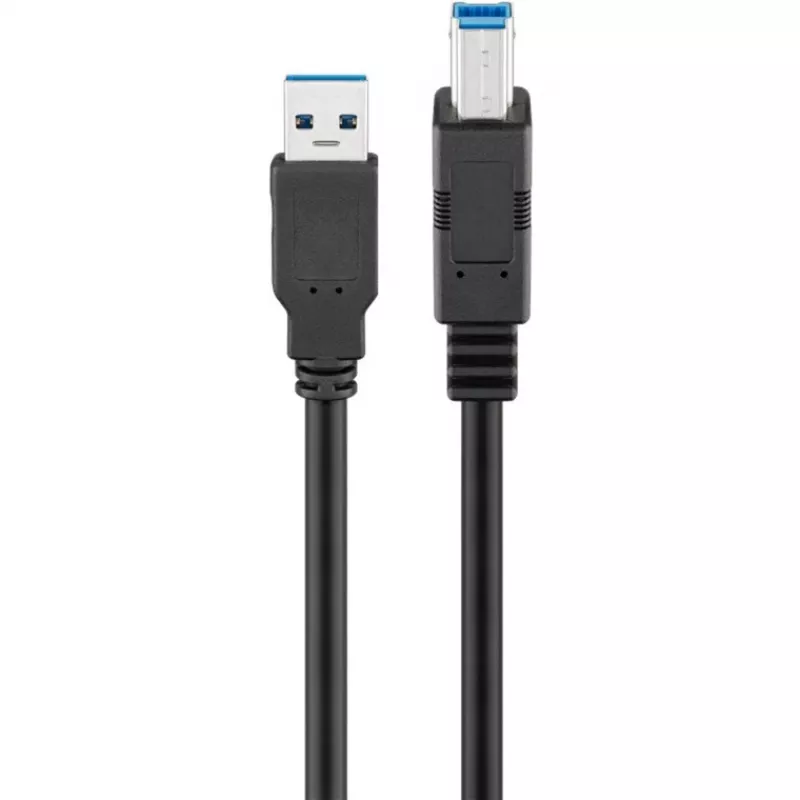
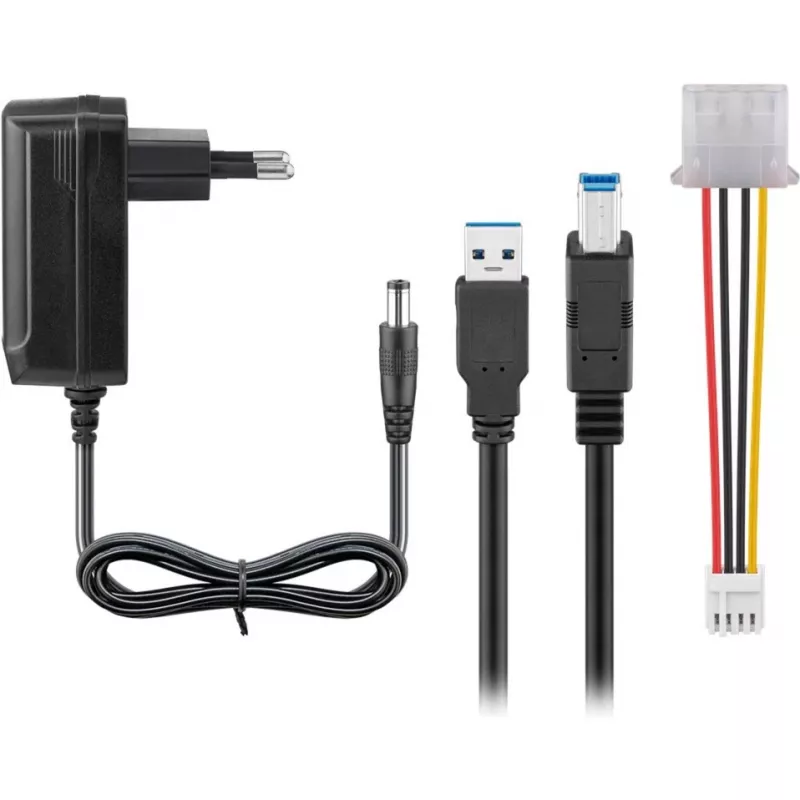
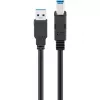
Connect the adapter to your computer via the included USB 3.0 cable and attach the internal drive to the appropriate SATA or IDE connector. If you connect a 3.5" desktop drive, attach the external power supply before powering the drive. The operating system should recognize the drive as an external storage device; then you can browse, copy or image data using your preferred file manager or cloning software. For safe removal, use the OS eject function before unplugging the adapter.

Recommendations

For reliable operation, place drives on a non-conductive, flat surface and avoid movement during data transfer. Use a stable external power supply when connecting 3.5" drives. When performing cloning or recovery operations, consider using verified cloning or recovery tools and ensure that important data is backed up before making changes to drive contents.

Key Highlights
  • Cloning or imaging internal HDDs and SSDs
  • Data recovery and file extraction from old or damaged drives
  • Temporary access to spare drives for file transfer or verification
  • IT technicians, system builders and home users performing backups
  • Testing and diagnosing drives without installing them into a PC
  • Interface to host: USB 3.0 (backwards compatible with USB 2.0)
  • Supported drive interfaces: SATA (2.5"/3.5") and PATA/IDE
  • Power: external power supply for 3.5" drives; bus-powered for many 2.5" drives
  • Supported drive types: HDD and SSD (2.5" and 3.5" SATA, IDE/PATA)
  • Functionality: data transfer, cloning, backup and recovery support
  • Compatibility: plug-and-play USB mass storage support across common OS platforms
Price history over the last 6 months
External HDD/SSD Adapter WENTRONIC USB 3.0 — Goobay 72013 (IDE/SATA support)
Current
R667
Lowest
R651
Highest
R686
Change 24H
+R8   +1%
Week
+R15   +2%
Month
+R13   +2%

Popular products in this category

WhatsApp
Hi, I’m DistriNode’s AI assistant. I can help you find products, compare options, create quote PDFs, or open support requests.