
Account Contact
Your Cart
Pay the courier with no extra fees.
Need help? DistriNode AI can handle any task on our site.

External enclosure AXAGON EEM2-20GD USB-C 20 Gbps for two M.2 NVMe SSDs with hardware cloning

External enclosure AXAGON EEM2-20GD USB-C 20 Gbps for two M.2 NVMe SSDs with hardware cloning
36 mo.
External enclosure AXAGON EEM2-20GD USB-C 20 Gbps for two M.2 NVMe SSDs with hardware cloning
R2,142
Description: Fast external box AXAGON EEM2-20GD CLONE MASTER with USB 20Gbps interface. The box works not only as an external storage for two M.2 NVMe SSD disks simultaneously, but also as a docking station that allows easy cloning of M.2 disks without using a computer. The double-sided USB-C connec... Read More
Stock 9 Code 2457756 Brand AXAGON Model EEM2-20GD Warranty 3 Years

Shipping & Returns

Estimated delivery Thursday, October 1
You will be kept updated through our detailed tracking system
Payment options
EFTPayFastBank CardSnapScanZapperGoogle PayApple PayMobicredMoreTymePay on Arrival
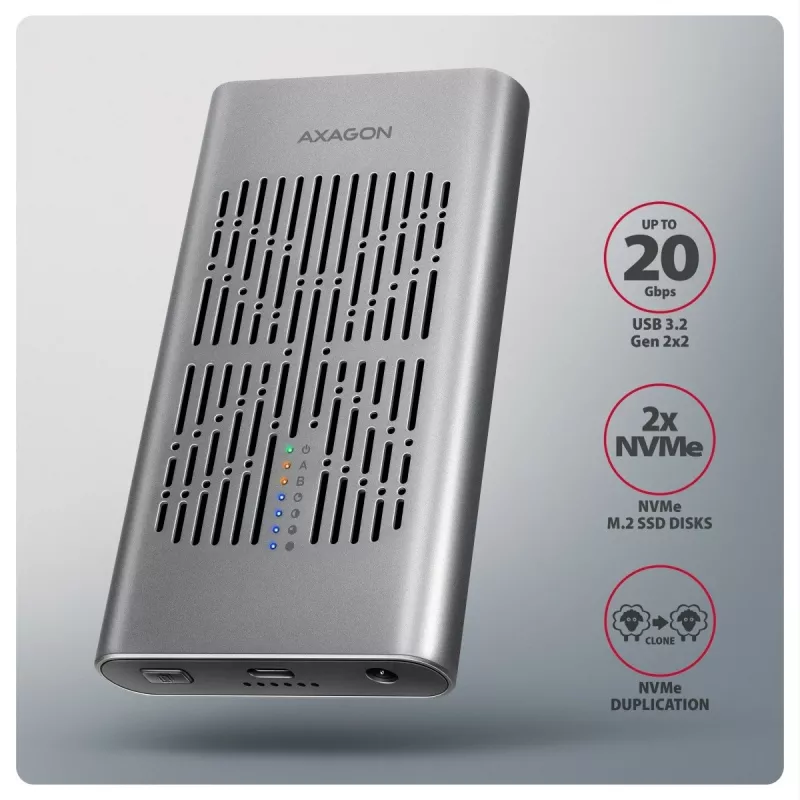
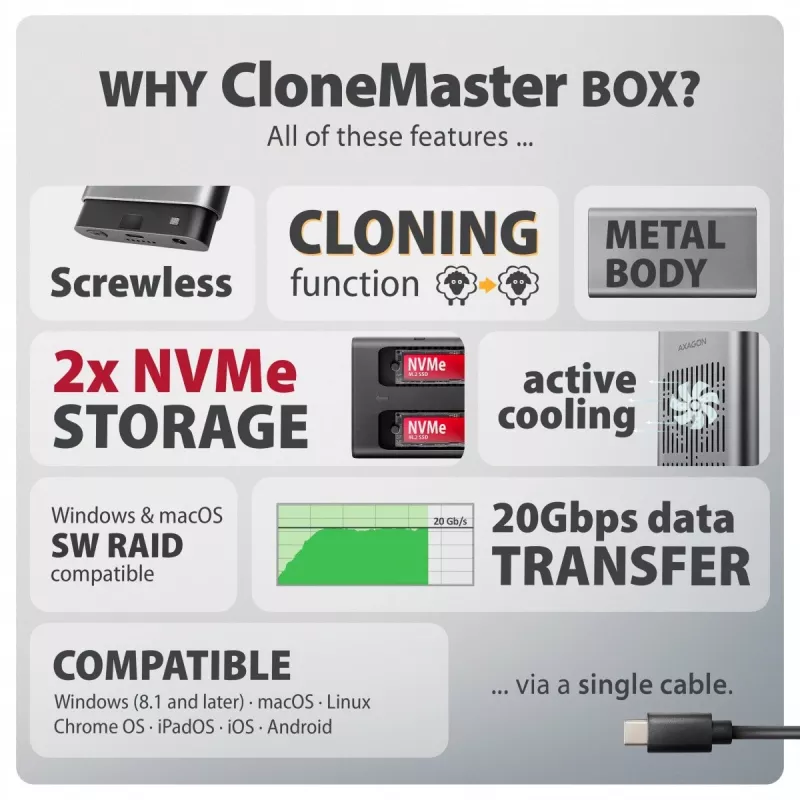
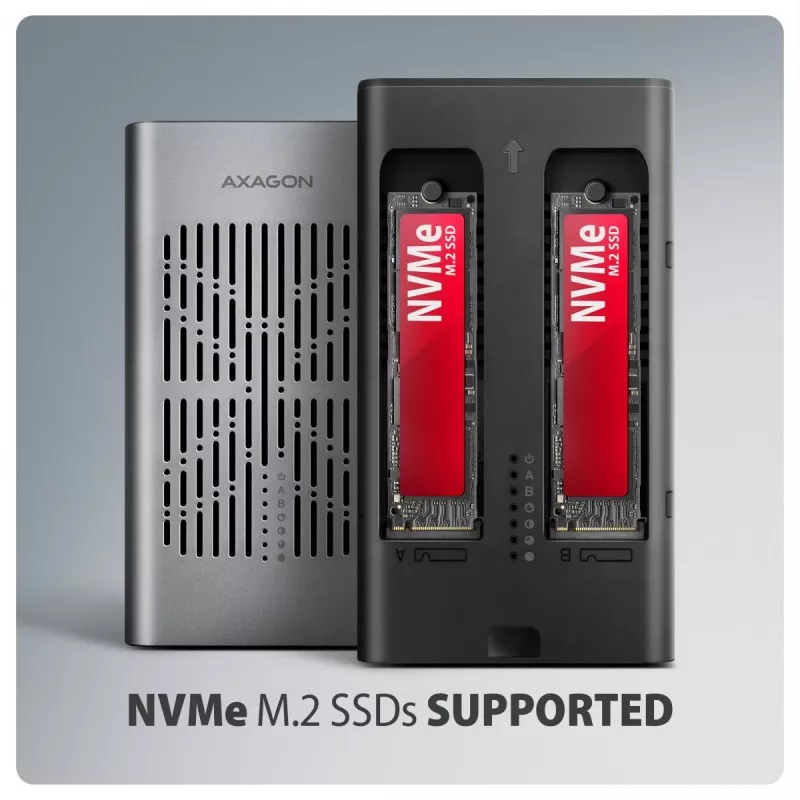
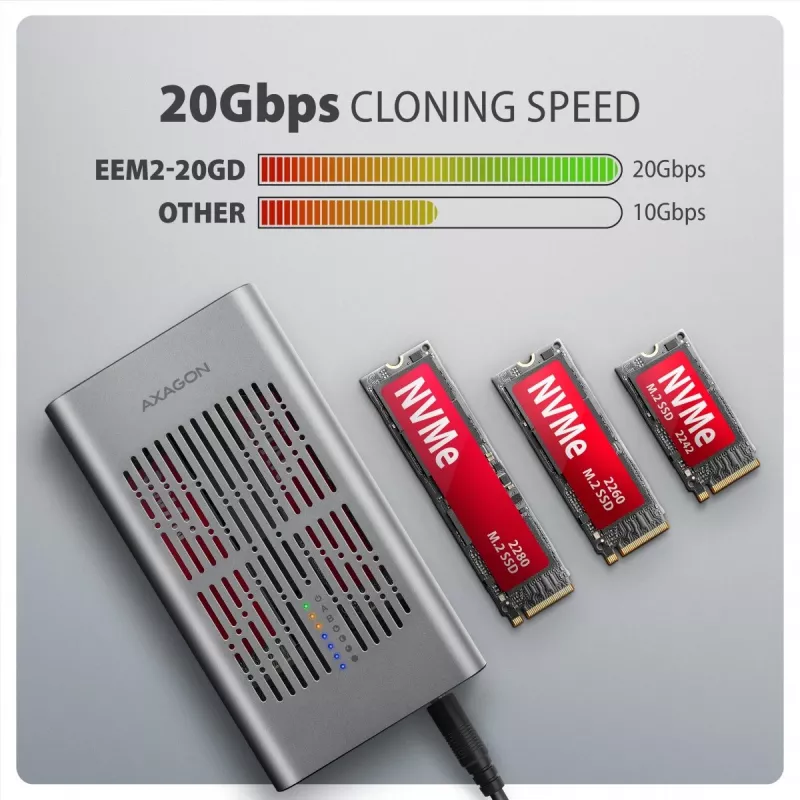
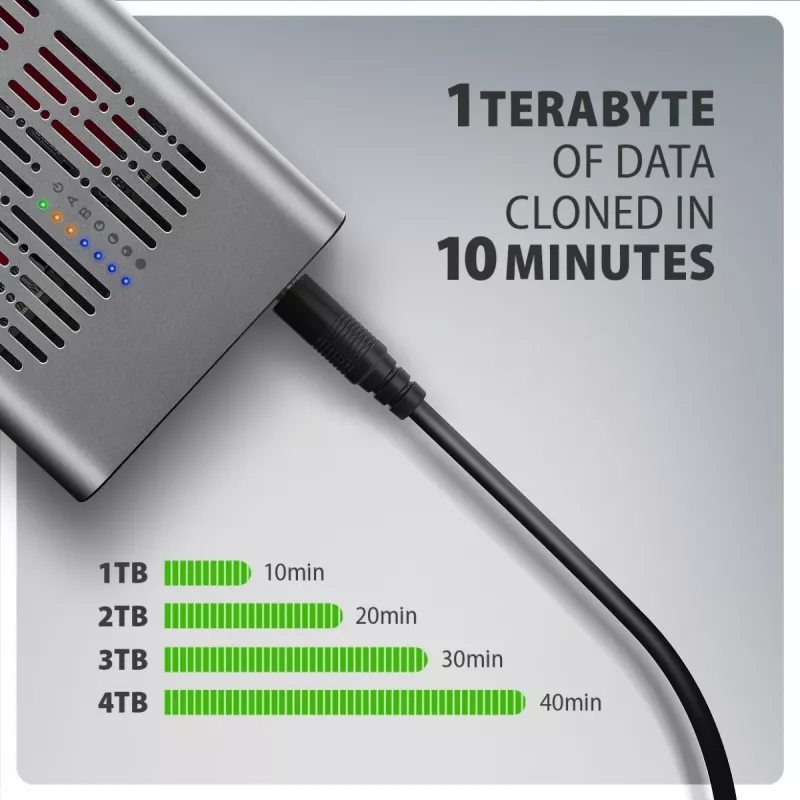
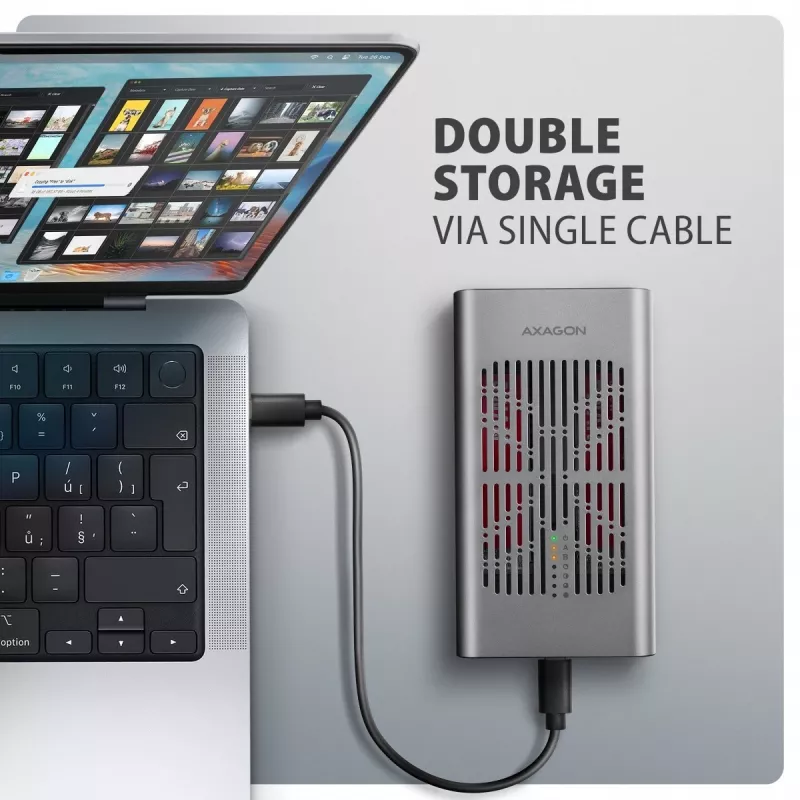
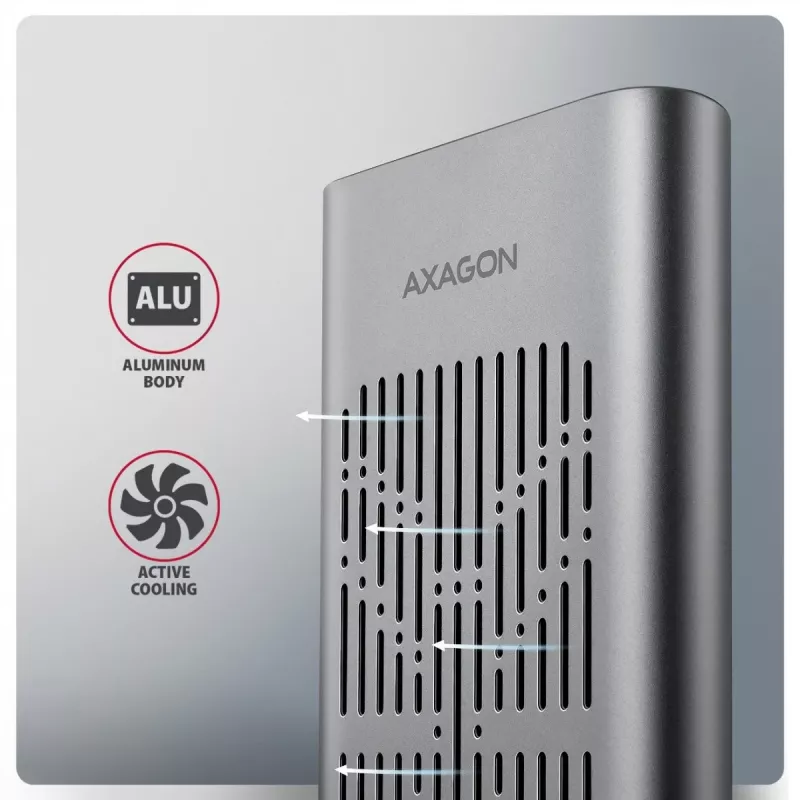
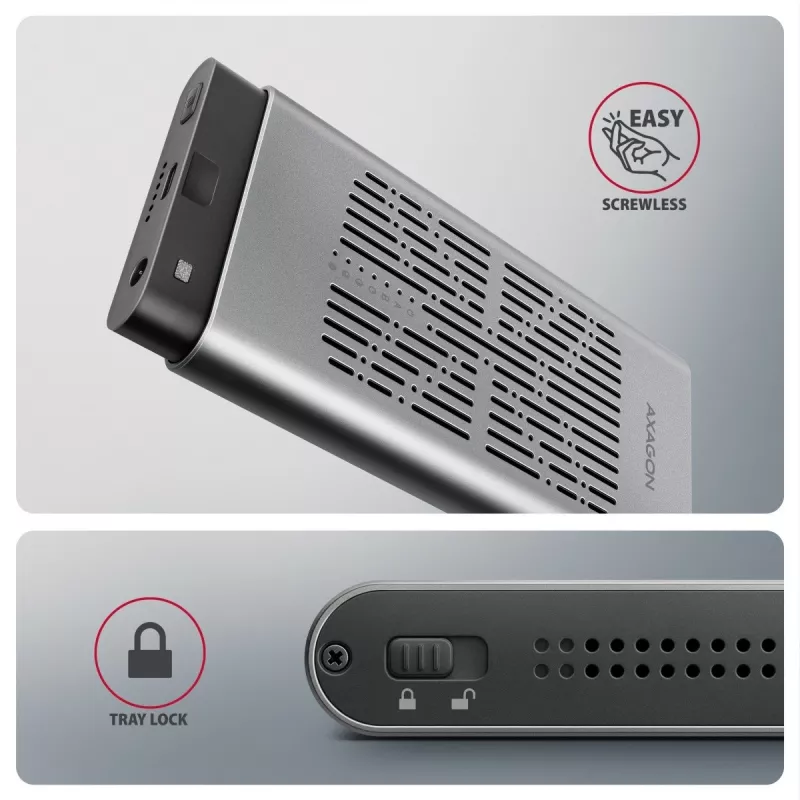
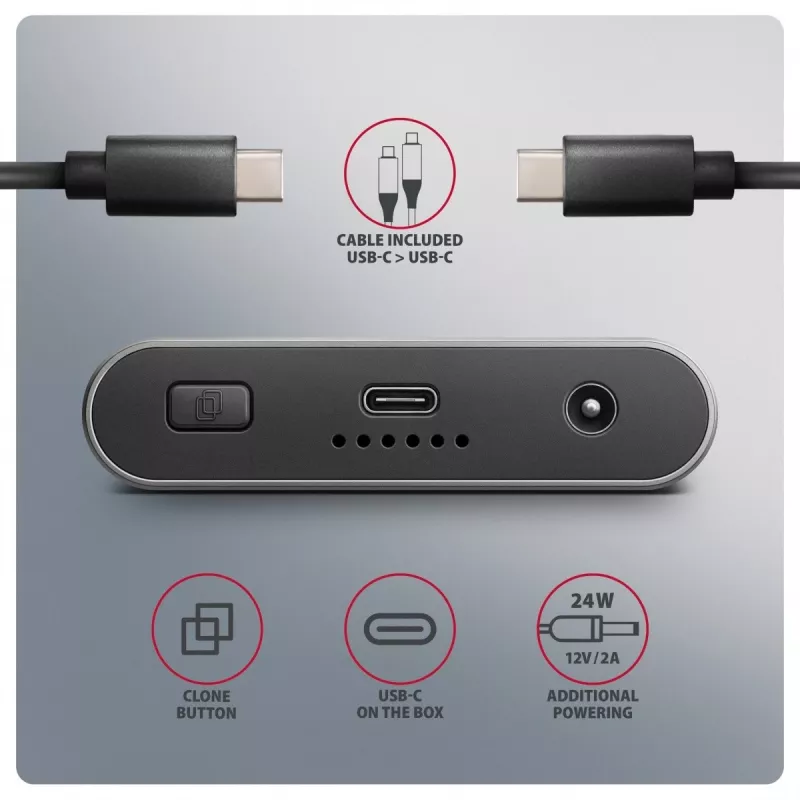
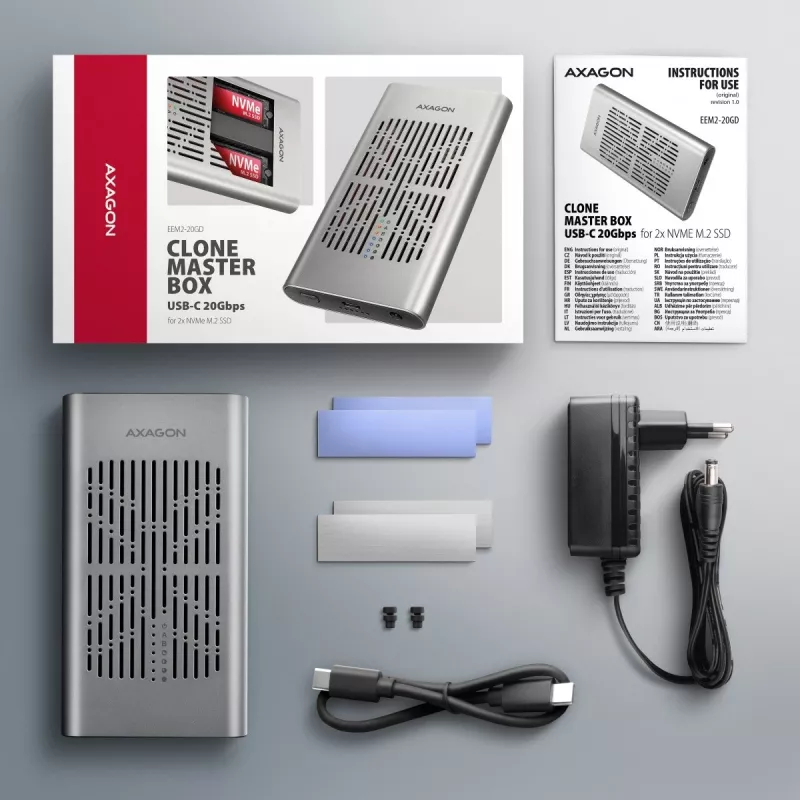
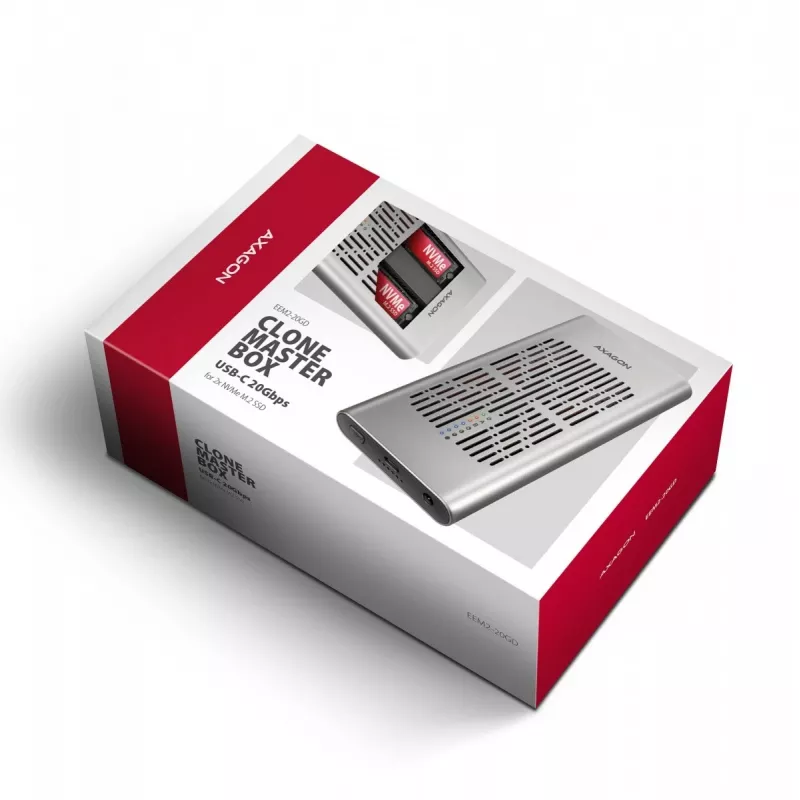
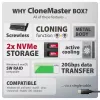
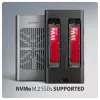
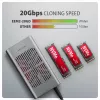
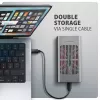
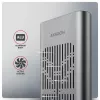
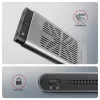
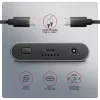
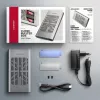
Description: Fast external box AXAGON EEM2-20GD CLONE MASTER with USB 20Gbps interface. The box works not only as an external storage for two M.2 NVMe SSD disks simultaneously, but also as a docking station that allows easy cloning of M.2 disks without using a computer. The double-sided USB-C connector enables a reliable connection. The package includes USB-C -> USB-C cable for connecting the box to a computer. With this external box, you can easily clone NVMe disks at speeds up to 20 Gb/s. Insert the source M.2 disk into the first slot (Slot A) and the target M.2 disk into the second slot (Slot B). Then hold the cloning button, confirm cloning by pressing it, and monitor the progress on the scale with four LED indicators. After completion, an exact copy of the original is created on the target disk. The box can also be used as a standalone device for convenient disk duplication and disk imaging. It is the simplest way to transfer content from one SSD to another, including a fully functional operating system (Windows, macOS, Linux). The box design allows both inserted NVMe M.2 disks to be connected to a notebook using a single cable. They appear in the system as two separate disks that can be used independently or simultaneously. When using two disks, the box design allows setting up a software RAID for higher data protection in Windows and macOS. To configure this protection, use Storage Spaces in Windows or the RAID Assistant in Disk Utility in macOS. To achieve maximum transfer speed, the controller of the connected device must support USB 20Gbps. The external M.2 box also supports other modern features e.g. UASP, TRIM and enables reading S.M.A.R.T. disk status monitoring information. After a longer period of inactivity, the box switches to power-saving mode. Another advantage is that it supports both single-sided and double-sided M.2 SSDs in three lengths (42, 60 and 80 mm). SSD capacity is not limited. A mechanical lock on the front panel protects against accidental opening. After sliding the lock to the unlocked position, press the front panel and the inner module will automatically slide out. This allows easy and fast disk replacement and convenient use for data migration or testing. The aluminum box body together with thermal conductive pads dissipates heat from the inserted M.2 SSDs. Cooling is supported by an active fan that continuously circulates air inside the device. This maintains optimal operating temperature during long-term load (e.g. cloning or large data transfers). The risk of overheating and performance throttling due to Thermal Throttling is minimized. This stabilizes performance and extends SSD lifespan. By inserting an M.2 SSD, you can easily create a fast and universal 2in1 external disk. The box can be used with computers, laptops, mobile phones and tablets. Disk cloning feature: Cloning takes place without connecting the station to a computer. The target disk must have the same or larger capacity as the source disk, otherwise cloning cannot be started. SSD cloning speed up to 2000 MB/s. Total cloning time depends on the speed of the disks used and the capacity of the source disk, not on the amount of data stored. Maximum theoretical supported speeds and compatibility with USB controllers (ports): Laptop / PC with USB 20Gbps (USB 3.2 Gen 2x2) port: max. speed 20 Gbit/s. Laptop / PC with USB 10Gbps (USB 3.2 Gen 2) port: max. speed 10 Gbit/s. Laptop / PC with USB 5Gbps (USB 3.2 Gen 1 / USB 3.0) port: max. speed 5 Gbit/s. Compatibility with USB 40Gbps, Thunderbolt 3/4/5 ports: max. speed 1020 Gbit/s depending on CPU and chipset. The real box bandwidth / transmission rate is about 2000 MB/s (2 GB/s), it is given by the limits of the USB 3.2 Gen 2x2 interface. Other features: Supports transmission rates 20.000 / 10.000 / 5.000 Mbit/s. Support of M key or B+M key NVMe (PCI Express) M.2 SSD disks without a maximum capacity limit. Support of M.2 drives with a size of 2242, 2260, 2280 mm. Support of both one-sided and double-sided M.2 SSDs. Compliant with PCI Express Base Specification Revision 3.1a specification. Compliant with NVM Express 1.4 specification. Compliant with USB Mass Storage Class specification. Supports BOT (Bulk-Only Transport). Supports UASP (USB Attached SCSI) for faster data transmission in Windows 8 and later. Supports TRIM functionality to limit gradual degradation of the SSD performance over time. Supports S.M.A.R.T. (Self-Monitoring, Analysis, and Reporting Technology) system monitoring disk condition. SSD boot support in external box. Possibility to connect your device while running thanks to the Hot Plug support. Full Plug and Play support. Power supply via USB bus up to 900 mA from one USB port is sufficient in all cases. Heavy-duty aluminium body and thermal conductive pads, helps to better cooling the M.2 SSD disk. Active cooling with integrated fan. Mechanical lock of the inner module on the front panel. Higher box surface temperature is not a defect thanks to the aluminum body, the heat generated by the disk operation is better drained and transferred to the environment. Connection via USB 3.2 Gen 2x2 type C female connector. USB type C male / USB type C male cable length 30 cm in the package. Compatible with Windows software RAID (Storage Spaces) and macOS RAID (Disk Utility RAID Assistant). | Type: External enclosure | Form factor (width): M.2 2280 | Form factor (width): M.2 | Form factor (width): M.2 2242 | Form factor (width): M.2 2260 | HDD interface: M.2 | Connectors: 1 x USB (Type C) | Stuff: Aluminum | Supported operating systems: Windows 11 | Supported operating systems: Windows 10 | Supported operating systems: Mac OS | Supported operating systems: Android | Supported operating systems: iOS | Supported operating systems: Linux | Supported operating systems: Chrome OS | Supported operating systems: Windows 8 | Supported operating systems: Windows | Supported operating systems: Windows 8.1 | Color: Black | Color: Gray | Dimensions: 143 x 78 x 19 mm | Weight: 176 | Accessories included: USB-C 20Gbps external box for 2x M.2 SSD USB-C USB-C cable 30 cm long 2 pcs thermal conductive pads 2 pcs thermal conductive metal pads Power adapter 100-240V / 12V-2A Multilingual manual CZ / DE / DK / ENG / ESP / EST / FIN / FR / GR / HR / HU / IT / LT / LV / NL / NOR / PL / PT / RO / SK / SLO / SRB / SWE / TR / UA / ALB / BG / BOS / CN / ARA Packed in a cardboard box | Other features: Input: USB 20Gbps (USB 3.2 Gen 2x2), connector USB-C female. Compatible with USB 5Gbps, USB 10Gbps, USB 40Gbps, Thunderbolt 3/4/5. Device support: 2x NVMe M.2 SSD disks, designed for M key or B+M key card formats, 2x NGFF 75-pin M key slot for M.2 drives. Power supply: Power via included external AC/DC adapter 12V-2A with 150 cm cable. LED indication: 1x LED indicating the box's power status. 2x LED per disk indicate connection (steady light) and data transfer (blinking). 4x LED indicate cloning progress 25% - 50% - 75% - 100%. After completion, LEDs remain on.

How to use

Install M.2 NVMe SSDs into the two slots, secure them according to the enclosure's mounting method, and connect the enclosure to a compatible host using the supplied USB-C cable. The host will recognize each NVMe drive as an external storage device, allowing file transfer, backup or migration through the operating system. To use hardware cloning, follow the device's cloning procedure: power the unit, activate the cloning function and initiate disk-to-disk duplication according to the enclosure's indicator lights and buttons. No PC is required for cloning operations.

Recommendations

Use a host with a USB-C port capable of 20 Gbps to achieve maximum transfer speeds. For sustained heavy workloads, ensure adequate airflow and avoid enclosing the unit in tight, unventilated spaces to reduce thermal throttling. Always back up important data before performing cloning or intensive transfer operations and ensure target drive capacity is equal to or larger than the source.

Key Highlights
  • Fast external storage and portable NVMe drive use
  • Backing up or migrating data between two NVMe SSDs using hardware cloning
  • Expanding storage capacity for laptops and desktops without internal installation
  • Professional tasks requiring quick transfer of large files, such as video editing or data sets
  • Interface: USB-C supporting up to 20 Gbps throughput
  • Compatible drives: two M.2 NVMe (PCIe) SSDs, dual-bay configuration
  • Function: hardware disk-to-disk cloning without PC
  • Form factor: external portable enclosure for M.2 modules
  • Power: bus-powered via USB-C where supported by host or via adapter if required
Price history over the last 6 months
External enclosure AXAGON EEM2-20GD USB-C 20 Gbps for two M.2 NVMe SSDs with hardware cloning
Current
R2,142
Lowest
R2,061
Highest
R2,268
Change 24H
+R63   +3%
Week
+R77   +4%
Month
-R55   -2%

Popular products in this category

WhatsApp
Hi, I’m DistriNode’s AI assistant. I can help you find products, compare options, create quote PDFs, or open support requests.