Account Contact
Your Cart
Pay the courier with no extra fees.
Need help? DistriNode AI can handle any task on our site.

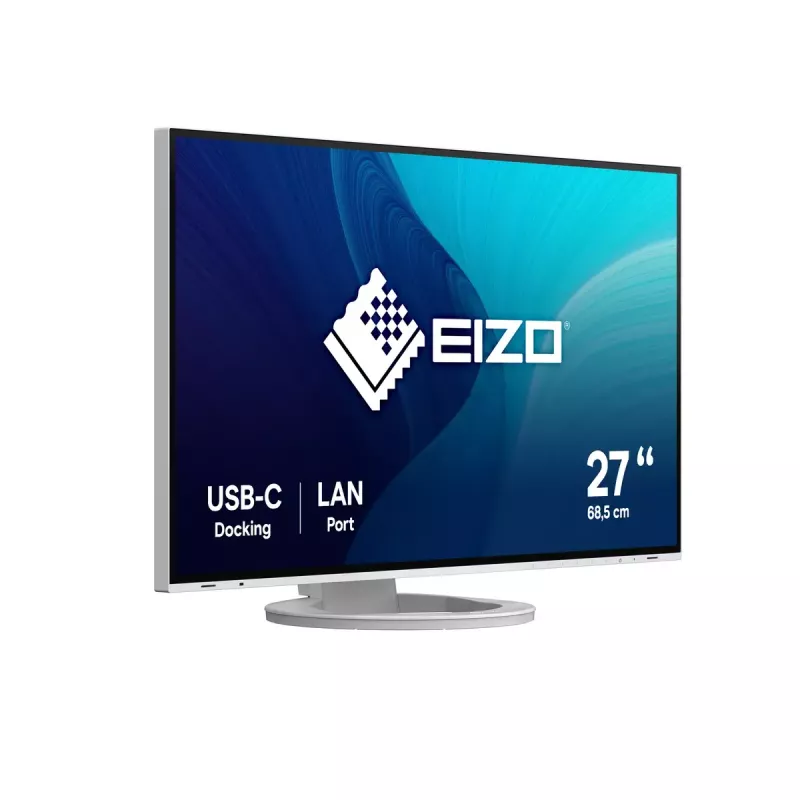
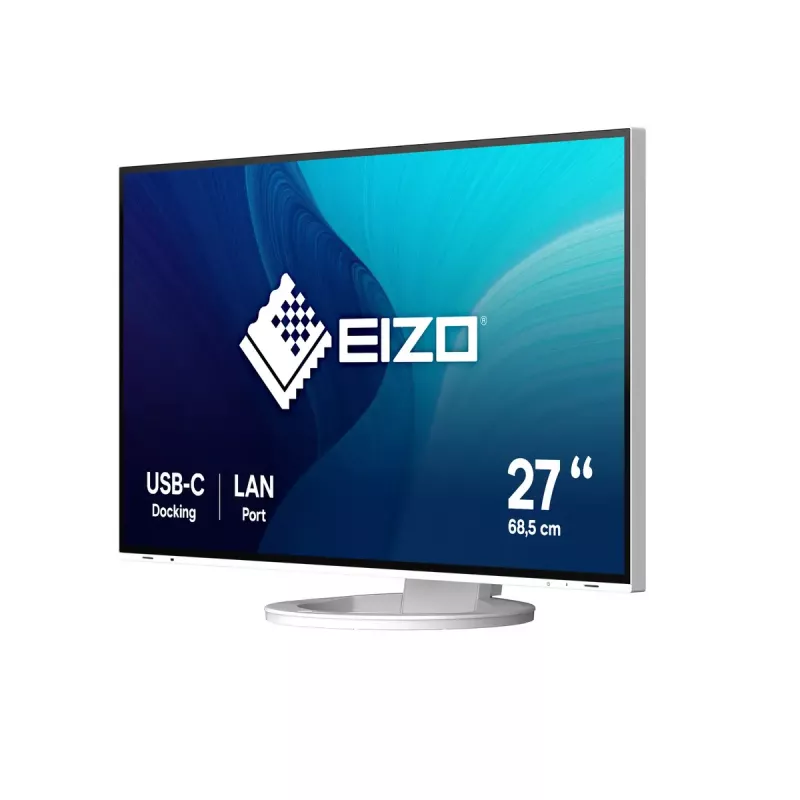
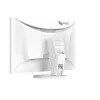
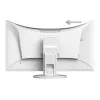
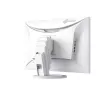
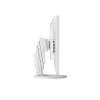
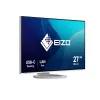
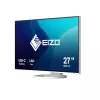
EIZO FlexScan EV2795-WT computer monitor 68.6 cm (27 inch) 2560 x 1440 pixels Quad HD LCD White

EIZO FlexScan EV2795-WT computer monitor 68.6 cm (27 inch) 2560 x 1440 pixels Quad HD LCD White
R19,792
Streamlined Connection with USB Type-CThe monitor is equipped with a USB Type-C connection that allows you display video, playback audio, transmit USB signals, supply power to connected devices, and even transmit a network signal. This convenient multi-purpose connectivity makes it faster and easier... Read More
Stock 1 Code 111624 Brand EIZO Model EV2795-WT Warranty 2 Years

Shipping & Returns

Estimated delivery Wednesday, September 30
You will be kept updated through our detailed tracking system
Payment options
EFTPayFastBank CardSnapScanZapperGoogle PayApple PayMobicredMoreTymePay on Arrival
Streamlined Connection with USB Type-C
The monitor is equipped with a USB Type-C connection that allows you display video, playback audio, transmit USB signals, supply power to connected devices, and even transmit a network signal. This convenient multi-purpose connectivity makes it faster and easier to connect your laptop when moving between workstations or working away from the office.

70 W Power Delivery
The 70 W power delivery via USB Type-C reliably charges small desktop PCs or laptops such as a Microsoft Surface. This eliminates the need for a laptop's bulky power supply unit, freeing up space in your bag and on the desk.

Stable Network Connection
While many modern laptops are not equipped with a dedicated LAN port, the monitor has one directly built in for a stable wired connection. Connecting any laptop via USB Type-C allows access to the network through the monitor. This allows you to conduct conference calls or data transfers reliably and at high speed.

EIZO MAC Address Clone Utility software temporarily assigns the MAC address of a connected PC to the monitor, granting network access to authenticated devices, and preventing network access from unauthenticated devices.

Connecting Peripherals Directly
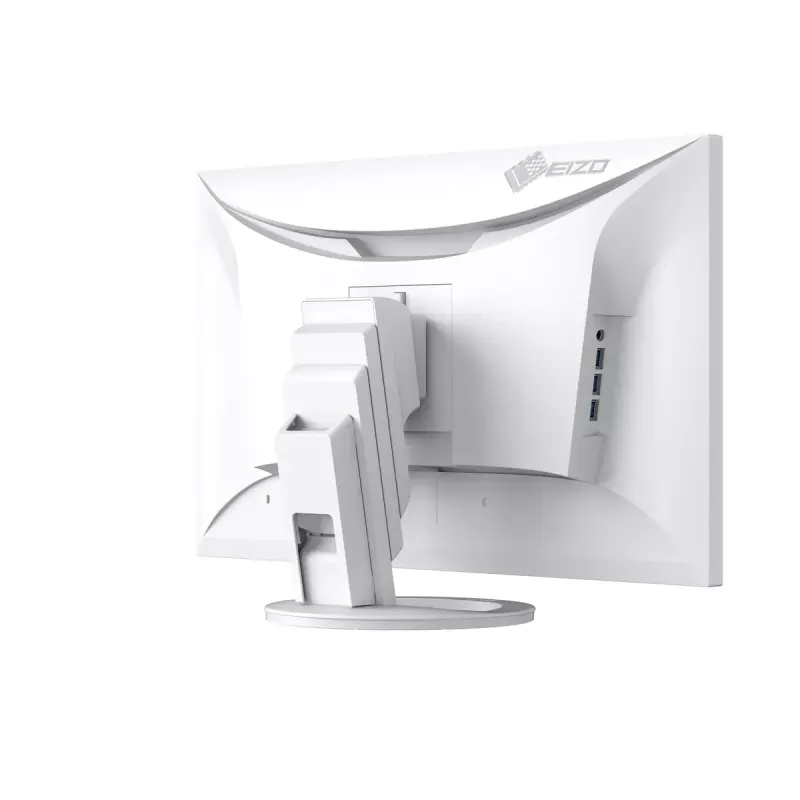
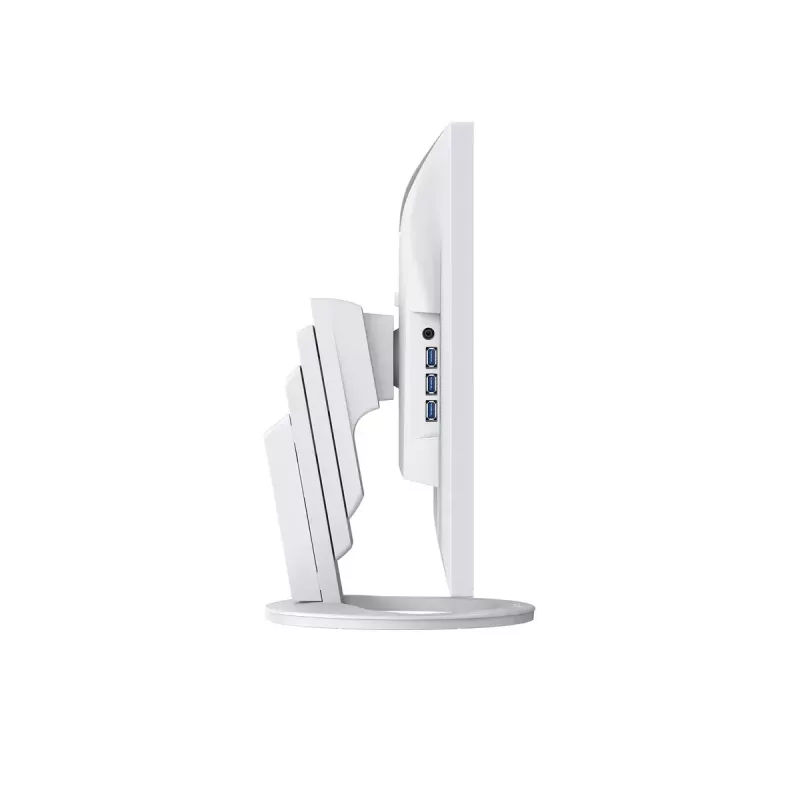
While modern laptops are becoming thinner and more portable, they often have limited connectivity options for peripherals. Connecting to the monitor via USB Type-C gives access to a hub with three USB Type-A and one USB Type-C ports for easily connecting an external keyboard, mouse, or web camera.

Efficient Multi-Screen Setup
The monitor's USB Type-C connection supports daisy chaining for easily connecting multiple monitors from a single video signal output. This allows you to effortlessly connect up to two screens and quickly view multiple applications simultaneously for boosting efficiency.

Aesthetically Pleasing Design
A monitor's aesthetic can go a long way in creating a more comfortable atmosphere. The monitor's minimalistic design and its ergonomic functions allow it to fit naturally in your work environment, whether you are at home or in the office.


Frameless and White
The monitor implements a virtually frameless design for a minimalistic aesthetic. In addition to sleek black, the cabinet is available in white for a color option that keeps your workspace feeling bright. Furthermore, EIZO provides white cables to match the cabinet for full color coordination.

Versatile Stand for Optimal Positioning
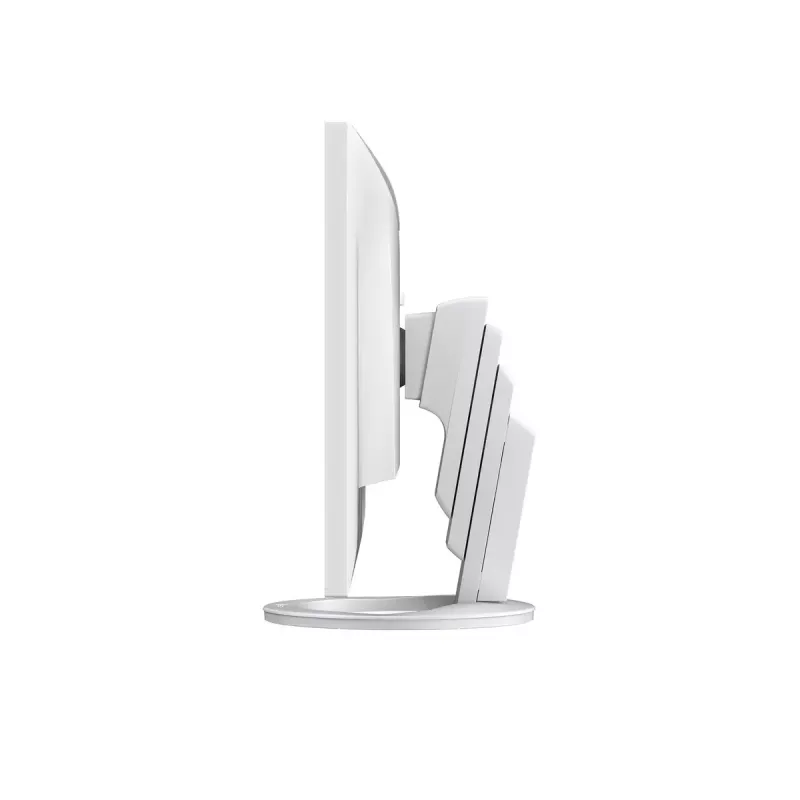
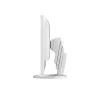
The stand has a wide adjustment range, featuring height adjustment, tilt and swivel. This allows the user to set the monitor to the perfect position. At maximum height, the user can also comfortably place a small laptop under the screen to save space in even the most limited workspaces.

Reduce Cable Clutter with Daisy Chain
Cable management becomes easier with USB Type-C. Multiple monitors can be connected in a daisy chain using the short 1 meter cable, CC100, tidying up the back of your desk for an even cleaner office aesthetic.

Say Goodbye to Tired Eyes
The monitor is equipped with functions to help users concentrate on work by keeping their eyes comfortable throughout the day.

Auto Brightness Control
To prevent eye fatigue, a brightness sensor called Auto EcoView detects the changes in the ambient brightness that occurs throughout the day and automatically adjusts the screen to the ideal brightness level.

Clear View from All Angles
The monitor uses an LED-backlit IPS (in-plane switching) LCD panel with 178° viewing angle that minimizes color shift and contrast changes when viewing the screen at an angle. This means that two people sitting at the one computer can easily see the screen with high image quality.

Reduce Blue Light by 80%
In the visible light spectrum, blue light has wavelengths adjacent to ultraviolet light. Compared to the factory preset setting of 6500 K of typical LCD monitors, Paper Mode is closer to the spectral distribution with long reddish wavelengths so it reduces the amount of blue light, a cause of eye fatigue, and helps prevent eyestrain when reading documents. When used in conjunction with Auto EcoView dimming function, blue light can be reduced by as much as 80%.

Flicker-Free Viewing
Due to the way brightness is controlled on LED backlights, a small number of people perceive flicker on their screen which causes eye fatigue. The FlexScan EV2795 utilizes a hybrid solution to regulate brightness and make flicker unperceivable without any drawbacks like compromising color stability – even on low brightness settings.

Minimum Brightness of 1 cd/m2
In a dimly-lit work environment, a monitor with low brightness settings is more comfortable to use. With its LED backlight, the monitor is adjustable to approximately 1 cd/m² which is less than 1% of the maximum.

Non-Glare Panel
A non-glare panel reduces eye fatigue by dissipating reflective light that would otherwise make the screen difficult to view from different positions.

Multiple Connections
The monitor is equipped with a USB Type-C and three USB Type-A ports for easily connecting to multiple devices without the need for a docking station. This is convenient when using a laptop with limited USB ports or for streamlining connection to workstations in hot desking or home office environments. The monitor also has HDMI® and DisplayPort inputs for further flexibility.

Built-In KVM Switch for Multiple PC Operation
The monitor's USB Type-B and Type-C upstream ports have a built-in KVM function, allowing users to use a single mouse and keyboard for up to two connected PCs for an even cleaner workspace. Furthermore, the peripherals connected to the monitor's USB hub and its network connection switch to the selected PC for a smooth operation on the selected computer.

Hassle-Free Approach
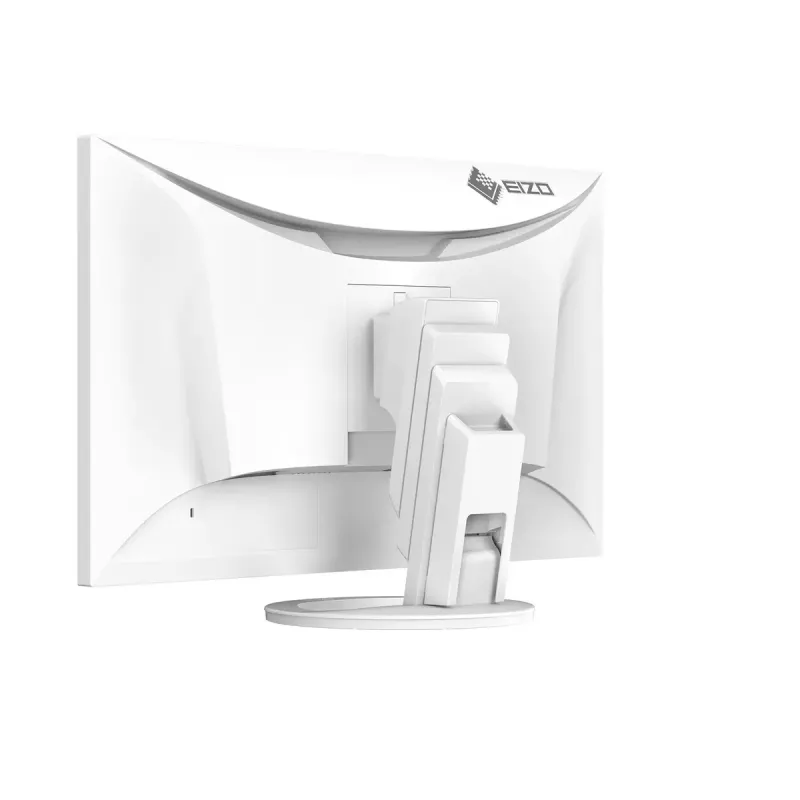
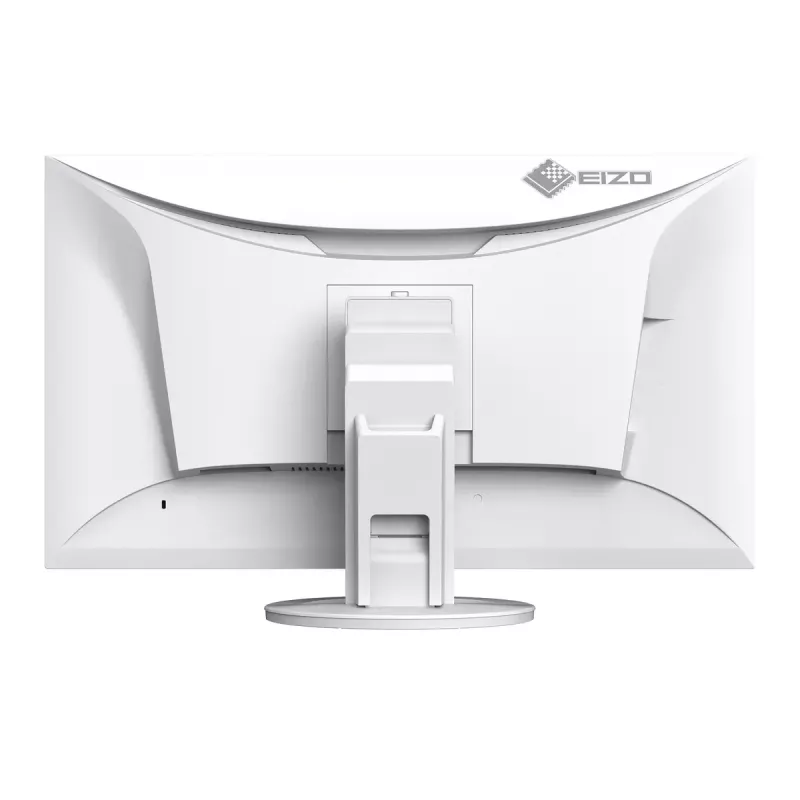
The monitor's stand is equipped with a Quick Release button that allows you to detach the screen with a single touch. It also has a convenient carrying handle on the back for easily moving the monitor. Furthermore, the cable cover on the back of the stand allows you easily manage cables, keeping the work area free of clutter.

Front-Facing Speakers
The monitor has speakers incorporated into the minimalist front bezel, ensuring that sound is focused on the user and not on people behind the monitor.

Exceptional Image Reproduction
The monitor converts the data from an 8-bit input signal and selects the optimal gradations for smooth image display. Furthermore, each monitor is individually measured and adjusted at the factory prior to shipping for exceptional image quality out of the box.

How to use

Connect a laptop or PC to the monitor using the USB Type-C cable to transmit video, audio, USB data and network while charging the connected device with up to 70 W. Use the monitor's upstream USB-B or USB-C connection to enable the KVM function and share keyboard/mouse and hub peripherals between two PCs. For a wired network, plug an Ethernet cable into the monitor's LAN port; if required, run EIZO's MAC Address Clone Utility on the connected PC to assign its MAC address to the monitor. Adjust screen height, tilt and swivel to an ergonomic position; a small laptop can be stowed under the screen at maximum height.

Recommendations

Use Auto EcoView to let the sensor adjust brightness to ambient light and enable Paper Mode when reading documents to reduce blue light. For multi-monitor setups, use USB Type-C daisy chaining (up to two screens) and the supplied short cable to reduce cable clutter. When connecting multiple peripherals, plug them into the monitor’s USB hub to avoid needing a separate docking station.

Key Highlights
  • Office workstations and hot-desking environments
  • Home offices and remote work setups
  • Multi-PC desks where KVM switching is required
  • Users who need a stable wired network via monitor
  • Multi-monitor daisy-chain configurations (up to two screens)
  • Display diagonal: 27"
  • Resolution: 2560 x 1440 (QHD)
  • Panel type: IPS, LED backlight
  • Typical brightness: 350 cd/m²; minimum approx. 1 cd/m²
  • Contrast ratio (typical): 1000:1
  • Response time: 5 ms
  • Viewing angle: 178°
  • USB Type-C with 70 W Power Delivery; USB hub: 3× Type-A + 1× Type-C downstream
  • Built-in LAN port and EIZO MAC Address Clone Utility support
  • Built-in speakers; KVM switch via USB Type-B/Type-C upstream ports
  • VESA mountable; colour: White
Specifications
AC input frequency
50/60 Hz
AC input voltage
100 - 240 V
Adjustable height (max)
17.7 cm
AMD FreeSync
No
Anti-glare screen
Yes
Automatic brightness control
Yes
Backlight type
W-LED
Built-in camera
No
Built-in KVM switch
Yes
Built-in speaker(s)
Yes
Built-in USB hub
Yes
Cable lock slot
Yes
Cable lock slot type
Kensington
Cables included
AC, USB Type-C to USB Type-C
Certification
CE, UKCA, CB, TÜV/GS, TÜV/Ergonomics (including ISO 9241-307), TCO Certified Generation 10, EPEAT 2018 (US), TÜV/Blue Low Light Content, TÜV/Flicker Free, RCM, cTÜVus, FCC-B, CAN ICES-3 (B), TÜV/S, PSE, VCCI-B, EPA ENERGY STAR, RoHS, WEEE, China RoHS, CCC
Colour gamut standard
sRGB
Compliance certificates
CB, CCC, CE, China RoHS, Federal Communications Commission (FCC), GS mark, ICES, PSE, RCM, RoHS, cTUVus, UKCA, VCCI, WEEE
Contrast ratio (typical)
1000:1
Depth (with stand)
230 mm
Depth (without stand)
56 mm
Digital horizontal frequency
31 - 89 kHz
Digital vertical frequency
59 - 61 Hz
Display brightness (typical)
350 cd/m²
Display diagonal
68.6 cm (27")
Display number of colours
16.78 million colours
Display resolution
2560 x 1440 pixels
Display technology
LCD
DisplayPorts quantity
1
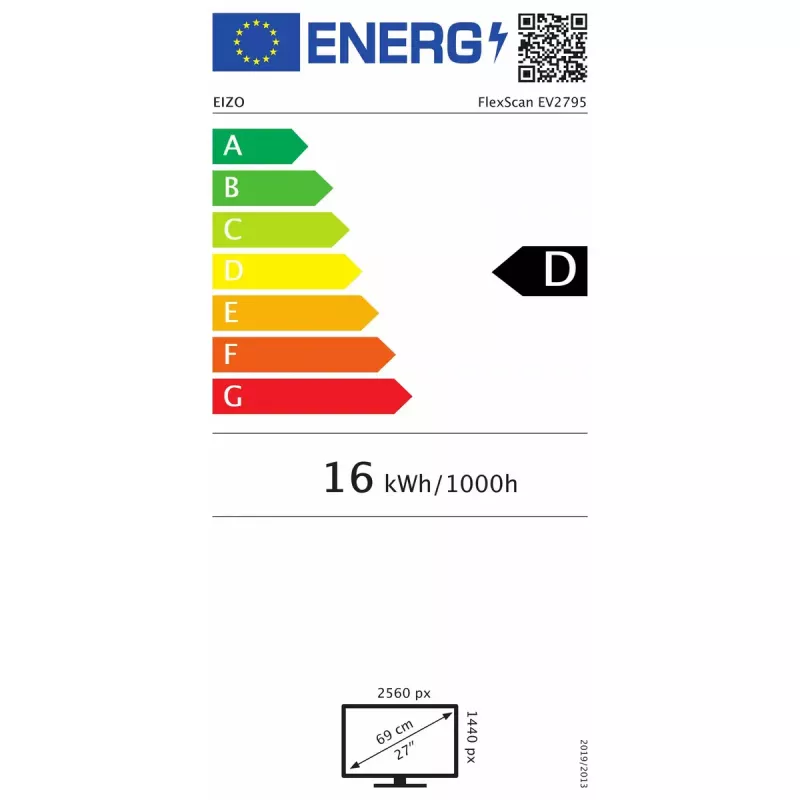
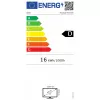
Energy consumption (SDR) per 1000 hours
16 kWh
Energy efficiency class (SDR)
D
Energy efficiency scale
A to G
Ethernet LAN
Yes
Ethernet LAN (RJ-45) ports
1
Ethernet LAN data rates
10,100,1000 Mbit/s
Feet colour
White
Flicker-free technology
Yes
Harmonized System (HS) code
85285210
HD type
Quad HD
HDCP
Yes
HDMI
Yes
HDMI ports quantity
1
Headphone connectivity
3.5 mm
Headphone out
Yes
Headphone outputs
1
Height (with stand)
369 mm
Height (without stand)
357 mm
Height adjustment
Yes
LED backlight
Yes
Look-up table (LUT) bit depth
14
Low Blue Light technology
Yes
Market positioning
Office
Maximum refresh rate
60 Hz
Native aspect ratio
16:9
Number of speakers
2
Number of upstream ports
2
Number of USB Type-B upstream ports quantity
1
Number of USB Type-C upstream ports quantity
1
NVIDIA G-SYNC
No
On Screen Display (OSD)
Yes
On Screen Display (OSD) languages
German, English, Spanish, French, Italian, Swedish
Operating relative humidity (H-H)
20 - 80%
Operating temperature (T-T)
5 - 35 °C
Panel mounting interface
100 x 100 mm
Panel type
IPS
Pivot
Yes
Pivot angle
-90 - 90°
Pixel density
109 ppi
Pixel pitch
0.233 x 0.233 mm
Power consumption (max)
164 W
Power consumption (standby)
0.5 W
Power consumption (typical)
16.1 W
Product colour
White
Quick start guide
Yes
Response time
5 ms
RMS rated power
2 W
Screen shape
Flat
Stand included
Yes
Storage relative humidity (H-H)
10 - 90%
Storage temperature (T-T)
-20 - 60 °C
Supported graphics resolutions
640 x 480 (VGA), 720 x 400, 800 x 600 (SVGA), 1024 x 768 (XGA), 1280 x 1024 (SXGA), 1600 x 1200 (UXGA), 1680 x 1050 (WSXGA+), 1920 x 1080 (HD 1080), 1920 x 1200 (WUXGA), 2560 x 1440
Sustainability certificates
ENERGY STAR, EPEAT Climate +, EPEAT Gold, TCO
Sustainability compliance
Yes
Swivel angle range
0 - 344°
Swivelling
Yes
Tilt adjustment
Yes
Tilt angle range
-5 - 35°
Touchscreen
No
USB hub version
3.2 Gen 1 (3.1 Gen 1)
USB Power Delivery (USB PD)
Yes
USB Power Delivery up to
70 W
USB Type-A downstream ports quantity
3
USB Type-C DisplayPort Alternate Mode
Yes
USB Type-C downstream ports quantity
1
USB upstream port type
USB Type-B, USB Type-C
VESA mounting
Yes
Viewable size diagonal
68.5 cm
Viewable size, horizontal
59.7 cm
Viewable size, vertical
33.6 cm
Viewing angle, horizontal
178°
Viewing angle, vertical
178°
Warranty period
5 year(s)
Weight (with stand)
8.5 kg
Weight (without stand)
5.7 kg
Width (with stand)
611 mm
Width (without stand)
611 mm

PDF

Open PDF

Leaflet

Open Leaflet

Document

Open Document
Price history over the last 6 months
EIZO FlexScan EV2795-WT computer monitor 68.6 cm (27 inch) 2560 x 1440 pixels Quad HD LCD White
Current
R19,792
Lowest
R12,003
Highest
R21,245
Change 24H
+R7,723   +64%
Week
+R7,660   +63%
Month
+R7,497   +61%

Popular products in this category

WhatsApp
Hi, I’m DistriNode’s AI assistant. I can help you find products, compare options, create quote PDFs, or open support requests.