Account Contact
Your Cart
Pay the courier with no extra fees.
Need help? DistriNode AI can handle any task on our site.

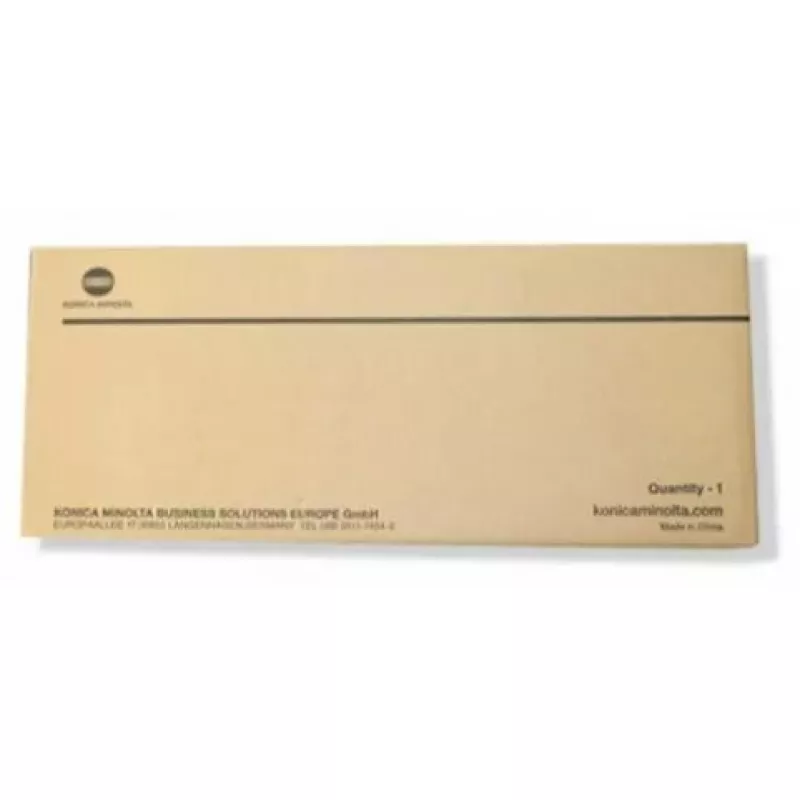
Drum unit Konica Minolta A9K70RD DR712K 60000 pages Black

Drum unit Konica Minolta A9K70RD DR712K 60000 pages Black
R5,084
The Konica Minolta Drum unit A9K70RD / DR712K is a black imaging drum designed for laser printing environments that require consistent image quality and long service life. Rated for up to 60,000 pages, this drum unit supports stable text reproduction and reliable photo-like density for monochrome pr... Read More
Stock 11 Code 7999 Brand KONICA MINOLTA Model A9K70RD Warranty 2 Years

Shipping & Returns

Estimated delivery Tuesday, September 29
You will be kept updated through our detailed tracking system
Payment options
EFTPayFastBank CardSnapScanZapperGoogle PayApple PayMobicredMoreTymePay on Arrival

The Konica Minolta Drum unit A9K70RD / DR712K is a black imaging drum designed for laser printing environments that require consistent image quality and long service life. Rated for up to 60,000 pages, this drum unit supports stable text reproduction and reliable photo-like density for monochrome prints. It is compatible with Konica Minolta devices and supplied as a single unit for straightforward replacement to help maintain steady printer performance.

Advantages

This drum unit offers a high page yield that reduces the frequency of replacements and contributes to lower running costs in high-volume printing. The unit delivers consistent tonal density and sharp text, supporting professional-looking documents. Designed for easy installation, the drum helps minimize downtime during replacement and integrates with the printer’s imaging system for dependable output stability.

Suitable for

  • High-volume monochrome printing environments
  • Office workflows requiring consistent text clarity
  • Departments or workgroups that need low-maintenance consumables
  • Businesses monitoring total cost of ownership for printing

Key specifications

  • Colour: Black
  • Expected yield: up to 60,000 pages
  • Print technology: Laser printing
  • Quantity per pack: 1 piece
  • Brand compatibility: Konica Minolta

How to use

Turn off the printer and allow the unit to cool if recently used. Open the printer’s front or top cover according to the device manual, remove the spent drum unit by following the indicated release or lock mechanism, and install the new drum unit by aligning it with the guide rails until it clicks into place. Close the cover and power the printer on; allow the printer to run its initialization routine so the new drum is recognized before printing. Dispose of the removed drum according to local electronic waste regulations or recycling programs.

Recommendations

Store the drum unit in its original packaging until installation, in a cool, dry place away from direct sunlight. For optimal print quality, use together with manufacturer-recommended toner and follow scheduled maintenance checks described in the printer manual.

Key Highlights
  • High-volume monochrome printing environments
  • Office workflows requiring consistent text clarity
  • Departments or workgroups that need low-maintenance consumables
  • Businesses monitoring total cost of ownership for printing
  • Colour: Black
  • Expected yield: up to 60,000 pages
  • Print technology: Laser printing
  • Quantity per pack: 1 piece
  • Brand compatibility: Konica Minolta
Specifications
Black toner page yield
300000 pages
Brand compatibility
Konica Minolta
Built-in drum unit
No
Compatibility
AccurioPrintC659, AccurioPrintC759 / Bizhub C 659, 659 t, 759
OEM code
DR712K
Print technology
Laser printing
Printing colours
Black
Quantity per pack
1 pc(s)
Type
Compatible
Price history over the last 6 months
Drum unit Konica Minolta A9K70RD DR712K 60000 pages Black
Current
R5,084
Lowest
R4,200
Highest
R5,215
Change 24H
+R834   +20%
Week
+R874   +21%
Month
+R874   +21%

Popular products in this category

WhatsApp
Hi, I’m DistriNode’s AI assistant. I can help you find products, compare options, create quote PDFs, or open support requests.