Account Contact
Your Cart
Pay the courier with no extra fees.
Need help? DistriNode AI can handle any task on our site.

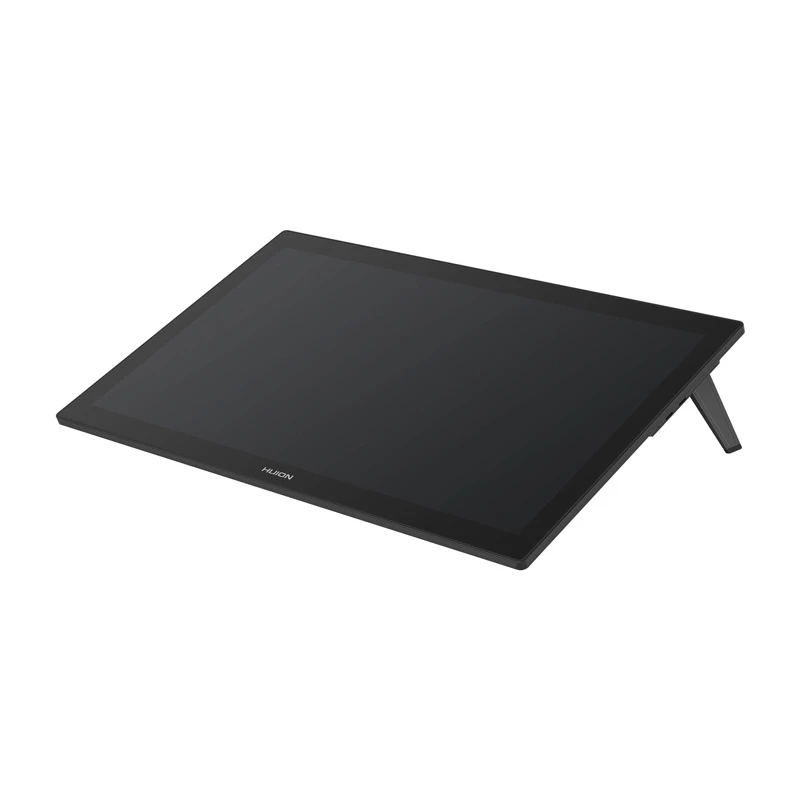
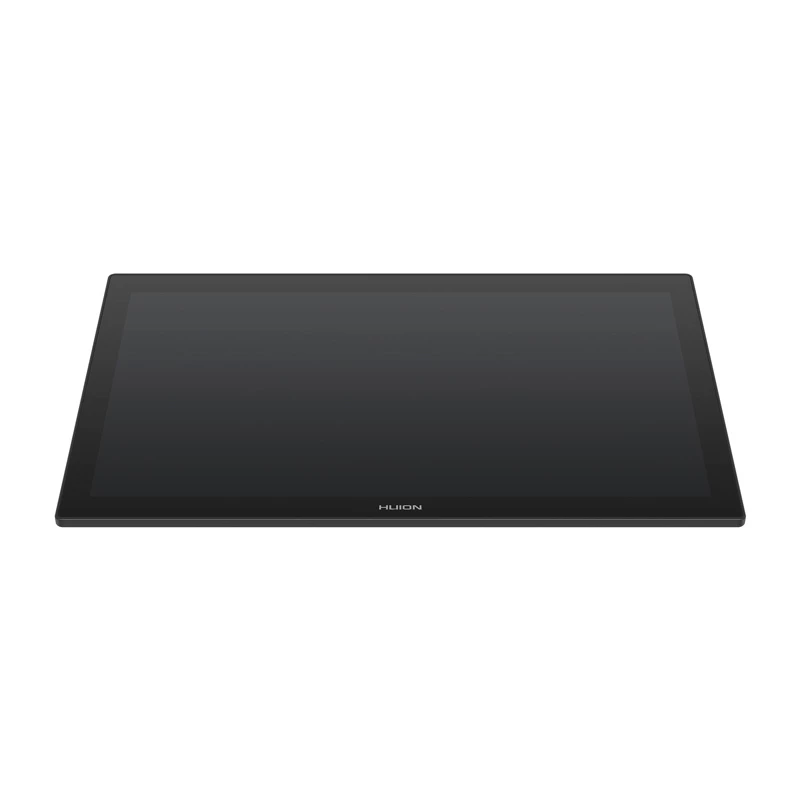
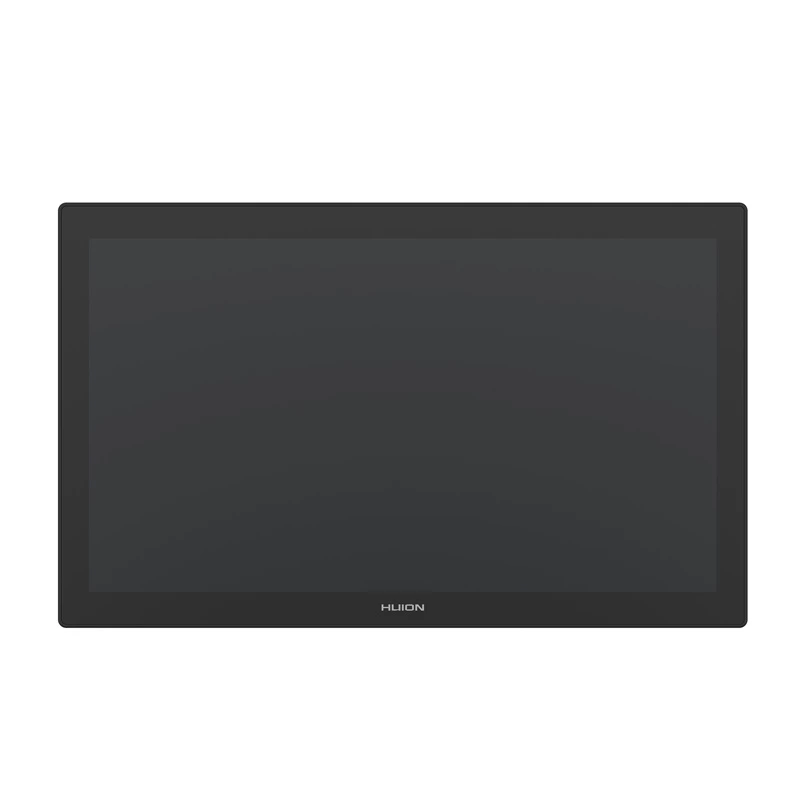
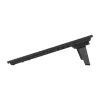
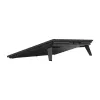
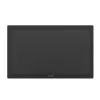
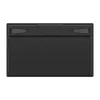
Drawing Display HUION Kamvas Pro 27 GT2701 — 27 inch 3840×2160 IPS 16:9, 596.7×335.7 mm working area, 300 cd/m², sRGB 99%

Drawing Display HUION Kamvas Pro 27 GT2701 — 27 inch 3840×2160 IPS 16:9, 596.7×335.7 mm working area, 300 cd/m², sRGB 99%
R30,861
Huion Kamvas Pro 27 is a 27-inch drawing display created for professional digital artists and designers. With a 4K UHD (3840×2160) IPS screen, over a billion colors (10-bit) and factory 3D LUT calibration (dE... Read More
Stock 1 Code 326808 Brand HUION Model PRO 27 Warranty 2 Years

Shipping & Returns

Estimated delivery Monday, October 5
You will be kept updated through our detailed tracking system
Payment options
EFTPayFastBank CardSnapScanZapperGoogle PayApple PayMobicredMoreTymePay on Arrival

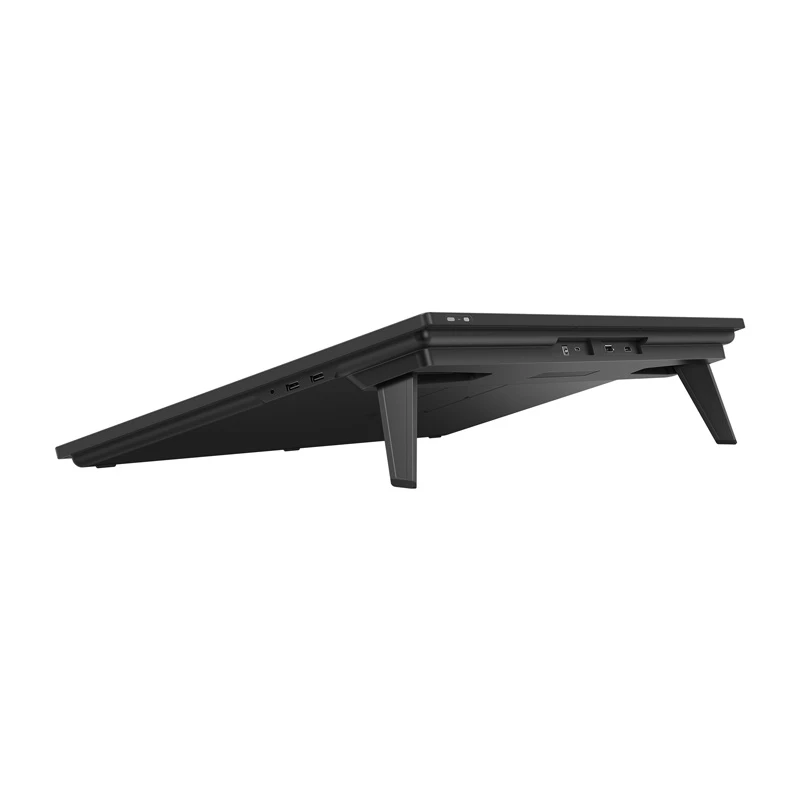
Huion Kamvas Pro 27 is a 27-inch drawing display created for professional digital artists and designers. With a 4K UHD (3840×2160) IPS screen, over a billion colors (10-bit) and factory 3D LUT calibration (dE<1.5), it provides wide color gamut coverage including sRGB, Adobe RGB and DCI‑P3 for accurate color reproduction. The display uses laminated, anti-reflective glass with a paper-like texture (Canvas Glass) and supports touch control on compatible systems. Two battery-free pens (PW600 and slim PW600S) with PenTech 4.0, 16384 pressure levels and ±60° tilt recognition are included. Top-mounted HDMI/DP/USB-C ports simplify cable routing and let the device be used as a second monitor or connected to supported Android devices; VESA and integrated stand options allow flexible mounting.

Advantages

The Kamvas Pro 27 combines high-resolution imaging, factory color calibration and a wide color gamut to deliver precise, lifelike visuals. Its laminated anti-reflective glass reduces glare while preserving tactile, paper-like feedback for pen-on-screen drawing. Two distinct pens (regular and slim) accommodate different drawing grips and styles; both are battery-free and feature high pressure sensitivity and tilt support. Top-mounted connectors and full lamination improve usability and reduce reflections, while the included mini keydial and touch support (Windows) streamline workflow.

Suitable for

  • Digital painting and illustration
  • Photo and video retouching
  • 3D modelling and texturing
  • Animation and storyboard work
  • Industrial and product design

Key specifications

  • Screen diagonal: 27 inch (656.1 × 405 × 22.7 mm)
  • Resolution: 3840 × 2160 (4K UHD), IPS, 60 Hz
  • Drawing area: 596.7 × 335.7 mm; Aspect ratio 16:9
  • Brightness: 300 cd/m²; Contrast: 1000:1; Viewing angle: 178°
  • Color gamut: 150% sRGB; 1.07 billion colors (10‑bit); factory calibrated (3D LUT, dE<1.5)
  • Pen technology: PenTech 4.0; Pens: PW600 & PW600S (battery-free)
  • Pressure sensitivity: 16384 levels; Tilt: ±60°; Detection height: >10 mm
  • Glass: anti-reflective, full lamination, hardness 7H; Pen nib hardness 5H
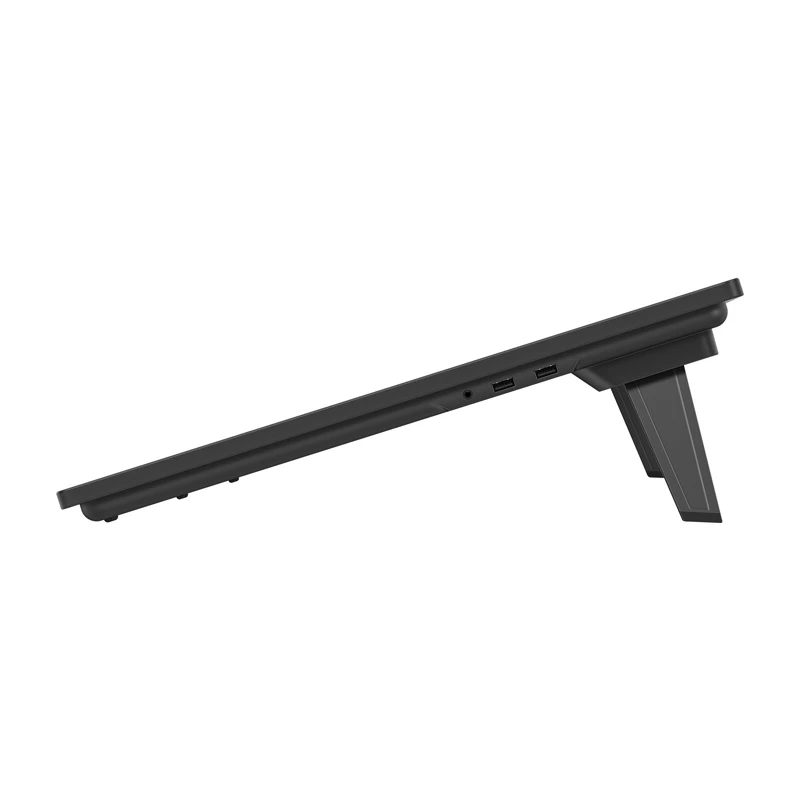
  • Interfaces: 1× HDMI 2.0, 1× DP 1.4, 1× USB‑C, 2× USB‑A, 1× 3.5 mm jack
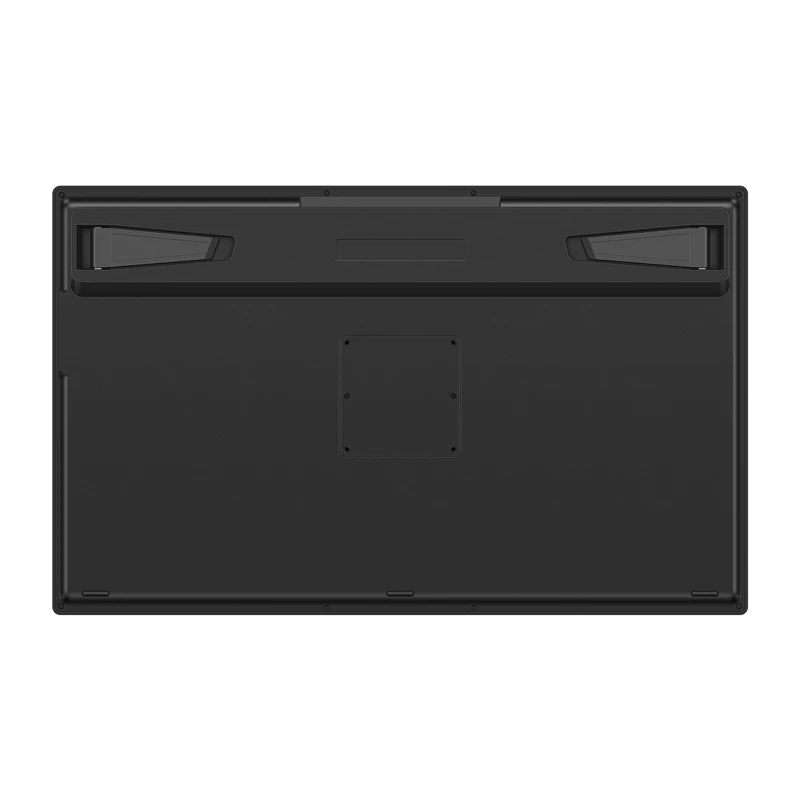
  • Stand: integrated (20°) and VESA 75×75 compatible (mount sold separately)
  • Power: Input 100–240V AC; Output 20V 3.25A; Power <45W
  • OS compatibility: Windows 10+, MacOS 10.12+, Android 6.0+ (with USB3.1 DP1.2), Linux (Ubuntu 20.04)
  • Weight: 8 kg

How to use

Connect the Kamvas Pro 27 to a compatible computer, laptop or Android device using the appropriate top-mounted port (HDMI/DisplayPort/USB‑C). Install Huion drivers and any firmware updates from the official support page to enable full pen tilt, pressure and touch functionality. Place the tablet on a stable surface or mount it using the integrated stand or a VESA 75×75 mount. Use the supplied PW600 or PW600S pen to draw directly on the laminated glass surface; the pens are battery-free and ready to use. Configure pen buttons, pressure curve and touch gestures in the driver software and set screen mapping to match your display arrangement.

Recommendations

For optimal color accuracy, run the factory calibration verification and update drivers from Huion’s download page. If connecting via USB‑C, ensure the host device’s USB‑C port supports USB 3.1 Gen1 and DP1.2 for full video/data functionality. Keep the glass surface clean with the supplied cloth and use replacement nibs as needed; protective films are not required due to the glass hardness and full lamination.

How to use

Connect the Kamvas Pro 27 to a compatible computer, laptop or Android device using the appropriate top-mounted port (HDMI/DisplayPort/USB‑C). Install Huion drivers and any firmware updates from the official support page to enable full pen tilt, pressure and touch functionality. Place the tablet on a stable surface or mount it using the integrated stand or a VESA 75×75 mount. Use the supplied PW600 or PW600S pen to draw directly on the laminated glass surface; the pens are battery-free and ready to use. Configure pen buttons, pressure curve and touch gestures in the driver software and set screen mapping to match your display arrangement.

Recommendations

For optimal color accuracy, run the factory calibration verification and update drivers from Huion’s download page. If connecting via USB‑C, ensure the host device’s USB‑C port supports USB 3.1 Gen1 and DP1.2 for full video/data functionality. Keep the glass surface clean with the supplied cloth and use replacement nibs as needed; protective films are not required due to the glass hardness and full lamination.

Key Highlights
  • Digital painting and illustration
  • Photo and video retouching
  • 3D modelling and texturing
  • Animation and storyboard work
  • Industrial and product design
  • Screen diagonal: 27 inch (656.1 × 405 × 22.7 mm)
  • Resolution: 3840 × 2160 (4K UHD), IPS, 60 Hz
  • Drawing area: 596.7 × 335.7 mm; Aspect ratio 16:9
  • Brightness: 300 cd/m²; Contrast: 1000:1; Viewing angle: 178°
  • Color gamut: 150% sRGB; 1.07 billion colors (10‑bit); factory calibrated (3D LUT, dE
  • Pen technology: PenTech 4.0; Pens: PW600 & PW600S (battery-free)
  • Pressure sensitivity: 16384 levels; Tilt: ±60°; Detection height: >10 mm
  • Glass: anti-reflective, full lamination, hardness 7H; Pen nib hardness 5H
  • Interfaces: 1× HDMI 2.0, 1× DP 1.4, 1× USB‑C, 2× USB‑A, 1× 3.5 mm jack
  • Stand: integrated (20°) and VESA 75×75 compatible (mount sold separately)
  • Power: Input 100–240V AC; Output 20V 3.25A; Power
  • OS compatibility: Windows 10+, MacOS 10.12+, Android 6.0+ (with USB3.1 DP1.2), Linux (Ubuntu 20.04)
  • Weight: 8 kg
Specifications
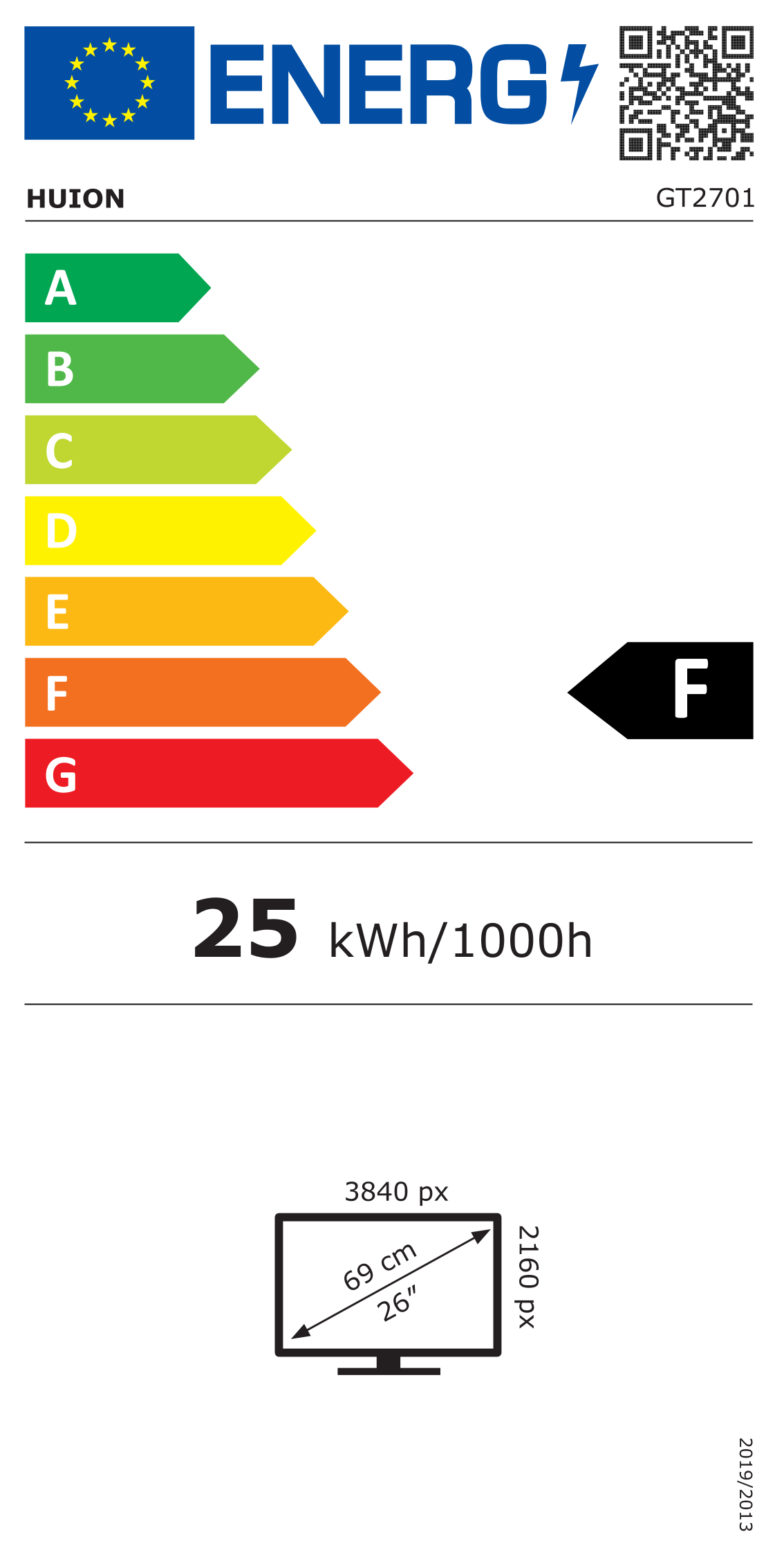
Energy efficiency class
F

Energy label

Open Energy label
Energy label
Price history over the last 6 months
Drawing Display HUION Kamvas Pro 27 GT2701 — 27 inch 3840×2160 IPS 16:9, 596.7×335.7 mm working area, 300 cd/m², sRGB 99%
Current
R30,861
Lowest
R28,702
Highest
R31,477
Change 24H
-R347   -1%
Week
+R2,047   +7%
Month
+R1,874   +6%

Popular products in this category

WhatsApp
Hi, I’m DistriNode’s AI assistant. I can help you find products, compare options, create quote PDFs, or open support requests.