Account Contact
Your Cart
Pay the courier with no extra fees.
Need help? DistriNode AI can handle any task on our site.

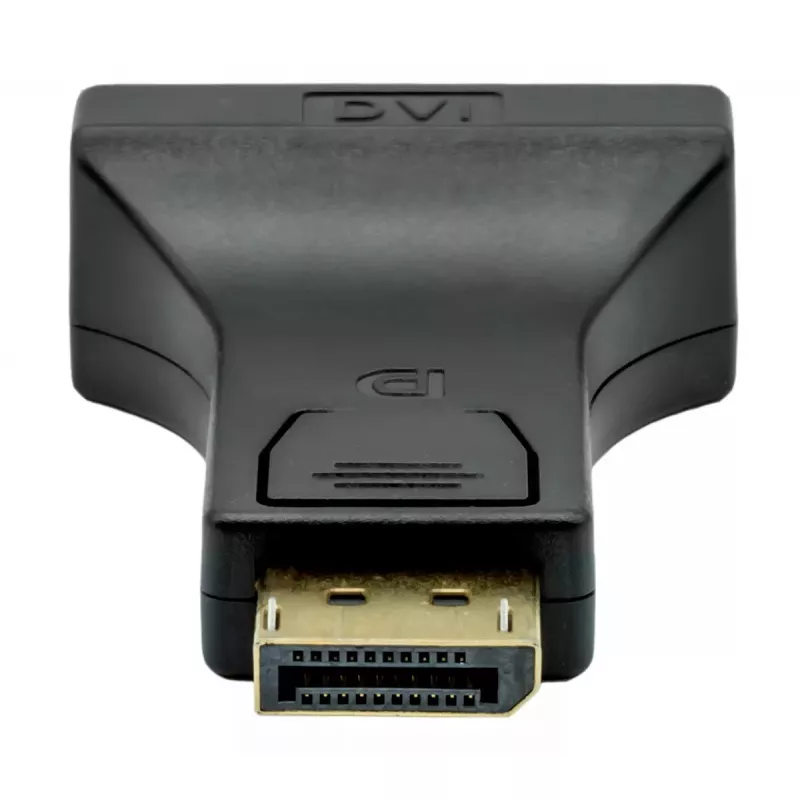
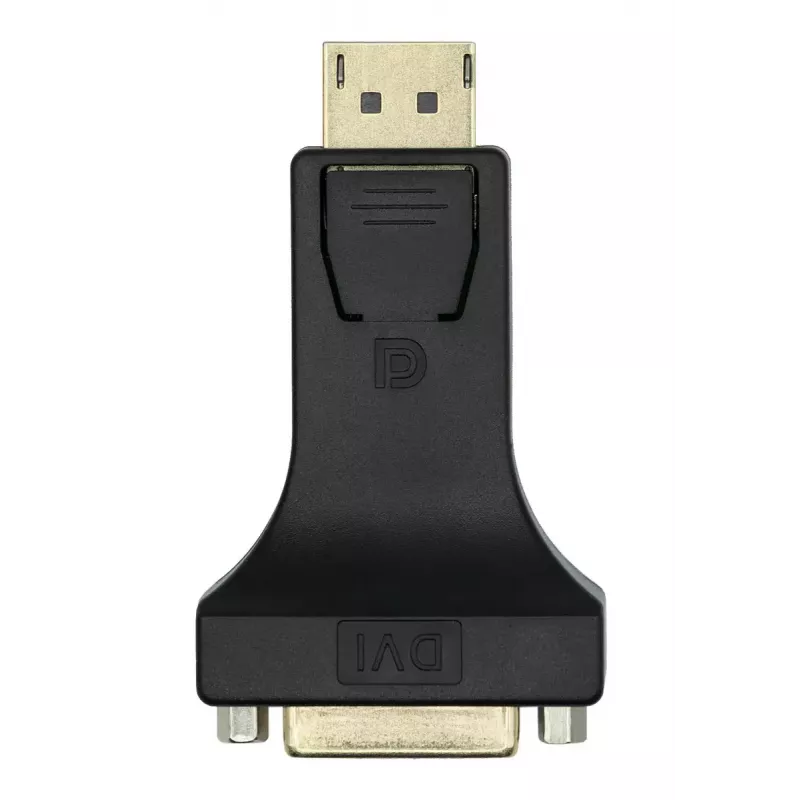
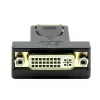
DisplayPort to DVI-I Adapter ProXtend DP1.2-DVI245

DisplayPort to DVI-I Adapter ProXtend DP1.2-DVI245
R209
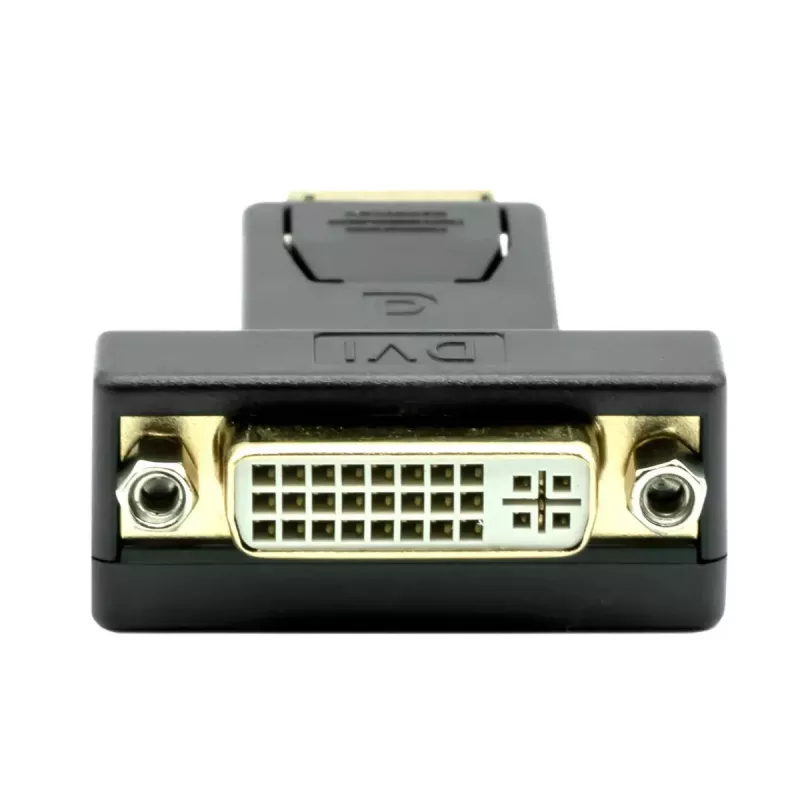
The ProXtend DP1.2-DVI245 video cable adapter converts a DisplayPort output to a DVI-I input, allowing connection of DisplayPort-equipped computers to DVI-I monitors or projectors. The compact black adapter supports video and audio signal transmission and preserves image clarity at resolutions up to... Read More
Stock 1 Code 1205275 Brand PROXTEND Model DP1.2-DVI245 Warranty 2 Years

Shipping & Returns

Estimated delivery Tuesday, October 6
You will be kept updated through our detailed tracking system
Payment options
EFTPayFastBank CardSnapScanZapperGoogle PayApple PayMobicredMoreTymePay on Arrival

The ProXtend DP1.2-DVI245 video cable adapter converts a DisplayPort output to a DVI-I input, allowing connection of DisplayPort-equipped computers to DVI-I monitors or projectors. The compact black adapter supports video and audio signal transmission and preserves image clarity at resolutions up to 1080p (1920 x 1080) at 60 Hz.

Advantages

This DisplayPort to DVI-I adapter provides a durable connection in a compact form factor and is compatible with DisplayPort 1.2 sources. It supports full HD resolution at 60 Hz and a DVI-I 24+5 connector for compatibility with single-link DVI displays. The black finish and straightforward plug-and-play design make it easy to integrate into existing workstation or presentation setups.

Suitable for

  • Connecting laptops or desktop PCs with DisplayPort outputs to DVI-I monitors
  • Using a projector with a DVI-I input for presentations
  • Replacing or extending existing monitor cables in office or home setups

Key specifications

  • Connectors: DisplayPort (source) to DVI-I 24+5 (display)
  • Supported resolution: up to 1920 x 1080 (1080p) at 60 Hz
  • DisplayPort version: 1.2
  • Colour: Black
  • MPN: DP1.2-DVI245, EAN: 5714590006728

How to use

Insert the DisplayPort end into the DisplayPort output on your computer and connect the DVI-I end to the monitor or projector. Ensure both devices are powered on and set the display input to the connected DVI source. No driver installation is typically required; the adapter functions as a passive video/audio interface when used with compatible hardware.

Recommendations

For reliable performance, use short, undamaged cables and connect directly between the source and display when possible. If higher-than-1080p resolutions are needed, verify that both the source and display support the desired resolution or consider a digital alternative that supports higher bandwidth.

Key Highlights
  • Connecting laptops or desktop PCs with DisplayPort outputs to DVI-I monitors
  • Using a projector with a DVI-I input for presentations
  • Replacing or extending existing monitor cables in office or home setups
  • Connectors: DisplayPort (source) to DVI-I 24+5 (display)
  • Supported resolution: up to 1920 x 1080 (1080p) at 60 Hz
  • DisplayPort version: 1.2
  • Colour: Black
  • MPN: DP1.2-DVI245, EAN: 5714590006728
Specifications
Connector 1
DisplayPort
Connector 1 gender
Male
Connector 2
DVI-I
Connector 2 gender
Female
Country of origin
China
DisplayPort version
1.2
Harmonized System (HS) code
84733080
Manual
No
Maximum refresh rate
60 Hz
Maximum resolution
1920 x 1080
Plug and Play
Yes
Product colour
Black
Quantity per pack
1 pc(s)
Supported video modes
1080p
Price history over the last 6 months
DisplayPort to DVI-I Adapter ProXtend DP1.2-DVI245
Current
R209
Lowest
R193
Highest
R209
Change 24H
+R13   +7%
Week
+R15   +8%
Month
+R15   +7%

Popular products in this category

WhatsApp
Hi, I’m DistriNode’s AI assistant. I can help you find products, compare options, create quote PDFs, or open support requests.