Account Contact
Your Cart
Pay the courier with no extra fees.
Need help? DistriNode AI can handle any task on our site.

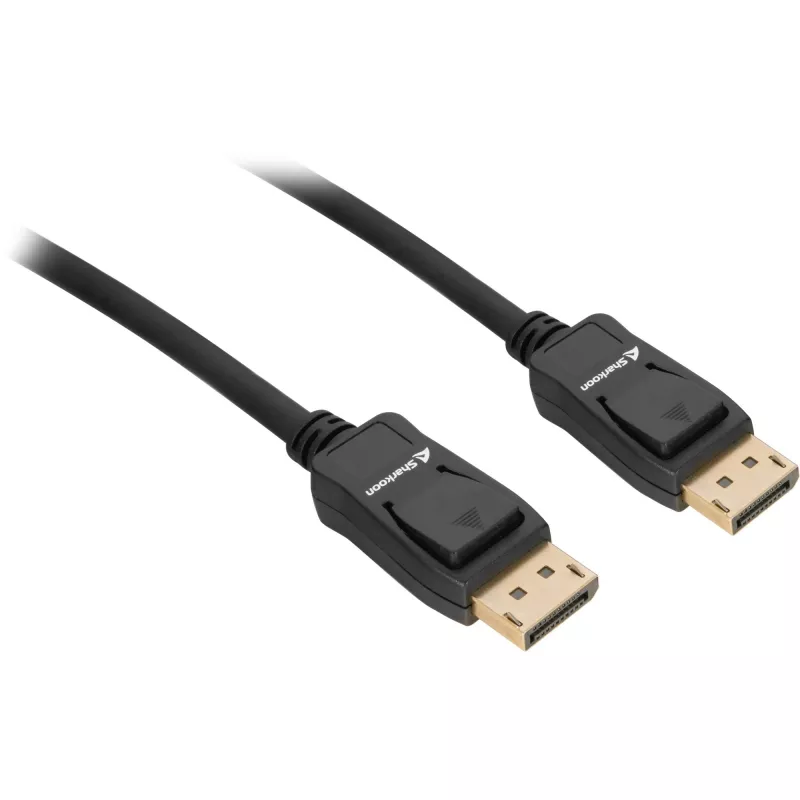
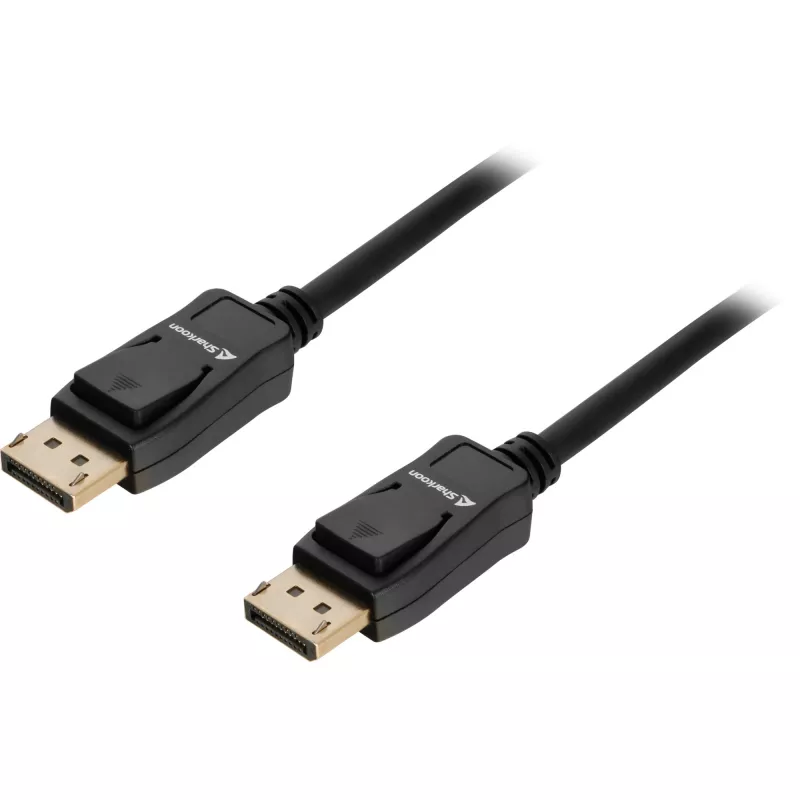
DisplayPort cable Sharkoon 1.4, 2 m, 8K support, black

DisplayPort cable Sharkoon 1.4, 2 m, 8K support, black
R389
The Sharkoon DisplayPort cable 1.4, 2 m, black is a video and audio transmission cable designed to connect DisplayPort-compatible graphics cards and monitors. Compliant with the DisplayPort 1.4 standard, the cable supports high-resolution signals and is built to provide a stable wired connection for... Read More
Stock 88 Code 2354511 Brand SHARKOON Model 4044951036110 Warranty 2 Years

Shipping & Returns

Estimated delivery Thursday, October 1
You will be kept updated through our detailed tracking system
Payment options
EFTPayFastBank CardSnapScanZapperGoogle PayApple PayMobicredMoreTymePay on Arrival

The Sharkoon DisplayPort cable 1.4, 2 m, black is a video and audio transmission cable designed to connect DisplayPort-compatible graphics cards and monitors. Compliant with the DisplayPort 1.4 standard, the cable supports high-resolution signals and is built to provide a stable wired connection for desktop and workstation setups. Its 2-metre length offers flexibility for common desk arrangements while its black jacket blends with most PC environments.

Advantages

This DisplayPort 1.4 cable supports up to 8K resolution at compatible refresh rates, enabling high-detail video output and multi-channel audio over a single connector. The 2 m length balances reach and signal integrity for typical monitor placements. The cable's construction focuses on reliable contact and consistent performance for gaming, creative work, and productivity scenarios. Its standardized connector ensures compatibility with devices that implement the DisplayPort 1.4 specification.

Suitable for

Key specifications

How to use

Connect one end of the cable to the DisplayPort output on the graphics card or video source and the other end to the DisplayPort input on the monitor. Ensure connectors are fully inserted until they sit securely in the ports. After connection, configure display settings in the operating system or graphics driver to select the desired resolution and refresh rate compatible with both the monitor and GPU. For best results, use the cable with devices that explicitly support DisplayPort 1.4 features.

Recommendations

To maintain signal quality, avoid tight bends near the connectors and route the cable away from power transformers or high-current power cables. When using high resolutions or high refresh rates, confirm both source and display firmware/drivers are up to date to enable the full capabilities of DisplayPort 1.4.

Key Highlights
  • Connecting a PC or laptop graphics card to a DisplayPort monitor
  • High-resolution gaming at 4K and up to 8K where supported
  • Professional graphics, photo and video editing workflows
  • Multi-monitor workstations and extended desktop configurations
  • Standard: DisplayPort 1.4
  • Maximum supported resolution: up to 8K (when used with compatible hardware)
  • Length: 2 metres
  • Color: black
  • Transmission: digital video and multi-channel audio
Price history over the last 6 months
DisplayPort cable Sharkoon 1.4, 2 m, 8K support, black
Current
R389
Lowest
R375
Highest
R561
Change 24H
+R9   +2%
Week
+R13   +3%
Month
+R12   +3%

Popular products in this category

WhatsApp
Hi, I’m DistriNode’s AI assistant. I can help you find products, compare options, create quote PDFs, or open support requests.