Account Contact
Your Cart
Pay on delivery – no extra fees
Need help? Ask our AI

Display Privacy Filter eSTUFF GLBE16351231 16 inch Anti-Glare

Display Privacy Filter eSTUFF GLBE16351231 16 inch Anti-Glare
R1,913
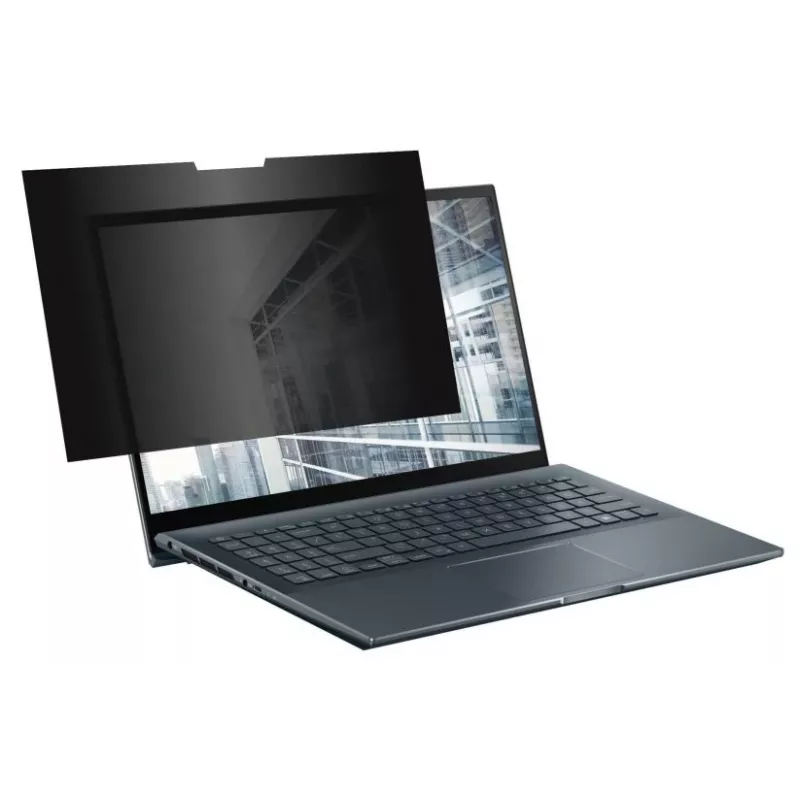
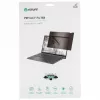
Edge-to-edge privacy filter designed for frameless laptop displays with full glass screens and a cutout for the webcam and sensors. The filter limits side viewing to protect login credentials, personal and confidential information both on the move and in the office, while preserving clear on-screen ... Read More
Stock Out Of StockNo Stock Code 1730143 Brand ESTUFF Model GLBE16351231 Warranty 2 Years

Shipping & Returns

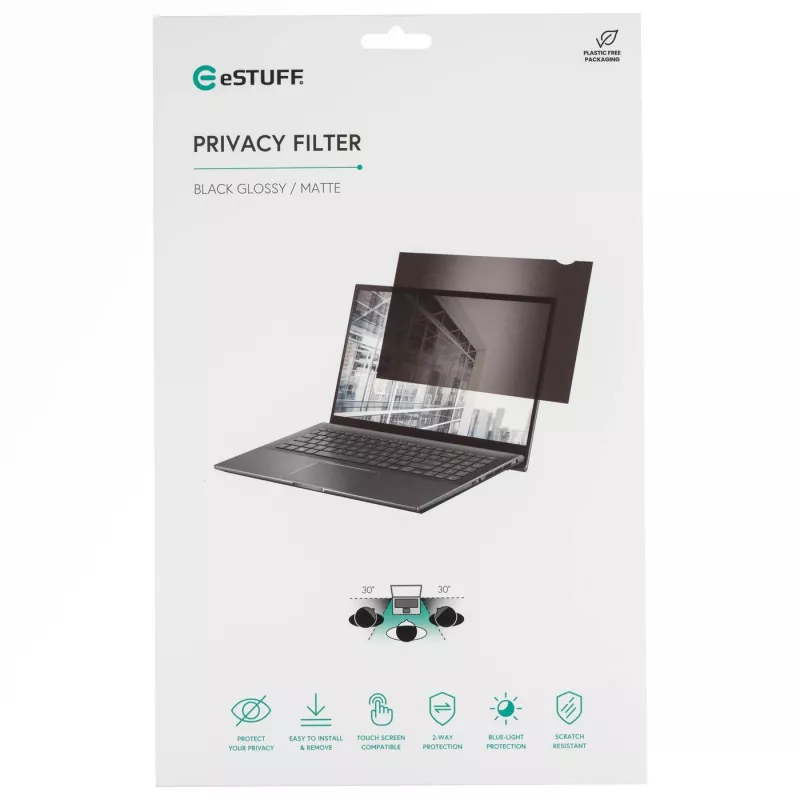
Edge-to-edge privacy filter designed for frameless laptop displays with full glass screens and a cutout for the webcam and sensors. The filter limits side viewing to protect login credentials, personal and confidential information both on the move and in the office, while preserving clear on-screen visibility for the user. It also shields the sensitive glass surface from scratches and everyday wear and allows smooth finger swipes on touchscreens.

Advantages

The privacy filter provides a crisp, clear image for the person sitting directly in front of the display while preventing side viewers from seeing the content. It reduces blue light transmission to help decrease exposure to short-wavelength light. The cutout preserves webcam and sensor function, and the edge-to-edge design fits frameless laptop displays without interfering with the screen area.

Key specifications

  • Designed for frameless laptop displays with full glass screens
  • Cutout for webcam and sensors
  • Reduces approximately 51% (±5%) of blue light transmission (440–460 nm)
  • Protects screen glass from scratches and damage

How to use

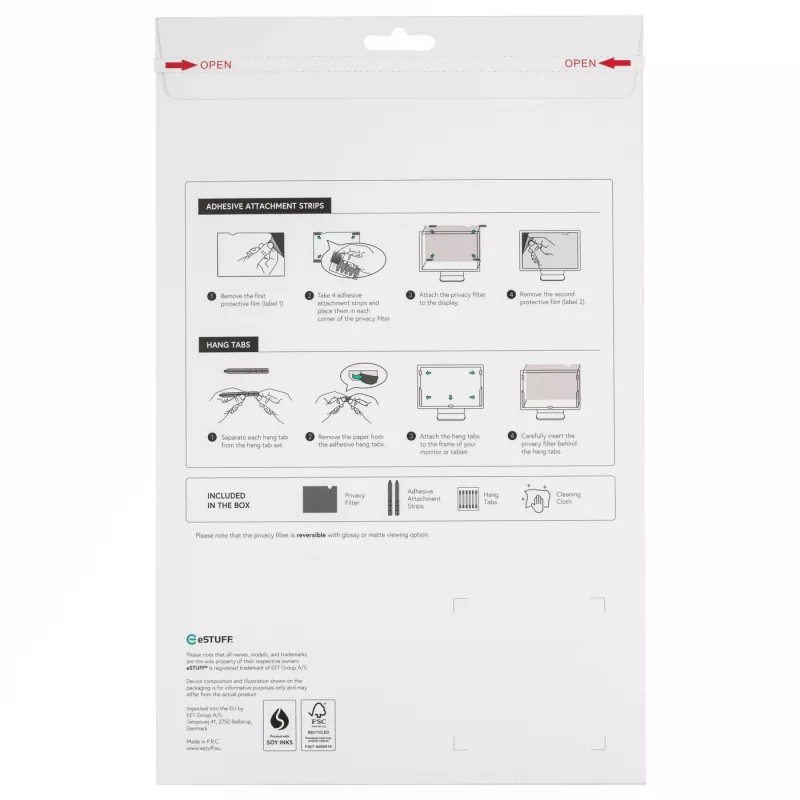
Clean the laptop screen according to manufacturer recommendations before applying the filter. Align the filter with the display so the webcam and sensor cutout match their positions. Attach the filter following the supplied mounting instructions (adhesive, magnetic or frame type as provided). For touchscreen models, verify smooth touch response after installation and adjust positioning if necessary.

Recommendations

For best results, store the filter flat when not in use and clean it with a microfiber cloth and manufacturer-approved cleaner. Replace the filter if it becomes scratched or damaged to maintain privacy and image clarity.
Key Highlights
  • Designed for frameless laptop displays with full glass screens
  • Cutout for webcam and sensors
  • Reduces approximately 51% (±5%) of blue light transmission (440–460 nm)
  • Protects screen glass from scratches and damage

Leaflet

Open Leaflet
Price history is not available yet
We are still collecting enough daily price data for this product.

Popular products in this category

WhatsApp
Hi, I’m DistriNode’s AI assistant. I can help you find products, compare options, create quote PDFs, or open support requests.