Account Contact
Your Cart
Pay the courier with no extra fees.
Need help? DistriNode AI can handle any task on our site.

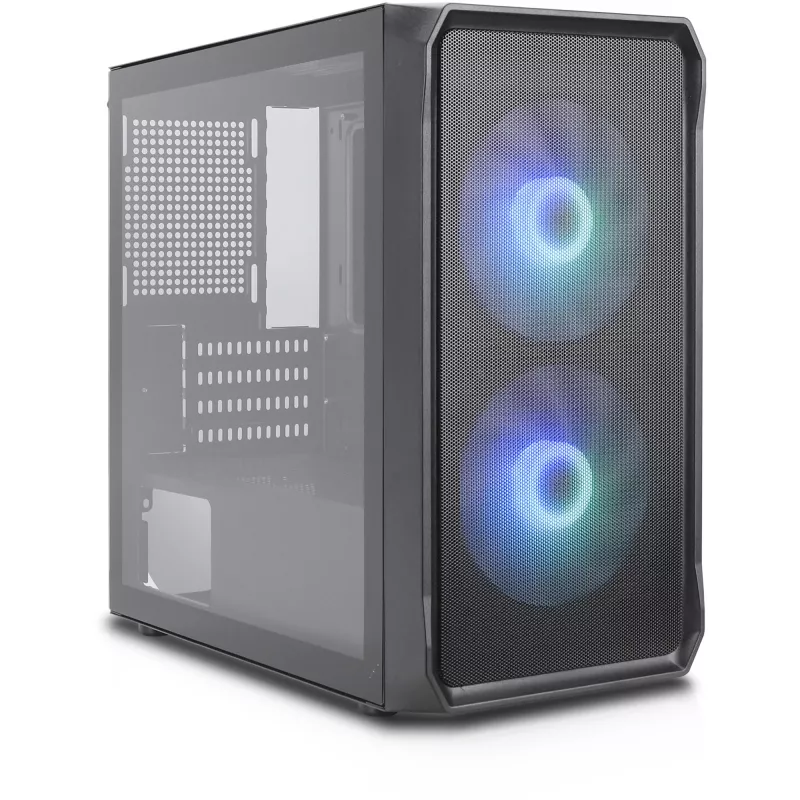
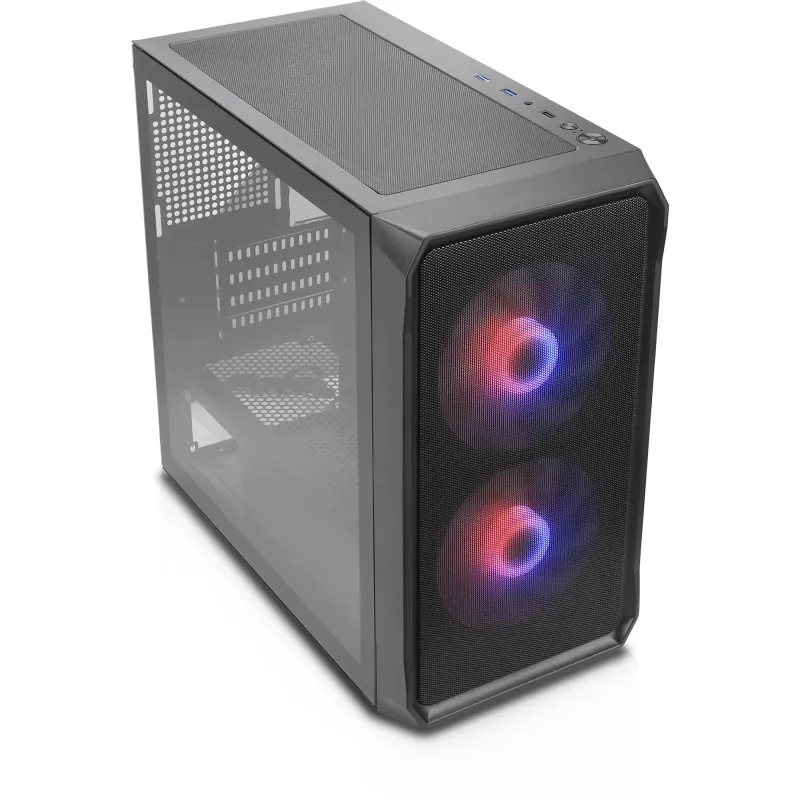
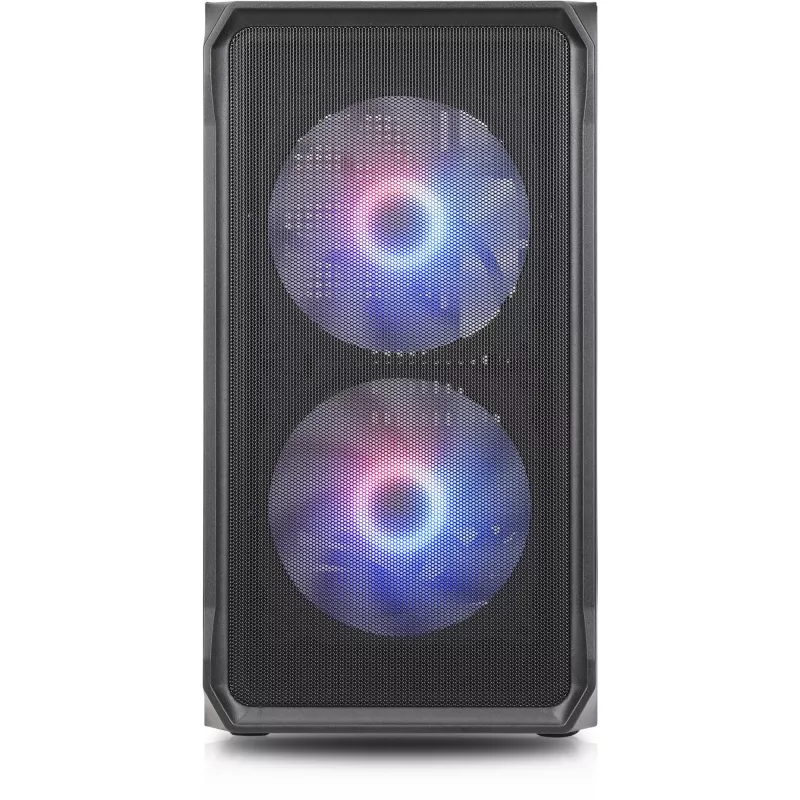
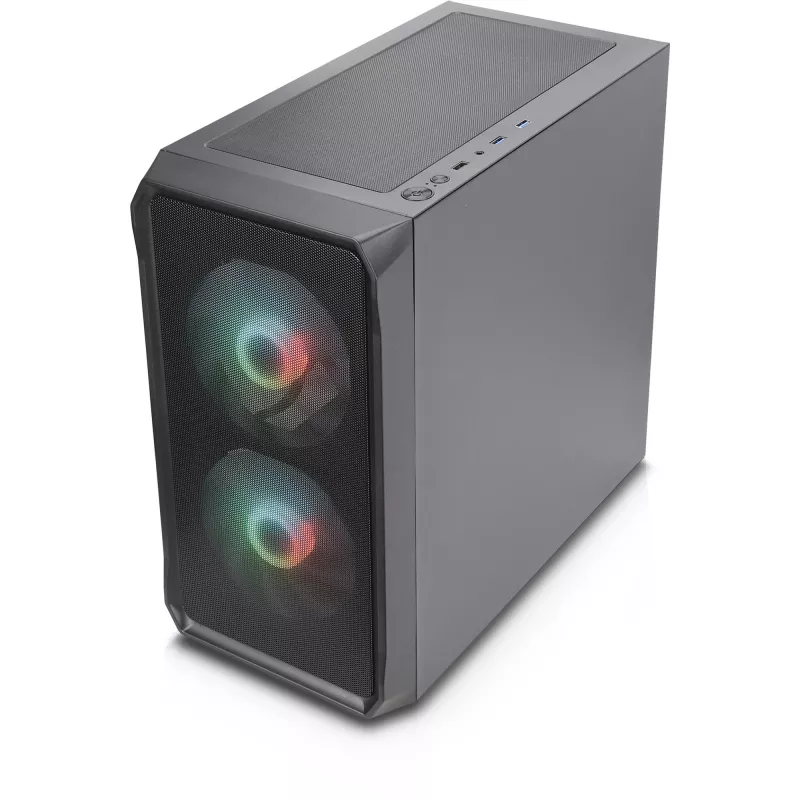
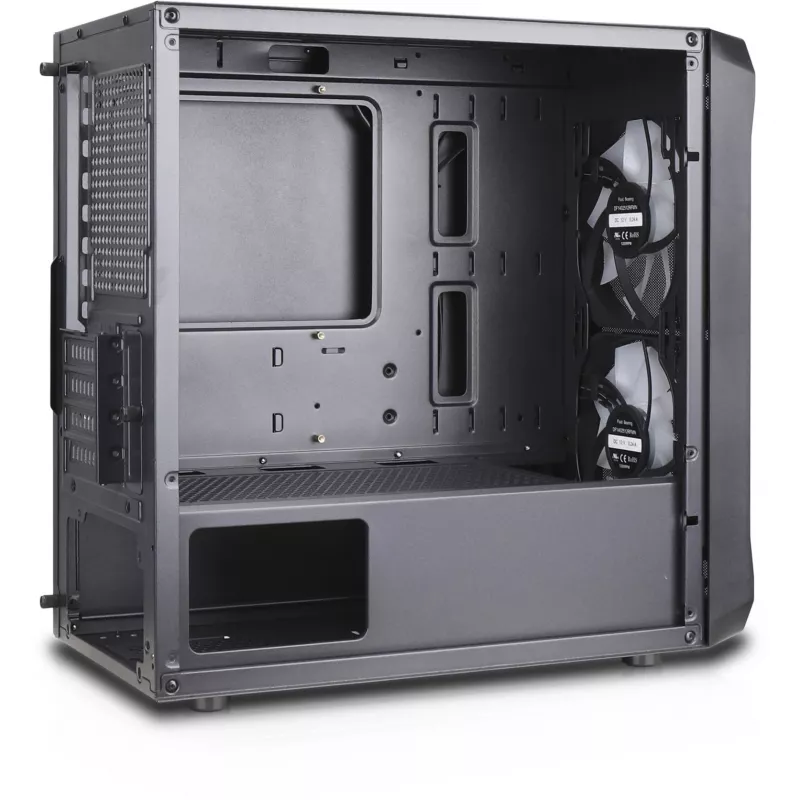
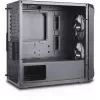
Desktop PC case Silentware Air 10 (AIR10) — mid-tower chassis for ATX/mATX builds

Desktop PC case Silentware Air 10 (AIR10) — mid-tower chassis for ATX/mATX builds
R1,123
Silentware Air 10 is a mid-tower desktop PC case designed for ATX and micro‑ATX systems. The chassis provides a conventional internal layout for standard motherboards, a rear or bottom-mounted power supply, multiple 3.5"/2.5" drive bays and room for common cooling solutions. Its straightforward desi... Read More
Stock 11 Code 343188 Brand SILENTWARE Model AIR10 Warranty 2 Years

Shipping & Returns

Estimated delivery Thursday, October 1
You will be kept updated through our detailed tracking system
Payment options
EFTPayFastBank CardSnapScanZapperGoogle PayApple PayMobicredMoreTymePay on Arrival

Silentware Air 10 is a mid-tower desktop PC case designed for ATX and micro‑ATX systems. The chassis provides a conventional internal layout for standard motherboards, a rear or bottom-mounted power supply, multiple 3.5"/2.5" drive bays and room for common cooling solutions. Its straightforward design focuses on practical airflow and easy component installation, making it suitable for office, home and light gaming builds requiring a reliable and simple enclosure.

Advantages

Air 10 offers a balance of compatibility and simplicity: support for ATX and mATX motherboards, space for standard-length graphics cards and drive combinations, plus an unobtrusive exterior that fits typical desktop environments. The case layout is engineered for uncomplicated cable routing and standard fan or radiator placement, which helps maintain steady system temperatures without complex modifications. Tool-accessible panels and clear internal mounting points simplify assembly and upgrades.

Suitable for

  • Office desktops and productivity systems
  • Home PCs and family computers
  • Light gaming rigs with mainstream graphics cards
  • System builders who prefer straightforward assembly and maintenance

Key specifications

  • Form factor: mid-tower compatible with ATX and micro‑ATX motherboards
  • Drive bays: mounting options for 3.5" and 2.5" storage drives
  • Expansion slots: multiple rear expansion slots for add‑in cards
  • Cooling support: standard fan mounts and space for typical CPU coolers; room for compact front or top radiators depending on component choices
  • Power supply: supports standard ATX power supplies (rear or bottom placement dependent on internal layout)
  • Material and finish: steel frame with exterior panels designed for everyday desktop use

How to use

Install the motherboard and secure it to the provided standoffs, then mount the power supply in the designated area and connect main power cables. Fit storage drives into the appropriate 3.5" or 2.5" mounts and route SATA and power cables to the motherboard and PSU. Install expansion cards into the rear slots and secure them with the included fasteners. Position case fans or an all‑in‑one cooler in supported mounting locations to establish conventional front‑to‑rear or bottom‑to‑top airflow. Close the side panels and verify all cable connections before the first power‑on.

Recommendations

For balanced airflow, install at least one intake fan at the front and one exhaust fan at the rear. Use cable ties or routing channels to keep cables clear of fans and airflow paths. When installing longer graphics cards, check clearance to drive cages and remove or relocate nonessential drive brackets if necessary. Ensure the power supply orientation allows adequate ventilation and that any dust filters are cleaned periodically.

Key Highlights
  • Office desktops and productivity systems
  • Home PCs and family computers
  • Light gaming rigs with mainstream graphics cards
  • System builders who prefer straightforward assembly and maintenance
  • Form factor: mid-tower compatible with ATX and micro‑ATX motherboards
  • Drive bays: mounting options for 3.5" and 2.5" storage drives
  • Expansion slots: multiple rear expansion slots for add‑in cards
  • Cooling support: standard fan mounts and space for typical CPU coolers; room for compact front or top radiators depending on component choices
  • Power supply: supports standard ATX power supplies (rear or bottom placement dependent on internal layout)
  • Material and finish: steel frame with exterior panels designed for everyday desktop use
Price history over the last 6 months
Desktop PC case Silentware Air 10 (AIR10) — mid-tower chassis for ATX/mATX builds
Current
R1,123
Lowest
R1,092
Highest
R1,132
Change 24H
+R11   +1%
Week
+R23   +2%
Month
+R15   +1%

Popular products in this category

WhatsApp
Hi, I’m DistriNode’s AI assistant. I can help you find products, compare options, create quote PDFs, or open support requests.