Account Contact
Your Cart
Pay on delivery – no extra fees
Need help? Ask our AI

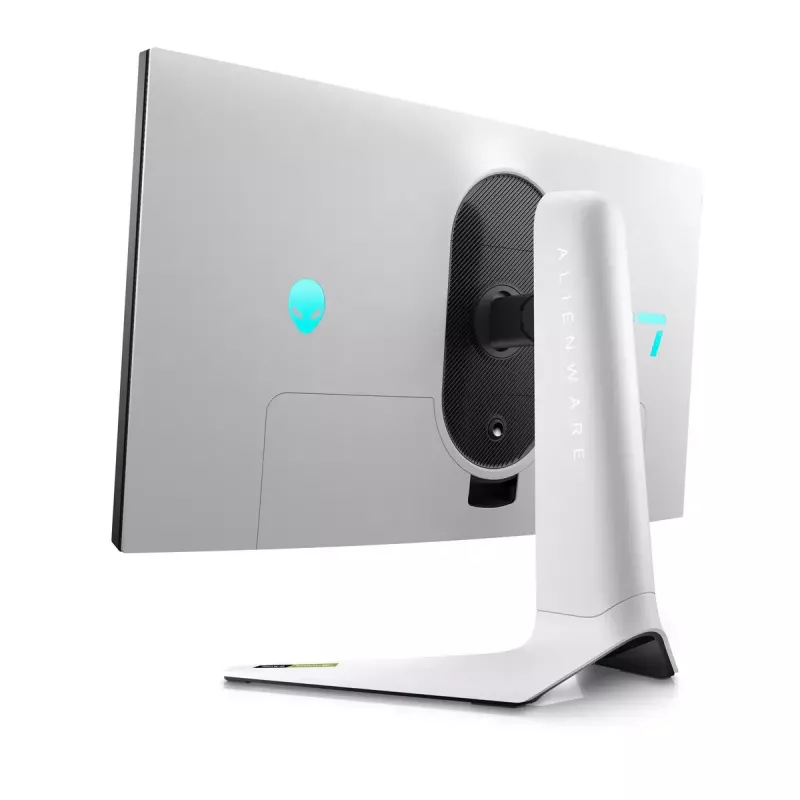
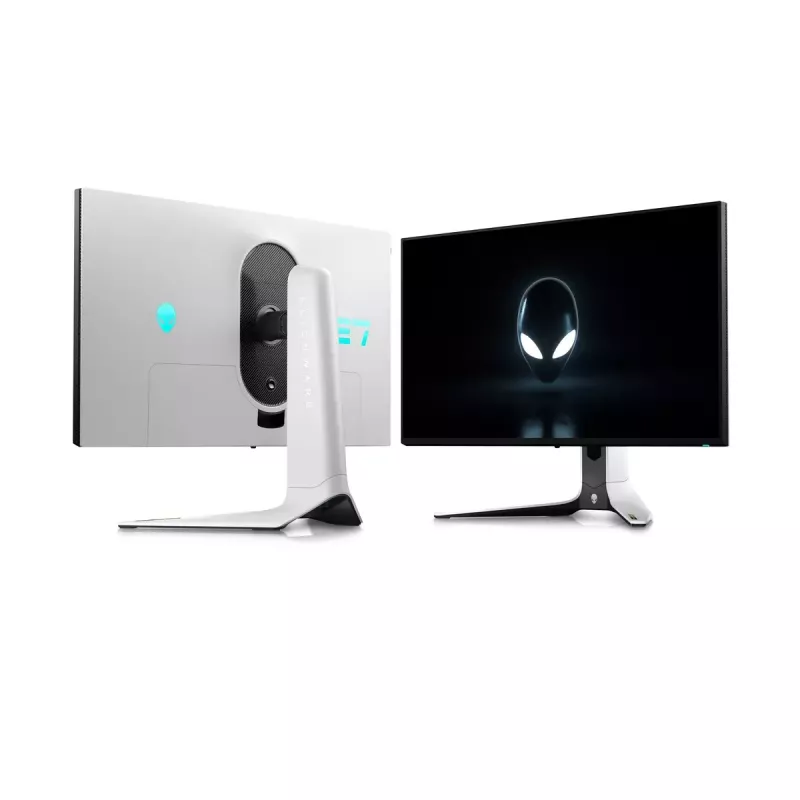
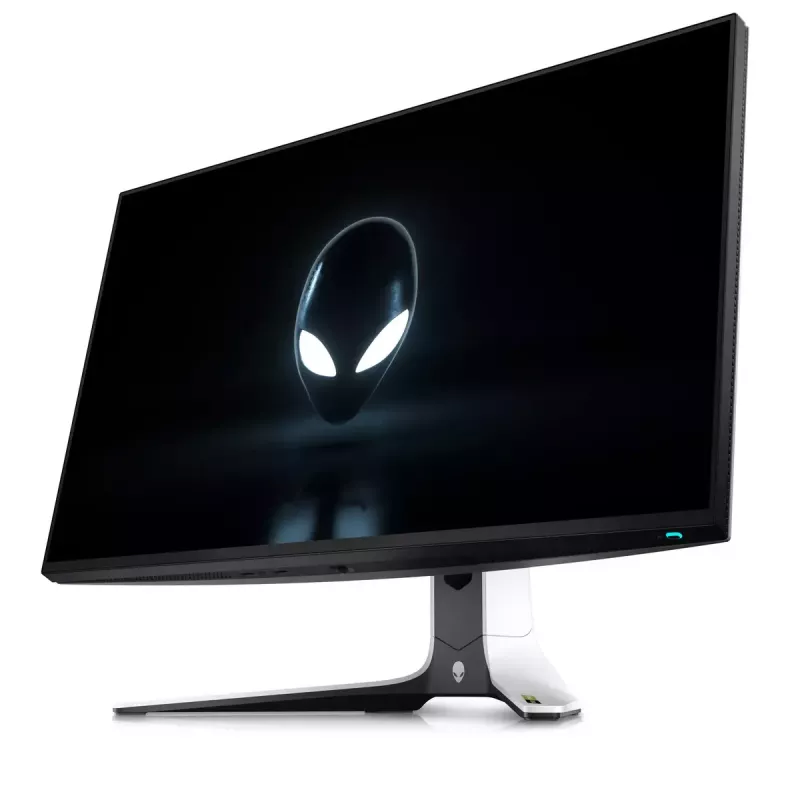
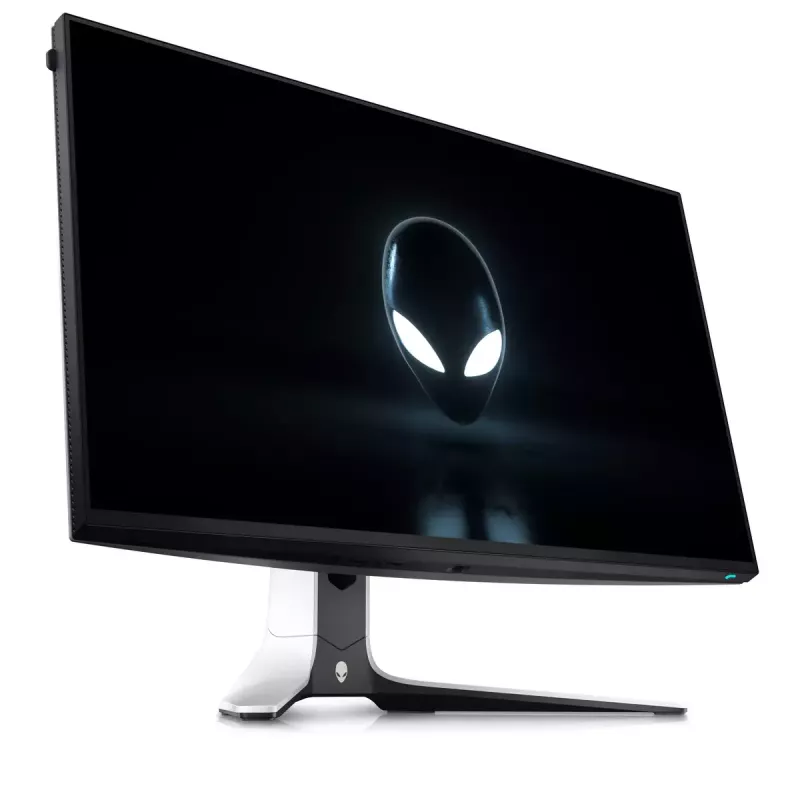
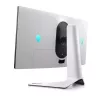
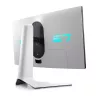
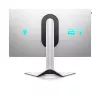
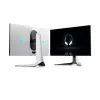
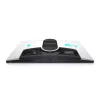
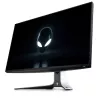
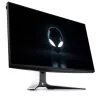
Alienware AW2723DF computer monitor 68.6 cm (27 inch) 2560 x 1440 pixels Quad HD LCD Silver

Alienware AW2723DF computer monitor 68.6 cm (27 inch) 2560 x 1440 pixels Quad HD LCD Silver
36 mo.
Alienware AW2723DF computer monitor 68.6 cm (27 inch) 2560 x 1440 pixels Quad HD LCD Silver
R14,907
Outshine everyone with world-class performance and color that you have to see to believe on the new Alienware 27 Gaming Monitor. World-class performance Get in the game with smooth and consistent performance up to 280Hz overclocked / 240Hz native variable refresh rates. Fast I... Read More
Stock Out Of StockNo Stock Code 28052 Brand DELL Model GAME-AW2723DF Warranty 3 Years

Shipping & Returns

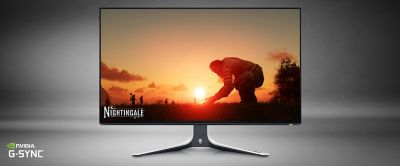
Outshine everyone with world-class performance and color that you have to see to believe on the new Alienware 27 Gaming Monitor.
World-class performance

World-class performance

Get in the game with smooth and consistent performance up to 280Hz overclocked / 240Hz native variable refresh rates. Fast IPS panel with lightning-fast 1ms GtG (Gray to Gray) response time in Extreme mode reduces any issues for lag-free gameplay. AMD FreeSync™ Premium Pro Technology, NVIDIA® G-SYNC® Compatible, and VESA AdaptiveSync certification allow for stutter-free, tear-free, low-latency gaming and crystal-clear graphics.

Picture perfect

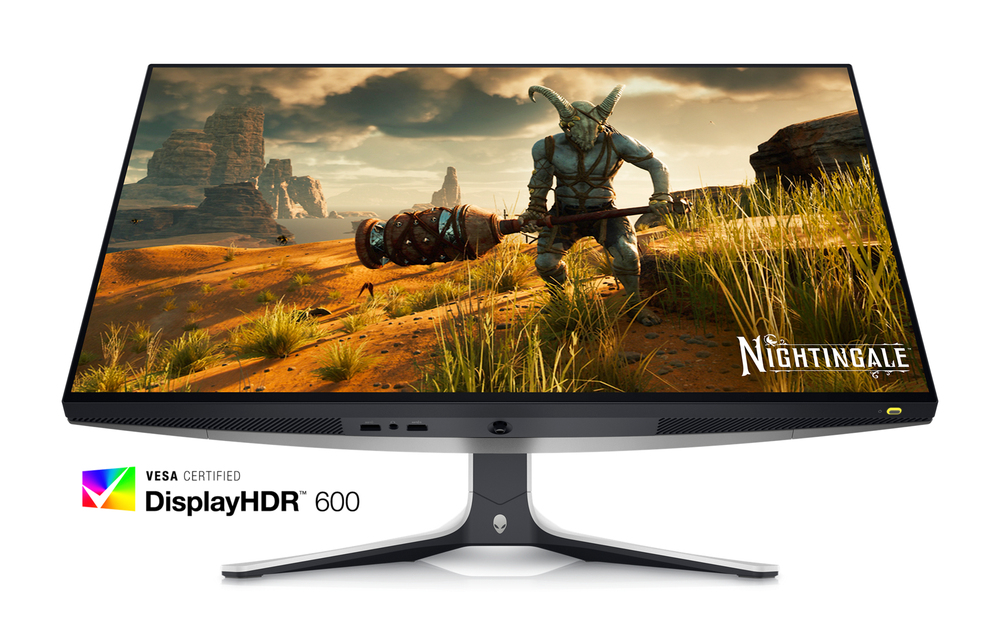
Dive into vibrant colors across a wide viewing angle. See it all on an InfinityEdge screen with IPS Nano Color technology that lets you experience dynamic, vivid colors with 95% DCI-P3 color coverage and VESA DisplayHDR™ 600 certification for a truly immersive gaming experience.
Picture perfect
Functional beauty

Functional beauty

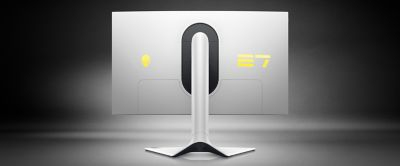
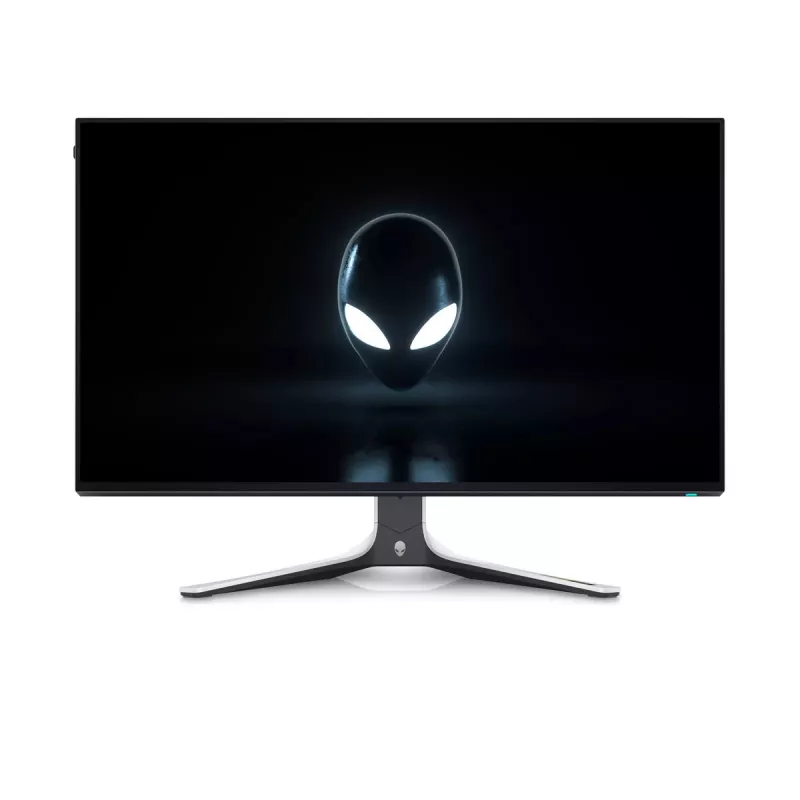
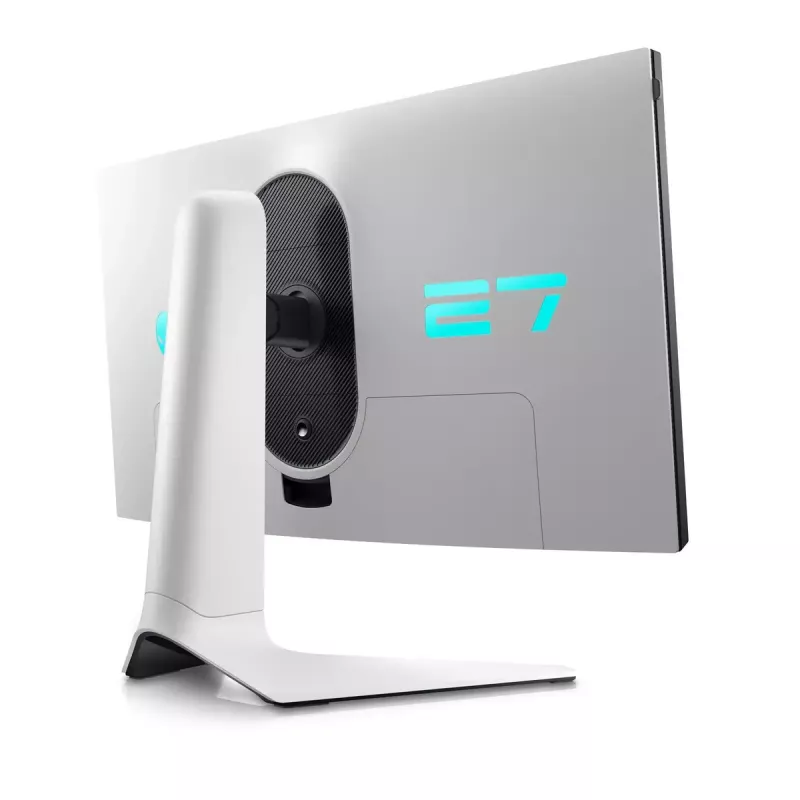
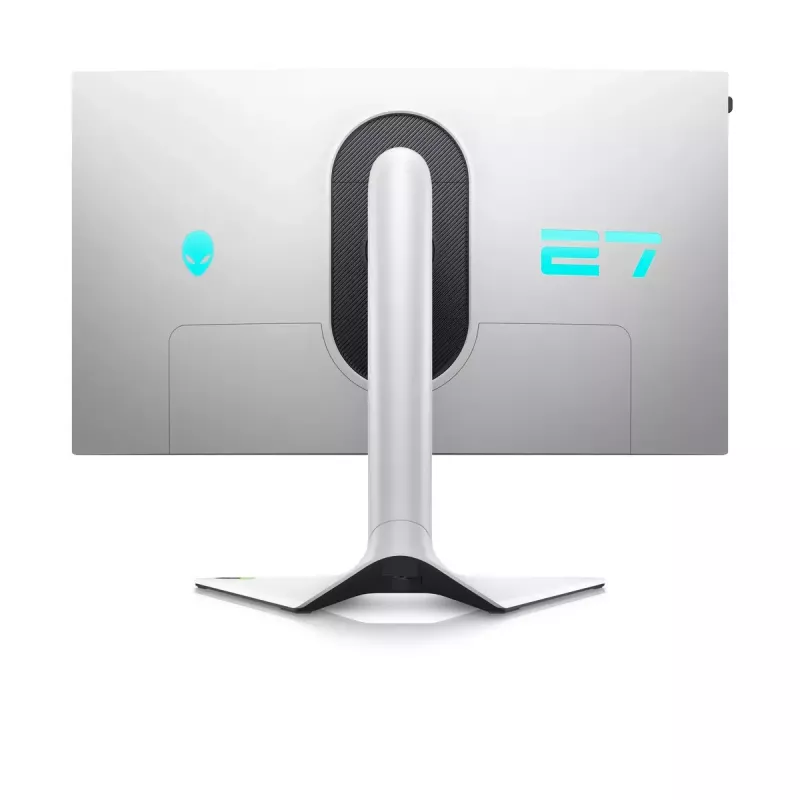
The Alienware 27 Gaming Monitor is a work of art with bold features. The iconic Legend 2.0 design in Lunar Light seamlessly integrates into any gamer's battle station. With powerful AlienFX lighting signature, 360 degree ventilation, improved cable management, and fully adjustable stand and height adjustment for marathon gaming.

Innovative hanger

Keep your headset off the desk and out of the way when not in use. The hanger slides in and out of the monitor frame with a simple push to keep your battle station organized.
Innovative hanger
Ultimate versatility

Ultimate versatility

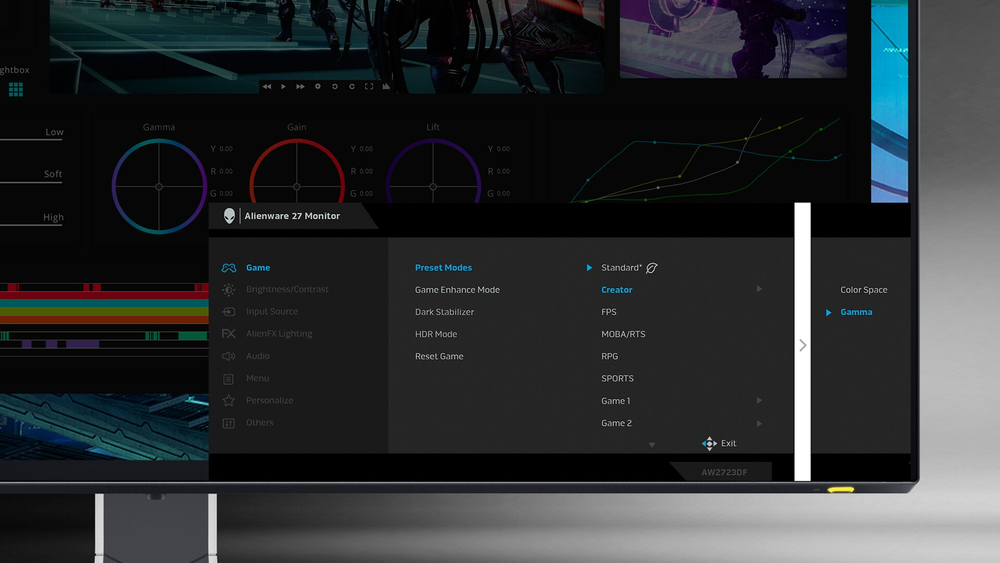
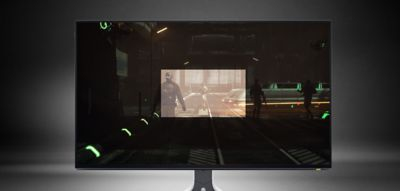
For content creators and game developers who require precise color-critical work, the new Creator Mode feature was designed for you. Choose between the native (DCI-P3) and the sRGB color space, depending on your work needs, and the ability to adjust the gamma settings.The Picture-In-Picture (PIP) and Picture-By-Picture (PBP) feature lets you view two PC source simultaneously for next-level multi-tasking.

Choose your vision

The revamped OSD layout with centralized joystick allows for easy navigation of the monitor’s settings and features. Among these features is the all-new AlienVision - four custom hardware-based overlays designed to enhance your visual experience in real-time based on actual gameplayNight Vision- Helps increase visibility by improving both clarity and contrast during dark scenes in games.Clear Vision- Enhances sharpness and clarity by removing obstructive elements like smoke, haze or mist.Chroma Vision- Applies a heatmap to your game based on a thermal palette.Crosshair- Displays a crosshair that assists the in-game aiming by being "always visible", making it easier to hit your target every time.
Choose your vision
Easy on the eyes

Easy on the eyes

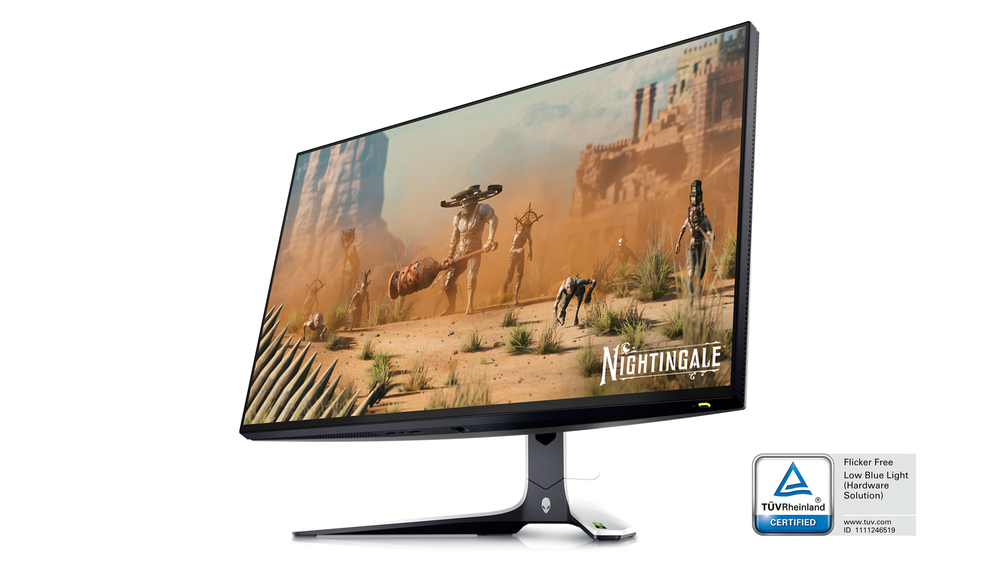
Settle in for your next gaming session with optimized eye comfort on this flicker-free TUV-certified monitor. ComfortView Plus, an always on, built-in low-blue light screen technology that reduces blue light emissions without impacting color accuracy.

How to use

Place the monitor on a stable desk surface or mount it using a VESA-compatible arm or bracket. Connect the video source using the appropriate cable supported by your graphics output, then attach peripherals to the integrated USB 3.2 Gen 1 hub as needed. Adjust the monitor height for comfortable eye level and set the display settings through the on-screen menu to match your workflow or gaming preferences. Ensure your graphics card settings match the 2560 x 1440 resolution and recommended refresh rate for optimal performance.

Recommendations

For best results, use the monitor with a graphics card that supports 2560 x 1440 resolution and a refresh rate consistent with your use (gaming or productivity). Calibrate color settings if accurate color reproduction is required for content creation. Position the display at eye level and maintain a viewing distance of about an arm's length to reduce eye strain. Disconnect power before cleaning and use a soft, dry cloth to clean the screen surface.

Key Highlights
  • Competitive and casual gaming at 1440p where low response time matters
  • Multimedia playback and video streaming
  • General productivity tasks and multi-window workflows
  • Desktop setups requiring VESA mounting or adjustable ergonomics
  • Display diagonal: 27"
  • Display resolution: 2560 x 1440 (Quad HD)
  • Panel type: IPS LCD
  • Aspect ratio: 16:9, flat screen
  • Response time: 1 ms
  • Pixel pitch: 0.23 x 0.23 mm
  • Typical brightness: 450 cd/m²
  • Contrast ratio (typical): 1000:1
  • Built-in USB hub: USB 3.2 Gen 1
  • VESA mounting compatible
  • Built-in speakers: No
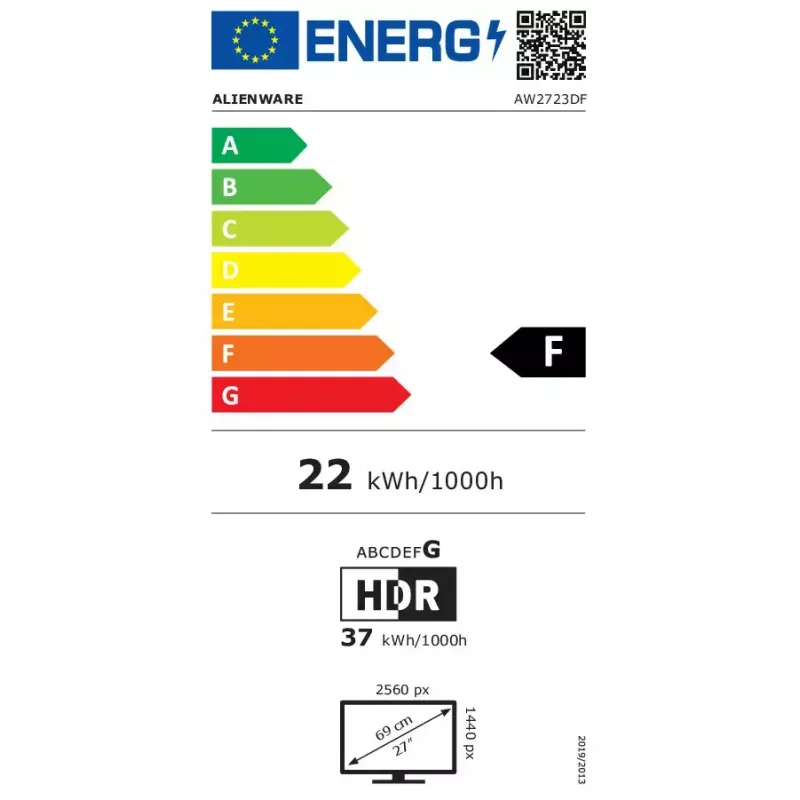
  • Energy efficiency class (SDR/HDR): F / G
  • Energy consumption per 1000 hours (SDR/HDR): 22 kWh / 37 kWh
  • Product colour: Silver
Specifications
AC input frequency
50 - 60
AC input voltage
100 - 240
Adjustable height (max)
110 mm
AMD FreeSync
Yes
AMD FreeSync type
FreeSync Premium Pro
Anti-glare screen
Yes
Backlight type
LED
Bezel width (bottom)
13.7 mm
Bezel width (side)
4.93 mm
Bezel width (top)
4.92 mm
Built-in camera
No
Built-in speaker(s)
No
Built-in USB hub
Yes
Cable lock slot
Yes
Cables included
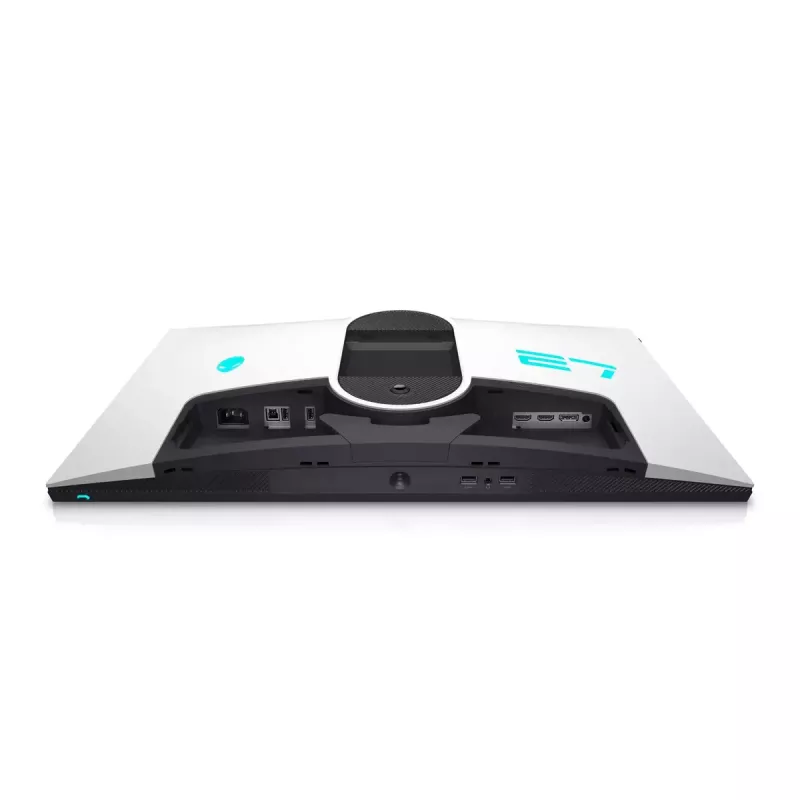
AC, DisplayPort, DisplayPort to Mini DisplayPort, HDMI, USB Type-A
Colour depth
10 bit
Colour gamut
95 %
Colour gamut standard
DCI-P3
Colour name
Lunar Light
Compliance certificates
RoHS
Contrast ratio (typical)
1000:1
Depth (with stand)
268.02 mm
Depth (without stand)
67 mm
Detachable stand
Yes
Display brightness (peak)
600 cd/m²
Display brightness (typical)
450 cd/m²
Display diagonal
27 "
Display diagonal (metric)
68.47 cm
Display number of colours
1.07 billion colours
Display resolution
2560 x 1440
Display technology
LCD
DisplayPort version
1.4
DisplayPorts quantity
1
Doesn't contain
PVC/BFR
Energy consumption (HDR) per 1000 hours
37 kWh
Energy consumption (SDR) per 1000 hours
22 kWh
Energy efficiency class (HDR)
G
Energy efficiency class (SDR)
F
Energy efficiency scale
A to G
Ethernet LAN (RJ-45) ports
0
European Product Registry for Energy Labelling (EPREL) code
1272435
Feet colour
Black, Silver
FPS counter
Yes
Front bezel colour
Black
HD type
Quad HD
HDCP
Yes
HDCP version
2.2
HDMI
Yes
HDMI ports quantity
2
HDMI version
2.0
Headphone out
Yes
Heavy metals free
Hg (mercury)
Height (with stand)
516.25 mm
Height (without stand)
354.29 mm
Height adjustment
Yes
High Dynamic Range (HDR) supported
Yes
High Dynamic Range (HDR) technology
DisplayHDR 600
Horizontal scan range
27 - 415
Market positioning
Gaming
Maximum refresh rate
280 Hz
Native aspect ratio
16:9
Non-operating altitude
5000 - 12192
Number of upstream ports
1
NVIDIA G-SYNC
Yes
NVIDIA G-SYNC type
G-SYNC Compatible
Operating altitude
0 - 5000
Operating relative humidity (H-H)
10 - 80
Operating temperature (T-T)
0 - 40
Package depth
757.94 mm
Package height
480.06 mm
Package weight
12640 g
Package width
245.11 mm
Panel mounting interface
100 x 100
Panel type
IPS
Pivot
Yes
Pivot angle
-90 - 90
Pixel density
108.96 ppi
Pixel pitch
0.23 x 0.23
Power consumption (max)
105 W
Power consumption (off)
0.3 W
Power consumption (standby)
0.4 W
Power consumption (typical)
22.1 W
Power supply type
Internal
Product colour
Silver
Quick start guide
Yes
Response time
1 ms
Response time (fast)
4 ms
Screen shape
Flat
Smart modes
RPG, Sports
sRGB coverage (typical)
100 %
Stand included
Yes
Storage relative humidity (H-H)
5 - 90
Storage temperature (T-T)
-20 - 60
Supported video modes
480p, 576p, 720p, 1080p, 1440p
Swivel angle range
-20 - 20
Swivelling
Yes
Tilt adjustment
Yes
Tilt angle range
-5 - 21
Touchscreen
No
USB hub version
3.2 Gen 1 (3.1 Gen 1)
USB Type-A downstream ports quantity
4
USB upstream port type
USB Type-B
Vertical scan range
48 - 280
VESA mounting
Yes
Viewable size diagonal
684.7 mm
Viewable size, horizontal
596.74 mm
Viewable size, vertical
335.66 mm
Viewing angle, horizontal
178 °
Viewing angle, vertical
178 °
Weight (with stand)
8910 g
Weight (without stand)
5710 g
Wi-Fi
No
Width (with stand)
606.6 mm
Width (without stand)
606.6 mm

Energy label

Open Energy label

PDF

Open PDF

Document

Open Document

Document

Open Document

Document

Open Document

Document

Open Document

Document

Open Document

Manual

Open Manual

Manual

Open Manual

Leaflet

Open Leaflet
Price history over the last 6 months
Alienware AW2723DF computer monitor 68.6 cm (27 inch) 2560 x 1440 pixels Quad HD LCD Silver
Current
R14,907
Lowest
R9,246
Highest
R14,907
Change 24H
—   
Week
—   
Month
—   

Write a review

Rating *
Your name will be shown publicly – you can use a nickname. We invite buyers to write reviews; we check reviews before publishing and publish critical ones too.

Expert reviews

Independent reviews by tech media

creativebloq.com
9/10

Verdict: The Alienware AW2723DF is that most typical of Alienware kit; big, brash, flashy, packed with features, very impressive and not entirely without its frustrations. The QHD resolution, Fast IPS screen makes great use of DisplayHDR tech and high refresh rate...

Pros
  • Bright and sharp HDR image
  • Good colour coverage for creatives
  • Lots of good preset modes
Cons
  • Bulky
  • Not very adjustable
Read the full review at creativebloq.com →

Popular products in this category

WhatsApp
Messenger
Hi, I’m DistriNode’s AI assistant. I can help you find products, compare options, create quote PDFs, or open support requests.
All categories