Account Contact
Your Cart
Pay the courier with no extra fees.
Need help? DistriNode AI can handle any task on our site.

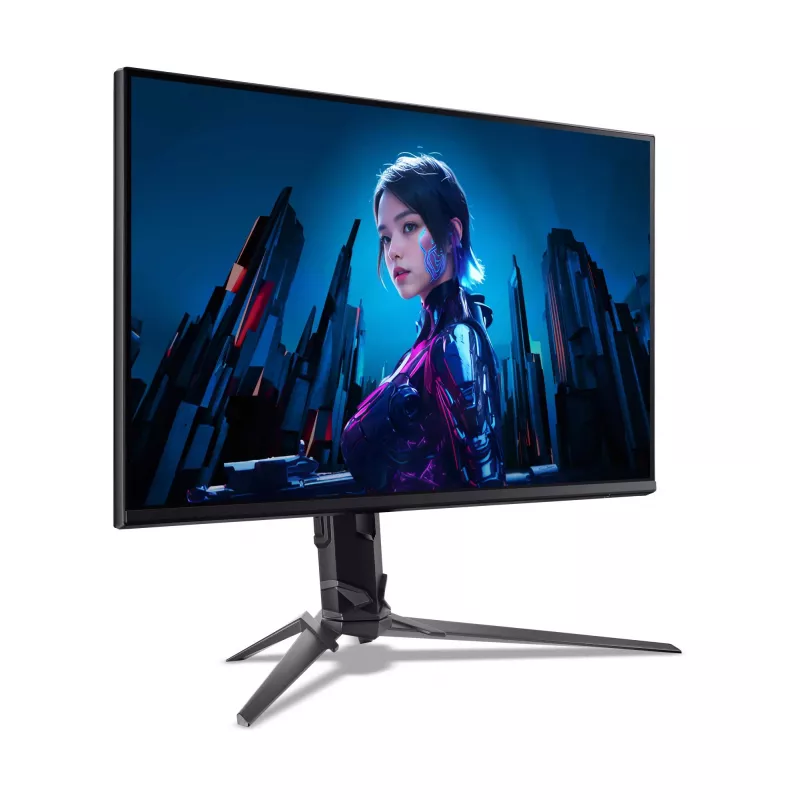
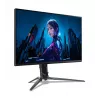
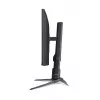
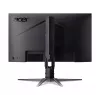
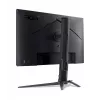
Computer monitor Acer Predator XB253Q F 24.5 inch (62.2 cm) FHD 1920×1080 LCD 1 ms Black

Computer monitor Acer Predator XB253Q F 24.5 inch (62.2 cm) FHD 1920×1080 LCD 1 ms Black
R5,151
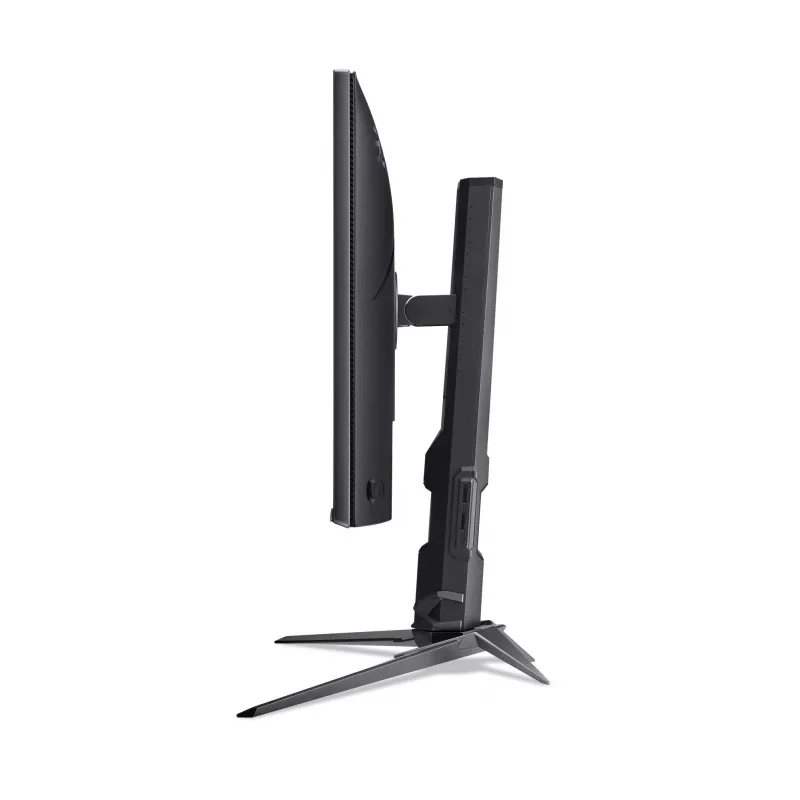
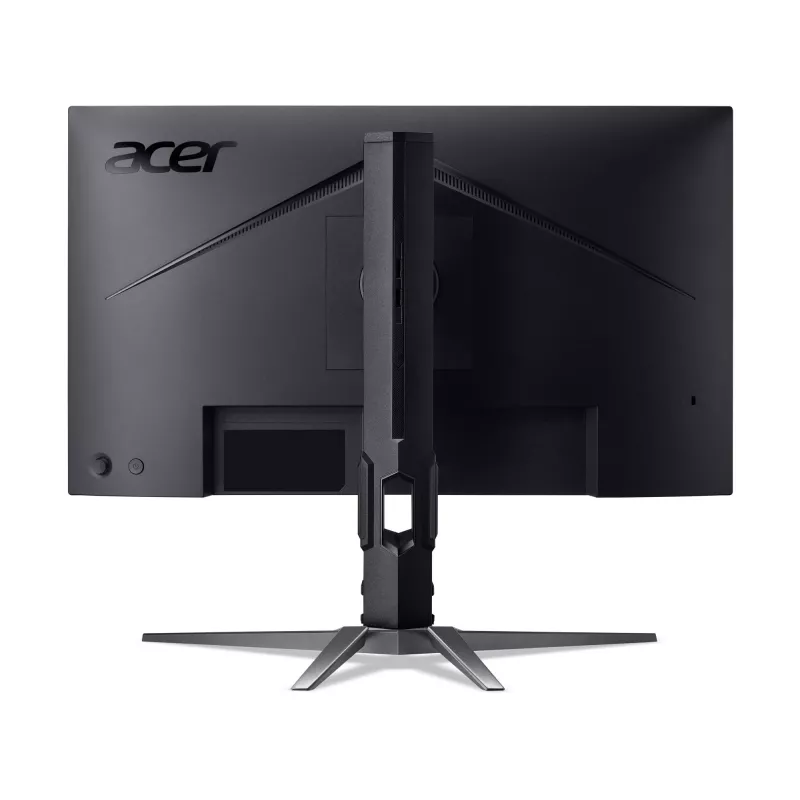
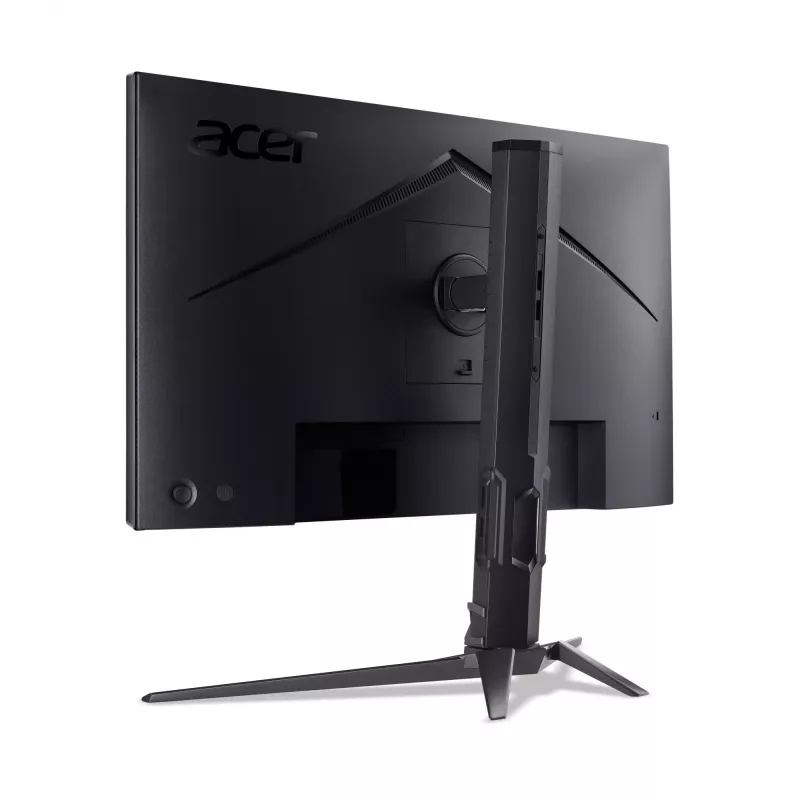
Acer Predator XB253Q F is a 24.5" (62.2 cm) LCD computer monitor with Full HD 1920×1080 resolution and a 16:9 native aspect ratio. The panel provides a 1 ms response time and a typical brightness of 250 cd/m² on a flat screen. The monitor includes built-in speakers and a black finish, designed to de... Read More
Stock 7 Code 1487037 Brand ACER Model UM.KX0EE.F05 Warranty 2 Years

Shipping & Returns

Estimated delivery Friday, October 9
You will be kept updated through our detailed tracking system
Payment options
EFTPayFastBank CardSnapScanZapperGoogle PayApple PayMobicredMoreTymePay on Arrival

Acer Predator XB253Q F is a 24.5" (62.2 cm) LCD computer monitor with Full HD 1920×1080 resolution and a 16:9 native aspect ratio. The panel provides a 1 ms response time and a typical brightness of 250 cd/m² on a flat screen. The monitor includes built-in speakers and a black finish, designed to deliver fast pixel response and clear image detail for gaming and general desktop use where low latency and Full HD clarity are required.

Advantages

The monitor combines a fast 1 ms response time with a Full HD panel to reduce motion blur and ghosting during rapid on-screen movement. With a typical brightness of 250 cd/m² the screen produces readable images in standard indoor lighting, while built-in speakers provide basic audio without external speakers. The flat 16:9 screen offers a familiar workspace and gaming field of view, and the black enclosure suits most desktop setups. Energy ratings are provided for SDR and HDR usage to help estimate power consumption.

Suitable for

  • Competitive and casual gaming that benefits from low response time
  • Office and productivity tasks requiring Full HD clarity
  • Watching videos and everyday multimedia playback
  • General desktop use where a compact 24.5" monitor is preferred

Key specifications

  • Display diagonal: 24.5" (62.2 cm)
  • Resolution: 1920 × 1080 (Full HD)
  • Display technology: LCD
  • Response time: 1 ms
  • Aspect ratio: 16:9
  • Typical brightness: 250 cd/m²
  • Screen shape: Flat
  • Integrated audio: Built-in speakers
  • Color: Black
  • Energy efficiency class (SDR): D; estimated consumption 15 kWh/1000h
  • Energy efficiency class (HDR): G; estimated consumption 26 kWh/1000h

How to use

Place the monitor on a stable desk surface and connect it to your computer using the appropriate video cable supported by your graphics card. Adjust the display settings in your operating system to 1920×1080 resolution and configure refresh rate and color settings according to your preference. Use the monitor on-screen display controls to adjust brightness, contrast and audio volume from the built-in speakers. Position the screen at a comfortable viewing distance and angle to minimise glare and maintain ergonomic posture.

Recommendations

For competitive gaming, ensure your graphics card and game settings supply high frame rates to take full advantage of the 1 ms response time. Use a stable, low-latency video connection and adjust in-monitor settings for minimal input lag. For long usage sessions, set brightness to comfortable levels and consider ambient lighting to reduce eye strain.

Key Highlights
  • Competitive and casual gaming that benefits from low response time
  • Office and productivity tasks requiring Full HD clarity
  • Watching videos and everyday multimedia playback
  • General desktop use where a compact 24.5" monitor is preferred
  • Display diagonal: 24.5" (62.2 cm)
  • Resolution: 1920 × 1080 (Full HD)
  • Display technology: LCD
  • Response time: 1 ms
  • Aspect ratio: 16:9
  • Typical brightness: 250 cd/m²
  • Screen shape: Flat
  • Integrated audio: Built-in speakers
  • Color: Black
  • Energy efficiency class (SDR): D; estimated consumption 15 kWh/1000h
  • Energy efficiency class (HDR): G; estimated consumption 26 kWh/1000h
Specifications
Anti-glare screen
Yes
Built-in camera
No
Built-in speaker(s)
Yes
Built-in USB hub
No
Contrast ratio (dynamic)
100000000:1
Display brightness (typical)
250 cd/m²
Display diagonal
24.5 "
Display resolution
1920 x 1080
Display technology
LCD
DisplayPort out version
1.4
DisplayPorts quantity
1
Energy consumption (HDR) per 1000 hours
26 kWh
Energy consumption (SDR) per 1000 hours
15 kWh
Energy efficiency class (HDR)
G
Energy efficiency class (SDR)
D
HDMI
Yes
HDMI ports quantity
2
Headphone out
Yes
High Dynamic Range (HDR) supported
Yes
High Dynamic Range (HDR) technology
High Dynamic Range 10 (HDR10)
Market positioning
Gaming
Native aspect ratio
16:9
Power consumption (off)
0.3 W
Power consumption (standby)
0.5 W
Product colour
Black
Response time
1 ms
Screen shape
Flat
Touchscreen
No
Price history over the last 6 months
Computer monitor Acer Predator XB253Q F 24.5 inch (62.2 cm) FHD 1920×1080 LCD 1 ms Black
Current
R5,151
Lowest
R3,352
Highest
R5,636
Change 24H
+R1,453   +39%
Week
+R1,457   +39%
Month
+R1,374   +36%

Popular products in this category

WhatsApp
Hi, I’m DistriNode’s AI assistant. I can help you find products, compare options, create quote PDFs, or open support requests.