Account Contact
Your Cart
Pay the courier with no extra fees.
Need help? DistriNode AI can handle any task on our site.

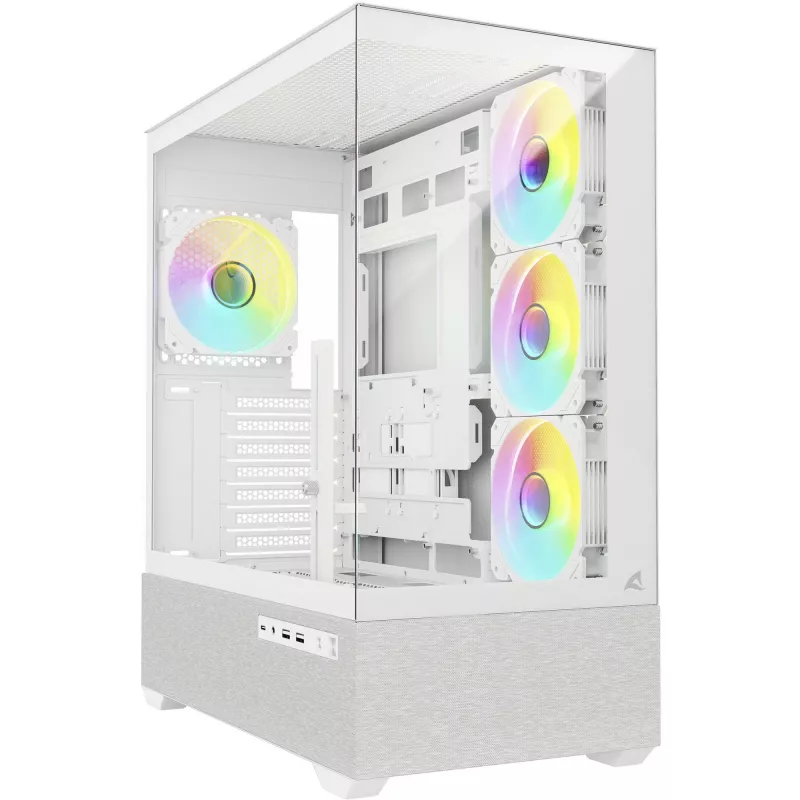
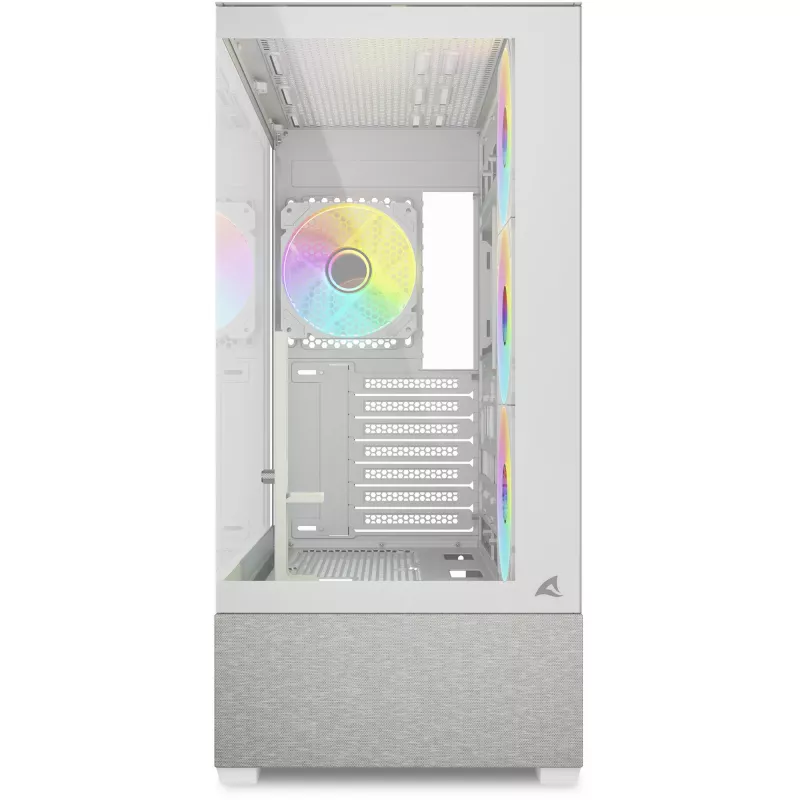
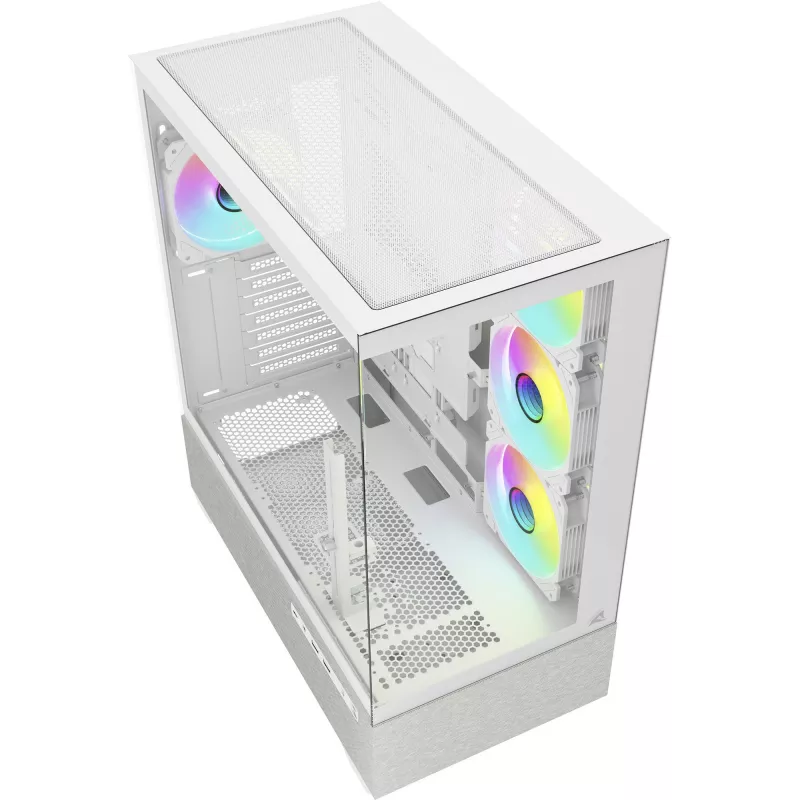
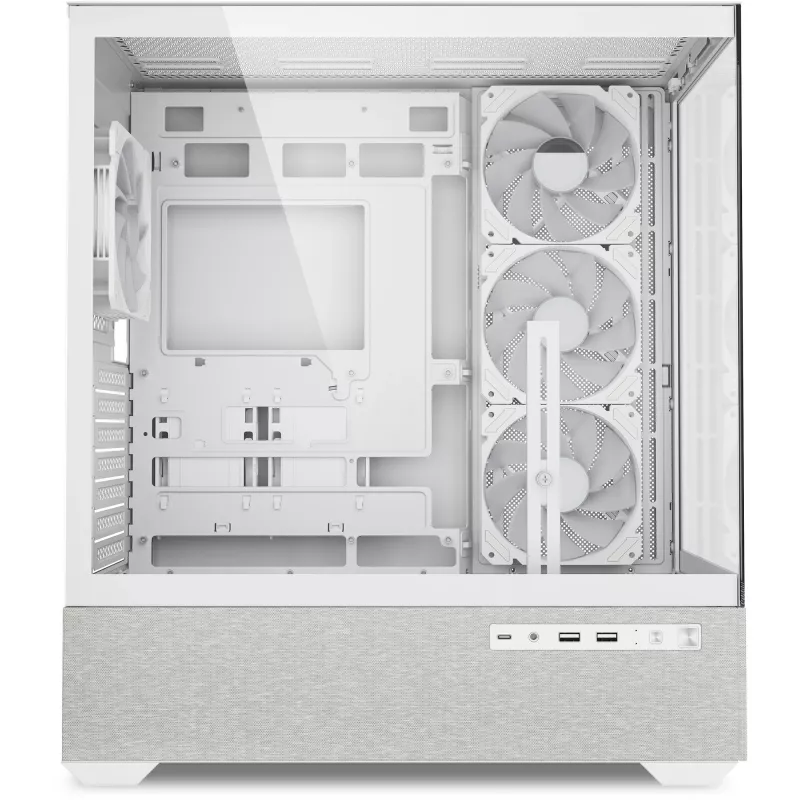
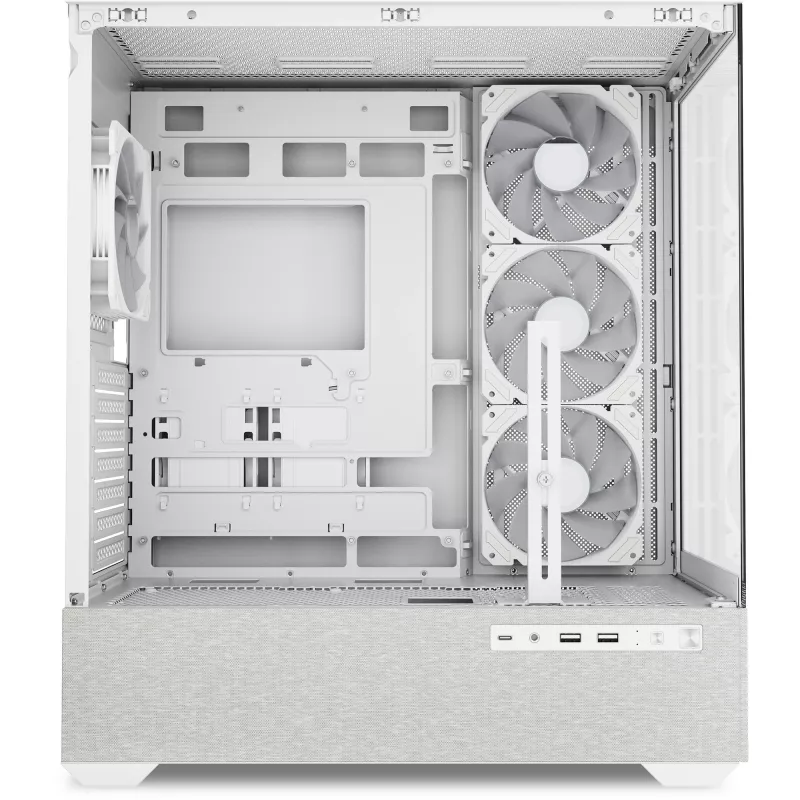
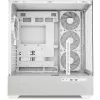
Sharkoon AK7 ARGB ATX Computer Case White

Sharkoon AK7 ARGB ATX Computer Case White
R7,111
The Sharkoon Gehäuse AK7 ARGB ATX white is a mid-tower computer case designed for ATX systems, combining a clean white exterior with addressable RGB lighting. The case provides roomy interior space for common gaming and workstation components, multiple fan and radiator mounting points for effective ... Read More
Stock 200 Code 340018 Brand SHARKOON Model 4044951044184 Warranty 2 Years

Shipping & Returns

Estimated delivery Thursday, October 1
You will be kept updated through our detailed tracking system
Payment options
EFTPayFastBank CardSnapScanZapperGoogle PayApple PayMobicredMoreTymePay on Arrival

The Sharkoon Gehäuse AK7 ARGB ATX white is a mid-tower computer case designed for ATX systems, combining a clean white exterior with addressable RGB lighting. The case provides roomy interior space for common gaming and workstation components, multiple fan and radiator mounting points for effective airflow, and practical cable-routing options to keep the build tidy. The front and top panels allow for customizable lighting setups while maintaining unobstructed ventilation.

Advantages

The case supports full-size ATX motherboards and offers flexible component placement, making installation straightforward for experienced builders and first-time custom-PC assemblers alike. Integrated ARGB lighting can be synchronized with supported motherboards or controlled via onboard headers, enabling a variety of lighting effects without additional accessories. The design emphasizes airflow with multiple fan mounts and dust filters to help maintain component temperatures and reduce maintenance effort.

Suitable for

  • Gaming PC builds using ATX motherboards
  • Content-creation workstations requiring good cooling
  • Systems with multiple storage drives and mid- to full-size graphics cards
  • Users who want integrated ARGB lighting in a white chassis

Key specifications

  • Form factor: mid-tower ATX chassis compatible with ATX, Micro-ATX and Mini-ITX motherboards
  • Drive bays: space for multiple 2.5" SSDs and 3.5" HDDs (internal drive mounts)
  • Cooling support: multiple front, top and rear fan mounting positions and radiator support for liquid cooling
  • Front panel features: ARGB lighting elements and ventilation openings for airflow
  • Expansion slots: standard PCI expansion for multiple expansion cards
  • Front I/O connectivity: common ports positioned on top or front bezel for easy access
  • Cable management: dedicated routing channels and tie-down points to organize cables
  • Material and finish: white exterior panels with interior mounting points for components

How to use

Install the power supply, motherboard and primary components following standard PC assembly steps, aligning mounting holes and securing with the appropriate screws. Route power and data cables through the provided cutouts to keep the interior unobstructed; use the tie-down points and routing channels to secure cables. Mount storage drives in the internal brackets or trays and install fans or radiators in the designated front, top or rear positions depending on your cooling configuration. Connect ARGB headers to a compatible controller or motherboard header and adjust lighting through the motherboard software or any supported controller.

Recommendations

For optimal cooling, configure a balanced airflow setup with intake fans at the front and exhaust at the top and rear. Use dust filters where available and clean them regularly. When using high-performance graphics cards or overclocked components, consider installing additional fans or a front/top radiator to maintain stable temperatures. Ensure ARGB connections match the motherboard or controller pinout before powering on to avoid damage.

Key Highlights
  • Gaming PC builds using ATX motherboards
  • Content-creation workstations requiring good cooling
  • Systems with multiple storage drives and mid- to full-size graphics cards
  • Users who want integrated ARGB lighting in a white chassis
  • Form factor: mid-tower ATX chassis compatible with ATX, Micro-ATX and Mini-ITX motherboards
  • Drive bays: space for multiple 2.5" SSDs and 3.5" HDDs (internal drive mounts)
  • Cooling support: multiple front, top and rear fan mounting positions and radiator support for liquid cooling
  • Front panel features: ARGB lighting elements and ventilation openings for airflow
  • Expansion slots: standard PCI expansion for multiple expansion cards
  • Front I/O connectivity: common ports positioned on top or front bezel for easy access
  • Cable management: dedicated routing channels and tie-down points to organize cables
  • Material and finish: white exterior panels with interior mounting points for components
Price history over the last 6 months
Sharkoon AK7 ARGB ATX Computer Case White
Current
R7,111
Lowest
R1,966
Highest
R7,670
Change 24H
+R5,119   +257%
Week
+R5,140   +261%
Month
+R5,133   +260%

Popular products in this category

WhatsApp
Hi, I’m DistriNode’s AI assistant. I can help you find products, compare options, create quote PDFs, or open support requests.