Account Contact
Your Cart
Pay the courier with no extra fees.
Need help? DistriNode AI can handle any task on our site.

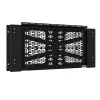
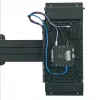
Chief Proximity Component Storage Slide-Lock Panel Black 6.8 kg Wall Mount

Chief Proximity Component Storage Slide-Lock Panel Black 6.8 kg Wall Mount
R4,369
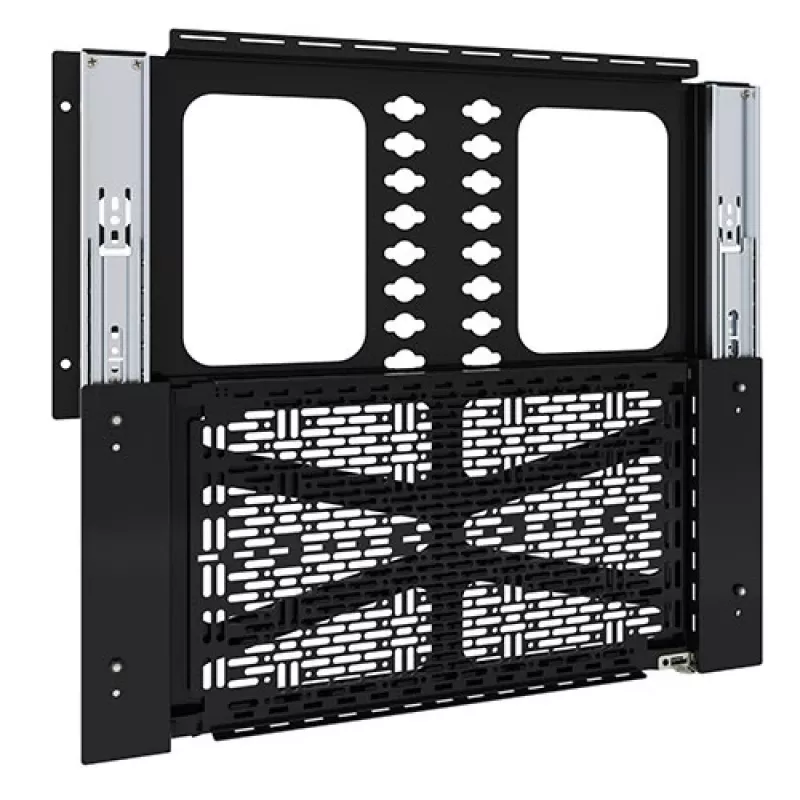
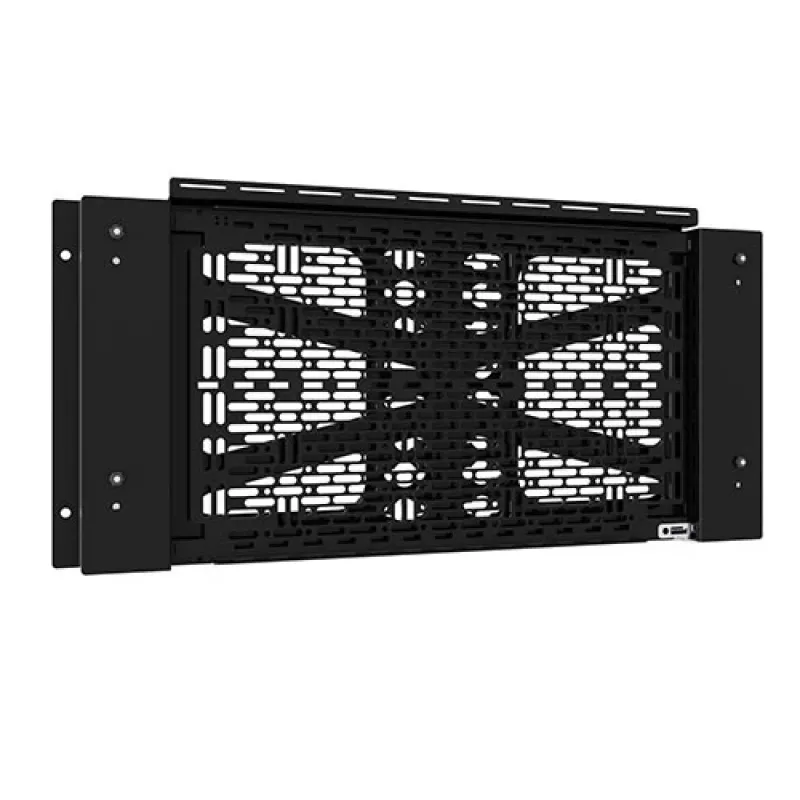
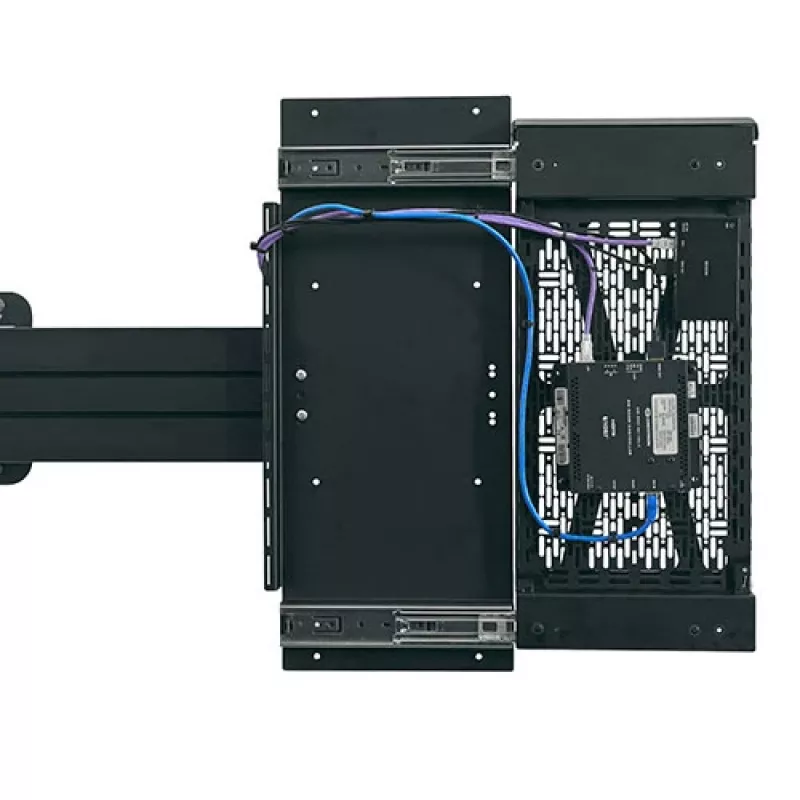
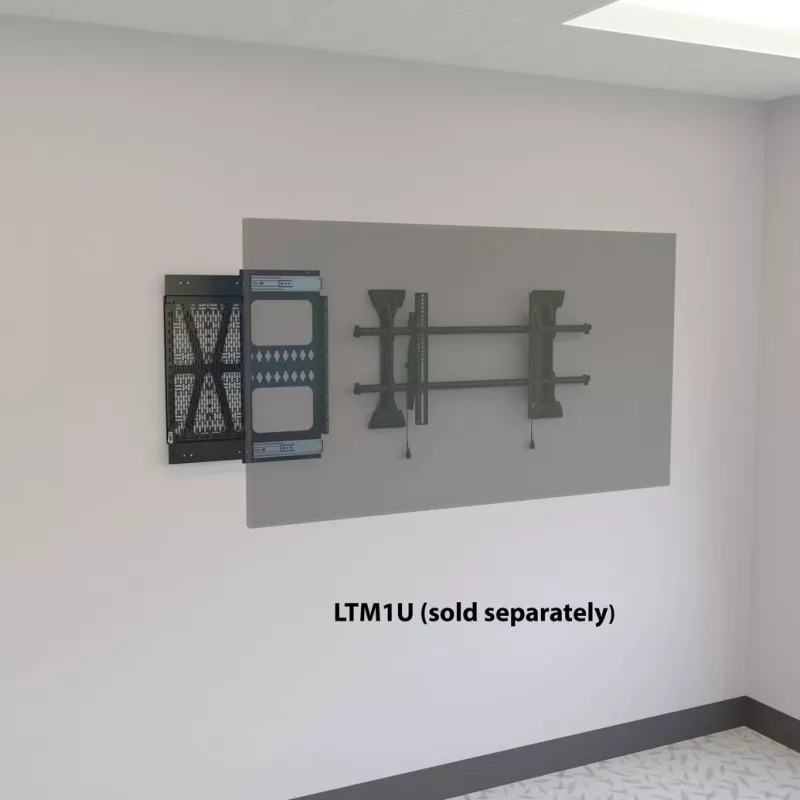
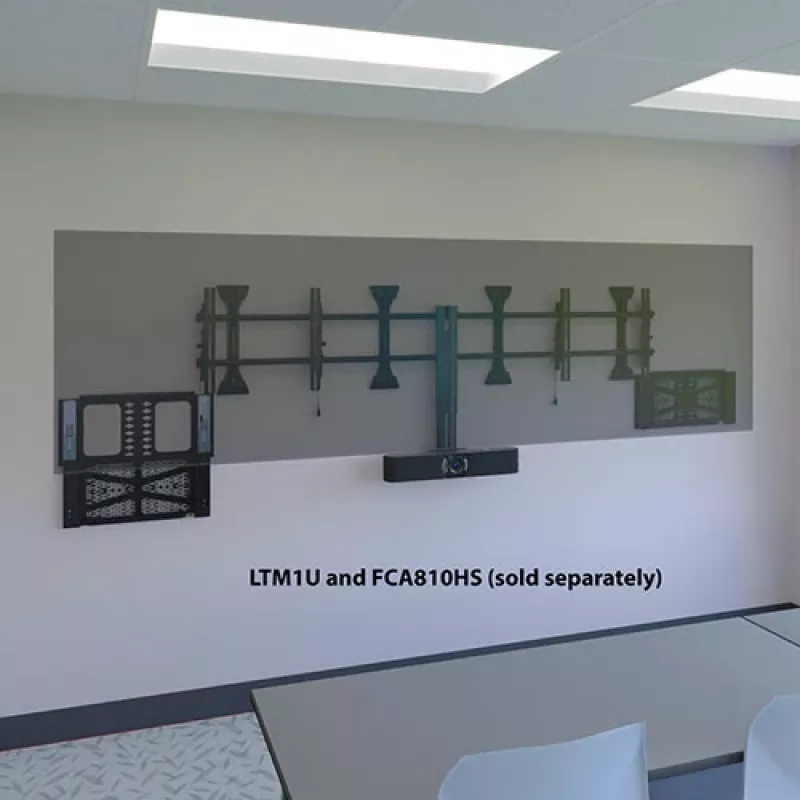
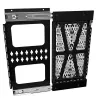
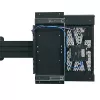
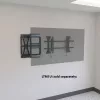
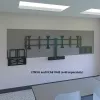
The Proximity® Component Storage Slide-Lock Panel facilitates easy, concealed mounting of AV equipment behind displays. To simplify service and accessibility to the equipment simply slide the storage panel out. Install on wall or attach to Fusion® mounts* left, right, or below the display. The built... Read More
Stock 10 Code 1493943 Brand CHIEF Model CSSLP15X10 Warranty 2 Years

Shipping & Returns

Estimated delivery Tuesday, October 6
You will be kept updated through our detailed tracking system
Payment options
EFTPayFastBank CardSnapScanZapperGoogle PayApple PayMobicredMoreTymePay on Arrival
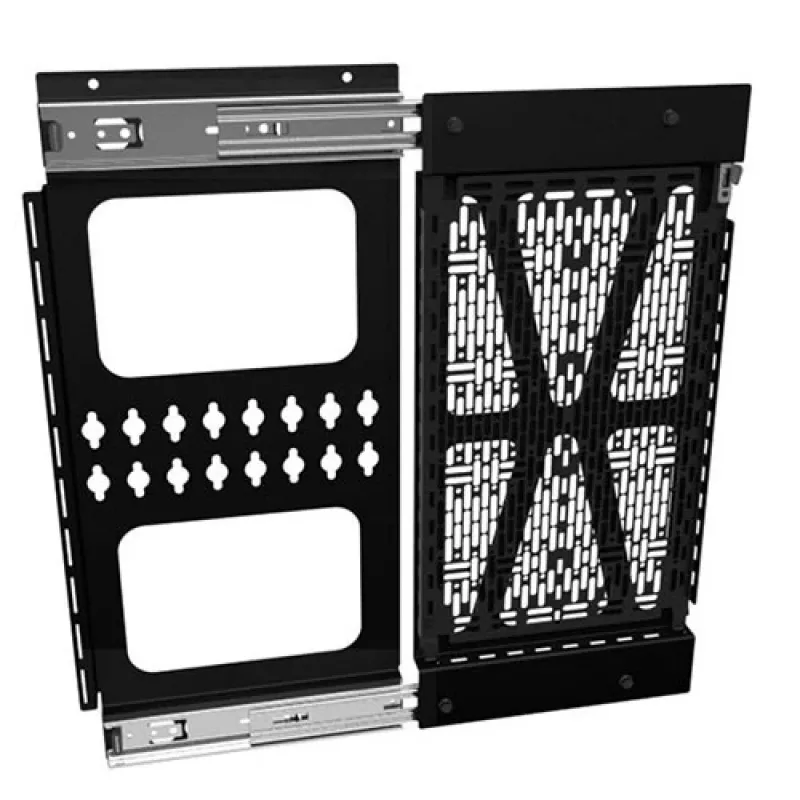
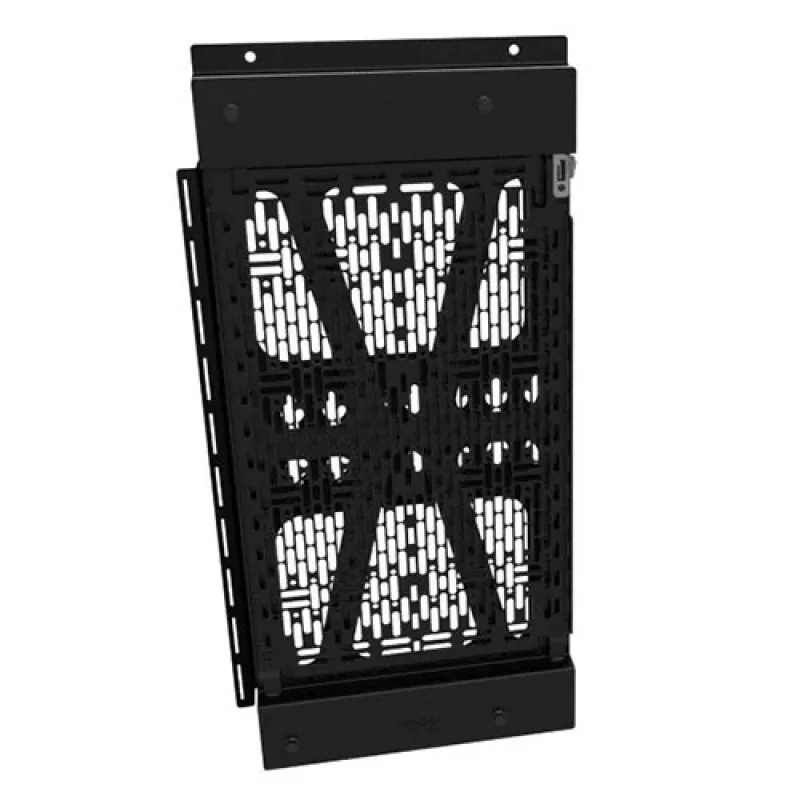
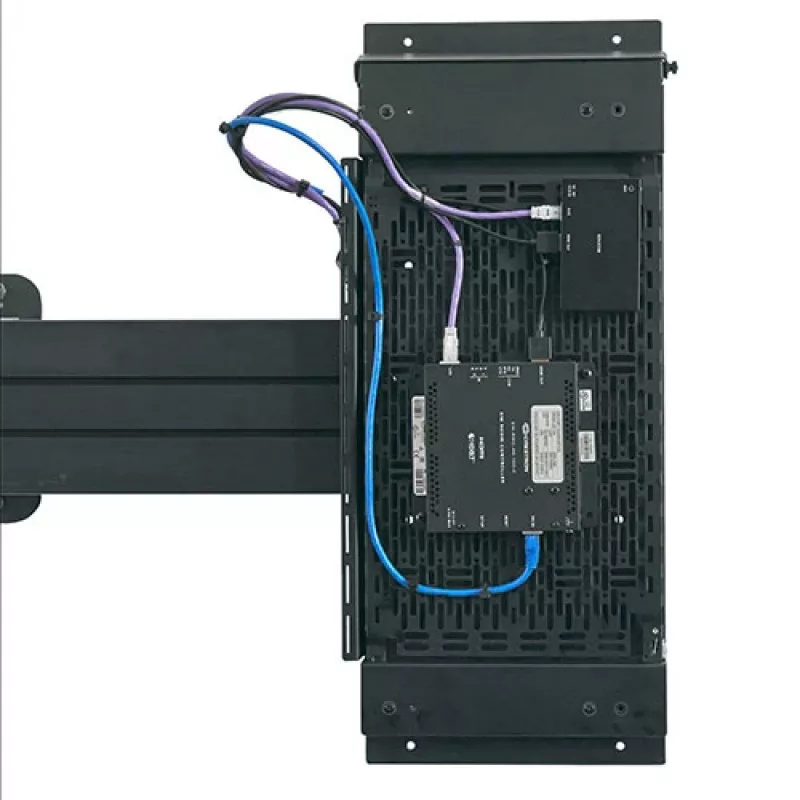
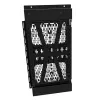
The Proximity® Component Storage Slide-Lock Panel facilitates easy, concealed mounting of AV equipment behind displays. To simplify service and accessibility to the equipment simply slide the storage panel out. Install on wall or attach to Fusion® mounts* left, right, or below the display. The built-in and tool-free 15” x 10” Lever Lock™ plate is easily removed and replaced from the slide-lock panel to service the equipment post-installation without touching the display. With a 15 lb. (6.8 kg) weight capacity, this storage panel will hold most small devices for AV installations.

The innovative slides on the CSSLP15X10 secure the storage panel and stop it from falling out or down with a push-to-open and push-to-close mechanism. This gives designers, consultants, and installers the flexibility to decide where to best position the storage panel behind the display.

The patented universal small device mounting pattern of the Lever Lock plate offers the versatility to mount devices with cable ties, hook and loop fasteners, or nuts and bolts. Use Forward accessories to speed up cable management and small device mounting.

- CSSLP15x10 supports a range of small devices and components on a 9.85" x 15.86" (25 x 40 cm) mounting plate footprint.
- Facilitate offsite integration and service with removable Lever Lock™ panel
- Compatible with Middle Atlantic Forward® small device mounting clips and cable management
- Plastic removable rivet included to secure the Lever Lock™ plate to the Slide-Lock Panel
- Simple push-to-open operation to extend and retract slide-lock panel behind displays
- Ultimate storage flexibility!
- Mounting options in portrait or landscape
- Install to the left, right or below display
- Attach to wall or Fusion mounts*

*The CSSLP15X10 can attach to Fusion ceiling mounts (including LCM & LWM menu boards) or carts and stands.

Chief Proximity Component Storage Slide-Lock Panel. Product colour: Black, Maximum weight capacity: 6.8 kg, Mounting type: Wall. Width: 272 mm, Depth: 35 mm, Height: 577 mm

How to use

Install the slide-lock panel to a suitable wall surface or attach it to compatible Fusion® mounts, aligning the panel to the left, right or below the display as required. Use the push-to-open mechanism to slide the panel out for device installation or maintenance, then push to close and secure it behind the display. Fit small devices to the removable Lever Lock™ plate using cable ties, hook-and-loop fasteners, or screws as appropriate, then reattach the plate to the slide-lock panel and secure it with the provided removable rivet.

Recommendations

Do not exceed the 15 lb (6.8 kg) weight capacity. For reliable airflow and heat dissipation, position heat-generating components where ventilation is adequate and follow device manufacturer installation instructions. Use compatible Middle Atlantic Forward® accessories for improved cable management and security.

Key Highlights
  • Mounting small AV components such as media players, power supplies, and wireless modules
  • Concealed equipment storage behind digital signage and displays
  • Installations requiring offsite integration or frequent on-site servicing
  • Model: CSSLP15X10
  • Maximum weight capacity: 15 lb (6.8 kg)
  • Lever Lock™ plate size: 15" x 10" (approximately 38.1 x 25.4 cm)
  • Mounting footprint (plate): 9.85" x 15.86" (25 x 40 cm)
  • Dimensions (W x D x H): 272 mm x 35 mm x 577 mm
  • Finish: Black
  • Mounting options: wall or Fusion® mounts; can be positioned left, right or below display; portrait or landscape
Specifications
Depth
35 mm
Height
577 mm
Maximum weight capacity
6.8 kg
Mounting type
Wall
Package depth
51 mm
Package height
667 mm
Package weight
4.6 kg
Package width
381 mm
Product colour
Black
Width
272 mm

Manual

Open Manual

Leaflet

Open Leaflet
Price history over the last 6 months
Chief Proximity Component Storage Slide-Lock Panel Black 6.8 kg Wall Mount
Current
R4,369
Lowest
R3,906
Highest
R4,468
Change 24H
+R419   +11%
Week
+R447   +11%
Month
+R439   +11%

Popular products in this category

WhatsApp
Hi, I’m DistriNode’s AI assistant. I can help you find products, compare options, create quote PDFs, or open support requests.