

Account Contact
Your Cart
Pay the courier with no extra fees.
Need help? DistriNode AI can handle any task on our site.

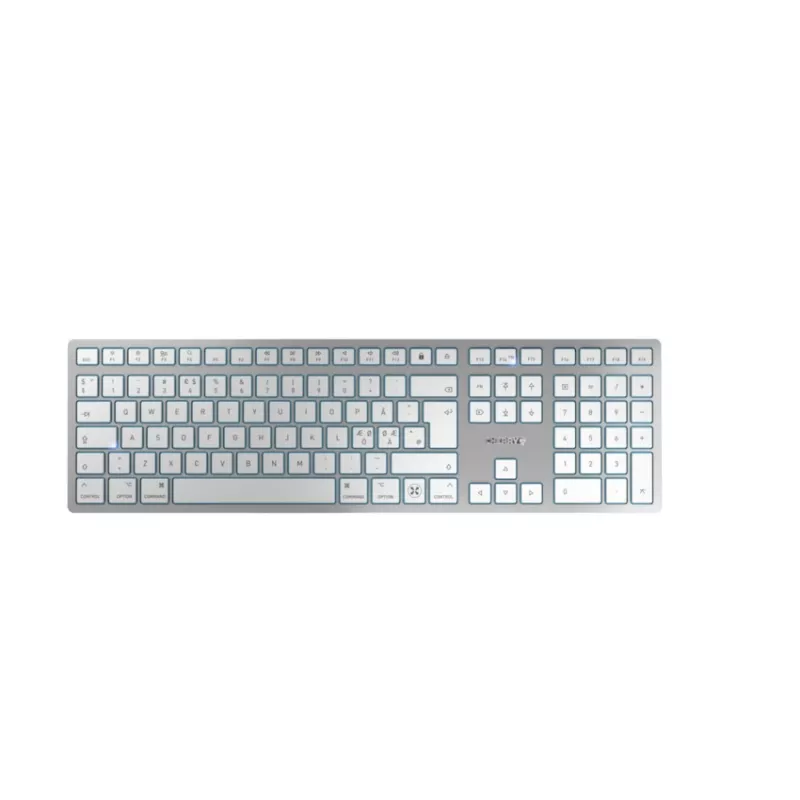
CHERRY KW 9100 SLIM FOR MAC keyboard Universal USB + Bluetooth QWERTY English Silver

CHERRY KW 9100 SLIM FOR MAC keyboard Universal USB + Bluetooth QWERTY English Silver
R1,842
The CHERRY KW 9100 SLIM FOR MAC is a slim, rechargeable keyboard designed for Mac users who need both wireless flexibility and wired reliability. It supports Bluetooth and USB connections, features a full QWERTY layout with 111 keys, and comes in a silver finish that matches modern Mac setups. The k... Read More
Stock 7 Code 1724748 Brand CHERRY Model JK-9110GB-1 Warranty 2 Years

Shipping & Returns

Estimated delivery Tuesday, October 6
You will be kept updated through our detailed tracking system
Payment options
EFTPayFastBank CardSnapScanZapperGoogle PayApple PayMobicredMoreTymePay on Arrival

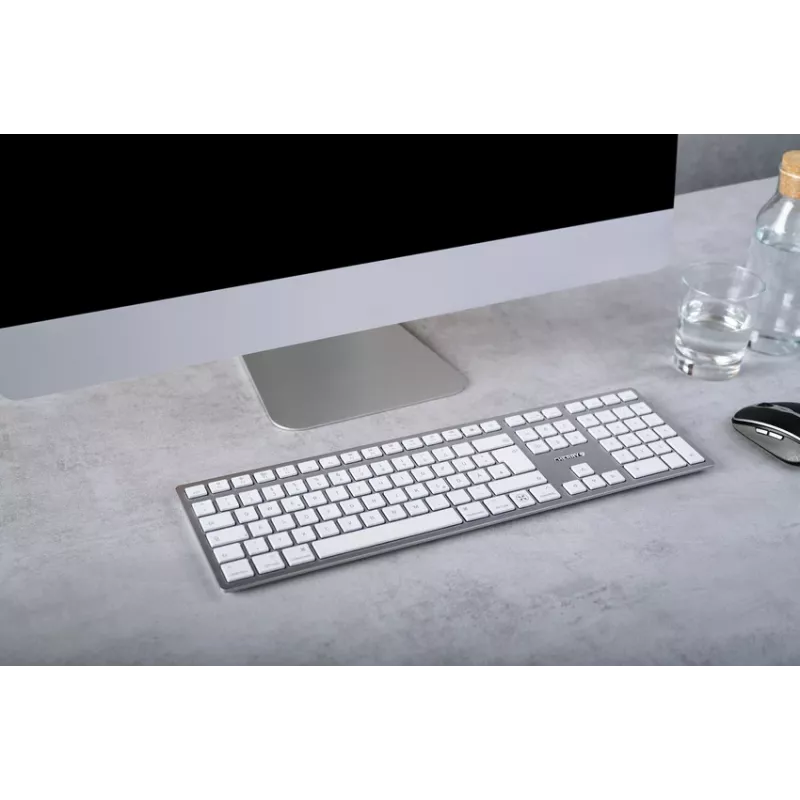
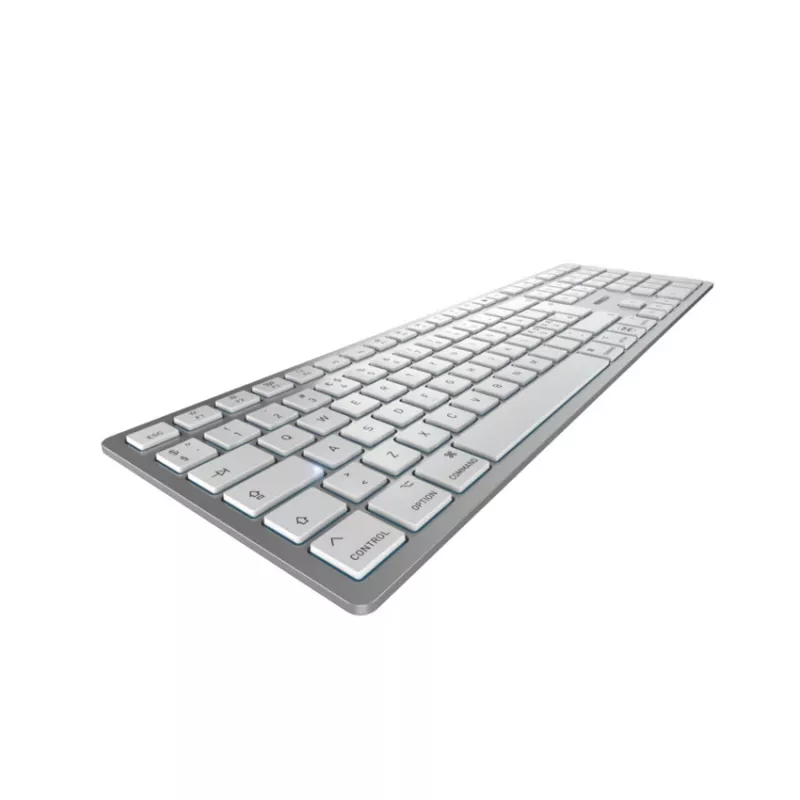
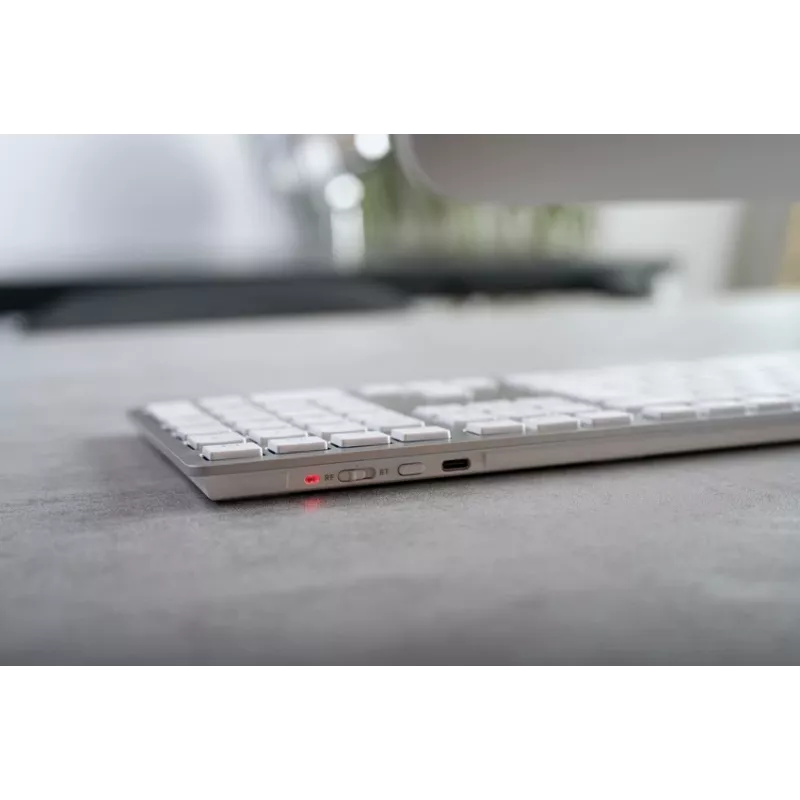
The CHERRY KW 9100 SLIM FOR MAC is a slim, rechargeable keyboard designed for Mac users who need both wireless flexibility and wired reliability. It supports Bluetooth and USB connections, features a full QWERTY layout with 111 keys, and comes in a silver finish that matches modern Mac setups. The keyboard offers low-profile keys and a compact footprint intended for comfortable typing in home, office, or mobile work environments.

Advantages

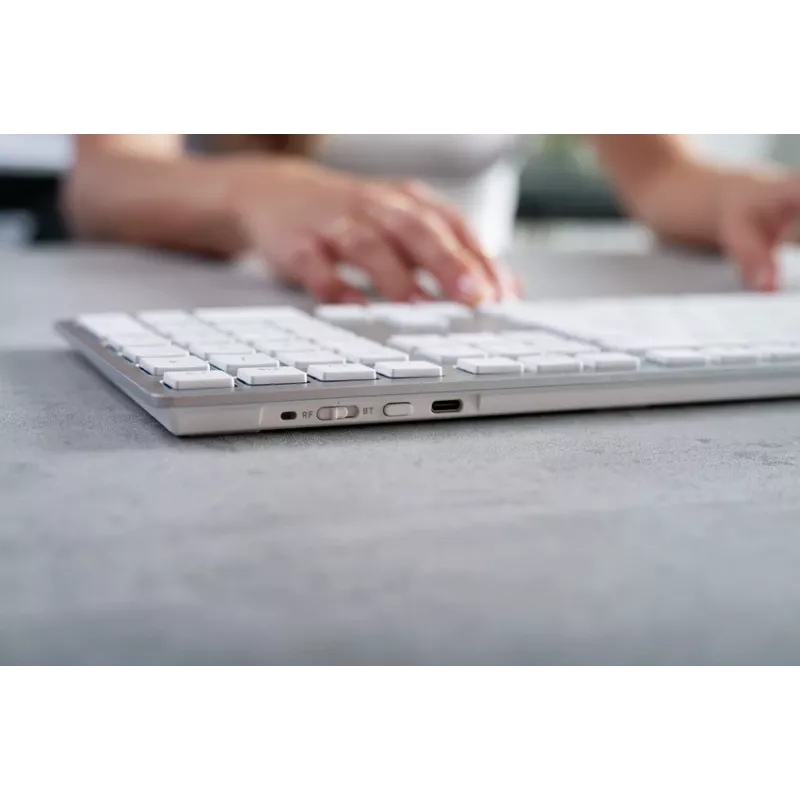
This keyboard combines dual-mode connectivity with a rechargeable battery, allowing use via Bluetooth for cable-free operation and via USB when a wired connection or charging is required. The slim profile and low key travel reduce finger fatigue during extended typing sessions. The QWERTY layout with a full set of keys ensures compatibility with macOS shortcuts and common workflows. The silver design provides a neutral, professional look that integrates with Apple devices and contemporary workspaces.

Suitable for

  • MacBook and iMac users seeking an external keyboard for desktop or laptop setups
  • Remote workers and home office environments where Bluetooth connectivity reduces cable clutter
  • Students and professionals who need a compact, full-key keyboard for typing and productivity tasks
  • Users who alternate between Bluetooth devices and a wired USB connection

Key specifications

  • Layout: QWERTY, 111 keys
  • Connectivity: Bluetooth and USB (rechargeable)
  • Design: Slim profile, low-profile keys
  • Color: Silver finish
  • Power: Built-in rechargeable battery
  • Compatibility: Designed for Mac (macOS-ready key layout and shortcuts)

How to use

To use the keyboard wirelessly, enable Bluetooth on your Mac and follow the system Bluetooth pairing procedure until the keyboard appears as an available device. For wired use or charging, connect the keyboard to your computer using the supplied USB cable; the keyboard will operate while charging. Familiarize yourself with the macOS-specific keys and function shortcuts to optimize workflow. Ensure the keyboard is charged regularly to maintain uninterrupted wireless use.

Recommendations

Place the keyboard on a stable surface at a comfortable typing height and angle to minimize wrist strain. When working for long periods, take regular breaks and clean the key surfaces periodically with a soft, dry cloth. Use Bluetooth mode to reduce cable clutter, and switch to USB when you need to charge the device or prefer a direct connection.

Key Highlights
  • Design: Chiclet layout with numeric keypad
  • Key technology: SX
  • Service life of standard key: > 10 million strokes
  • Magnetic support bar for inclination adjustment
  • Power supply: rechargeable lithium-ion battery with 650 mAh (permanently installed)
  • Status display: Caps lock, FN and battery status (by LED in keys), Bluetooth® connection, wireless and battery charge status (bi-color LED)
  • Universal
  • USB + Bluetooth Cherry SX
  • QWERTY English
  • Numeric keypad
  • Island-style keyboard
  • Silver
  • 1 pc(s)
Specifications
Battery capacity
650 mAh
Certification
CE BQB FCC UKCA China RoHS
Connectivity technology
Wired & Wireless
Device interface
USB + Bluetooth
Island-style keyboard
Yes
Keyboard battery type
Built-in battery
Keyboard dimensions (WxDxH)
440 x 130 x 15 mm
Keyboard key switch technology
Cherry SX
Keyboard keys operating life
10 million characters
Keyboard language
English
Keyboard layout
QWERTY
Keyboard number of keys
111
Keyboard style
Straight
Keyboard weight
675 g
LED indicators
Yes
Mouse included
No
Number of products included
1 pc(s)
Numeric keypad
Yes
Operating temperature (T-T)
0 - 40 °C
Package depth
170 mm
Package height
33 mm
Package weight
860 g
Package width
453 mm
Pointing device
No
Power source type
Battery
Product colour
Silver
Receiver weight
2 g
Recommended usage
Universal
Storage temperature (T-T)
-20 - 60 °C
Surface coloration
Monochromatic
Wireless range
10 m
Wrist rest
No

Leaflet

Open Leaflet
Price history over the last 6 months
CHERRY KW 9100 SLIM FOR MAC keyboard Universal USB + Bluetooth QWERTY English Silver
Current
R1,842
Lowest
R1,724
Highest
R1,842
Change 24H
+R102   +6%
Week
+R118   +7%
Month
+R70   +4%

Popular products in this category

WhatsApp
Hi, I’m DistriNode’s AI assistant. I can help you find products, compare options, create quote PDFs, or open support requests.