Account Contact
Your Cart
Pay the courier with no extra fees.
Need help? DistriNode AI can handle any task on our site.

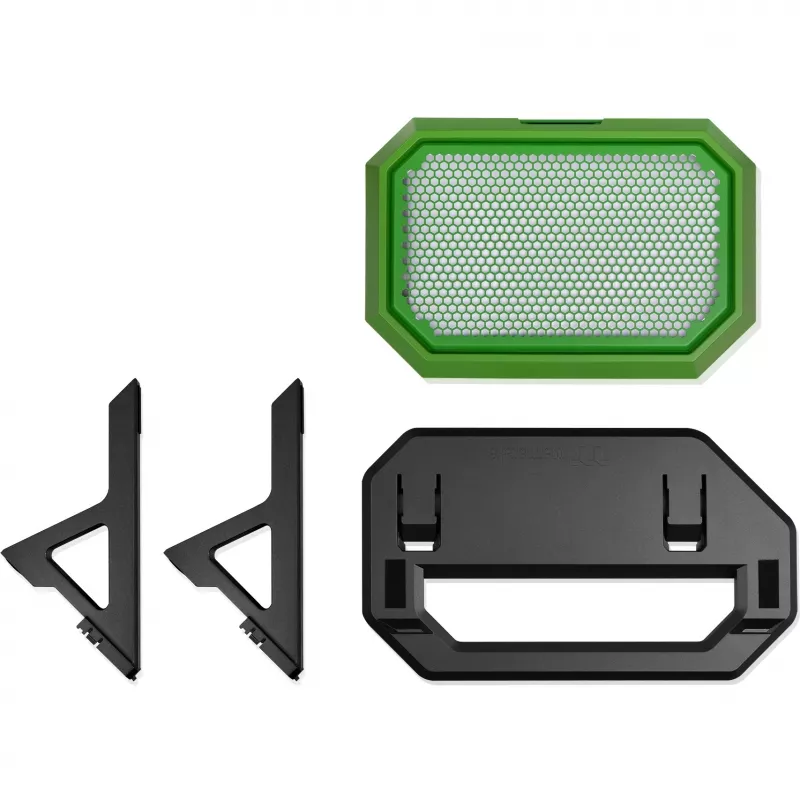
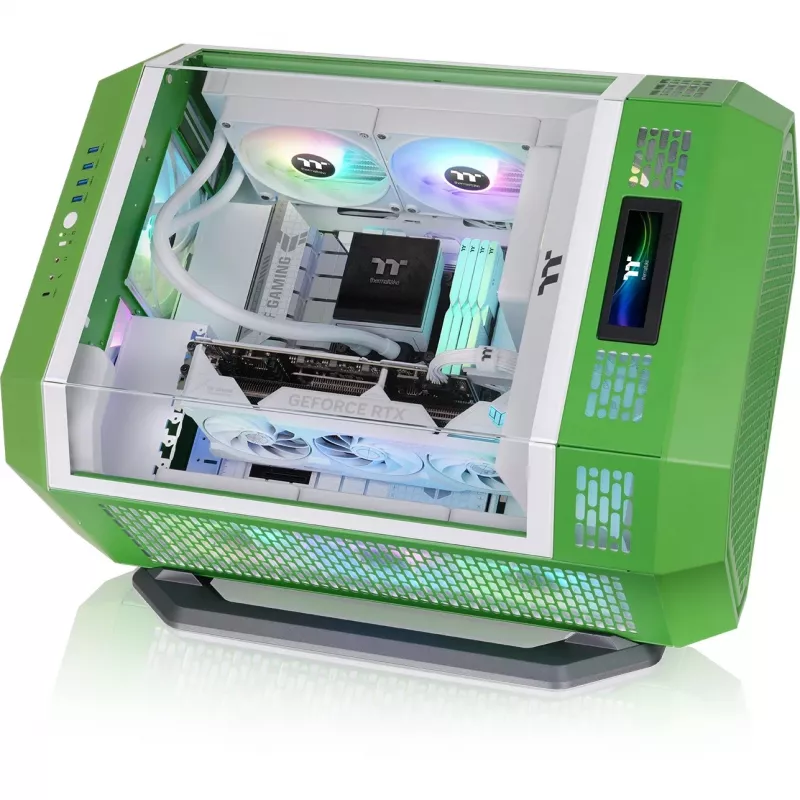
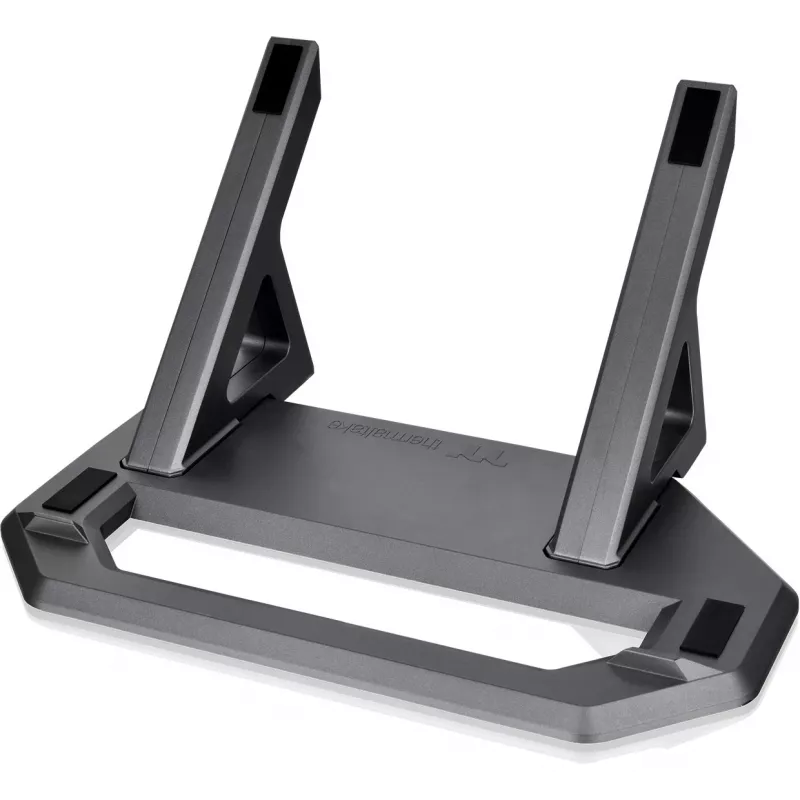
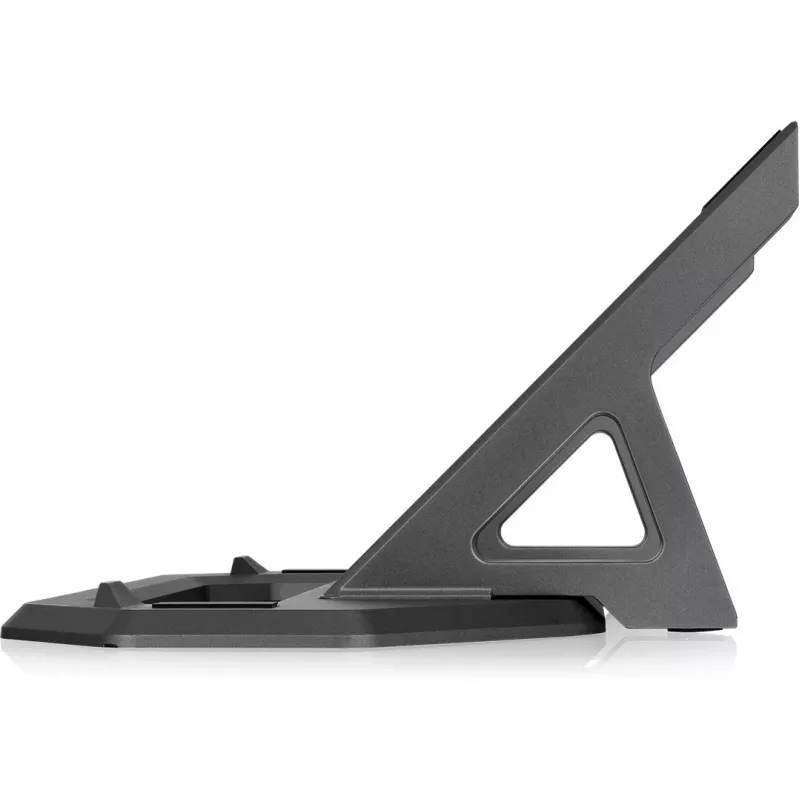
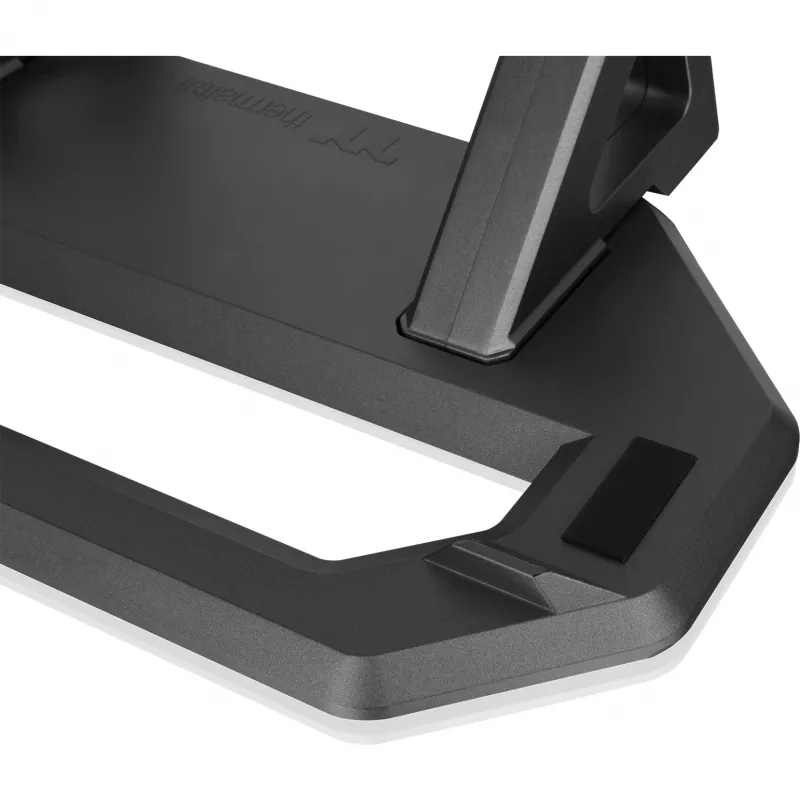
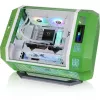
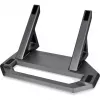
Chassis Stand Kit THERMALTAKE Tower 600 Light-year Green AC-076-ONQNAN-A1 - case support accessory

Chassis Stand Kit THERMALTAKE Tower 600 Light-year Green AC-076-ONQNAN-A1 - case support accessory
R2,192
Chassis Stand Kit for the THERMALTAKE Tower 600 Light-year Green offers a tailored support solution to elevate and stabilise the Tower 600 chassis. Designed specifically for this model, the stand raises the case from the desktop surface to improve airflow underneath, simplify access to rear and bott... Read More
Stock 1 Code 128606 Brand Thermaltake Model AC-076-ONQNAN-A1 Warranty 2 Years

Shipping & Returns

Estimated delivery Thursday, October 1
You will be kept updated through our detailed tracking system
Payment options
EFTPayFastBank CardSnapScanZapperGoogle PayApple PayMobicredMoreTymePay on Arrival

Chassis Stand Kit for the THERMALTAKE Tower 600 Light-year Green offers a tailored support solution to elevate and stabilise the Tower 600 chassis. Designed specifically for this model, the stand raises the case from the desktop surface to improve airflow underneath, simplify access to rear and bottom ports, and provide a stable base for system maintenance and cable management. The accessory matches the Tower 600’s footprint and aesthetic to ensure correct fit and consistent presentation when used on desks or benches.

Advantages

The stand improves under-chassis ventilation by creating a consistent clearance that helps intake and exhaust air move more freely. Elevating the chassis reduces the risk of surface scratches and limits direct contact with dust-prone surfaces. The kit provides firm support that minimises wobble during peripheral access and component servicing. Its alignment with the Tower 600 ensures correct placement of ports and connectors, making routine access and cable routing more convenient.

Suitable for

  • Desktop placement where improved airflow below the chassis is required
  • System maintenance and internal component access
  • Neat cable routing and connector access at the case rear and bottom
  • Reducing direct contact with desk surfaces to prevent scratches and dust accumulation

Key specifications

  • Compatibility: designed to fit the THERMALTAKE Tower 600 chassis dimensions and mounting points
  • Function: elevates and stabilises the computer case for improved airflow and access
  • Material: durable support material selected for load-bearing stability
  • Finish: colour and visual design coordinated with the Light-year Green edition
  • Mounting: simple installation aligned to chassis base screw or seating points
  • Footprint: maintains the case’s original standing position while providing clearance underneath

How to use

Place the Tower 600 chassis on a stable surface and lift the case slightly to align the stand with the chassis base. Position the stand so that its mounting or seating points match the case underside, and secure according to the stand kit’s attachment method. After installation, check that the chassis sits level and that ports and connectors remain fully accessible. Verify stability before connecting power and peripherals. Regularly inspect the stand connection to ensure continued fit and clearance and re-tighten or re-seat if necessary after moving the case.

Recommendations

Use the stand on flat, rigid surfaces and avoid placing the chassis on soft or uneven materials that compromise stability. Maintain a minimum clearance around intake and exhaust areas to preserve airflow; periodically remove dust build-up beneath the chassis to sustain cooling performance. When transporting the case, remove or secure the stand as recommended to prevent unintended detachment.

Key Highlights
  • Desktop placement where improved airflow below the chassis is required
  • System maintenance and internal component access
  • Neat cable routing and connector access at the case rear and bottom
  • Reducing direct contact with desk surfaces to prevent scratches and dust accumulation
  • Compatibility: designed to fit the THERMALTAKE Tower 600 chassis dimensions and mounting points
  • Function: elevates and stabilises the computer case for improved airflow and access
  • Material: durable support material selected for load-bearing stability
  • Finish: colour and visual design coordinated with the Light-year Green edition
  • Mounting: simple installation aligned to chassis base screw or seating points
  • Footprint: maintains the case’s original standing position while providing clearance underneath
Price history over the last 6 months
Chassis Stand Kit THERMALTAKE Tower 600 Light-year Green AC-076-ONQNAN-A1 - case support accessory
Current
R2,192
Lowest
R949
Highest
R2,434
Change 24H
+R1,232   +128%
Week
+R1,241   +131%
Month
+R1,239   +130%

Popular products in this category

WhatsApp
Hi, I’m DistriNode’s AI assistant. I can help you find products, compare options, create quote PDFs, or open support requests.