


Account Contact
Your Cart
Pay the courier with no extra fees.
Need help? DistriNode AI can handle any task on our site.

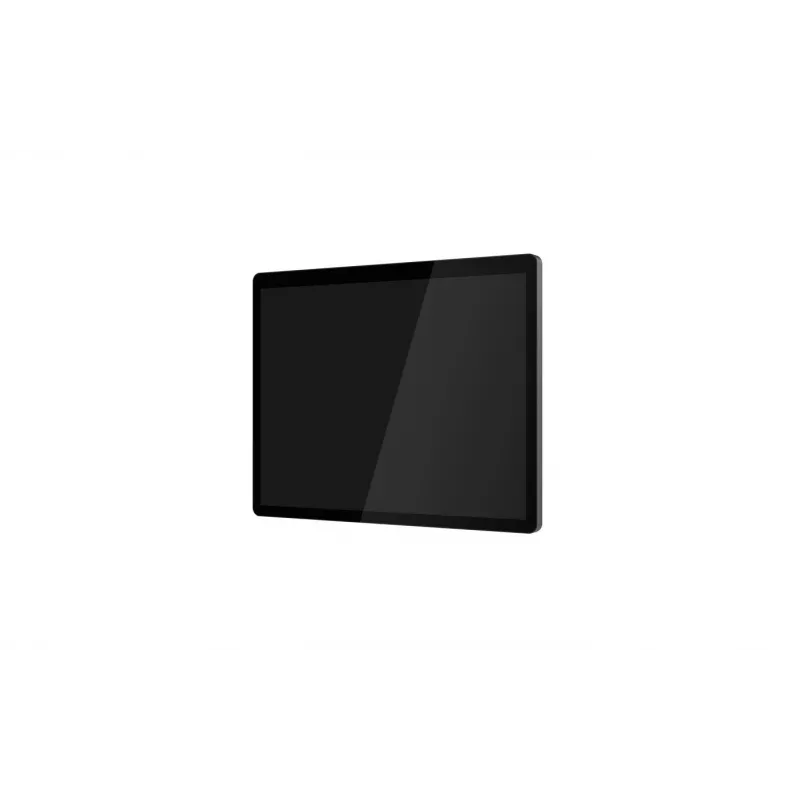
Capture 15 inch 2nd Display for CA‑M6 POS by Capture, model CA‑M6‑2NDDIS3

Capture 15 inch 2nd Display for CA‑M6 POS by Capture, model CA‑M6‑2NDDIS3
R5,003
The Capture 15" 2nd Display for CA‑M6 POS (model CA‑M6‑2NDDIS3) is a dedicated customer-facing screen designed to attach to the Capture CA‑M6 point-of-sale system. This secondary 15-inch monitor presents transaction details, itemized totals, pricing and promotional content directly to customers to i... Read More
Stock 2 Code 1727335 Brand CAPTURE Model CA-M6-2NDDIS3 Warranty 2 Years

Shipping & Returns

Estimated delivery Tuesday, October 6
You will be kept updated through our detailed tracking system
Payment options
EFTPayFastBank CardSnapScanZapperGoogle PayApple PayMobicredMoreTymePay on Arrival

The Capture 15" 2nd Display for CA‑M6 POS (model CA‑M6‑2NDDIS3) is a dedicated customer-facing screen designed to attach to the Capture CA‑M6 point-of-sale system. This secondary 15-inch monitor presents transaction details, itemized totals, pricing and promotional content directly to customers to improve transparency and interaction at the checkout. The display integrates with the host CA‑M6 hardware to mirror or extend checkout information without altering primary terminal workflows.

Advantages

The secondary display provides a clear, customer-oriented presentation of receipts, product lines and promotional messages to reduce disputes and speed up transactions. Its 15-inch screen size balances readability with compact footprint, allowing installation in retail and hospitality counters where counter space is limited. Integration with the CA‑M6 ensures consistent visual output and simplifies cabling and mounting compared with independent displays.

Suitable for

  • Retail checkouts where customers need to verify itemized totals and prices
  • Hospitality points such as cafes and quick‑service restaurants for order confirmation
  • Environments displaying promotional content, loyalty messages or upsell items at the point of sale
  • Any POS installation requiring a dedicated customer-facing screen to improve transparency and service speed

Key specifications

  • Screen size: 15 inches diagonal
  • Display type: customer-facing secondary monitor compatible with CA‑M6 host
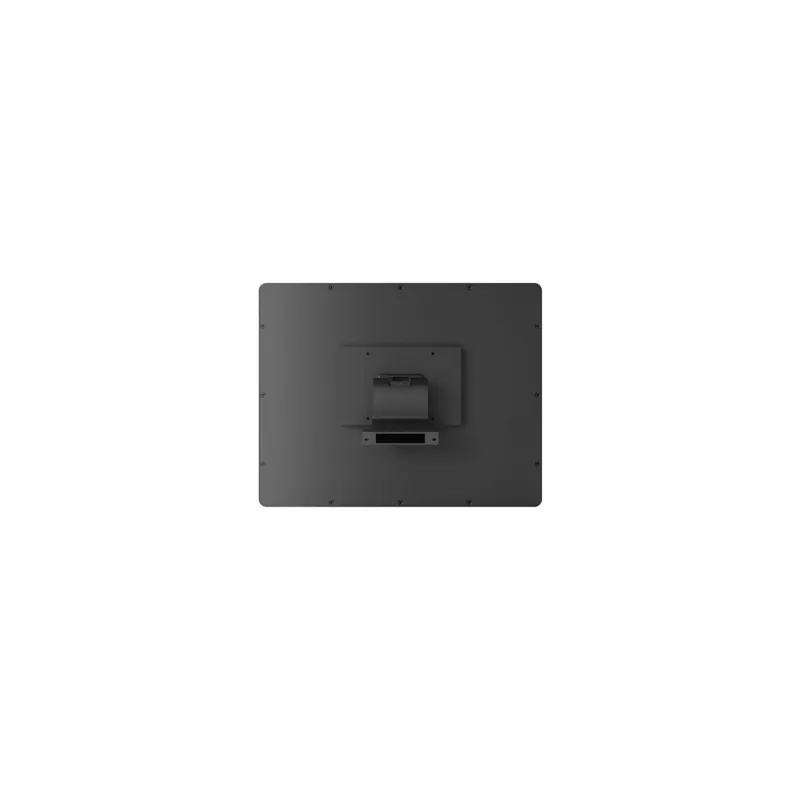
  • Mounting: designed for attachment to CA‑M6 hardware for stable countertop installation
  • Resolution and aspect ratio: optimized for clear transaction text and simple graphics
  • Connectivity: integrates with host POS for mirrored or extended display output
  • Physical footprint: compact design for constrained counter spaces

How to use

Attach the 15" second display to the Capture CA‑M6 POS according to the CA‑M6 mounting provisions. Connect the display to the host terminal using the supplied integration cable or the compatible interface on the CA‑M6 so the POS can send transaction and promotional content. Configure display settings in the CA‑M6 system software to select mirrored or extended modes and adjust brightness or text scaling for optimal legibility. Verify that receipt lines, totals and promotional images appear as intended before placing the terminal back into service.

Recommendations

Position the display so it is easily visible to customers without obstructing staff access to the terminal. Use legible font sizes and high-contrast colors for pricing and totals, and schedule periodic cleaning of the screen surface. For promotional content, test image sizes and timing to avoid blocking transactional information during checkout.

Key Highlights
  • Retail checkouts where customers need to verify itemized totals and prices
  • Hospitality points such as cafes and quick‑service restaurants for order confirmation
  • Environments displaying promotional content, loyalty messages or upsell items at the point of sale
  • Any POS installation requiring a dedicated customer-facing screen to improve transparency and service speed
  • Screen size: 15 inches diagonal
  • Display type: customer-facing secondary monitor compatible with CA‑M6 host
  • Mounting: designed for attachment to CA‑M6 hardware for stable countertop installation
  • Resolution and aspect ratio: optimized for clear transaction text and simple graphics
  • Connectivity: integrates with host POS for mirrored or extended display output
  • Physical footprint: compact design for constrained counter spaces

Leaflet

Open Leaflet
Price history over the last 6 months
Capture 15 inch 2nd Display for CA‑M6 POS by Capture, model CA‑M6‑2NDDIS3
Current
R5,003
Lowest
R3,845
Highest
R5,010
Change 24H
-R7   0%
Week
+R1,145   +30%
Month
+R1,145   +30%

Popular products in this category

WhatsApp
Hi, I’m DistriNode’s AI assistant. I can help you find products, compare options, create quote PDFs, or open support requests.