Account Contact
Your Cart
Pay on delivery – no extra fees
Need help? Ask our AI

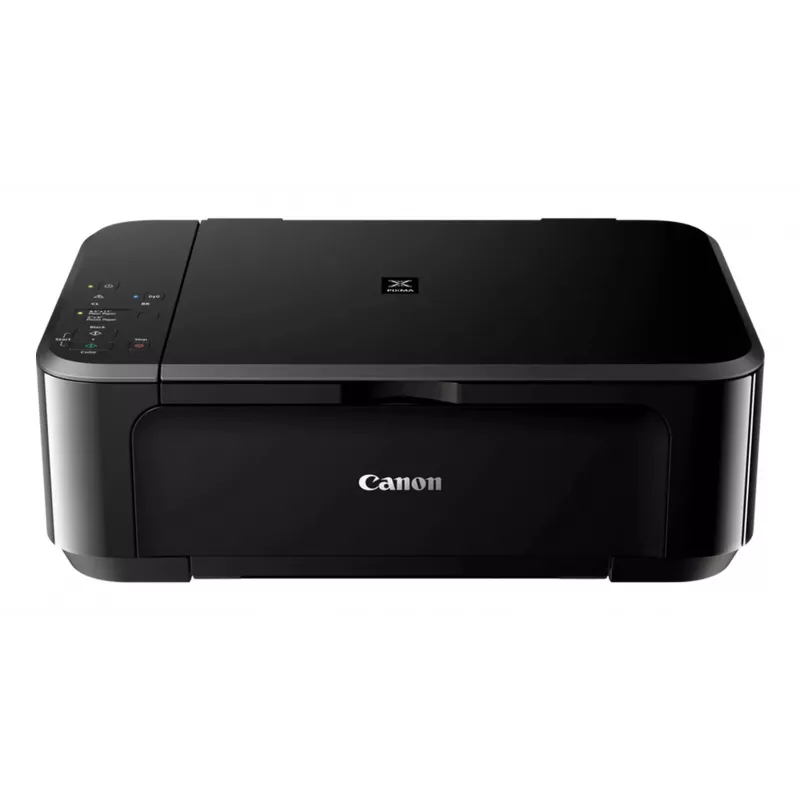
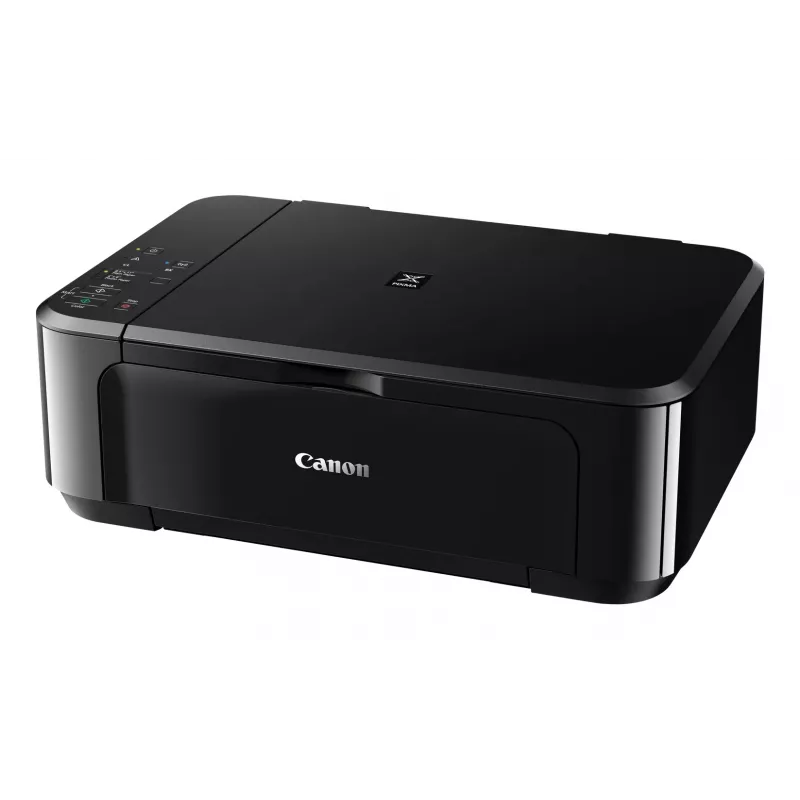
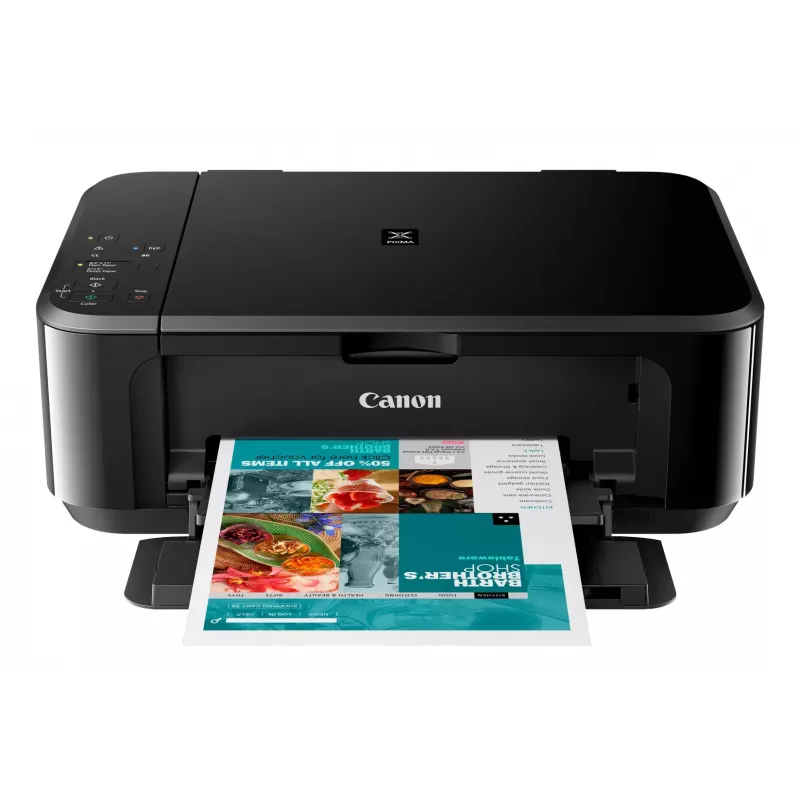
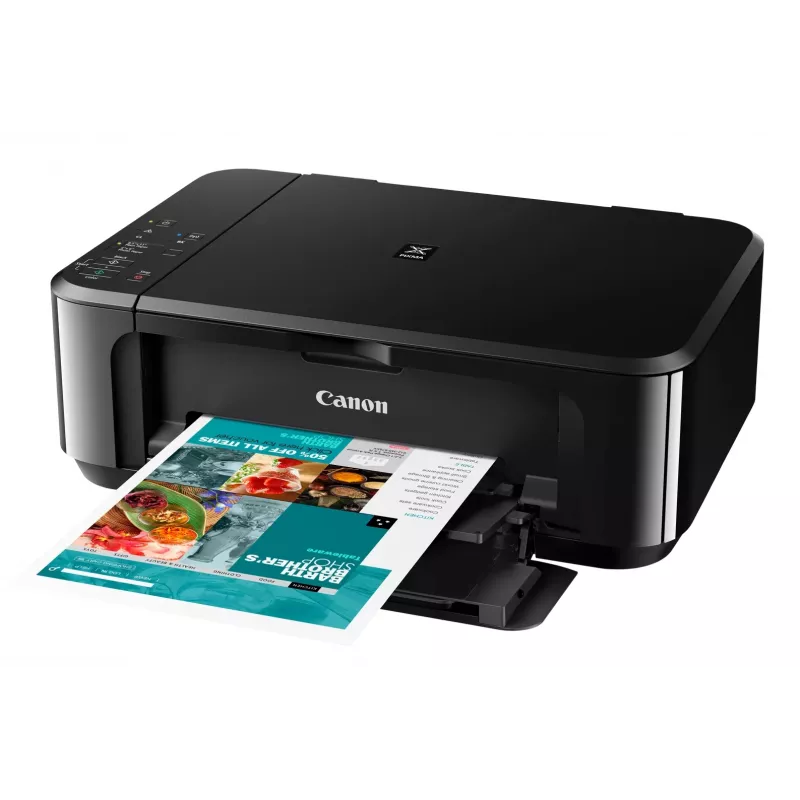
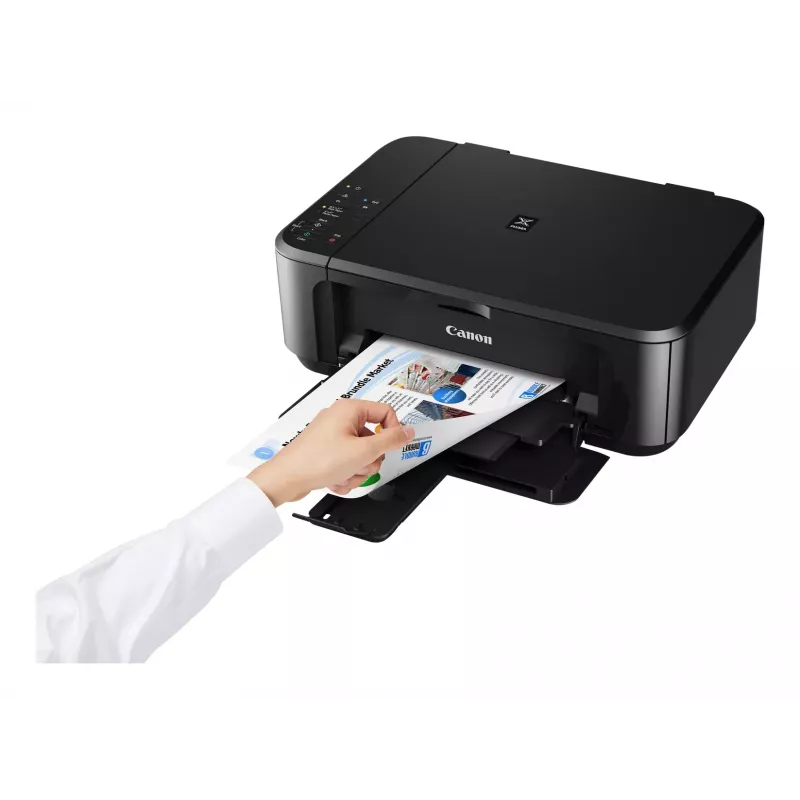
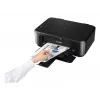
Canon PIXMA MG3650S Inkjet A4 4800 x 1200 DPI Wi-Fi

Canon PIXMA MG3650S Inkjet A4 4800 x 1200 DPI Wi-Fi
R4,076
The Canon PIXMA MG3650S is a compact Wi‑Fi All‑In‑One printer designed for home and small office use. It offers printing, copying and scanning with optional XL ink cartridges and automatic double‑sided printing, enabling fast, high‑quality borderless photos up to A4 and sharp text documents. Connect... Read More
Stock Out Of StockNo Stock Code 25793 Brand Canon Model 0515C106 Warranty 2 Years

Shipping & Returns

The Canon PIXMA MG3650S is a compact Wi‑Fi All‑In‑One printer designed for home and small office use. It offers printing, copying and scanning with optional XL ink cartridges and automatic double‑sided printing, enabling fast, high‑quality borderless photos up to A4 and sharp text documents. Connectivity options include wireless printing from smartphones and tablets via the Canon PRINT app and direct access to cloud services through PIXMA Cloud Link.

Advantages

This All‑In‑One provides borderless photo printing from 4x6 inch to A4, clear document text and straightforward mobile operation. Integrated cloud connectivity (Google Drive, OneDrive, Dropbox) and the ability to scan or send files by email without a PC increase workflow flexibility. Optional XL cartridges and automatic two‑sided printing reduce consumable costs and paper use.

Key specifications

  • Model: Canon PIXMA MG3650S
  • Functions: Print, copy, scan
  • Connectivity: Wi‑Fi, Canon PRINT app, PIXMA Cloud Link
  • Photo printing: Borderless up to A4; supports 4x6 inch
  • Ink options: Standard and optional XL cartridges (genuine Canon ink required for some cloud/scan functions)
  • Duplex: Automatic 2‑sided printing

How to use

Install the Canon PRINT app on your smartphone or tablet and follow the on‑screen instructions to connect the PIXMA MG3650S to your Wi‑Fi network. Load paper or photo media into the paper tray, select print, copy or scan from the device or app, and choose settings such as borderless printing or double‑sided output. To scan to cloud services or email directly from the printer, sign in to PIXMA Cloud Link within the app and use genuine Canon ink if required for scan‑to‑cloud/email features.

Recommendations

For lower running costs choose optional XL ink cartridges and enable automatic duplex printing where appropriate. Use genuine Canon ink to ensure full functionality of scan‑to‑cloud and scan‑to‑email services and to maintain print quality.
Key Highlights
  • Home & office Inkjet Colour printing
  • 4800 x 1200 DPI
  • A4
  • Colour copying Colour scanning
  • Apple AirPrint, Google Cloud Print, Mopria Print Service, PIXMA Cloud Link
  • Direct printing
  • USB port Wi-Fi
  • 5.4 kg
Specifications
AC input frequency
50 - 60 Hz
AC input voltage
100 - 240 V
Built-in display
No
Bundled software
MP Driver including Scanning Utility My Image Garden with Full HD Movie Print 9 Quick Menu Easy-WebPrint EX (download)
Copying
Colour copying
Depth
304 mm
Direct printing
Yes
Duplex printing
Yes
Duplex printing mode
Auto
Envelopes sizes
10, DL
Ethernet LAN
No
Faxing
No
Harmonized System (HS) code
84433100
Height
152 mm
Input colour depth
48 bit
ISO A-series sizes (A0...A9)
A4, A5
ISO B-series sizes (B0...B9)
B5
Mac operating systems supported
Yes
Market positioning
Home & office
Maximum input capacity
100 sheets
Maximum ISO A-series paper size
A4
Maximum number of copies
21 copies
Maximum resolution
4800 x 1200 DPI
Maximum scan area
216 x 297 mm
Mobile operating systems supported
Android, iOS
Mobile printing technologies
Apple AirPrint, Google Cloud Print, Mopria Print Service, PIXMA Cloud Link
Non-ISO print media sizes
Legal, Letter
Number of print cartridges
2
Operating relative humidity (H-H)
10 - 90%
Operating temperature (T-T)
5 - 35 °C
Optical scanning resolution
1200 x 2400 DPI
Output colour depth
24 bit
Paper input type
Paper tray
Paper tray media types
Envelopes, Glossy paper, High resolution paper, Matte paper, Photo paper, Plain paper, Semi-glossy paper, T-shirt Transfer
Photo paper sizes (imperial)
10x15,13x18,20x25
PictBridge
Yes
Power consumption (average operating)
16 W
Power consumption (copying)
16 W
Power consumption (off)
0.1 W
Power consumption (standby)
1.4 W
Print speed (ISO/IEC 24734) colour
5.7 ipm
Print speed (ISO/IEC 24734) mono
9.9 ipm
Print technology
Inkjet
Printing
Colour printing
Product colour
Black
Scan technology
CIS
Scanner type
Flatbed scanner
Scanning
Colour scanning
Security algorithms
WEP, WPA-PSK, WPA2-PSK
Sound power level (standby)
43.5 dB
Standard interfaces
USB, Wireless LAN
USB port
Yes
Weight
5.4 kg
Wi-Fi
Yes
Wi-Fi standards
802.11b, 802.11g, Wi-Fi 4 (802.11n)
Width
449 mm
Windows operating systems supported
Yes

Manual

Open Manual

Leaflet

Open Leaflet
Price history is not available yet
We are still collecting enough daily price data for this product.

Write a review

Rating *
Your name will be shown publicly – you can use a nickname. We invite buyers to write reviews; we check reviews before publishing and publish critical ones too.

Expert reviews

Independent reviews by tech media

goodhousekeeping.comThe
7.8/10

Verdict: At just shy of £40, the Canon Pixma MG3650S is reasonably priced and delivers impressive print quality as well as fast scanning. So, if you're after a budget printer that develops sharp and vibrant photos, it's definitely worth your while. It worked quick...

Pros
  • It's straightforward to set up and use
  • You can set the printer to automatically print on both sides of paper
  • It's really easy to print from your smartphone or tablet thanks to the Canon Print app, and you can print straight from a digital camera using P
Cons
  • There's no memory card slot or LCD screen to print photos from
  • The output tray doesn't always catch the pages after they've been printed
Read the full review at goodhousekeeping.com →
techadvisor.co.ukCliff
6/10

Verdict: The high cost of Canon's black ink cartridges means that the MG3650 isn't a good choice for people who mostly just need to print simple text documents. Fortunately colour printing is far more competitive, so it's worth considering if you need a versatile...

Read the full review at techadvisor.co.uk →

Popular products in this category

WhatsApp
Messenger
Hi, I’m DistriNode’s AI assistant. I can help you find products, compare options, create quote PDFs, or open support requests.
All categories