Account Contact
Your Cart
Pay on delivery – no extra fees
Need help? Ask our AI

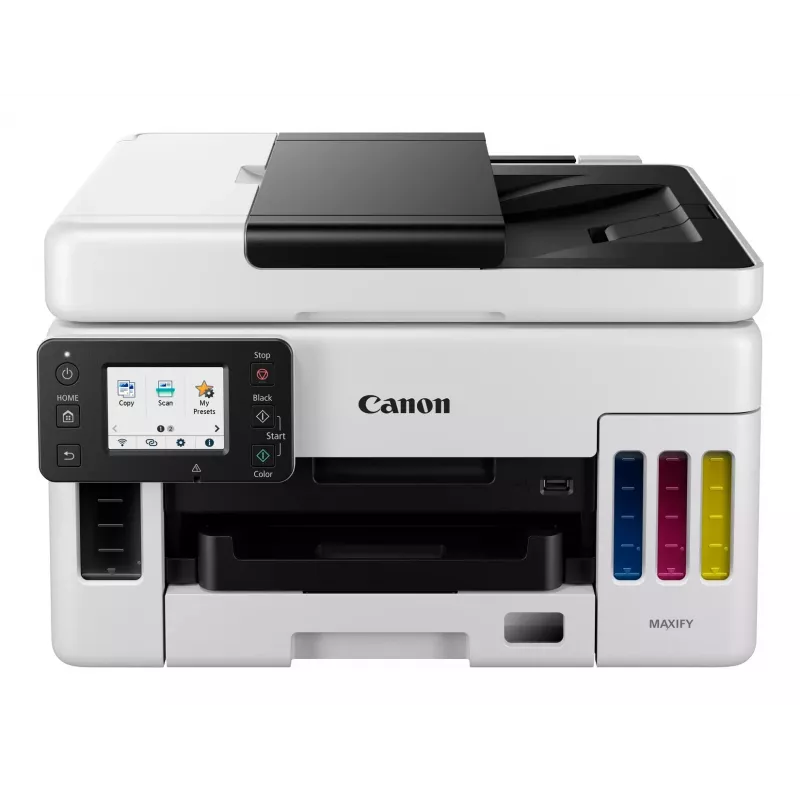
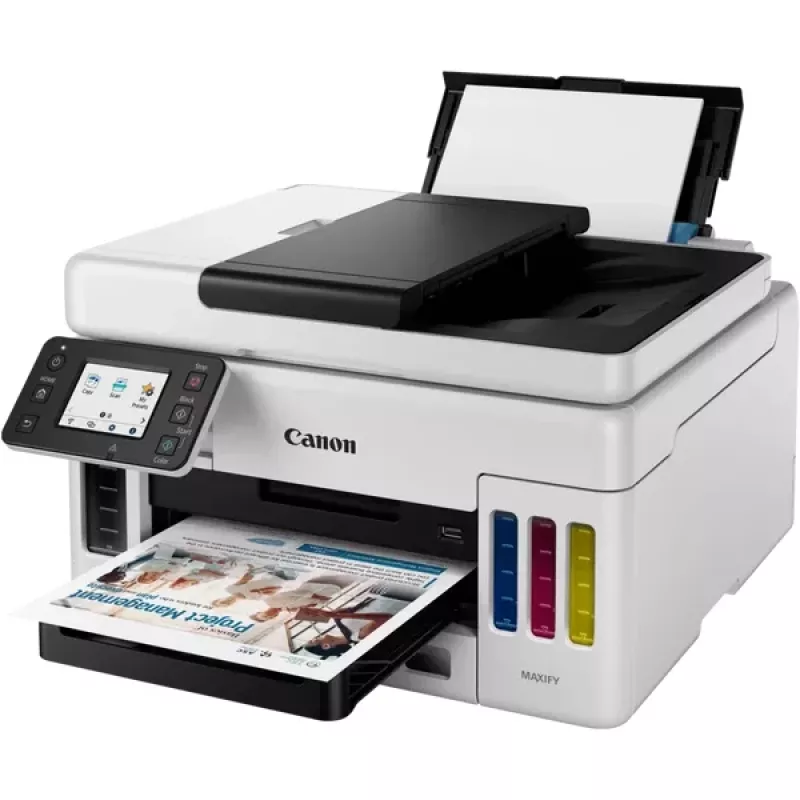
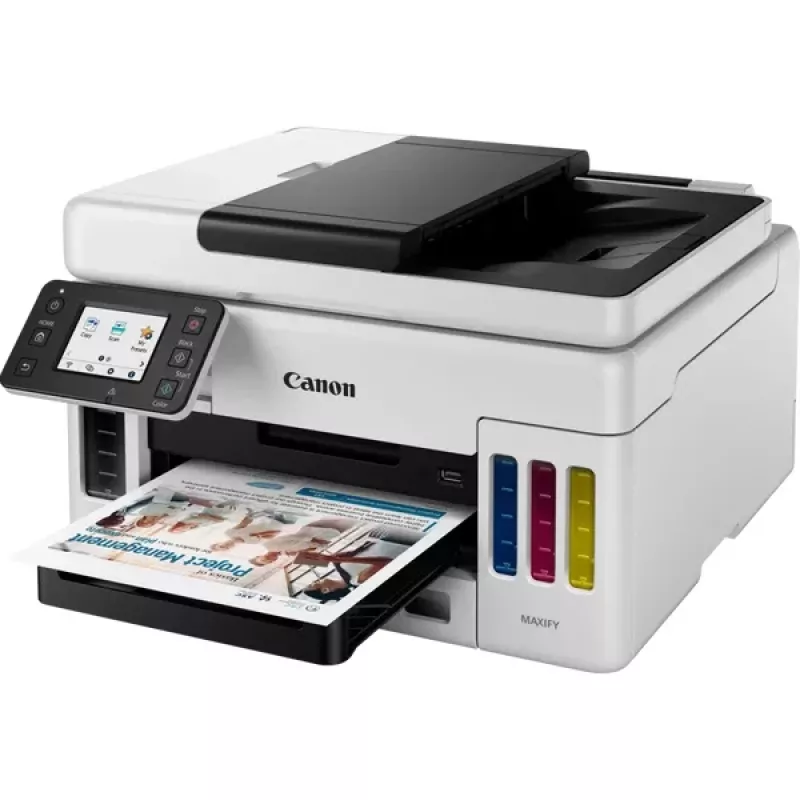
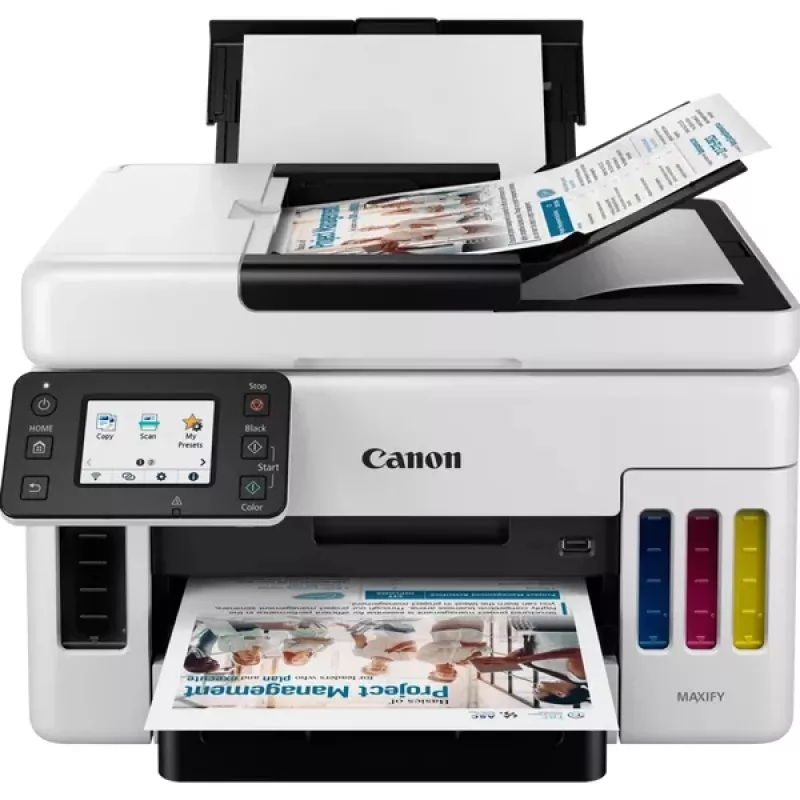
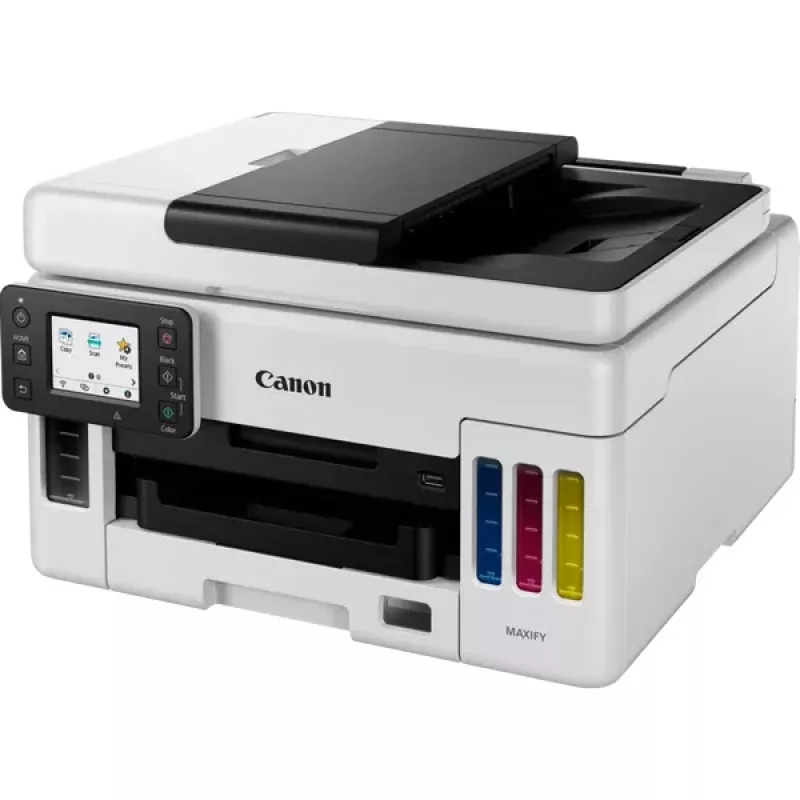
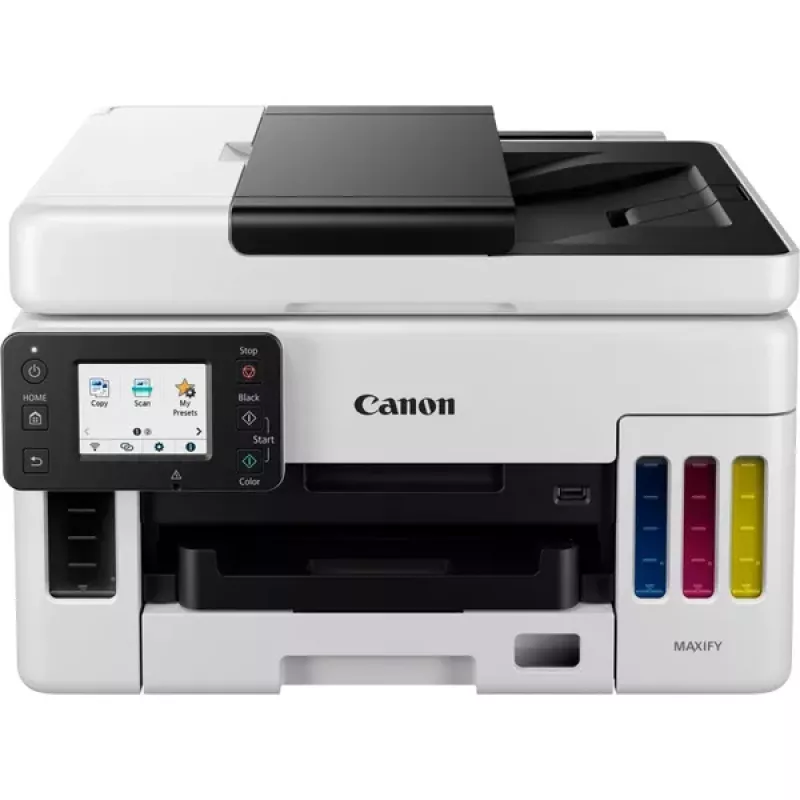
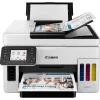
Canon MAXIFY GX6050 MegaTank Inkjet A4 600 x 1200 DPI Wi-Fi

Canon MAXIFY GX6050 MegaTank Inkjet A4 600 x 1200 DPI Wi-Fi
R14,118
The Canon MAXIFY GX6050 MegaTank is a multifunction inkjet printer designed for small offices and workgroups that require reliable colour printing, copying and scanning on A4 media. The device delivers up to 600 x 1200 dpi print resolution for sharp text and graphics, and provides colour copying and... Read More
Stock Out Of StockNo Stock Code 3791 Brand Canon Model 4470C006 Warranty 2 Years

Shipping & Returns

The Canon MAXIFY GX6050 MegaTank is a multifunction inkjet printer designed for small offices and workgroups that require reliable colour printing, copying and scanning on A4 media. The device delivers up to 600 x 1200 dpi print resolution for sharp text and graphics, and provides colour copying and scanning with an optical scan resolution of 300 x 300 dpi. Built-in duplex print and copy functions, Wi‑Fi and Ethernet connectivity, plus direct printing options make the unit adaptable to shared network environments. The printer’s compact footprint and a black-and-yellow finish suit professional settings where frequent colour output is needed.

Advantages

The MAXIFY GX6050 combines high-capacity ink tank technology with inkjet colour output to reduce running costs while maintaining consistent print quality. Duplex printing and copying reduce paper use and streamline multi-page document production. Network connectivity over Wi‑Fi and Ethernet enables convenient shared access, and direct printing support simplifies printing from mobile devices. The device’s specified maximum monthly duty cycle indicates suitability for sustained office workloads.

Suitable for

  • Small offices and home offices requiring frequent colour prints
  • Workgroups sharing a network printer via Wi‑Fi or Ethernet
  • Document production that benefits from duplex printing and copying
  • Tasks combining printing, colour copying and flatbed scanning of A4 documents

Key specifications

  • Print technology: Inkjet
  • Printing: Colour printing with up to 600 x 1200 dpi resolution
  • Copying: Colour copying with duplex capability
  • Scanning: Colour scanning; optical resolution 300 x 300 dpi
  • Maximum paper size: A4
  • Connectivity: Wi‑Fi and Ethernet LAN for networked use
  • Duplex functions: Automatic duplex for print and copy
  • Monthly duty cycle: Up to 45,000 pages
  • Weight: Approximately 11.6 kg
  • Product colour: Black and yellow finish

How to use

Install the printer on a stable, level surface and connect it to power. Follow the Quick Start guide to fill the ink tanks with the supplied ink, complete the initial charging cycle and align the printheads. Connect the device to a local network using either the Wi‑Fi setup wizard or an Ethernet cable. Install drivers and printing software on user computers or use the manufacturer’s mobile printing solutions for direct printing from smartphones and tablets. Place documents on the flatbed for scanning or copying and select duplex options in the print settings when printing double-sided documents.

Recommendations

For consistent output, use genuine high-capacity ink designed for the ink tank system, perform periodic nozzle checks and head alignments, and store A4 paper in a dry environment. For heavy monthly volumes, schedule regular maintenance and monitor ink levels to avoid interruptions.

Key Highlights
  • Small offices and home offices requiring frequent colour prints
  • Workgroups sharing a network printer via Wi‑Fi or Ethernet
  • Document production that benefits from duplex printing and copying
  • Tasks combining printing, colour copying and flatbed scanning of A4 documents
  • Print technology: Inkjet
  • Printing: Colour printing with up to 600 x 1200 dpi resolution
  • Copying: Colour copying with duplex capability
  • Scanning: Colour scanning; optical resolution 300 x 300 dpi
  • Maximum paper size: A4
  • Connectivity: Wi‑Fi and Ethernet LAN for networked use
  • Duplex functions: Automatic duplex for print and copy
  • Monthly duty cycle: Up to 45,000 pages
  • Weight: Approximately 11.6 kg
  • Product colour: Black and yellow finish
Specifications
AC input frequency
50 - 60 Hz
AC input voltage
100 - 240 V
Auto document feeder (ADF)
Yes
Auto document feeder (ADF) input capacity
50 sheets
Built-in display
Yes
Colour display
Yes
Control type
Touch
Copier resize
25 - 400%
Copy speed (black, draft, A4)
22.2 cpm
Copy speed (colour, draft, A4)
12.2 cpm
Copy speed (colour, normal quality, A4)
12.7 cpm
Copying
Colour copying
Custom media length
127 - 1200 mm
Custom media width
89 - 216 mm
Depth
410 mm
Direct printing
Yes
Display
LCD
Display diagonal
6.86 cm (2.7")
Duplex copying
Yes
Duplex copying mode
Auto/Manual
Duplex functions
Copy, Print
Duplex printing
Yes
Duplex printing mode
Auto
Edge erase function
Yes
Energy Star Typical Electricity Consumption (TEC)
0.14 kWh/week
Envelopes sizes
Com-10, DL
Ethernet LAN
Yes
Ethernet LAN data rates
10,100 Mbit/s
Harmonized System (HS) code
84433100
Height
254 mm
ID-card copy function
Yes
Ink tank system
Yes
Input colour depth
16 bit
Input greyscale depth
16 bit
ISO A-series sizes (A0...A9)
A4, A5, A6
ISO B-series sizes (B0...B9)
B5
Mac operating systems supported
Mac OS X 10.12 Sierra, Mac OS X 10.13 High Sierra, Mac OS X 10.14 Mojave, Mac OS X 10.15 Catalina
Market positioning
Home & office
Maximum duty cycle
45000 pages per month
Maximum ISO A-series paper size
A4
Maximum number of copies
99 copies
Maximum resolution
600 x 1200 DPI
Mobile printing technologies
Apple AirPrint, Canon Easy-PhotoPrint, Mopria Print Service, PIXMA Cloud Link
N-in-1 copy function
Yes
N-in-1 copy function (N=)
2, 4
Number of print cartridges
4
Operating relative humidity (H-H)
10 - 90%
Operating temperature (T-T)
5 - 35 °C
Optical scanning resolution
300 x 300 DPI
Optional connectivity
Ethernet, Wireless LAN
Other operating systems supported
Android, iOS
Output colour depth
8 bit
Output greyscale depth
8 bit
Paper tray 1 input capacity
100 sheets
Paper tray 2 input capacity
250 sheets
Paper tray media types
Banner, Envelopes, Glossy paper, High resolution paper, Matte paper, Photo paper, Plain paper, Semi-glossy paper
Paper tray media weight
64 - 105 g/m²
Photo paper sizes
18x25,10x15,13x18,20x25
Power consumption (copying)
21 W
Power consumption (off)
0.2 W
Power consumption (standby)
1.6 W
Print speed (ISO/IEC 24734) black
24 ppm
Print speed (ISO/IEC 24734) colour
15.5 ppm
Print technology
Inkjet
Printing
Colour printing
Printing colours
Black, Cyan, Magenta, Yellow
Product colour
Black, Yellow
Replacement cartridges
GI-56 BK GI-56 C GI-56 M GI-56 Y
Scan speed (black)
22.2 ppm
Scan speed (colour)
16.9 ppm
Scan technology
CIS
Scan to
E-mail, Network folder, USB
Scanner type
Flatbed & ADF scanner
Scanning
Colour scanning
Security algorithms
WEP, WPA-PSK, WPA2-PSK
Server operating systems supported
Windows Server 2008 R2, Windows Server 2012 R2, Windows Server 2016, Windows Server 2019
Sound pressure level (printing)
49 dB
Total input capacity
350 sheets
Total number of input trays
2
USB connector
USB Type-B
USB port
Yes
Weight
11.6 kg
Wi-Fi
Yes
Wi-Fi standards
802.11b, 802.11g, Wi-Fi 4 (802.11n)
Width
399 mm
Windows operating systems supported
Windows 10, Windows 7, Windows 8.1

Document

Open Document

Leaflet

Open Leaflet
Price history over the last 6 months
Canon MAXIFY GX6050 MegaTank Inkjet A4 600 x 1200 DPI Wi-Fi
Current
R14,118
Lowest
R8,099
Highest
R14,118
Change 24H
+R3,380   +31%
Week
+R1,409   +11%
Month
—   

Independent reviews by tech media

techradar.comJim
9/10

Verdict: There'a lot to like about the Canon MAXIFY GX6050. It is well built, easy to use, comprehensively featured and has all-round performance that's good enough for and home office or SMB. The main attraction of course are those big refillable ink tanks and th...

Pros
  • Appealing design
  • Low running cost
  • Touchscreen interface
  • All-round performance
Cons
  • High initial cost
  • Grainy photo quality
  • No fax or NFC
Read the full review at techradar.com →

Popular products in this category

WhatsApp
Messenger
Hi, I’m DistriNode’s AI assistant. I can help you find products, compare options, create quote PDFs, or open support requests.