

Account Contact
Your Cart
Pay on delivery – no extra fees
Need help? Ask our AI

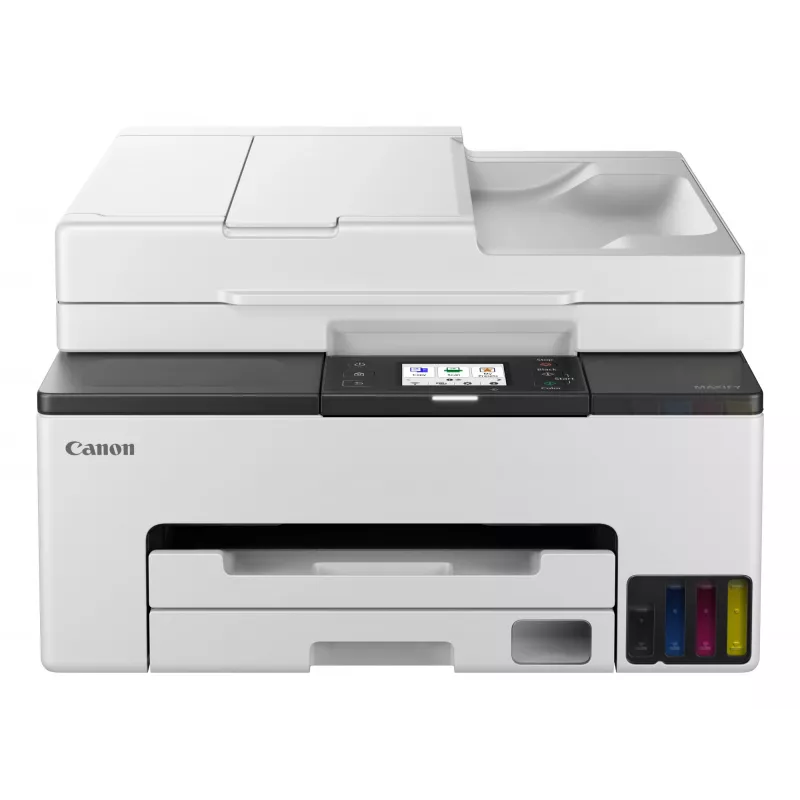
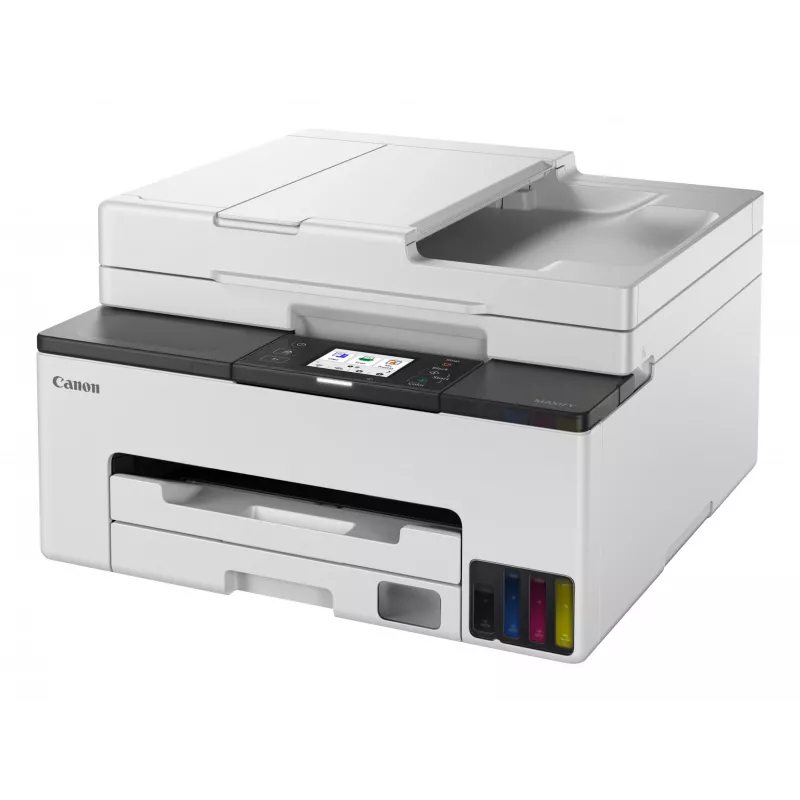
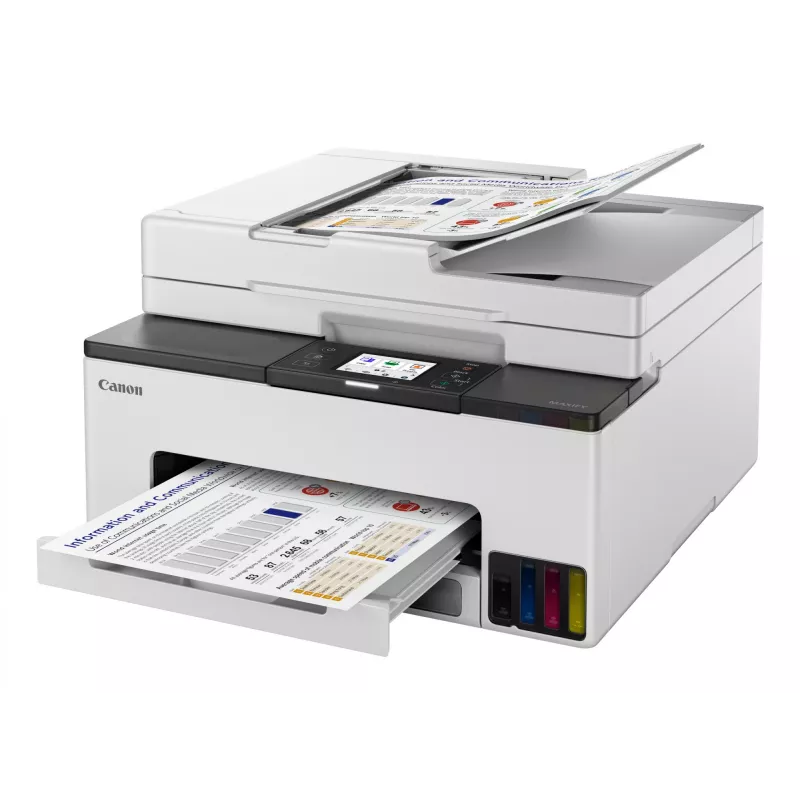
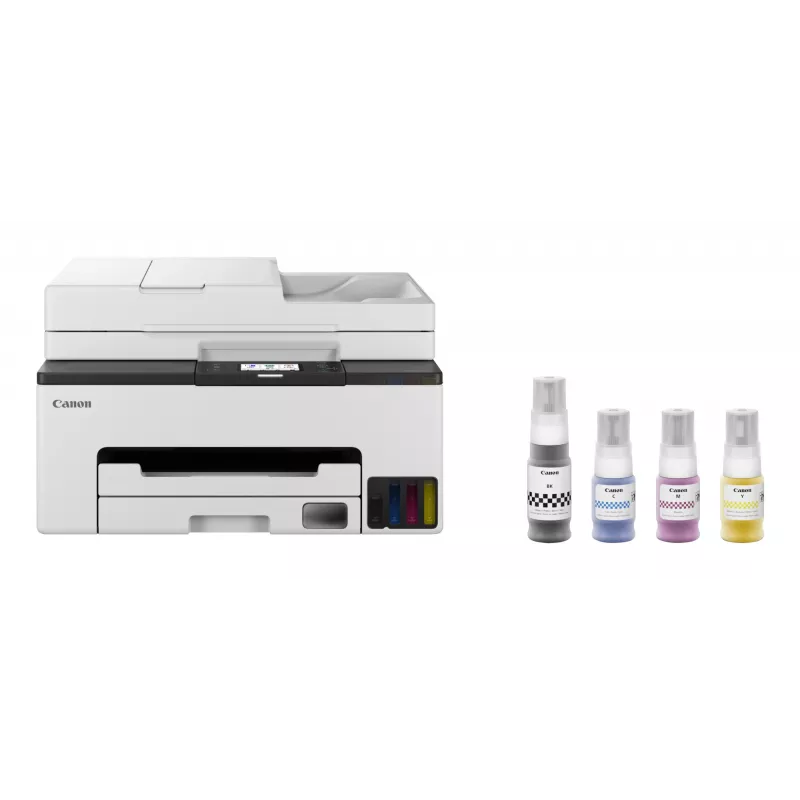
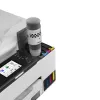
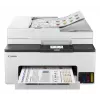
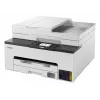
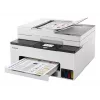
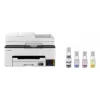
Canon MAXIFY GX2050 Inkjet A4 600 x 1200 DPI Wi-Fi

Canon MAXIFY GX2050 Inkjet A4 600 x 1200 DPI Wi-Fi
R8,425
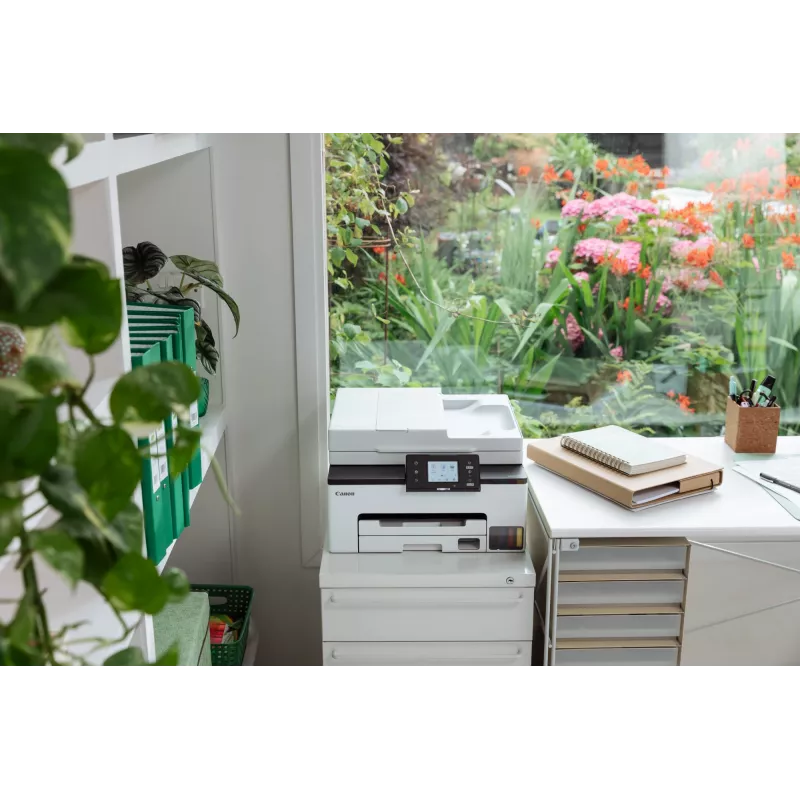
The Canon MAXIFY GX2050 Inkjet Colour Printing multifunction printer is designed for everyday document workflows in home offices and small businesses. It delivers colour printing with a maximum resolution of 600 x 1200 DPI, colour copying and colour scanning with an optical scanning resolution up to... Read More
Stock Out Of StockNo Stock Code 3789 Brand Canon Model 6171C006 Warranty 2 Years

Shipping & Returns

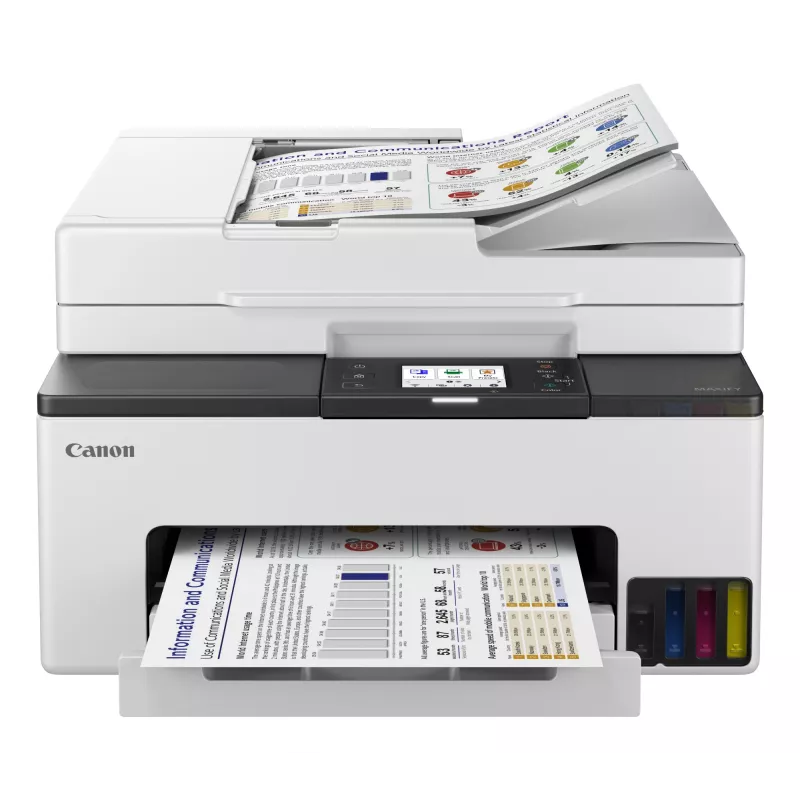
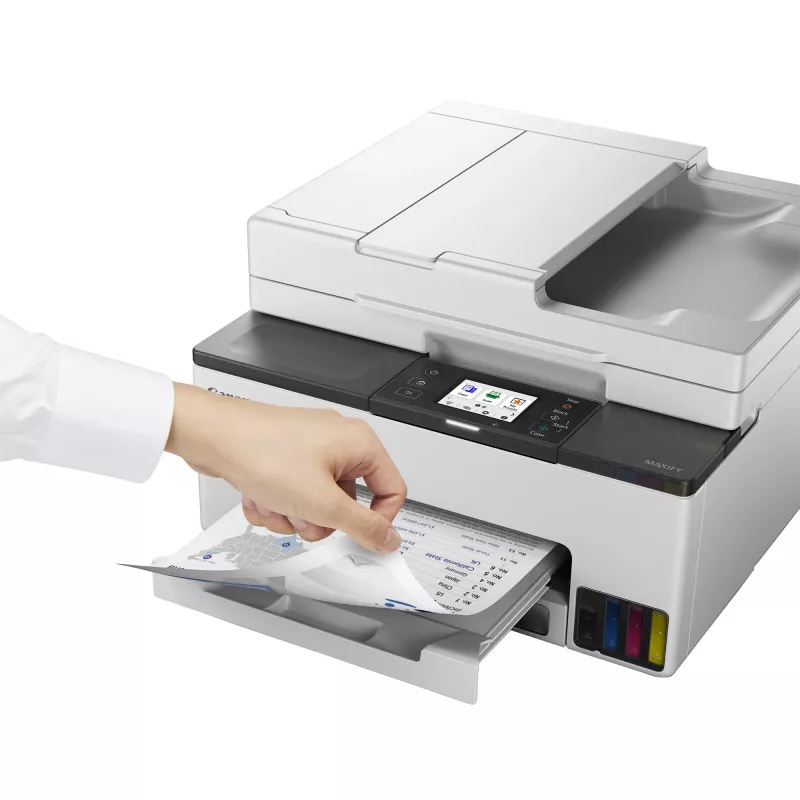
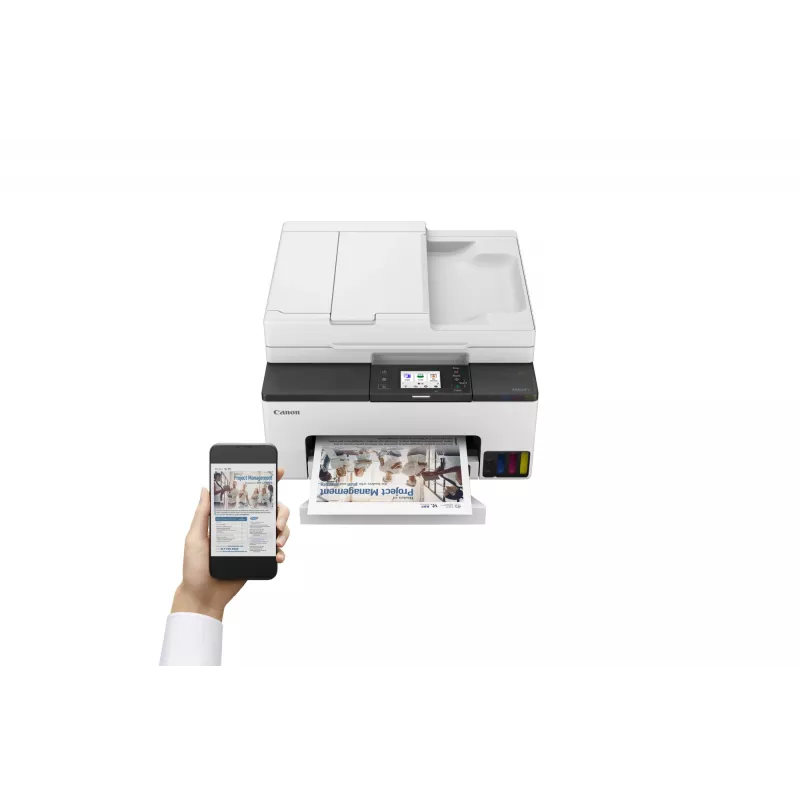
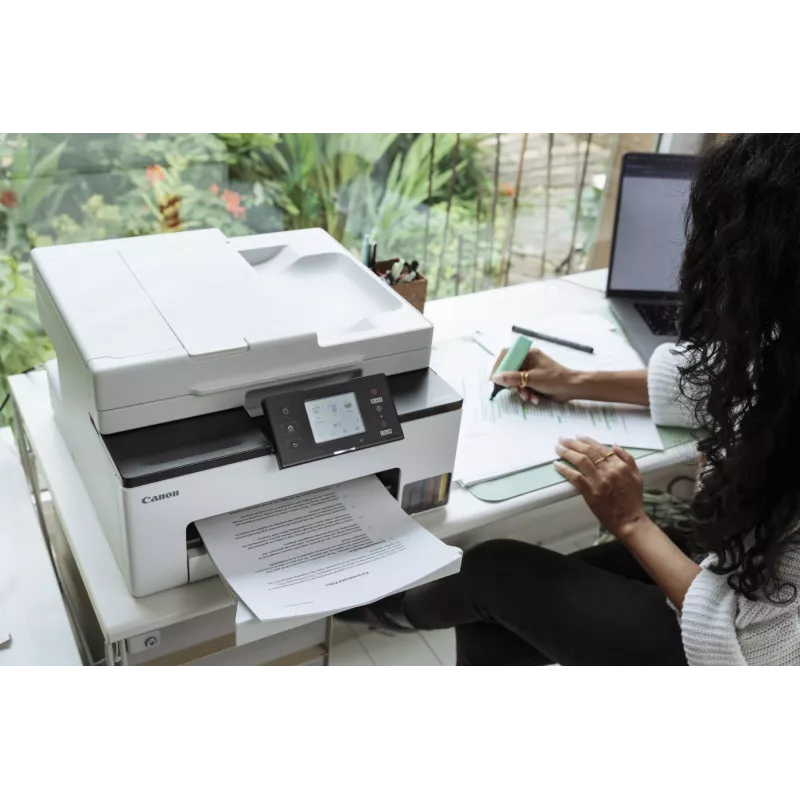
The Canon MAXIFY GX2050 Inkjet Colour Printing multifunction printer is designed for everyday document workflows in home offices and small businesses. It delivers colour printing with a maximum resolution of 600 x 1200 DPI, colour copying and colour scanning with an optical scanning resolution up to 1200 x 2400 DPI. The device supports A4 paper handling, wired and wireless network connectivity, and automatic duplex printing to reduce paper usage.

Advantages

The MAXIFY GX2050 combines high-capacity ink delivery with compact dimensions and a user-friendly interface to provide consistent print quality for mixed documents. Built-in Wi‑Fi and Ethernet LAN enable flexible placement and shared use across multiple users, while duplex printing and a relatively high monthly duty cycle support moderate-volume office tasks. The printer’s colour scanning and copying capabilities make it a single device for common office imaging needs.

Suitable for

  • Home office document and colour print jobs
  • Small business reports, invoices and presentations
  • Scanning and archiving colour documents and receipts
  • Environments that require wired or wireless network printing

Key specifications

  • Print technology: Inkjet colour printing
  • Maximum print resolution: 600 x 1200 DPI
  • Copying: Colour copying supported
  • Scanning: Colour scanning with optical resolution up to 1200 x 2400 DPI
  • Maximum paper size: A4
  • Duplex: Automatic double-sided printing
  • Connectivity: Wi‑Fi and Ethernet LAN
  • Weight: 8.1 kg
  • Designed monthly duty cycle: up to 27,000 pages
  • Colour options: Black and White exterior

How to use

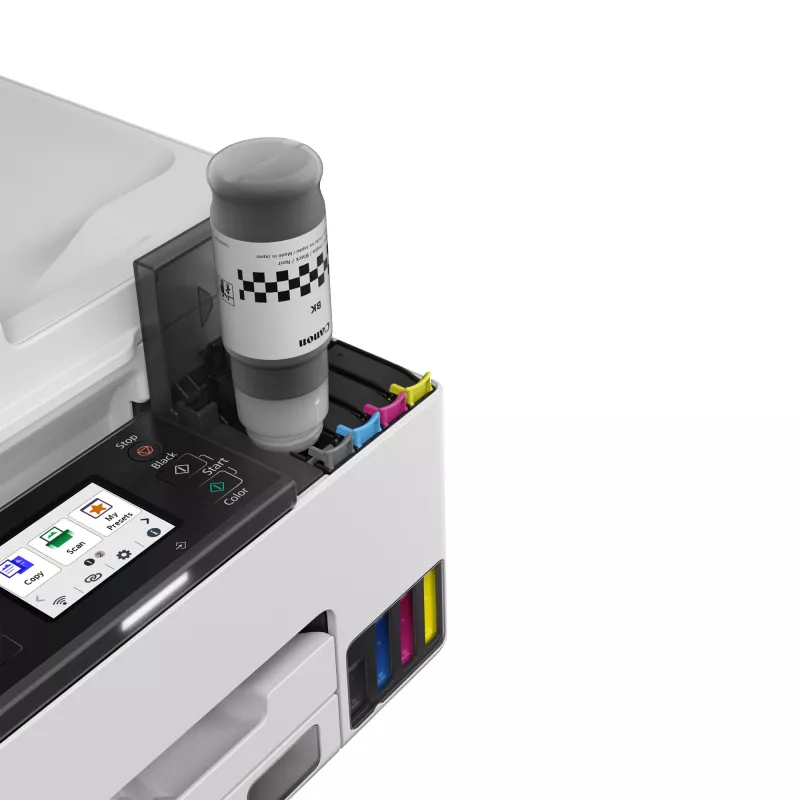
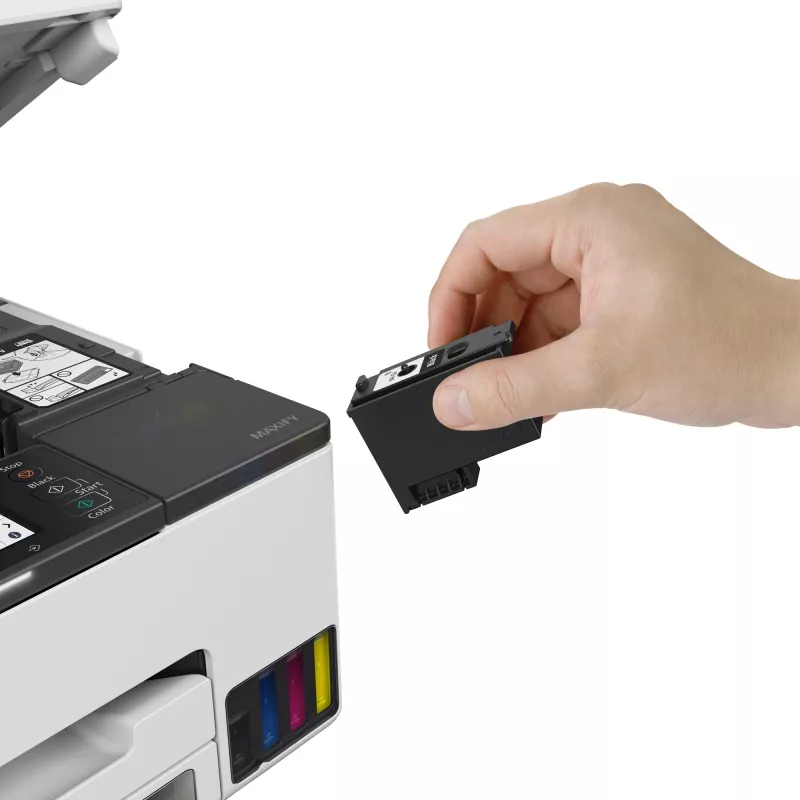
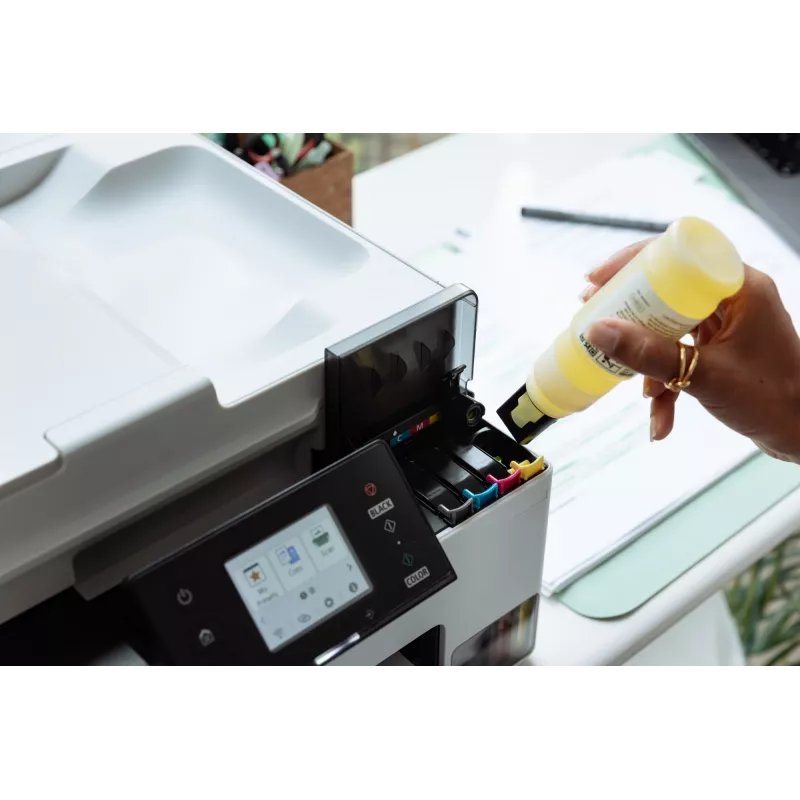
Place the Canon MAXIFY GX2050 on a stable, level surface and connect it to power. Install the ink supply according to the manufacturer’s instructions and load A4 paper into the input tray. For network printing, follow the setup wizard on the device control panel or use the provided software to configure Wi‑Fi or Ethernet connection. Use the printer driver on your computer or mobile printing app to select print quality, paper type and duplex settings. For scanning and copying, place originals on the scanner glass or use the document feeder (if available) and choose the desired resolution and colour mode from the control panel or scanning software.

Recommendations

To maintain consistent print quality, use genuine ink supplies and perform regular cleaning cycles when prompted. Position the printer in a well-ventilated area, avoid direct sunlight and keep paper stored in a dry environment. For reliable network access, connect via Ethernet for stable shared use or configure Wi‑Fi with a secure password. For high-volume tasks, consider scheduling prints and monitoring ink levels to avoid interruptions.

Key Highlights
  • Home office document and colour print jobs
  • Small business reports, invoices and presentations
  • Scanning and archiving colour documents and receipts
  • Environments that require wired or wireless network printing
  • Print technology: Inkjet colour printing
  • Maximum print resolution: 600 x 1200 DPI
  • Copying: Colour copying supported
  • Scanning: Colour scanning with optical resolution up to 1200 x 2400 DPI
  • Maximum paper size: A4
  • Duplex: Automatic double-sided printing
  • Connectivity: Wi‑Fi and Ethernet LAN
  • Weight: 8.1 kg
  • Designed monthly duty cycle: up to 27,000 pages
  • Colour options: Black and White exterior
Specifications
AC input frequency
50/60 Hz
AC input voltage
100 - 240 V
Built-in display
Yes
Cables included
AC
Cartridge(s) included
Yes
Colour display
Yes
Control type
Touch
Copier resize
25 - 400%
Copying
Colour copying
Custom media length
127 - 355.6 mm
Custom media width
89 - 216 mm
Depth
510 mm
Display
LCD
Display diagonal
6.86 cm (2.7")
Duplex functions
Print
Duplex printing
Yes
Energy Star Typical Electricity Consumption (TEC)
0.14 kWh/week
Envelopes sizes
10, C5, DL, Monarch
Ethernet LAN
Yes
Fax memory
250 pages
Fax resolution (colour)
200 x 200 DPI
Faxing
Colour faxing
Height
260 mm
ID-card copy function
Yes
Included cartridge capacity (black)
3000 pages
Included cartridge capacity (CMY)
3000 pages
Included cartridge capacity (economy mode, black)
4500 pages
Included cartridge capacity (economy mode, CMY)
4500 pages
Input colour depth
16 bit
Input greyscale depth
16 bit
ISO A-series sizes (A0...A9)
A4, A5, A6
ISO B-series sizes (B0...B9)
B5
Mac operating systems supported
Mac OS X 10.15 Catalina, Mac OS X 10.15.3 Catalina, Mac OS X 10.2 Jaguar, Mac OS X 10.3 Panther, Mac OS X 10.4 Tiger, Mac OS X 10.5 Leopard, Mac OS X 10.6 Snow Leopard, Mac OS X 10.7 Lion, Mac OS X 10.7.5 Lion, Mac OS X 10.8 Mountain Lion, Mac OS X 10.9 Mavericks, Mac OS X 11.0 Big Sur, Mac OS X 13.0 Ventura
Market positioning
Home & office
Maximum duty cycle
27000 pages per month
Maximum input capacity
250 sheets
Maximum ISO A-series paper size
A4
Maximum number of copies
99 copies
Maximum resolution
600 x 1200 DPI
Maximum scan area
216 x 297 mm
Mobile operating systems supported
Android, iOS
Mobile printing technologies
Apple AirPrint, Mopria Print Service, PIXMA Cloud Link
Modem speed
33.3 Kbit/s
N-in-1 copy function
Yes
N-in-1 copy function (N=)
2, 4
Non-ISO print media sizes
Executive, Legal, Letter, Oficio
Number of print cartridges
4
Operating relative humidity (H-H)
10 - 90%
Operating temperature (T-T)
5 - 35 °C
Optical scanning resolution
1200 x 2400 DPI
Other operating systems supported
Android, iOS
Output colour depth
8 bit
Output greyscale depth
8 bit
Paper tray media types
Envelopes, Executive, Plain paper
Paper tray media weight
64 - 105 g/m²
Photo paper sizes
10x15,13x18,18x25,20x25
Power consumption (copying)
21 W
Power consumption (off)
0.1 W
Print speed (ISO/IEC 24734) colour
10 ipm
Print speed (ISO/IEC 24734) mono
15 ipm
Print technology
Inkjet
Printing
Colour printing
Printing colours
Black, Cyan, Magenta, Yellow
Product colour
Black, White
Scan technology
CIS
Scanner type
Flatbed scanner
Scanning
Colour scanning
Security algorithms
WPA-AES, WPA-EAP, WPA-PSK, WPA-TKIP, WPA2-AES, WPA2-EAP, WPA2-PSK, WPA2-TKIP, WPA3-EAP, WPA3-SAE
Server operating systems supported
Windows Server 2008 R2, Windows Server 2012 R2, Windows Server 2016, Windows Server 2019, Windows Server 2022
Sound pressure level (printing)
46.5 dB
Speed dialling
Yes
Time to first page (black, normal)
9 s
Time to first page (colour, normal)
10 s
Total number of input trays
1
USB connector
USB Type-B
USB port
Yes
Weight
8.1 kg
Wi-Fi
Yes
Wi-Fi standards
802.11a, 802.11b, 802.11g, Wi-Fi 4 (802.11n), Wi-Fi 5 (802.11ac)
Width
374 mm
Windows operating systems supported
Windows 10, Windows 11, Windows 8.1

Manual

Open Manual

Leaflet

Open Leaflet
Price history is not available yet
We are still collecting enough daily price data for this product.

Independent reviews by tech media

itpro.comSimon
6/10

Verdict: This isn't an expensive device by the standards of refillable inkjets and, even though you don't get a vast supply of ink in the box, it should work out cheap to own. It's not badly specified, either, although with no USB host port or duplex scanner it is...

Pros
  • Decent print quality
  • Great scan quality
  • Cheap to run
Cons
  • Not very fast
  • A little disappointing overall
Read the full review at itpro.com →
trustedreviews.comSimon
7/10

Verdict: The Canon MAXIFY GX2050 combines ink tank printing with a compact design and a decent set of features. It's not that expensive by refillable printer standards, and it's extremely cheap to run. This multifunction is heavily focused on home offices rather t...

Pros
  • Extremely low running costs
  • Great scan and photocopy quality
  • Three-year warranty
Cons
  • Not especially fast
  • Unimpressive photo prints
Read the full review at trustedreviews.com →

Popular products in this category

WhatsApp
Hi, I’m DistriNode’s AI assistant. I can help you find products, compare options, create quote PDFs, or open support requests.