Account Contact
Your Cart
Pay the courier with no extra fees.
Need help? DistriNode AI can handle any task on our site.

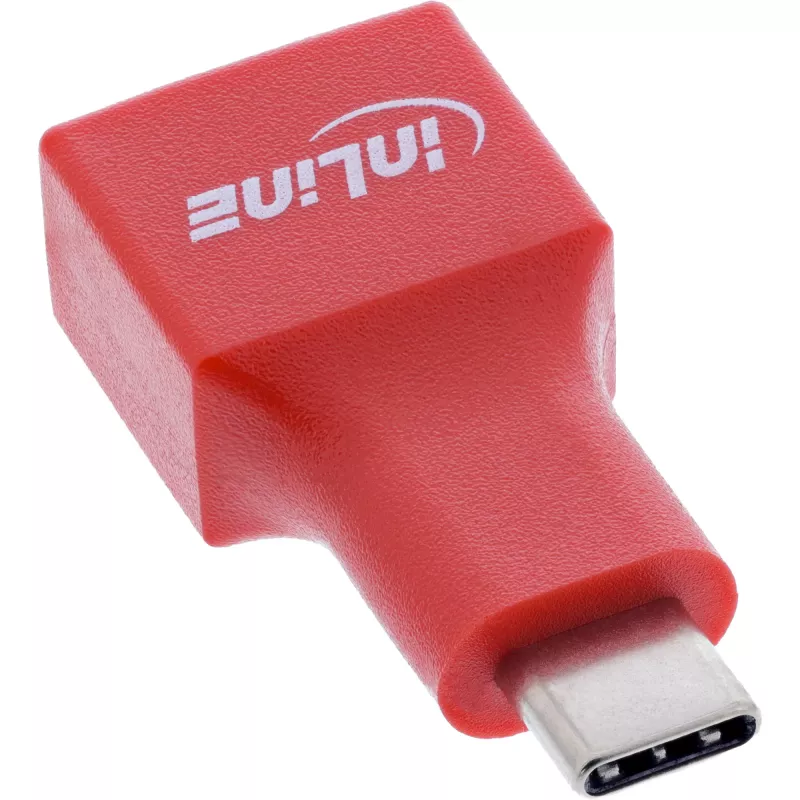
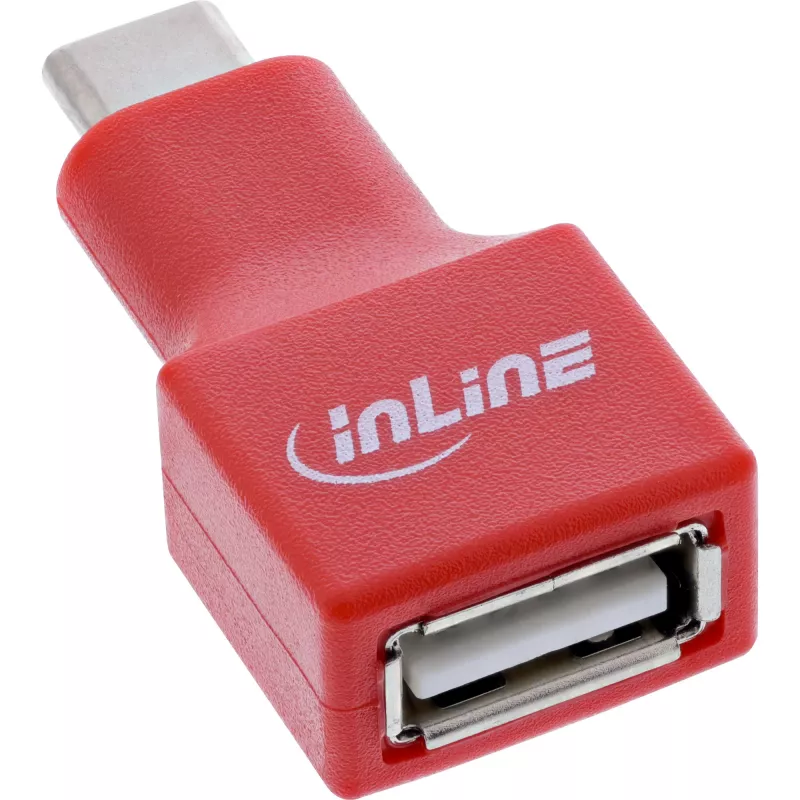
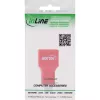
Cable gender changer InLine 31651 USB-C to USB-A, USB 2.0, red

Cable gender changer InLine 31651 USB-C to USB-A, USB 2.0, red
R195
The InLine USB data blocker (USB-C plug to USB-A socket) provides secure charging by physically separating the data lines so that only power is passed. Designed for charging modern USB-C devices from classic USB-A ports, it prevents any data transfer when connected to power supplies, USB hubs, publi... Read More
Stock 450 Code 1732222 Brand INLINE Model 31651 Warranty 2 Years

Shipping & Returns

Estimated delivery Tuesday, October 6
You will be kept updated through our detailed tracking system
Payment options
EFTPayFastBank CardSnapScanZapperGoogle PayApple PayMobicredMoreTymePay on Arrival

The InLine USB data blocker (USB-C plug to USB-A socket) provides secure charging by physically separating the data lines so that only power is passed. Designed for charging modern USB-C devices from classic USB-A ports, it prevents any data transfer when connected to power supplies, USB hubs, public charging stations or vehicle adapters. The compact red housing makes it easy to carry and identify, and the adapter is compatible with all USB-C devices regardless of manufacturer or operating system. The maximum charging output is 5 V at up to 1.5 A.

Advantages

This adapter ensures that charging takes place without the risk of data exchange by leaving data pins disconnected. Its compact, lightweight design is convenient for mobile use in security-sensitive environments. The device is universally compatible with USB-C equipment and fits into existing charging infrastructures with USB-A sockets.

Suitable for

Key specifications

How to use

Insert the USB-C plug into the device you wish to charge and connect a USB-A power cable or USB-A port to the adapter’s socket. The adapter allows only power delivery; data lines remain disconnected. Ensure the power source provides up to 5 V / 1.5 A for optimal charging. Do not attempt to use the adapter for data transfer.

Recommendations

Use the adapter when charging USB-C devices from unknown or public USB-A ports to minimize the risk of data leakage. Avoid using chargers or cables that exceed the specified voltage or current ratings, and store the compact adapter in a dry, dust-free place when not in use.
Key Highlights
  • Charging USB-C smartphones and tablets from USB-A power supplies
  • Using public USB-A charging stations while preventing data access
  • Charging devices in vehicles with USB-A adapters
  • Office power supplies and USB hubs where data transfer is undesirable
  • Connector 1: USB-C plug
  • Connector 2: USB-A socket
  • Data connection: not connected (charging only)
  • Power: 5 V / 1.5 A
  • USB version: 2.0
  • Colour: Red
  • Quantity: 1 pc
Specifications
Compliance certificates
RoHS, TÜV mark
Connector 1
USB-C
Connector 1 form factor
Straight
Connector 1 gender
Male
Connector 2
USB-A
Connector 2 form factor
Straight
Connector 2 gender
Female
Country of origin
Taiwan
Depth
40 mm
Dimensions (WxDxH)
19 x 40 x 11 mm
Height
11 mm
Output current
1500 mA
Output voltage
5 V
Package depth
120 mm
Package height
10 mm
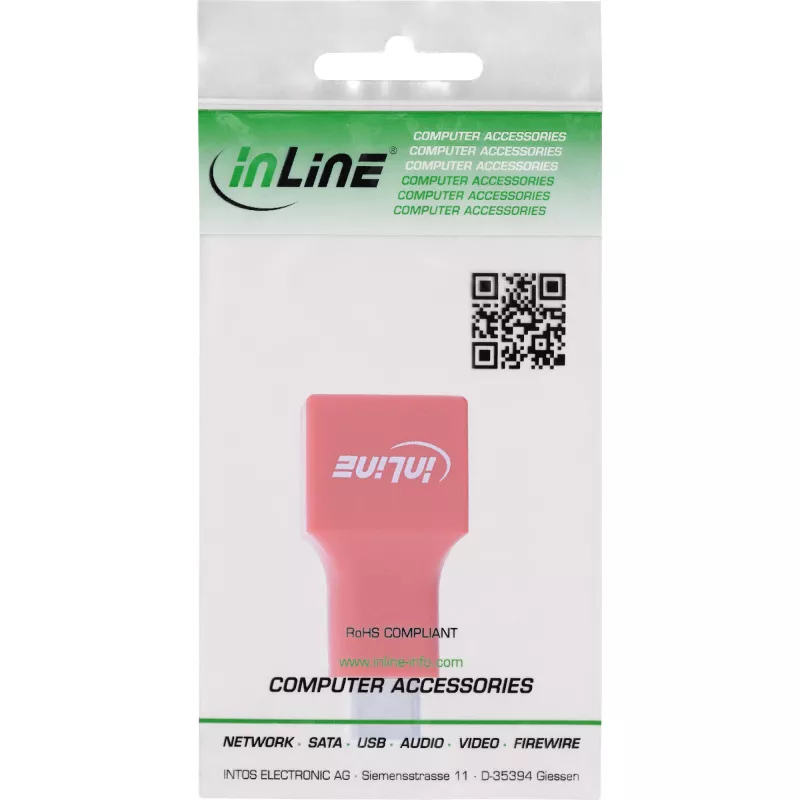
Package type
Polybag
Package volume
100 cm³
Package weight
10 g
Package width
70 mm
Product colour
Red
Quantity per pack
1 pc(s)
USB version
2.0
Weight
8 g
Width
19 mm

Leaflet

Open Leaflet
Price history over the last 6 months
Cable gender changer InLine 31651 USB-C to USB-A, USB 2.0, red
Current
R195
Lowest
R181
Highest
R195
Change 24H
+R12   +7%
Week
+R14   +8%
Month
—   

Popular products in this category

WhatsApp
Hi, I’m DistriNode’s AI assistant. I can help you find products, compare options, create quote PDFs, or open support requests.