Account Contact
Your Cart
Pay the courier with no extra fees.
Need help? DistriNode AI can handle any task on our site.

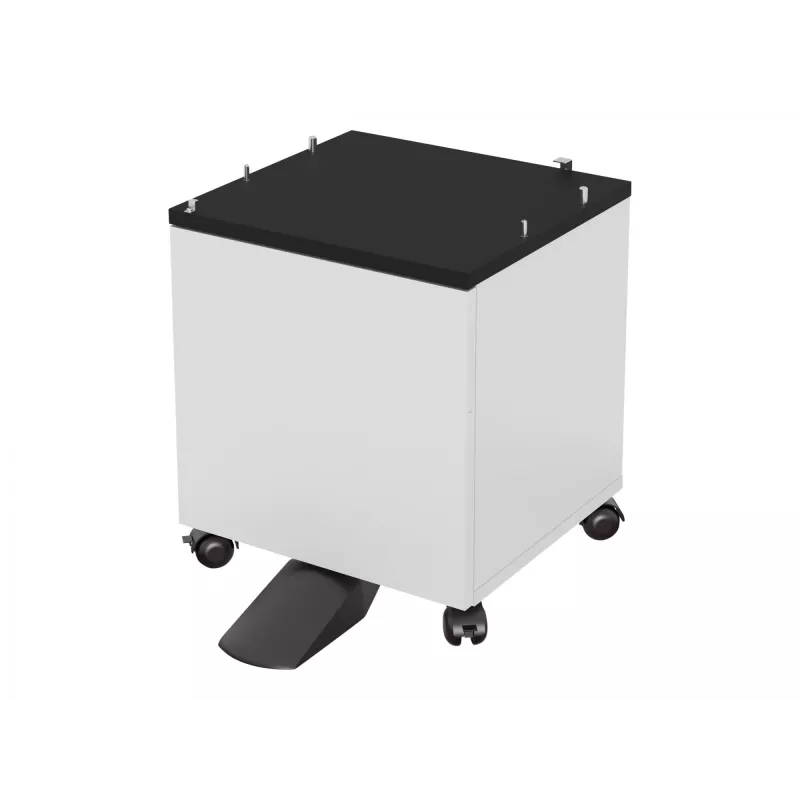
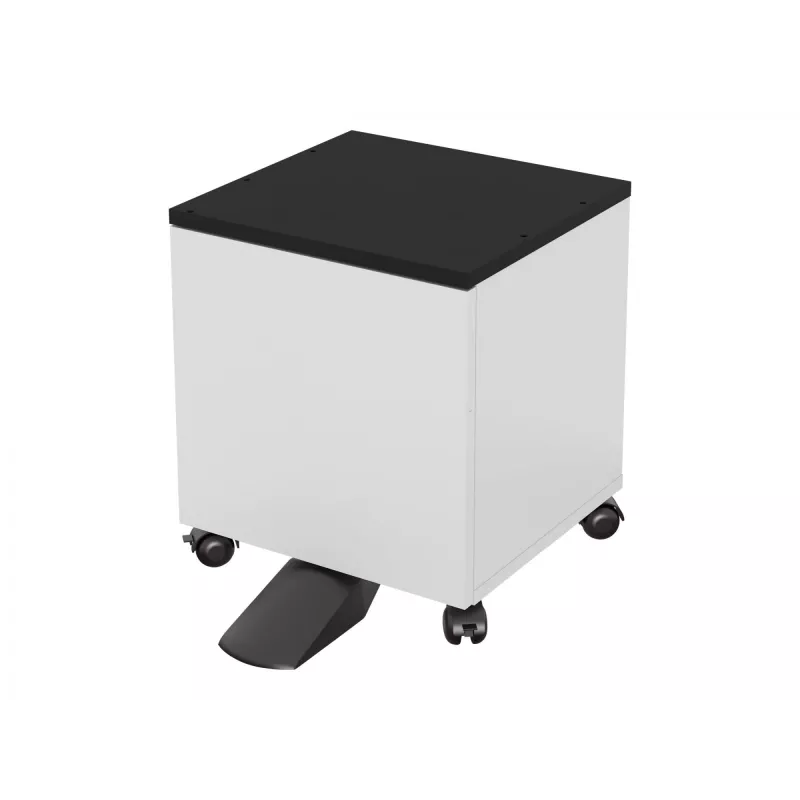
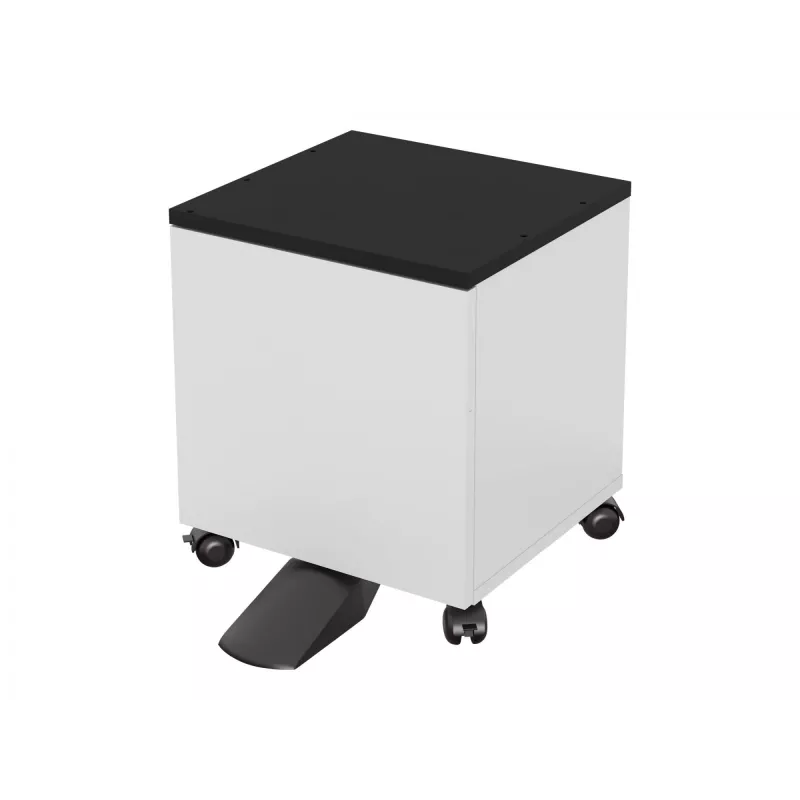
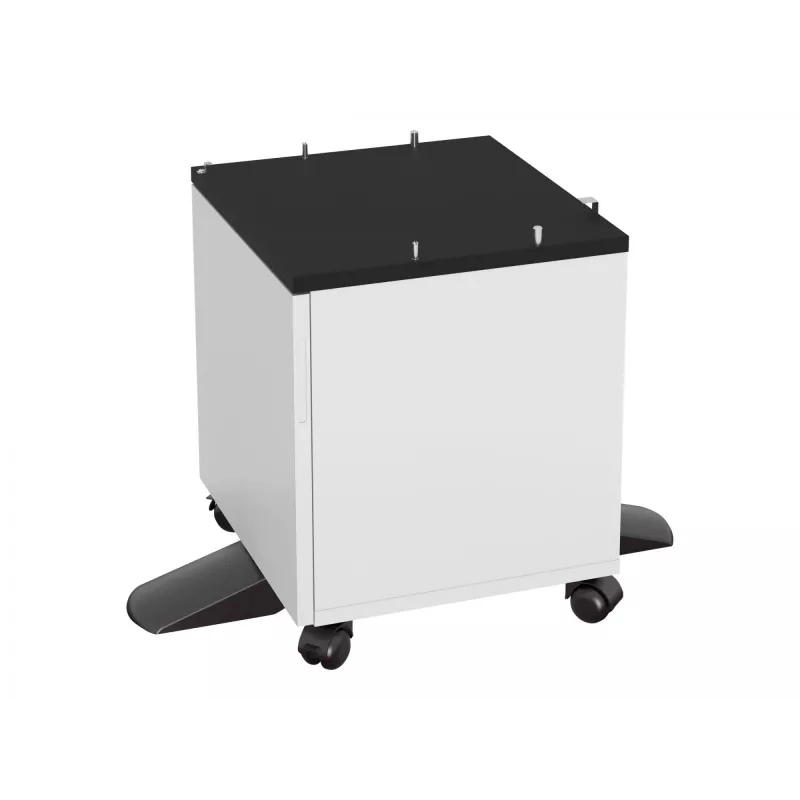
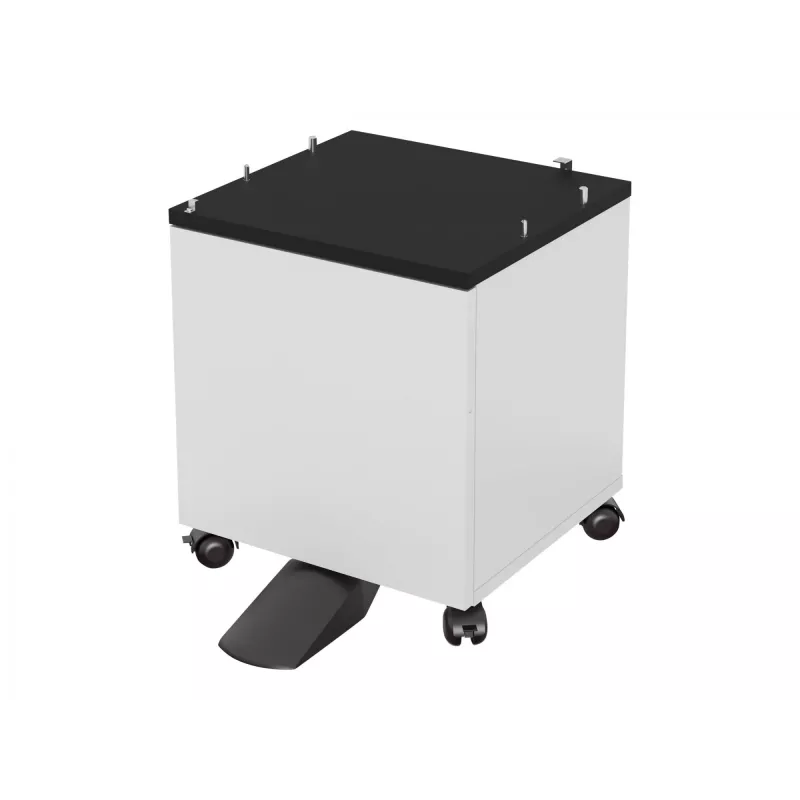
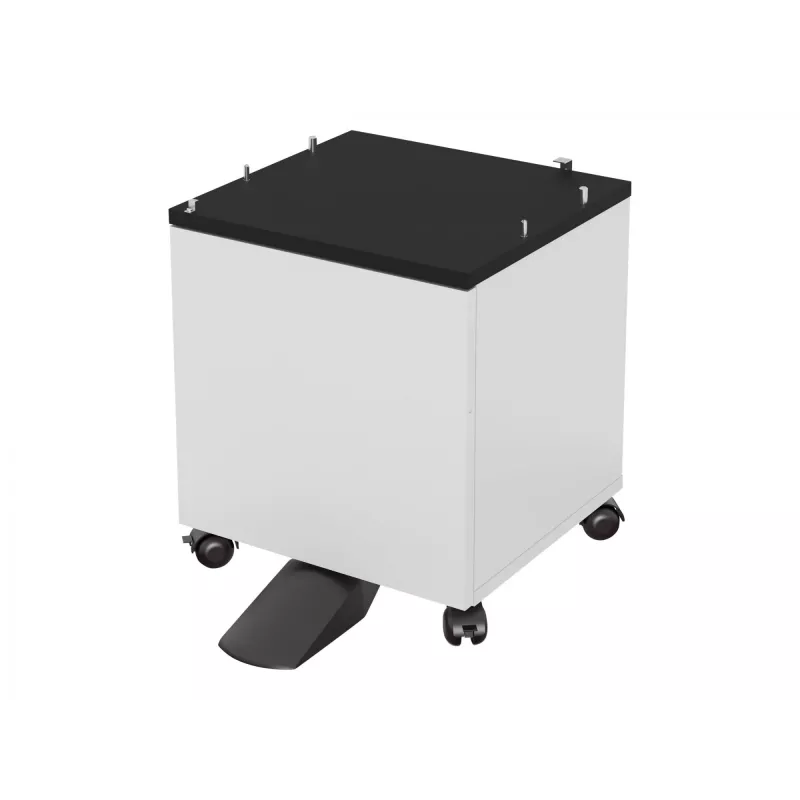
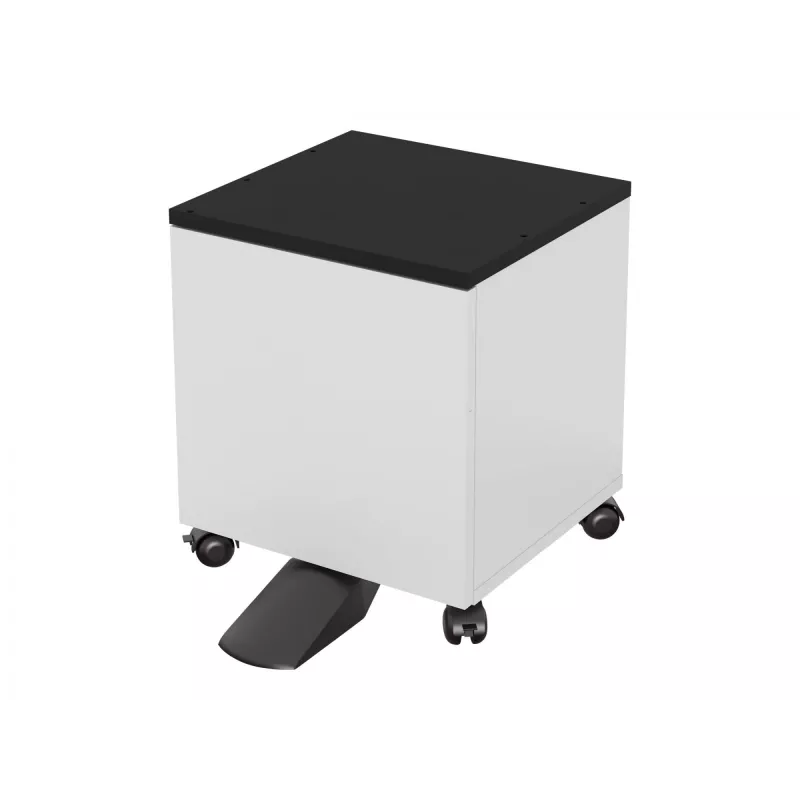
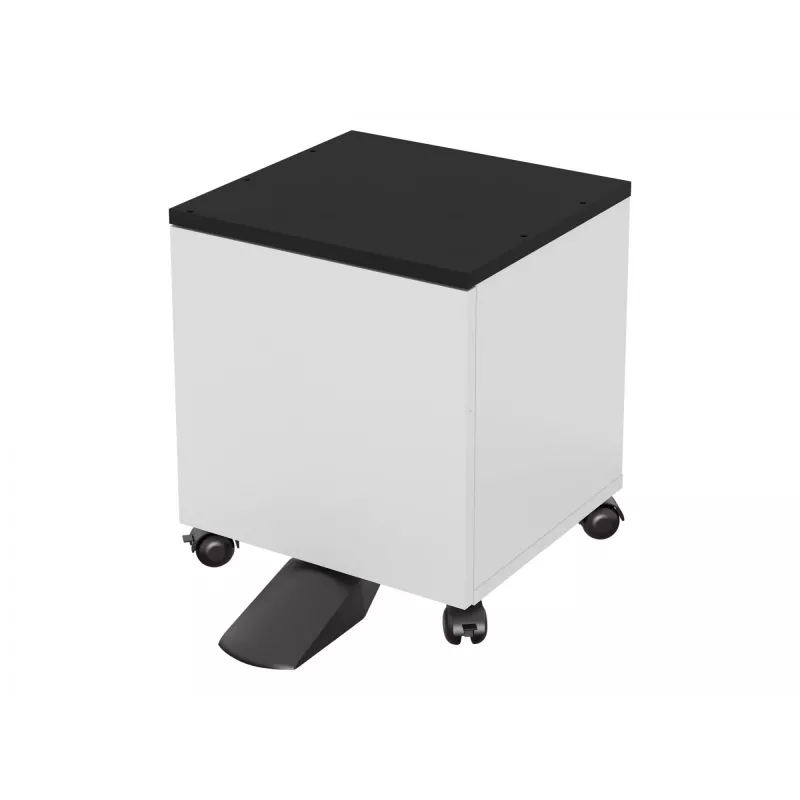
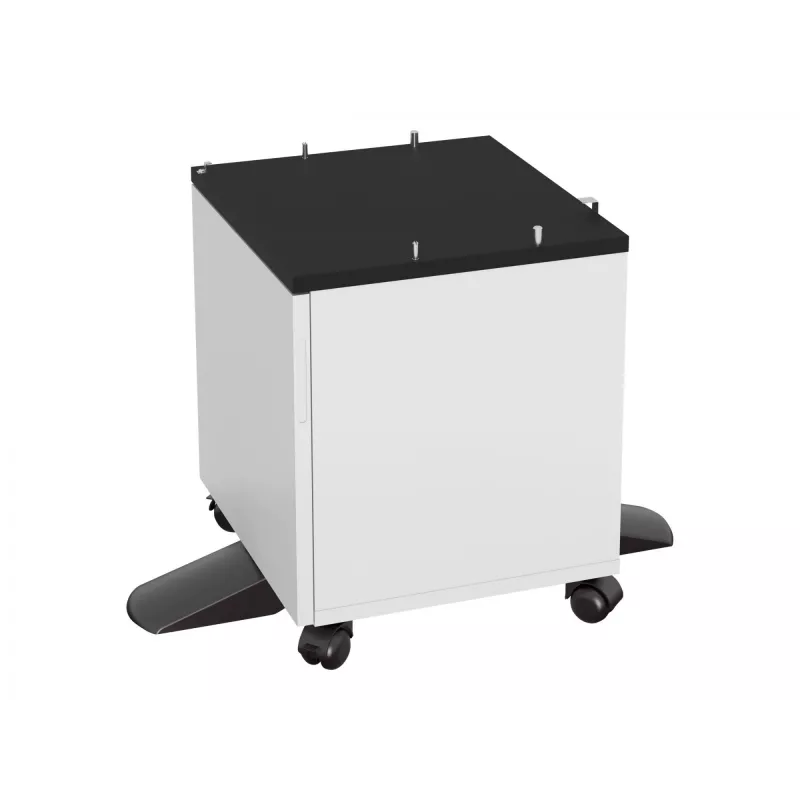
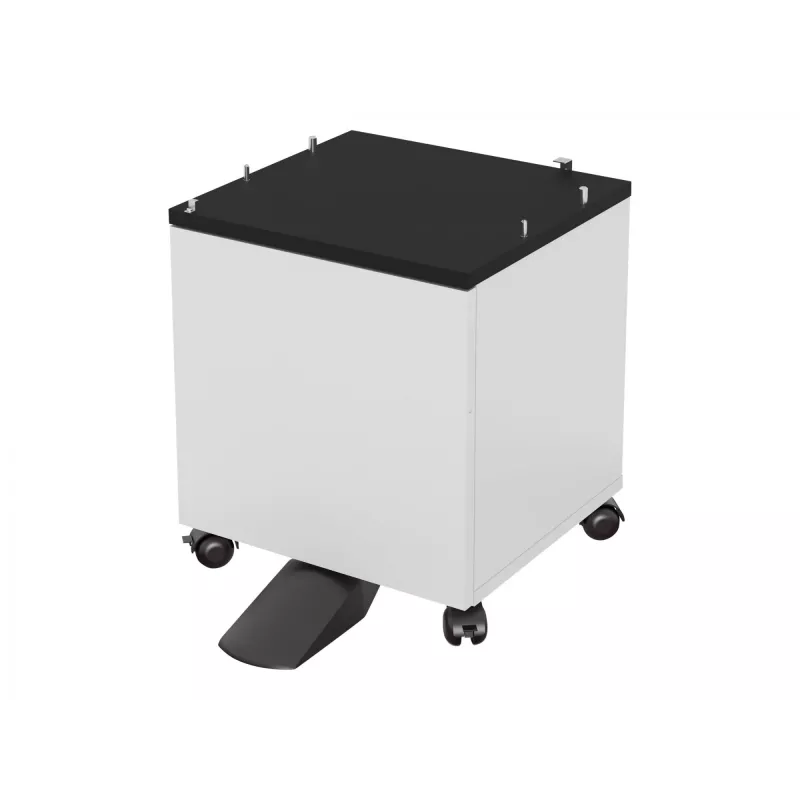
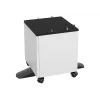
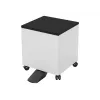
Cabinet spare part for Epson WF-5000 series printers, white, 1 pc (MPN 7112286)

Cabinet spare part for Epson WF-5000 series printers, white, 1 pc (MPN 7112286)
R7,409
Replacement cabinet housing designed for Epson WF-5000 series inkjet printers. This white external enclosure panel is supplied as a single piece and is intended to restore the original look, fit and protective function of the printer when the existing housing is damaged, cracked or worn. The spare p... Read More
Stock 6 Code 1430997 Brand EPSON Model 7112286 Warranty 2 Years

Shipping & Returns

Estimated delivery Thursday, October 1
You will be kept updated through our detailed tracking system
Payment options
EFTPayFastBank CardSnapScanZapperGoogle PayApple PayMobicredMoreTymePay on Arrival

Replacement cabinet housing designed for Epson WF-5000 series inkjet printers. This white external enclosure panel is supplied as a single piece and is intended to restore the original look, fit and protective function of the printer when the existing housing is damaged, cracked or worn. The spare part matches the external dimensions and mounting points of compatible WF-5000 models to ensure proper alignment with doors, trays and internal components.

Advantages

The cabinet spare part offers a direct-fit replacement that helps return the printer to a serviceable state without restructuring internal components. Made to match the original exterior shape and attachment points, the housing preserves access to controls, paper paths and ports while protecting internal mechanisms from dust and impact. The white finish provides a uniform appearance with standard office equipment and can be painted or labeled if required for identification.

Suitable for

  • Repairing cosmetic damage to Epson WF-5000 series printers
  • Replacing cracked or broken external panels after transport or impact
  • Refurbishment and servicing of used WF-5000 units for resale or continued use
  • Maintenance tasks requiring restoration of enclosure integrity to protect internal parts

Key specifications

  • Compatibility: Epson WF-5000 series inkjet printers (external cabinet component)
  • Color: white
  • Quantity: 1 piece
  • Material: durable molded plastic (external housing)
  • Finish: smooth exterior surface suitable for office environments

How to use

Before installation, power off the printer and disconnect power and data cables. Remove the damaged cabinet panel by following the manufacturer service instructions for the WF-5000 series — typically this involves opening access panels and detaching screws or clips that secure the external housing. Align the replacement cabinet with existing mounting points and gently engage clips or screw holes, ensuring doors and trays operate correctly after fitting. Reconnect cables and test basic printer functions such as power-up, paper feed and panel buttons to confirm correct installation.

Recommendations

Use appropriate electrostatic discharge (ESD) precautions when working near electronic boards, and keep small fasteners organized during disassembly. If internal damage is suspected, consult a qualified service technician to avoid affecting print quality or mechanical alignment. For consistent results, use genuine fasteners and follow the WF-5000 series service manual or technical guidance.

Key Highlights
  • Repairing cosmetic damage to Epson WF-5000 series printers
  • Replacing cracked or broken external panels after transport or impact
  • Refurbishment and servicing of used WF-5000 units for resale or continued use
  • Maintenance tasks requiring restoration of enclosure integrity to protect internal parts
  • Compatibility: Epson WF-5000 series inkjet printers (external cabinet component)
  • Color: white
  • Quantity: 1 piece
  • Material: durable molded plastic (external housing)
  • Finish: smooth exterior surface suitable for office environments
Specifications
Brand compatibility
Epson
Compatibility
WF-5000 series
Device compatibility
Inkjet printer
Harmonized System (HS) code
84439990
Product colour
White
Quantity per pack
1 pc(s)
Type
Cabinet

Leaflet

Open Leaflet
Price history over the last 6 months
Cabinet spare part for Epson WF-5000 series printers, white, 1 pc (MPN 7112286)
Current
R7,409
Lowest
R4,387
Highest
R7,731
Change 24H
+R2,982   +67%
Week
+R2,997   +68%
Month
+R3,015   +69%

Popular products in this category

WhatsApp
Hi, I’m DistriNode’s AI assistant. I can help you find products, compare options, create quote PDFs, or open support requests.