

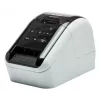
Ask a Question About This Product
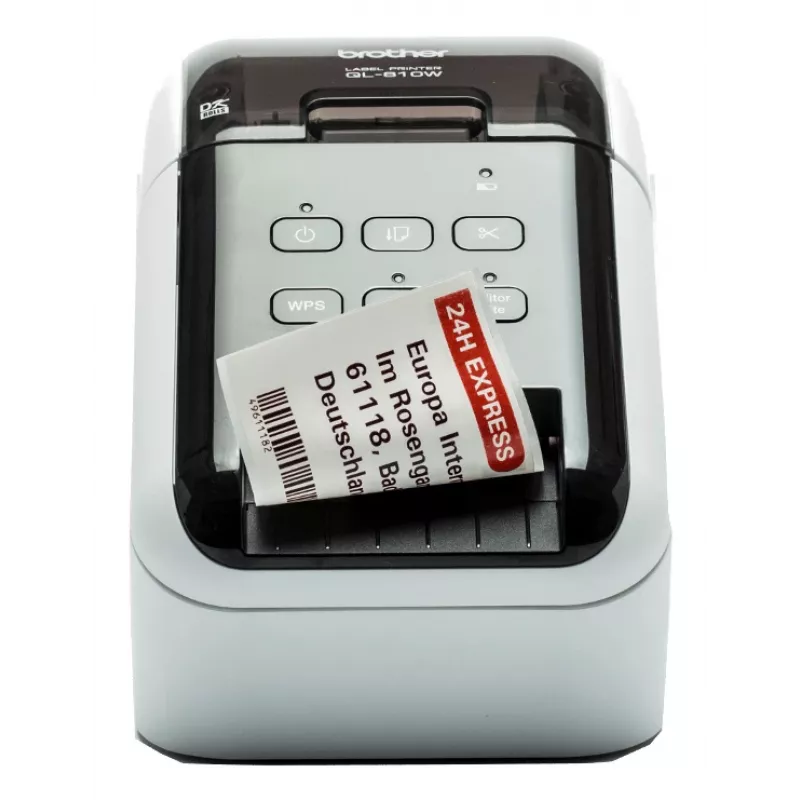
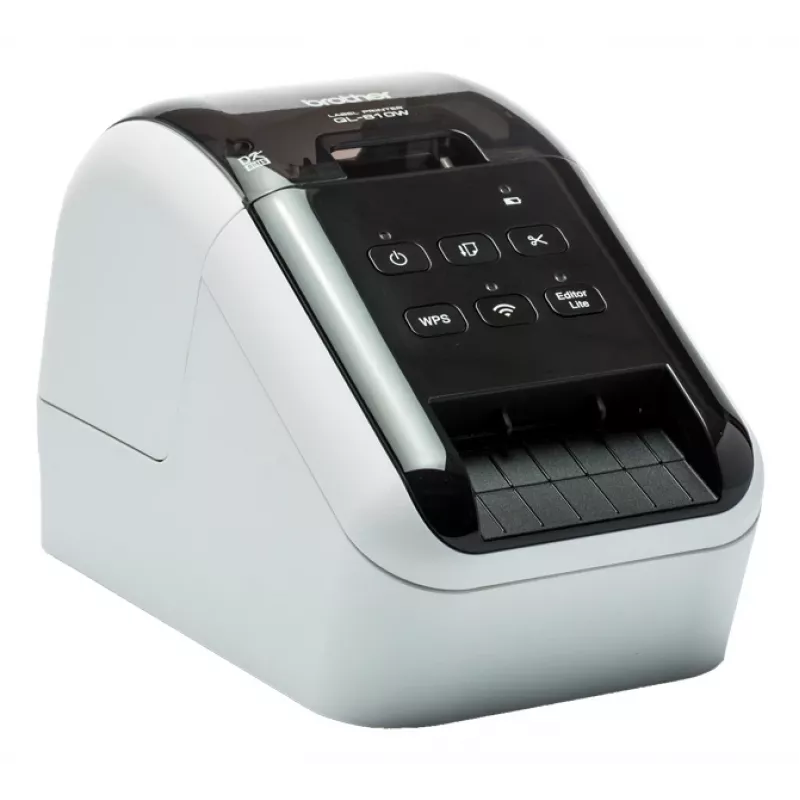
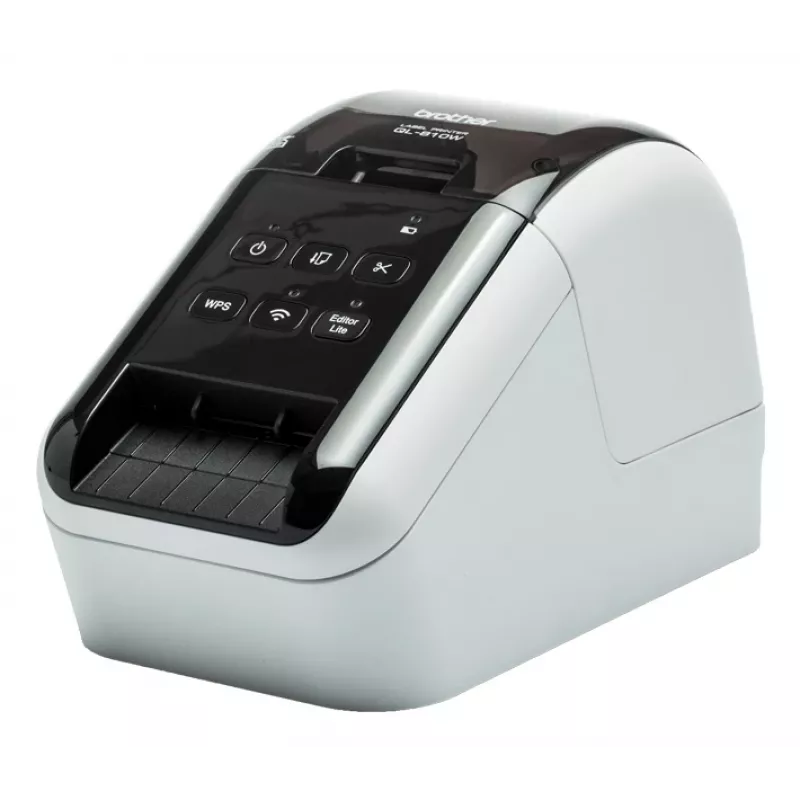
Brother QL-810WC label printer Direct thermal Colour 300 x 300 DPI 176 mm/sec Wired & Wireless DK Wi-Fi
Shipping & Returns


R13,464
Ex Tax:R11,707


-90x90h.webp "Build-Your-Own Gaming PC — Ryzen 7 7700 + RTX 5070, 32GB DDR5 | DistriNode")


-90x90w.webp "DistriNode Ryzen 5 8500G Office PC (Radeon Integrated Graphics) — Build Your Own")
R19,377
Ex Tax:R16,850


R13,637
Ex Tax:R11,859

R9,369
Ex Tax:R8,147


This high-speed label printer connects to your PC, Mac, smartphone or tablet using USB or Wi-Fi. The built-in P-touch Editor Lite software is so easy to use - simply connect the printer to your computer, click the icon to launch the software and design and print your labels. Thanks to its advanced print mechanism and special label roll, you can also print labels that can contain both black and red colours without the need for ink or toner. And when you discover you can print custom sized labels up to one metre in length using the integrated cutter and continuous label rolls, it's easy to understand why the QL-810Wc is the ideal choice for offices, workgroups, mail rooms and receptions.
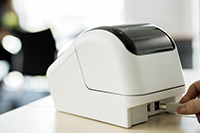
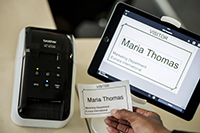
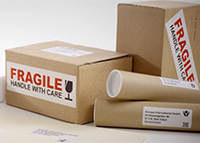
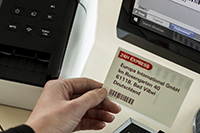
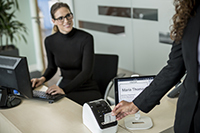
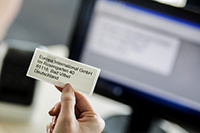
Wired and wireless connectivity with AirPrint compatibility
Having both USB, Wi-Fi and AirPrint built-in as standard, you can choose whether to use as a personal label printer on your desk, or let others also use it from their PC or Mac via your wireless network.
Print from PC, Mac, iOS and Android devices
Choose from several options for designing and printing labels. Download for free the P-touch Editor label design software for PC and Mac to design labels with text, barcodes, images and frames. Alternatively, head on over to your app store to download the free iPrint & Label app for iOS and Android, then quickly create and print labels from your mobile devices, wirelessly.
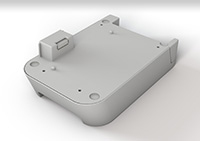
Optional Li-ion battery base
There are situations where you may need to print labels away from a power source, such as use on a portable trolley and printing from a tablet in retail, healthcare or similar industries. The optional Li-ion battery base has a fast charge function, and lasts for thousands of labels on a full charge.
Large range of labels for any application
The QL series label printers use Brother DK rolls - that easily slot-in for fast label changes. Several types are available:Pre-sized die-cut adhesive labels in paper and plastic film material.Continuous adhesive labels in paper and plastic film material that can be cut to the length you need (up to 1 metre).Non-adhesive card ideal for receipts and name badges.Removable adhesive for repositioning labels.
Print any size labels, in black and red
Rolls are available in a range of traditional die-cut (pre-sized) labels, or continuous that lets the built-in cutter cut your label to the precise length (up to one metre). And now you can draw attention to important information by including red* on your labels too - ideal for highlighting use-by dates, allergens and other critical information.*DK-22251 roll required
Print labels the way you want
This advanced label printer is designed for the demands of a busy workplace, yet easy to set-up and use. Using the same technology as USB pen drives, simply connect to your PC or Mac, and run the built- in software. No need to install printer drivers. Alternatively download the free P-touch Editor label design software and printer drivers to design and print fully customised labels containing text, frames, barcodes and images. And easily share the printer with colleagues over your wireless network using P-touch Editor Lite LAN software.
Works with Microsoft Word/Excel/Outlook
Highlight, click and print your text data directly from Word, Excel and Outlook with just a click! The P-touch Editor add-in for Microsoft Office (Windows only) allows you to print labels with the information you use every day. Alternatively, if you have text saved in an Excel or .csv file, import this into P-touch Editor and simply place each field on your label layout to print many labels with the same format (design). Ideal for printing address, product and pricing labels.
Popular products in this category
- Citizen CLS621IINEBXX Printer Black
- Brother PTP710BT label printer Thermal transfer 180 x 360 DPI 20 mm/sec Wired & Wireless TZe Bluetooth
- Epson CW-C4000e (mk) label printer Inkjet Colour 1200 x 1200 DPI 102 mm/sec Wired
- Brother TJ-4121TN label printer Thermal line 300 x 300 DPI Wired Ethernet LAN
- Niimbot B21 Pro Portable Label Printer (green)
- DYMO LetraTag 200B Bluetooth Label Maker | Compact Label Printer | Connects Through Bluetooth Wireless Technology to iOS and Android | Includes 1 White Paper Label Tape | Black
- Brother PT-E110 label printer Thermal transfer 180 x 180 DPI 20 mm/sec HGe/TZe QWERTY
- DYMO LabelManager ™ 280 QWERTZ Kitcase