

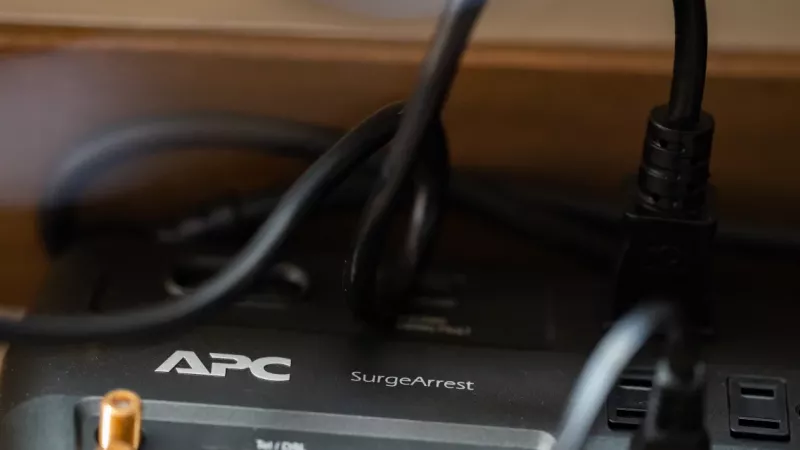
Most desks in South Africa run off a multi-plug that was bought for its number of sockets, not for any protection it offers. Then the power comes back after an outage with a spike, a summer storm rolls over the suburb, and the computer that survived five years of use stops turning on. A surge protector and a plain power strip look identical, cost a similar amount, and do completely different jobs. This guide explains the difference, which numbers on the box actually matter, and how a surge protector, a UPS and an inverter fit together.
A power strip only adds sockets
A basic strip passes whatever arrives at the wall straight to your equipment. Some include an overload switch that trips if you draw too much current, which protects the strip from melting, not your electronics from voltage spikes. If the packaging does not mention joules or surge protection, assume there is none.
What a surge protector actually does
Inside a real surge protector sit components called MOVs that divert brief voltage spikes to earth before they reach the plug. Their capacity is rated in joules: how much energy they can absorb over their lifetime. For a computer, monitor and router, look for at least 1000 joules; for a full home office or an entertainment system, 2000 and more. Two further details matter: a clamping voltage of about 400 volts or lower, meaning the protector reacts before the spike gets dangerous, and an indicator light that shows the protection is still alive. Every spike uses up a little capacity, and once the MOVs are spent the strip keeps working as a plain strip with the protection light off.
Why outages are the worst moment
Equipment rarely dies during an outage. It dies when power returns, because the restoration often brings a transient spike while every compressor and appliance in the street switches on at once. This is the case for a surge protector on every valuable device, and for switching sensitive equipment off at the strip during a scheduled outage rather than leaving it to take the first hit.
Surge protector, UPS or inverter
- Surge protector: stops spikes, does nothing about the power going off. Cheapest layer, belongs on everything.
- UPS: a battery that carries the load for minutes, filters the supply and, in line-interactive models, corrects under- and over-voltage. Ideal for the desktop PC, NAS and router. See the uninterruptible power supplies range.
- Inverter with batteries: hours of runtime for lights, Wi-Fi and a laptop. Not a replacement for surge protection on the equipment itself, and the inverter also deserves a protector on its input.
The layers stack: wall to surge protector to UPS or inverter to equipment. Protection at every step costs less than one replaced motherboard.
Choosing the right strip for the desk
Count the devices and add two spare sockets. Check spacing for chunky adapters, a long enough cable to avoid daisy-chaining, and USB ports if they let you retire a couple of phone chargers. Wall-mount holes keep the strip off the floor and out of the dust. Smart models from the smart power strips range add per-socket switching and energy monitoring, useful for cutting standby consumption. For simple socket expansion in low-risk spots, a quality power strip is fine, but keep it away from the computer.
Mistakes that cancel the protection
- Daisy-chaining strips, which overloads the first one and confuses the protection.
- Ignoring the indicator light: a protector that has absorbed a big strike is now just a strip.
- Skipping the earth: surge protectors divert energy to earth; an unearthed socket gives them nowhere to send it. Have older wiring checked.
- Forgetting the network cable: spikes also travel over Ethernet and coax. Protectors with data-line ports cover the router and TV.
DistriNode sees the same pattern after every storm season: the equipment that survived was behind a protector with a live indicator and a UPS, and the equipment that did not was on a strip chosen for its price.
Frequently asked questions
How often should a surge protector be replaced? When the indicator goes out, after any direct strike nearby, or every three to five years in areas with frequent outages, whichever comes first.
Does a UPS replace a surge protector? Good UPS units include surge suppression, but a cheap one has little. Pairing a UPS with a rated protector is the safest and still inexpensive option.
Can a surge protector save equipment from a direct lightning strike? No. A direct strike overwhelms any strip. Protectors handle the far more common indirect surges and switching spikes; for lightning, unplugging during severe storms remains the only reliable defence.
Is a higher joule rating always better? Higher means longer life under repeated small spikes. Beyond a point it matters less than clamping voltage, response time and the presence of an indicator.
Leave a comment