Account Contact
Your Cart
Pay on delivery – no extra fees
Need help? Ask our AI

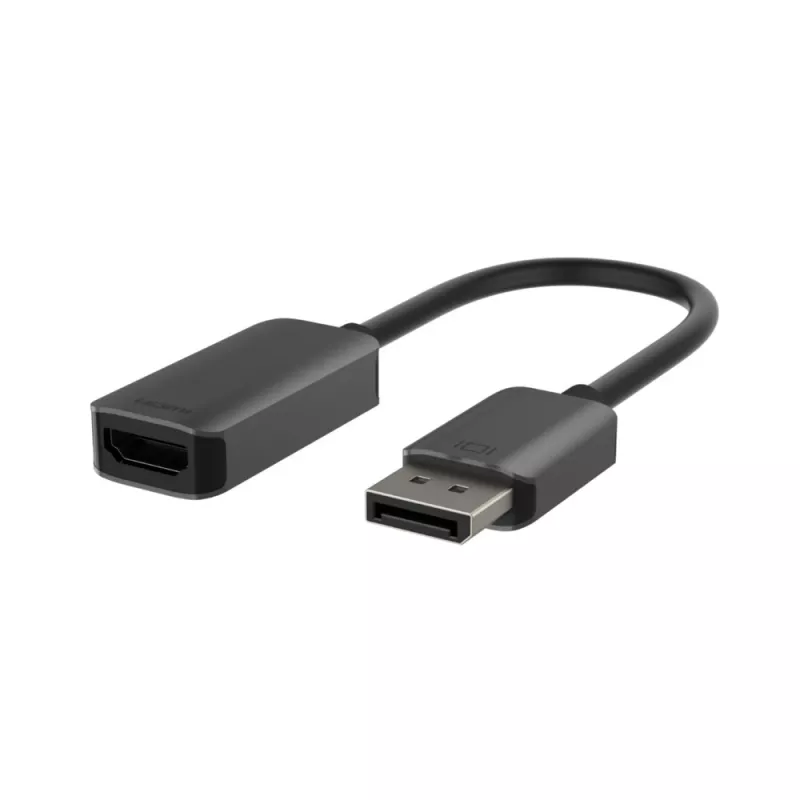
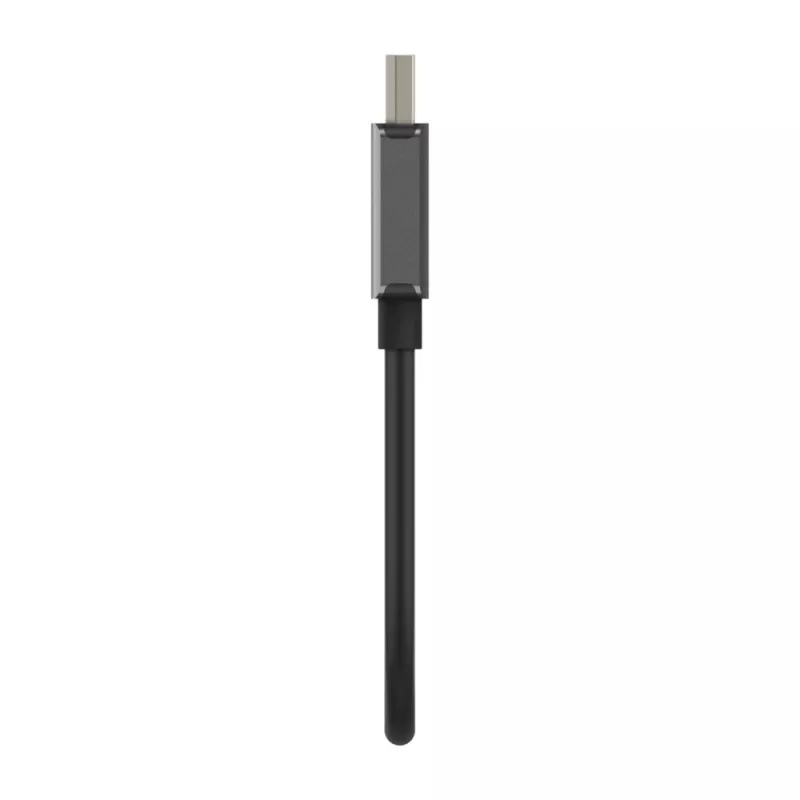
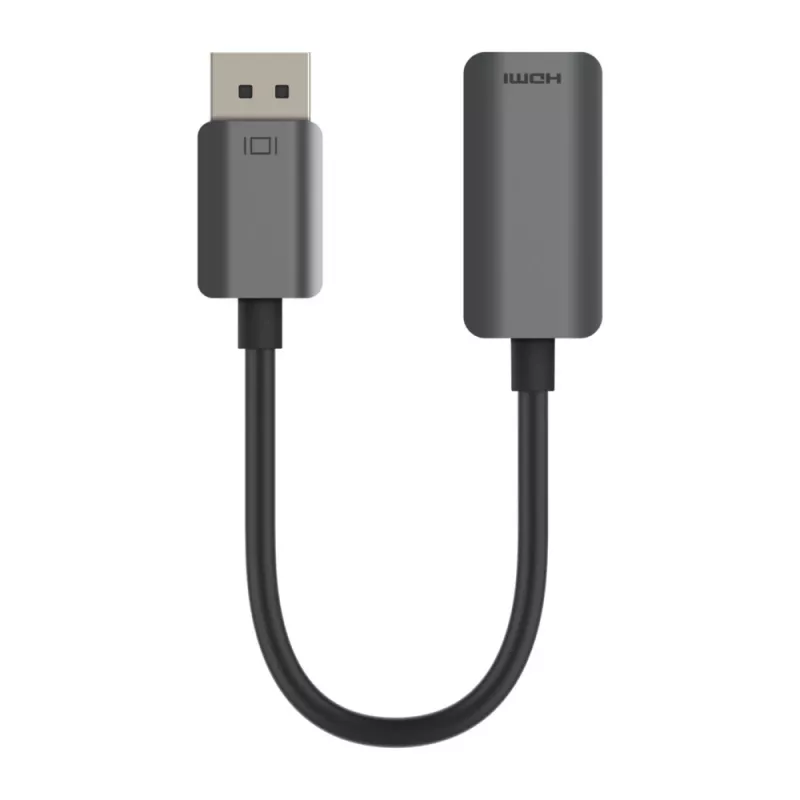
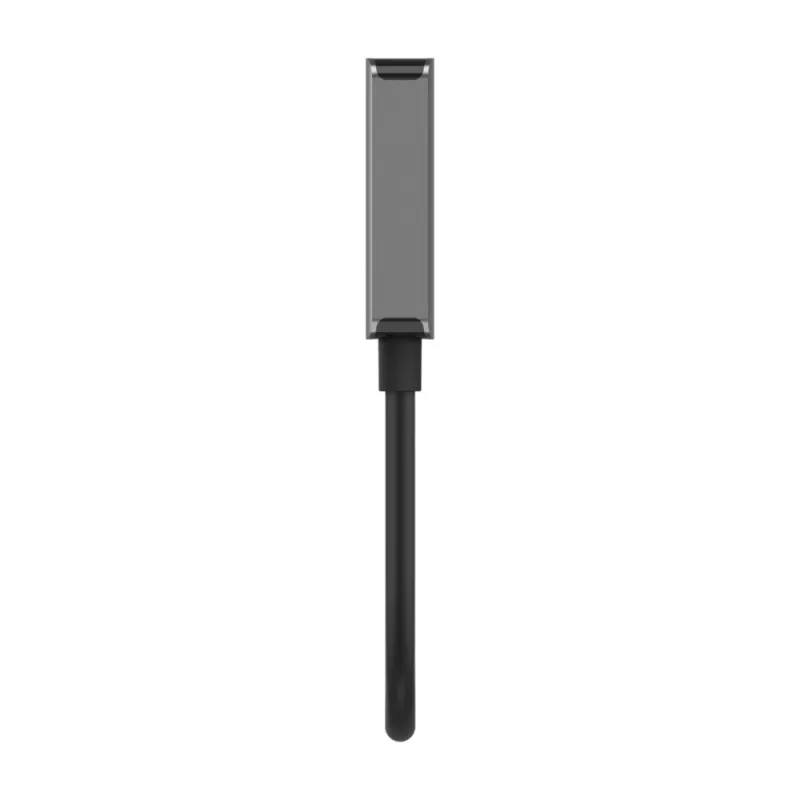
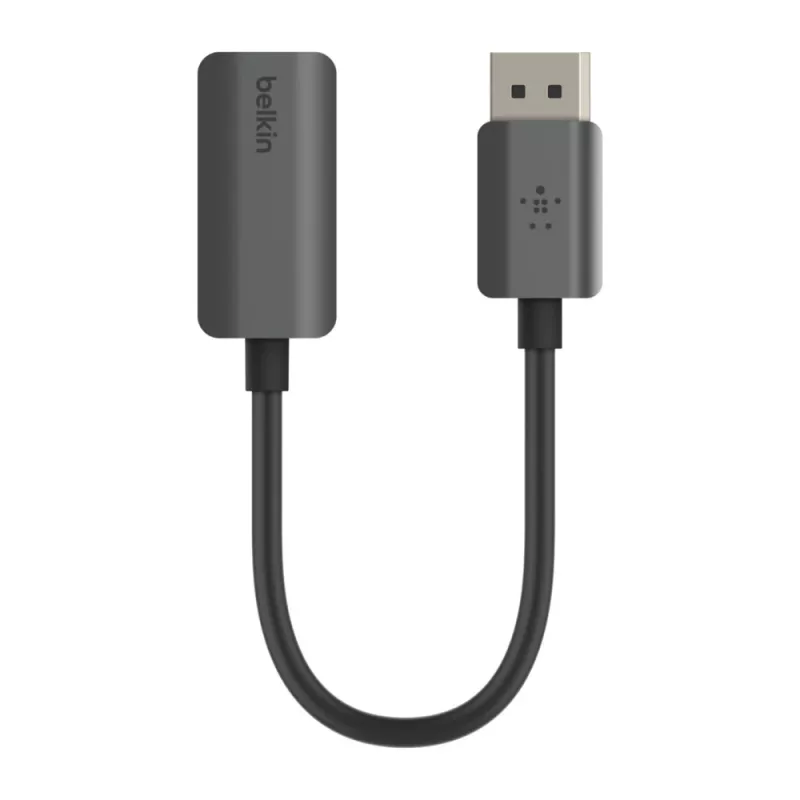
BELKIN DisplayPort To Hdmi-adaptor 4k Hdr Black/grey

BELKIN DisplayPort To Hdmi-adaptor 4k Hdr Black/grey
R970
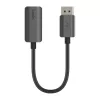
The Belkin AVC011btSGY-BL is a 0.22 m DisplayPort to HDMI cable that connects DisplayPort-enabled devices to HDMI displays. It supports high-definition video and audio transmission up to 4K at 60Hz and is compatible with HDR/HDR10 and HDCP 2.2, providing a reliable connection for streaming, presenta... Read More
Stock Out Of StockNo Stock Code 119853 Brand Belkin Model AVC011BTSGY-BL Warranty 2 Years

Shipping & Returns

The Belkin AVC011btSGY-BL is a 0.22 m DisplayPort to HDMI cable that connects DisplayPort-enabled devices to HDMI displays. It supports high-definition video and audio transmission up to 4K at 60Hz and is compatible with HDR/HDR10 and HDCP 2.2, providing a reliable connection for streaming, presentations, and other video applications.

Advantages

This plug-and-play DisplayPort to HDMI cable supports 4K at 60Hz without an external power source, is HDCP 2.2 compatible for playback of protected content, and supports HDR/HDR10 for improved color and contrast. The compact 0.22 m length and black finish make it convenient for desktop setups, docking stations, and portable use.

Suitable for

  • Connecting laptops with DisplayPort output to HDMI monitors or TVs
  • Connecting docking stations to HDMI displays
  • Streaming 4K video to projectors or HDTVs
  • Presentations in offices and meeting rooms

Key specifications

  • Connectors: DisplayPort to HDMI
  • Maximum resolution: 4K (3840 x 2160) at 60Hz
  • HDR support: HDR and HDR10
  • HDCP compatibility: HDCP 2.2
  • Length: 0.22 m
  • Colour: Black
  • Brand: Belkin, MPN: AVC011BTSGY-BL, EAN: 0745883828081

How to use

Plug the DisplayPort connector into the source device with a DisplayPort output (for example, a laptop or docking station) and connect the HDMI end to an HDMI-enabled display, projector, or HDTV. The cable is plug-and-play; the display should be detected automatically and set the best available resolution. If necessary, adjust the display resolution and HDR settings in the source device's display settings.

Recommendations

For reliable 4K@60Hz and HDR performance, ensure both the source device and the display support the listed resolutions and HDCP 2.2. Keep the cable length short for stable signal transmission and avoid excessive bending near the connectors.
Key Highlights
  • Connecting laptops with DisplayPort output to HDMI monitors or TVs
  • Connecting docking stations to HDMI displays
  • Streaming 4K video to projectors or HDTVs
  • Presentations in offices and meeting rooms
  • Connectors: DisplayPort to HDMI
  • Maximum resolution: 4K (3840 x 2160) at 60Hz
  • HDR support: HDR and HDR10
  • HDCP compatibility: HDCP 2.2
  • Length: 0.22 m
  • Colour: Black
  • Brand: Belkin, MPN: AVC011BTSGY-BL, EAN: 0745883828081
Specifications
Cable length
0.22 m
Connector 1
DisplayPort
Connector 1 form factor
Straight
Connector 1 gender
Female
Connector 2
HDMI
Connector 2 form factor
Straight
Connector 2 gender
Male
Harmonized System (HS) code
84733080
Maximum refresh rate
60 Hz
Maximum resolution
3840 x 2160 pixels
Product colour
Black
Supported video modes
3840p
Price history over the last 6 months
BELKIN DisplayPort To Hdmi-adaptor 4k Hdr Black/grey
Current
R970
Lowest
R766
Highest
R970
Change 24H
+R204   +27%
Week
+R195   +25%
Month
—   

Popular products in this category

WhatsApp
Hi, I’m DistriNode’s AI assistant. I can help you find products, compare options, create quote PDFs, or open support requests.