


Ask a Question About This Product
BakkerElkhuizen Q-doc 100 document holder
R2,842
Shipping & Returns

R4,285
Ex Tax:R3,726


-90x90h.webp "Build-Your-Own Gaming PC — Ryzen 7 7700 + RTX 5070, 32GB DDR5 | DistriNode")


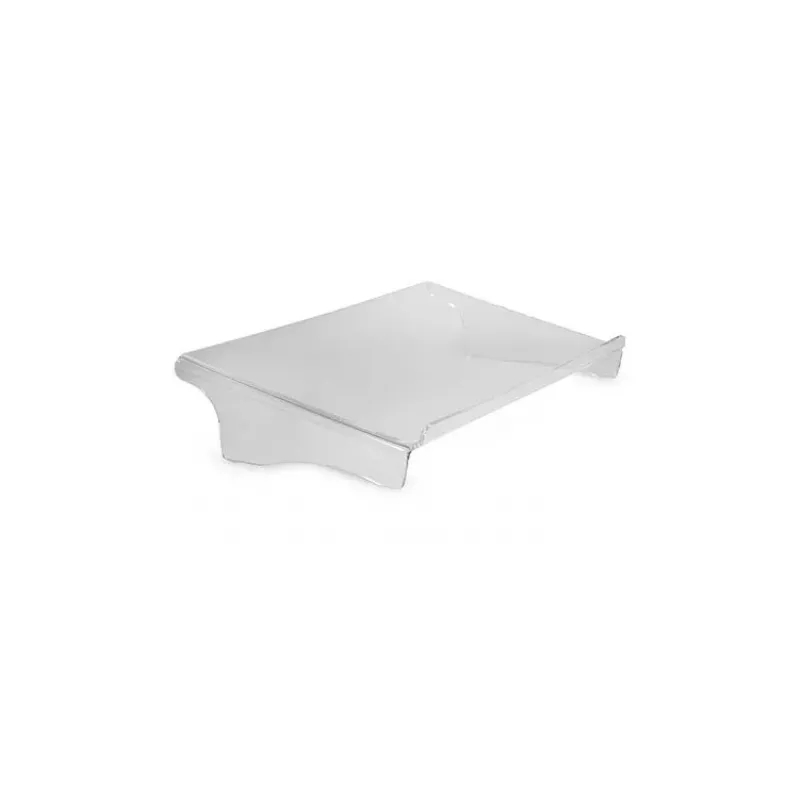
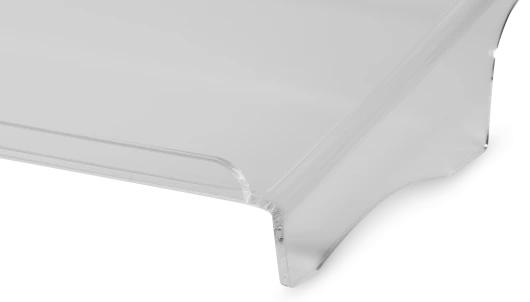
The Q-doc 100 is a basic, ergonomic document holder, which is ideal for low monitor positions. With this document holder you work in a body-centred position and your viewing angle on the documents is optimised. The Q-doc 100 document holder is made of clear, sustainable acrylic material and is strong enough to support heavy folders up to 5 kg. There is enough space for your keyboard under the Q-doc 100. The edge ensures that your documents do not slip off the document holder. This document holder is available with or without foam edge. The foam edge might be more comfortable when you are taking notes. Improve your posture, optimise your viewing angle, and work ergonomically in one line with the Q-doc 100.
The right body posture.
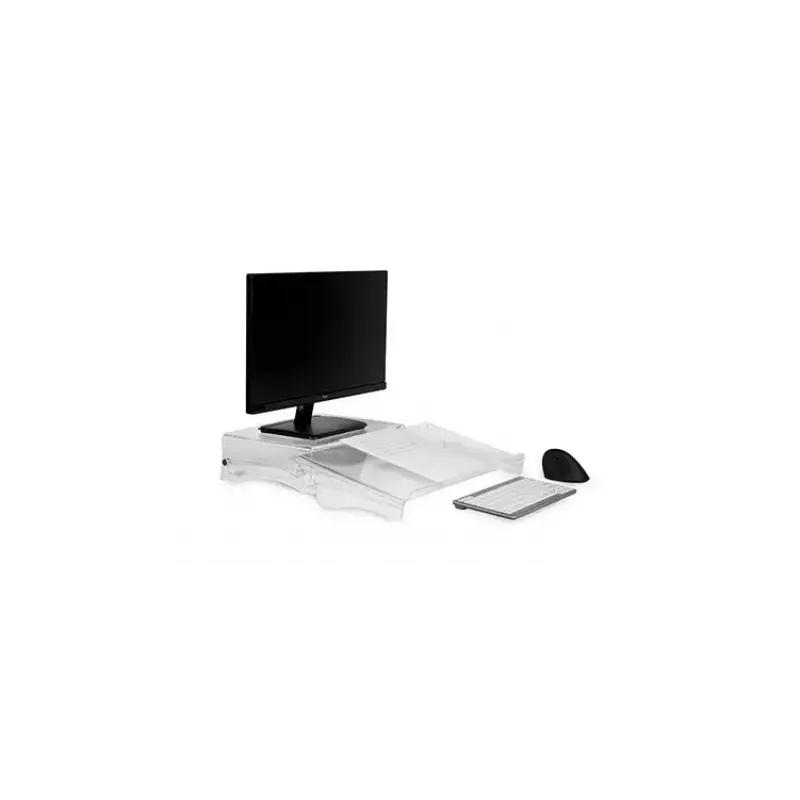
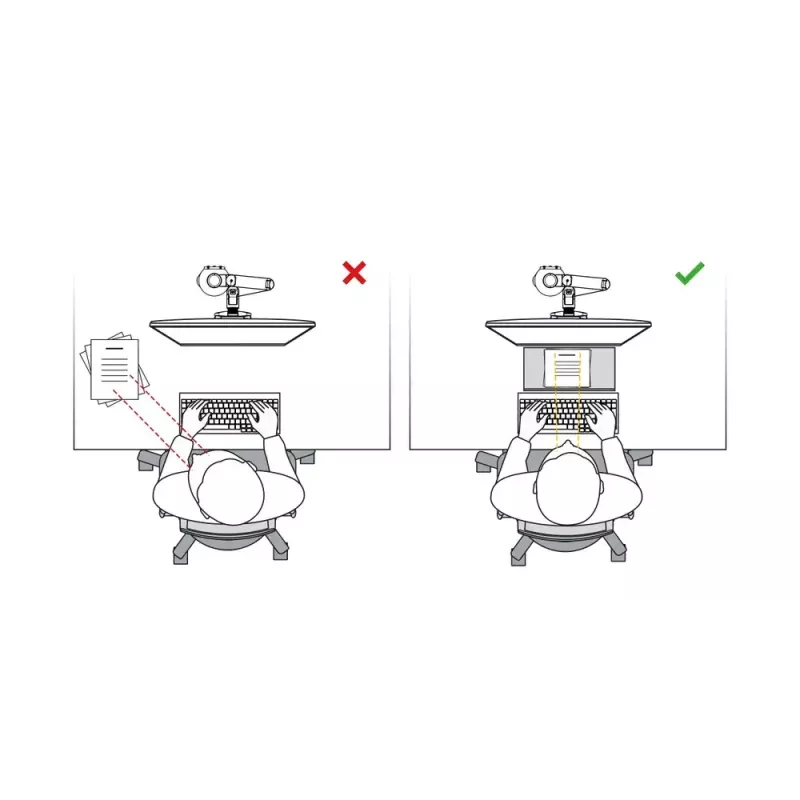
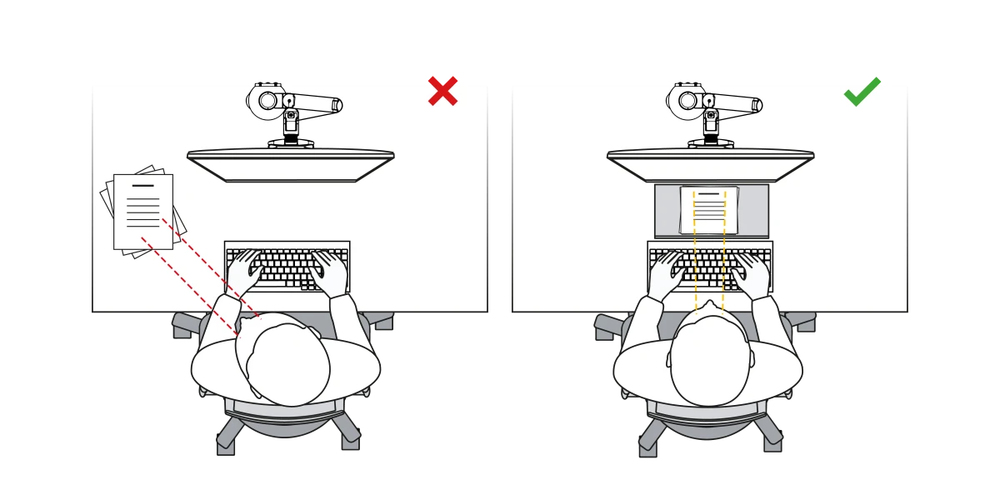
Place the Q-doc 100 document holder between your keyboard and your screen, and put documents, books, notes, or mobile devices, straight in front of you on the slightly inclined surface. Your documents are no longer spread around on your desk. You will work in one line and avoid automatically twisting of your neck and upper body. In addition, the shorter viewing distances between monitor, document and keyboard ensure greater efficiency. This ergonomic document holder ensures a healthier way of working and increases your performance at work.Make the most of the space between the screen and the keyboard, and work with a healthy posture in one line.Place documents, books, folders, notes or even a mobile phone on it, and increase with the perfect viewing angle your comfort and efficiency.Keep your desk tidy. This ensures a better concentration and higher productivity.
Ergonomic background
Placing documents on the left, right or even directly in front of the keyboard, leads automatically to twisting and bending the neck, and to focus the eyes more often. This puts extra strain on your neck muscles and eyes.This can easily be avoided by placing a document holder between the screen and the keyboard. In this way, you automatically work in one line, because your documents are lying in the perfect viewing angle right in front of you on the inclined surface of the document holder. Your neck and eyes are relieved, and you immediately ensure a much more comfortable and ergonomic screen workplace (source: Van den Heuvel et al. 2007, p. 380.)
Sliding edge.
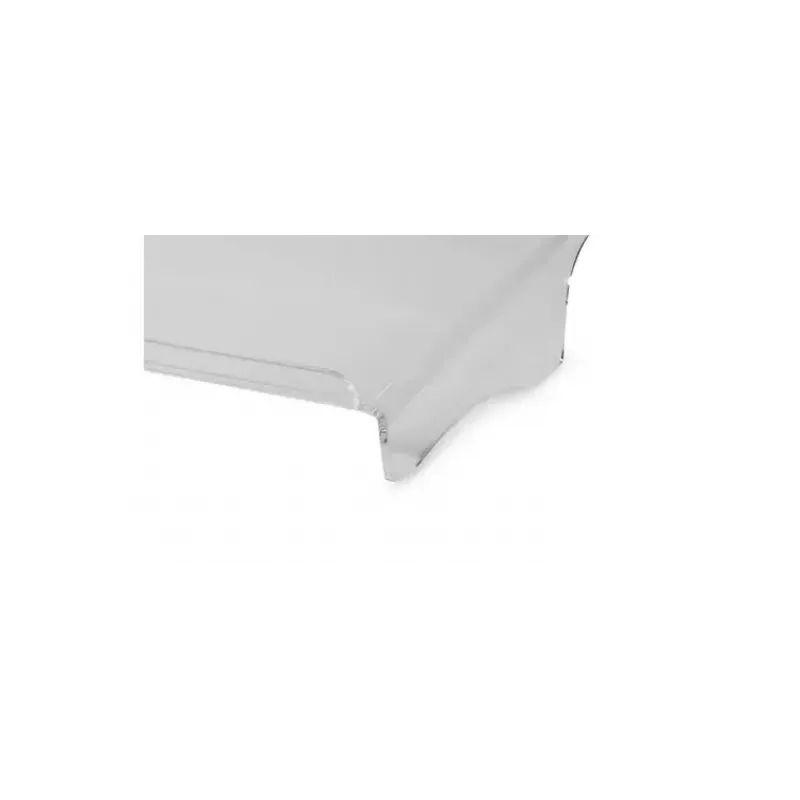
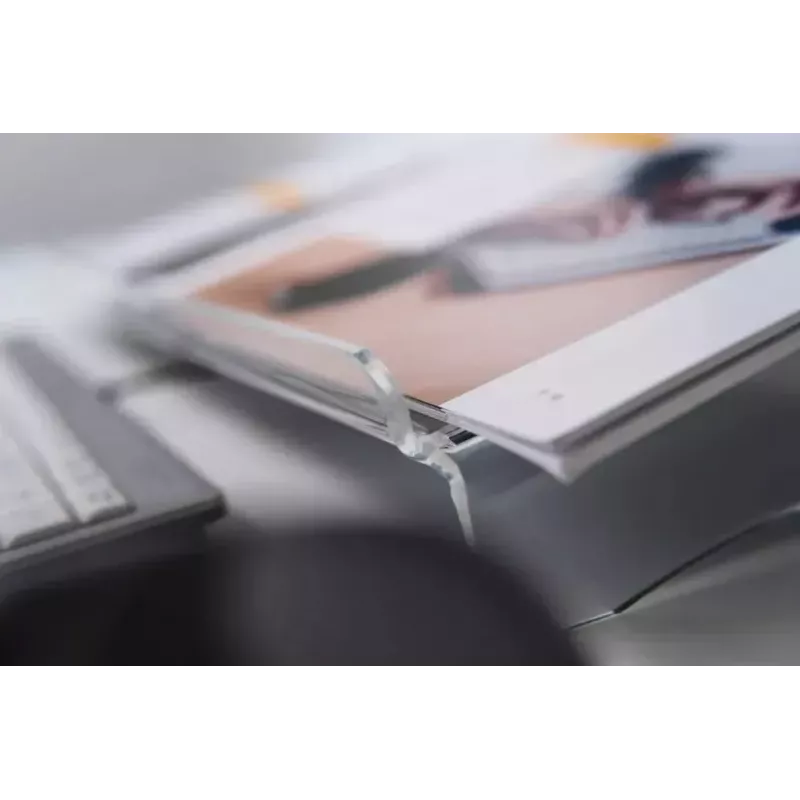
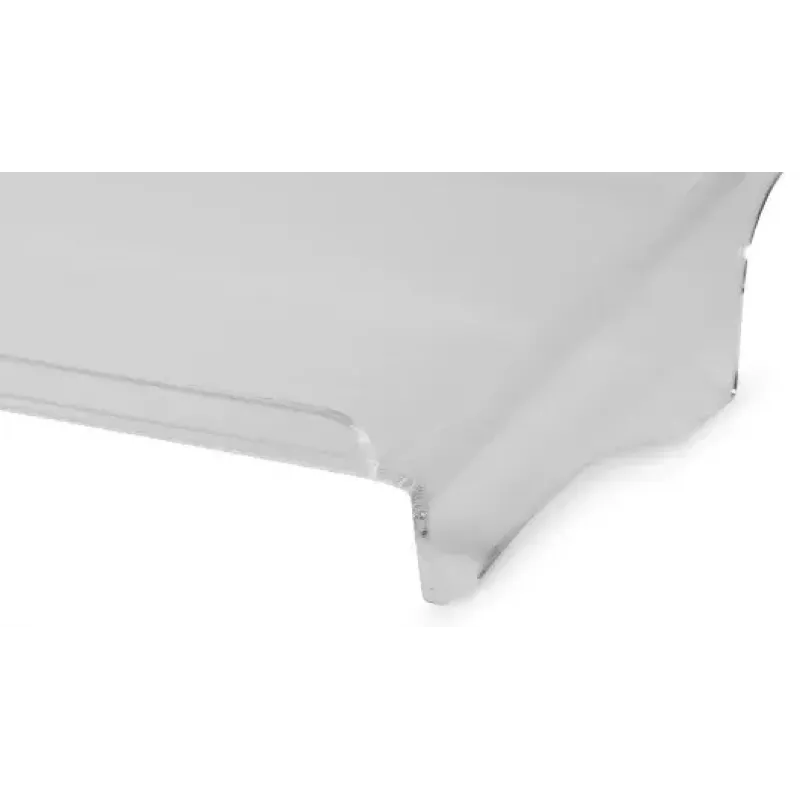
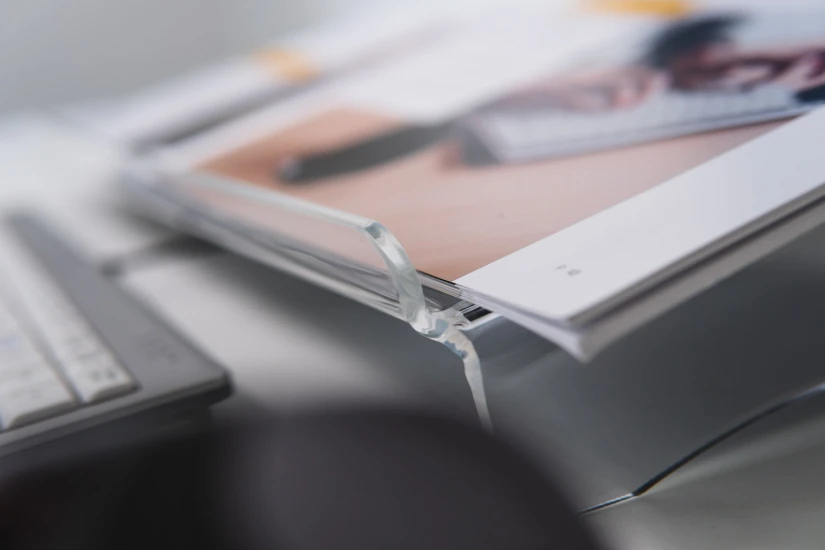
The Q-doc 100 is moulded from a cast acrylic and has a well finished edge on the front. This edge prevents documents or mobile devices from sliding down. A simple detail with great benefit. The 505 mm x 285 mm storage surface can not only hold notepads, but also large folders. The load capacity of the Q-doc 100 document holder is 5 kg. So, you can also put heavy books and folders on this ergonomic document holder.
How to use
Place the Q-doc 100 directly in front of your keyboard or monitor base so printed documents are aligned with your working line of sight. Position your keyboard under the holder when not in use to free desk space. Lay documents or folders on the holder so the raised edge faces you to prevent slipping. If you chose the foam-edge version, use it as a comfortable rest when making notes.
Recommendations
For ergonomic results, ensure the top of your document lies near the same viewing height as your monitor and keep frequently used papers within easy reach; choose the foam-edge variant if you take regular handwritten notes.